 Rigworthy
The Best USB Microphones for Video Calls in 2026
By Rigworthy Editorial Team · Updated September 17, 2026
Rigworthy is reader-supported: we may earn a commission if you buy through our links, at no cost to you. How we make money
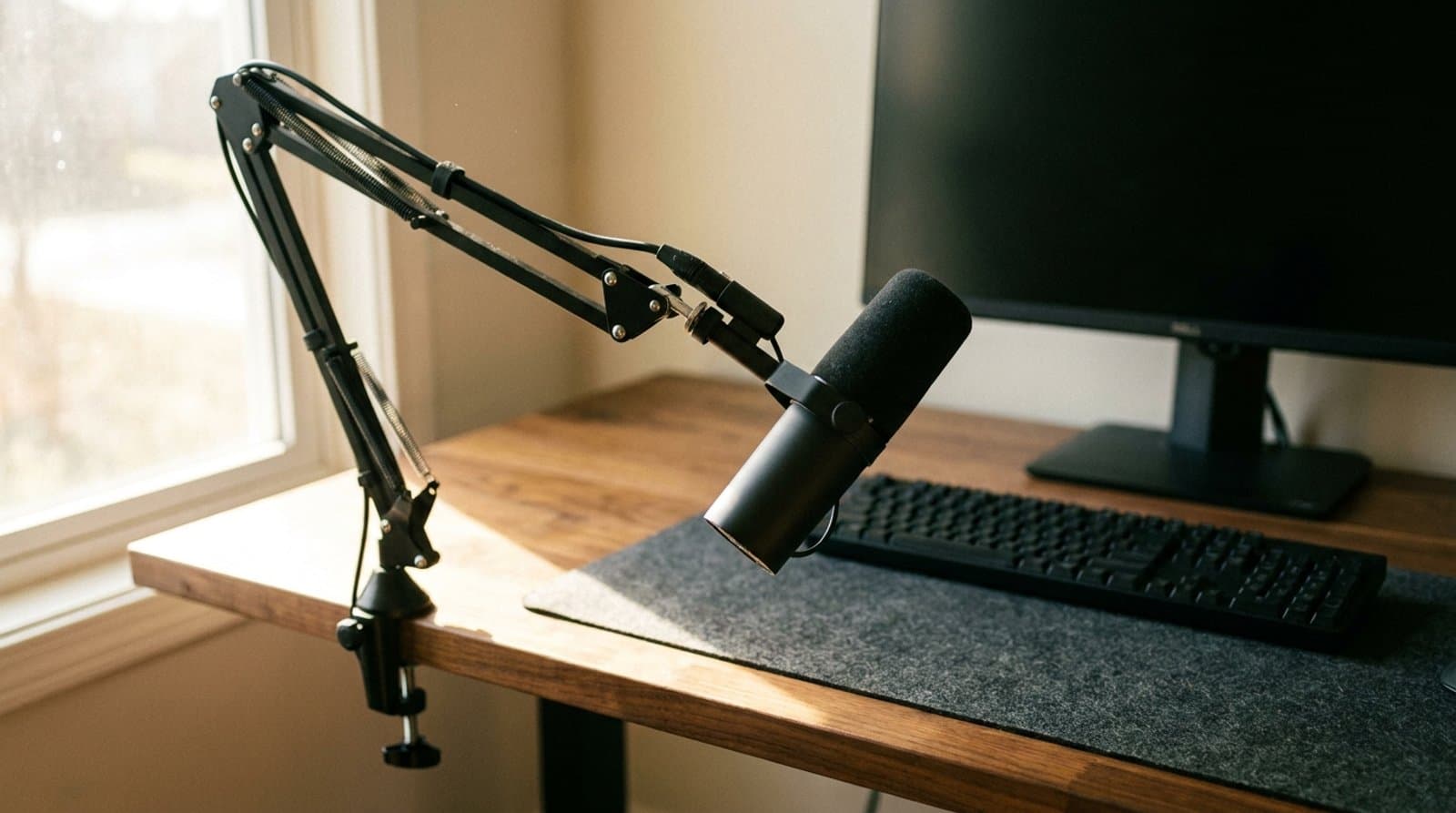
Whether you work remotely full-time or take calls a few times a week, your microphone is the piece of the conversation the other end can't control. A webcam positioned on a monitor sits two to three feet from your mouth, catching every room reflection and keyboard click along the way. A dedicated desk mic positioned correctly fixes that in one purchase.
The USB mic market has settled around a few proven form factors: dynamic cardioids for noisy rooms, condenser cardioids for quiet spaces, and USB-C-plus-XLR hybrids that give you a clear upgrade path to a proper audio interface without replacing the mic. This guide covers five that span the full buyer spectrum — from the $60 SoloCast 2 that handles the job without friction to the MV7+ that's built for daily professional use across a full remote-work schedule.
Our top picks at a glance
- 1
- 2
- 3
- 4
- 5
How we chose
- Voice clarity — a cardioid pattern rejects keyboard and HVAC noise, but only by a flat 4.8 dB; the distance you set the mic at is worth 6 dB per halving, so both count as specs
- Plug-and-play USB — recognized by every OS without drivers
- Mute control — hardware button or capacitive touch with visible LED status
- Desk footprint — stand or boom arm included vs. needed separately
- Headphone monitoring — zero-latency output for hearing your own voice, which four of the five picks here have and one does not
- Price-to-value across the $60–$280 range these picks span
Our picks come from spec research, long-term owner feedback, and category expertise — not sponsorships. Read the full methodology.
Compared side by side
| Product | Award | Type | Connection | Headphone monitoring | Typical price |
|---|---|---|---|---|---|
| Elgato Wave:3 (MK.2) | Best Overall | Condenser | USB-C | Yes | ~$170 |
| Shure MV7+ | Best for Noisy Rooms | Dynamic | USB-C + XLR | Yes | ~$279 |
| Logitech Yeti (formerly Blue Yeti) | Most Versatile | Condenser | USB | Yes | ~$140 |
| HyperX SoloCast 2 (AR0A0AA) | Best Budget | Condenser | USB-C | No | ~$60 |
| Audio-Technica ATR2100x-USB | Best Upgrade Path | Dynamic | USB-C + XLR | Yes | ~$79 |
1. Best Overall
Elgato Wave:3 (MK.2)
Typically around $170
- Zoom and Teams daily use
- Preventing clipping on loud moments
- Streaming and calls in one mic
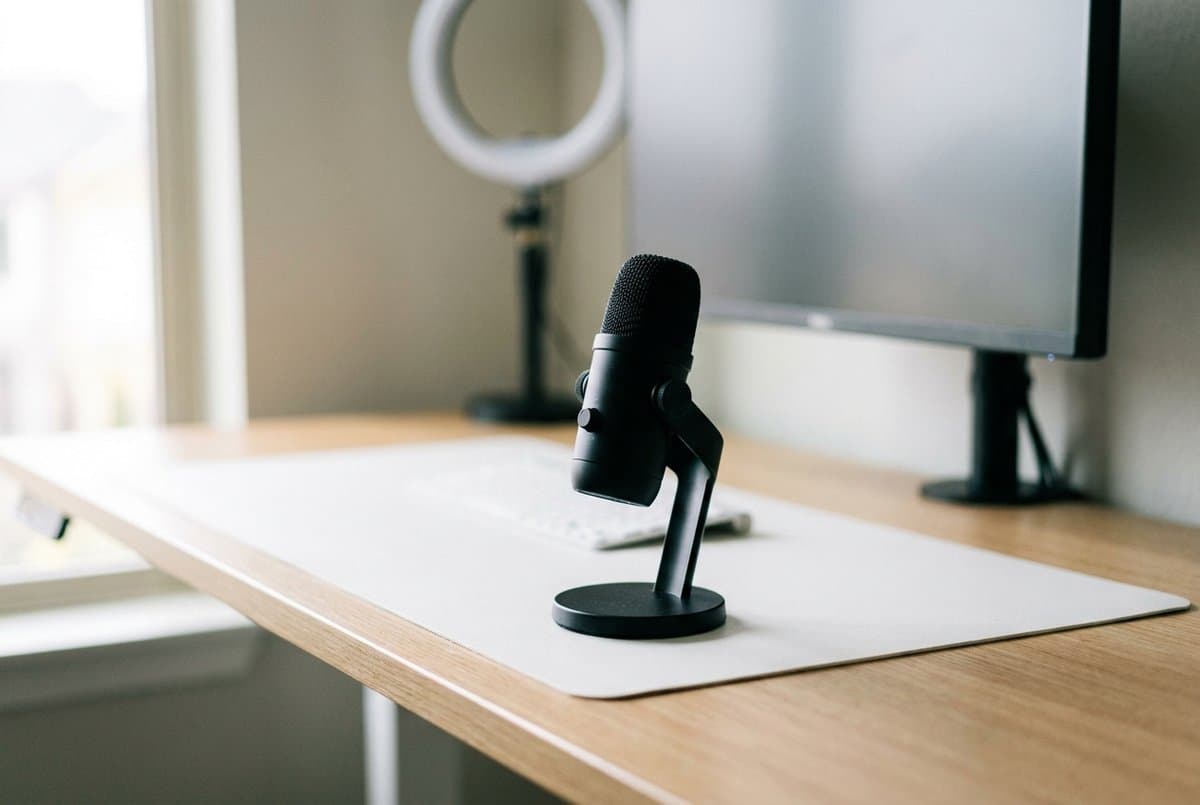
Elgato's Clipguard is the feature that puts the Wave:3 at the top of this guide. It pairs a main capsule with a backup capsule running at a lower sensitivity level and automatically blends in the backup when the main would clip. If you raise your voice during a presentation, laugh unexpectedly, or take a call while someone is loud nearby, your audio doesn't distort. That's a problem cardioid condensers with aggressive gain settings hit constantly. The MV7+ can limit too, but in MOTIV software that you have to install and enable; Clipguard is in the microphone and on by default.
The front panel has a capacitive mute touch button with a clear LED ring — you always know you're muted. A dial controls the blend between your mic and other application audio in the headphone output. Wave Link software turns it into a virtual six-channel mixer, which is more than most call users need but useful if you want to use the same mic for recording or streaming. Elgato publishes it at 46 × 85 × 167 mm and 250 g without its stand — a third the weight of the Yeti, and the only condenser here whose maker publishes a full dimension set.
One note on the revision, since the spec sheets differ: the current MK.2 dropped the MK.1's 96 kHz sample rate and runs at 48 kHz, while raising dynamic range from 95 dB to 110 dB, lifting max SPL from 120 dB to 130 dB, and adding an on-microphone DSP chip whose effects include a low-cut filter. That is a good trade for calls rather than a downgrade — a call codec never carried 96 kHz anyway, while headroom and a low-cut filter are exactly what you need when you work the mic close. See how far a microphone should be from your mouth for why.
What we like
- Clipguard dual-capsule prevents distortion on loud or sudden voices
- Capacitive mute with LED ring — always know your mute status
- Compact footprint with a stable included stand — 46 × 85 × 167 mm, 250 g
- Wave Link software for mixing mic, game, browser, and call audio
Worth knowing
- Condenser capsule picks up more room noise than a dynamic mic at the same distance
- USB-C only — no XLR output for future interface upgrade
- At $169.99 list it is no longer the clear value play against the MV7+
- Capsule type
- 16 mm condenser cardioid (Clipguard dual-capsule)
- Connectivity
- USB-C (USB 2.0 HS)
- Sample rate
- 48 kHz / 24-bit (MK.2; the MK.1 offered 96 kHz)
- Frequency response
- 70 Hz–20 kHz
- Dynamic range / max SPL
- 110 dB / 130 dB SPL typical at 1 kHz (MK.2)
- Headphone output
- Yes — 3.5 mm stereo jack with blend dial
- Size / weight
- 46 × 85 × 167 mm, 250 g (without stand)
2. Best for Noisy Rooms
Shure MV7+
Typically around $279
- Noisy home offices
- Daily long-call schedules
- USB-C and XLR combo
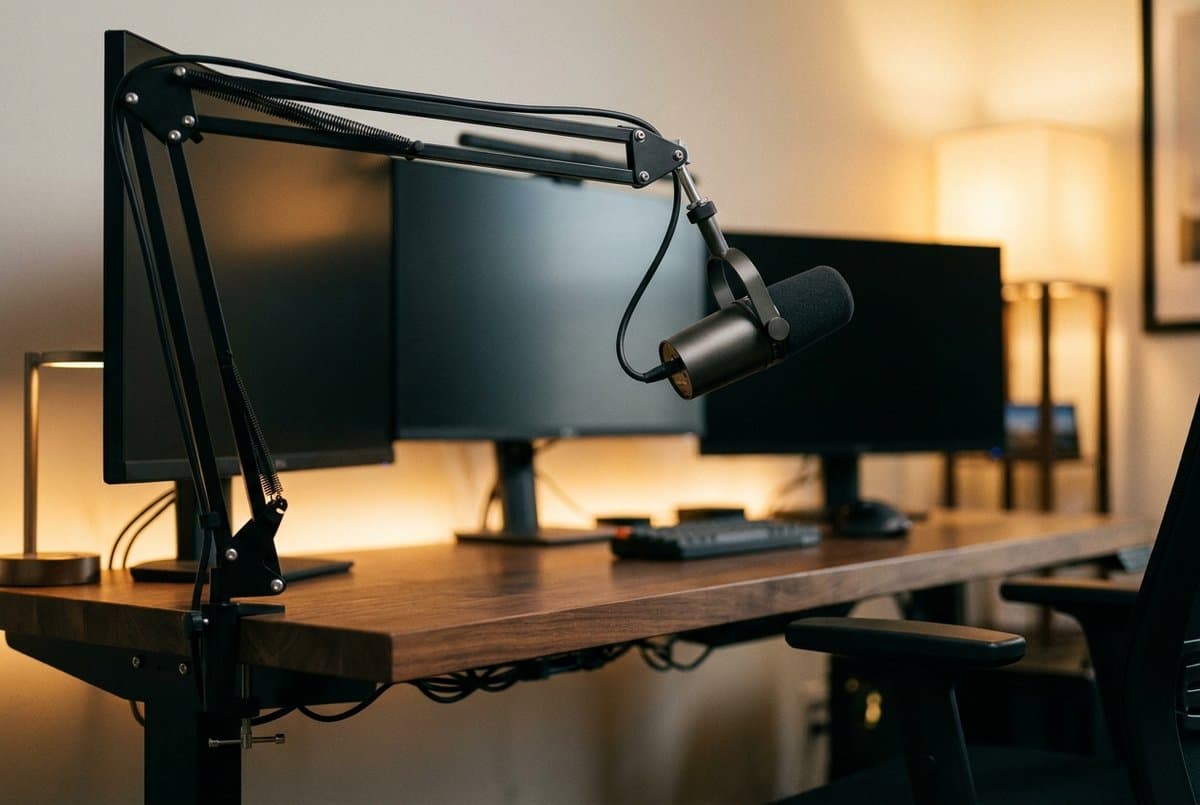
The MV7+ is a dynamic cardioid microphone, and that distinction matters more in a home office than any spec sheet number — though not quite for the reason it is usually given. A dynamic capsule does not reject room noise by virtue of being dynamic; noise rejection is set by the polar pattern and by distance. What the low-output dynamic design does is push you to work the mic close, and Shure specifies exactly how close: 1–6 inches on its Near setting, 6–18 inches on Far. At 2–4 inches your voice arrives 13 dB above where it would from a stand behind the keyboard, and that is what makes you sound like you're in a treated room when you're not. Full arithmetic in how far a microphone should be from your mouth.
Read the frequency response before you compare it to a condenser, because it is narrower than the marketing implies and narrower than this guide used to say: Shure publishes 50 Hz–16 kHz, not the 20 Hz–20 kHz a condenser spec sheet quotes. That is not a flaw. A wideband call carries roughly 8 kHz of audio bandwidth, so 16 kHz is already double what the far end will ever transmit, and the low end is deliberately rolled off because a mic designed to sit two inches from your mouth has to manage proximity effect rather than reproduce it.
The ShurePlus MOTIV app provides high-pass filter, EQ, compression, and limiting with presets that sound good without manual tweaking. A built-in headphone output lets you monitor your own voice in real time, which keeps you aware of your level across a full day of calls. Simultaneous USB-C and XLR outputs mean this mic grows with you if you ever add an audio interface — it's the last USB mic most working professionals will need to buy.
What we like
- Dynamic design invites close-miking at 1–6 in, which is what actually rejects the room
- Simultaneous USB-C and XLR — clear path to an audio interface later
- Zero-latency headphone monitoring built in
- ShurePlus MOTIV app with on-device DSP (EQ, compression, high-pass)
- 128 dB max SPL — it tolerates being worked at two inches
Worth knowing
- At $279 it is the most expensive pick here, and more than a call-only buyer needs
- At 573.5 g it is more than twice the Wave:3 — a boom arm is a worthwhile addition
- 50 Hz–16 kHz is narrower on paper than the condensers, though wider than any call carries
- Capsule type
- Dynamic cardioid
- Connectivity
- USB-C + XLR (simultaneous)
- Frequency response
- 50 Hz–16 kHz
- Sample rate / max SPL
- 48 kHz / 24-bit; 128 dB SPL
- Headphone output
- Yes, zero-latency
- Net weight
- 573.5 g (1.26 lbs), diecast aluminium housing
- Software
- ShurePlus MOTIV (Mac/Windows)
3. Most Versatile
Logitech Yeti (formerly Blue Yeti)
Typically around $140
- Recording two voices at one desk
- Multi-pattern flexibility
- Podcast and call crossover
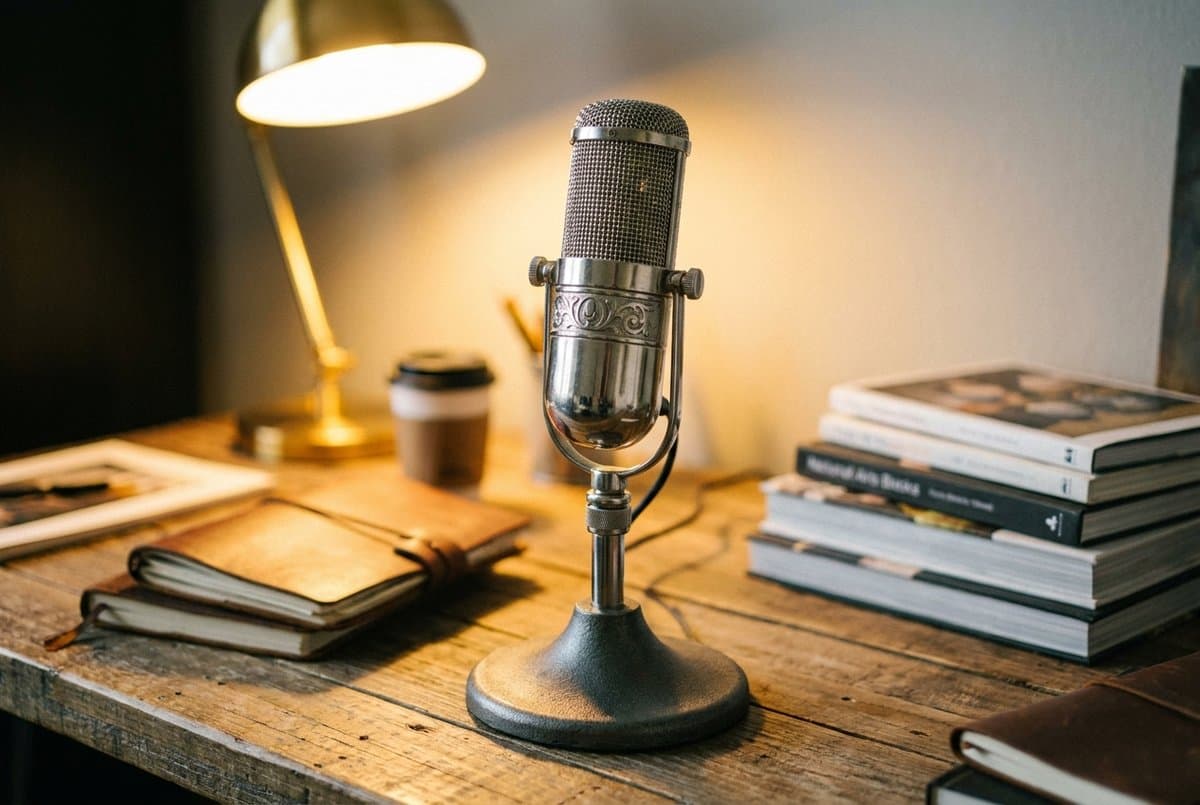
The Yeti pioneered the prosumer USB mic category and remains the safest multi-purpose pick: three 14 mm condenser capsules giving four pickup patterns — cardioid, stereo, bidirectional, omnidirectional — switchable via a physical dial on the body. For solo calls you want cardioid, but the flexibility matters if you record two voices from one desk, want to capture room ambience, or use it pointed in different directions depending on the day.
Note the name, because it changed and the search results have not caught up. Logitech now sells this as the Logitech Yeti; the Blue brand survives only in Blue VO!CE, the software layer that supplies the EQ, limiter and de-popper, and which requires a G HUB install. If you are shopping by the phrase Blue Yeti you are shopping for this product under a retired name.
On-mic controls — gain knob, headphone volume, mute button, and pattern selector — mean you can adjust without touching your computer mid-call. The body is the largest here, and the condenser capsules do pick up keyboard and ambient noise; position it 6–8 inches from your mouth and lean on your conferencing app's noise suppression for best results. Logitech's own price is $139.99, so treat the sub-$100 figures that circulate for it as sale pricing rather than the going rate.
What we like
- Four pickup patterns on a physical dial selector
- On-mic gain and headphone volume controls
- Plug-and-play USB, no software required for basic use
- Available in multiple colors and widely accessorized
Worth knowing
- Heaviest and tallest pick here — 0.88 kg for the mic alone, 11.6 in tall on its 0.5 kg stand, against 574 g for the MV7+ and 250 g for the Wave:3
- Condenser picks up keyboard and room noise without noise suppression
- 16-bit / 48 kHz — the only pick here that does not record at 24-bit
- No XLR output for interface upgrade
- Capsule type
- Three 14 mm condenser capsules, 4 pickup patterns
- Connectivity
- USB
- Sample rate
- 16-bit / 48 kHz
- Frequency response / max SPL
- 20 Hz–20 kHz; 120 dB (THD 0.5% at 1 kHz)
- Headphone output
- Yes, with gain and volume knobs
- Size / weight
- 12 × 12.5 × 29.5 cm in its stand; 0.88 kg mic, 0.5 kg stand
4. Best Budget
HyperX SoloCast 2 (AR0A0AA)
Typically around $60
- First-time mic buyers
- Calls only, minimal setup
- Compact desk setups
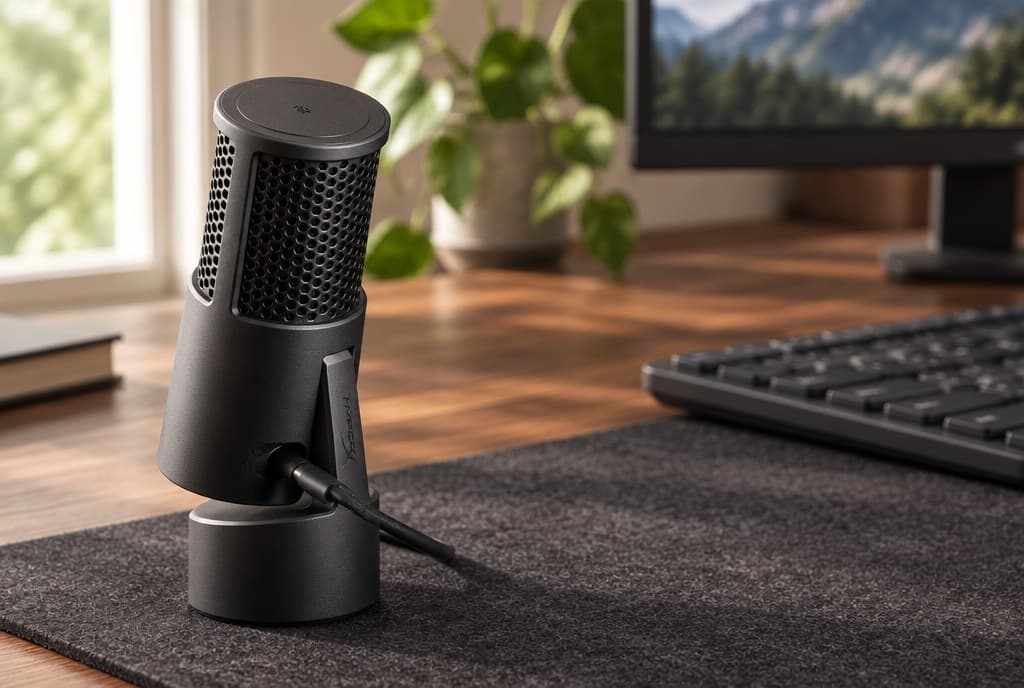
This replaced the original SoloCast, and the replacement is the reason the entry changed: HyperX's US storefront no longer carries a product page for the first-generation SoloCast at all — only its rest-of-world store does — while the SoloCast 2 sits in the US catalogue at a $59.99 MSRP under SKU AR0A0AA. Buying the older one now means buying from a region HyperX does not sell it in.
The upgrade is mostly about what you no longer have to bolt on. The 2 has an internal shock mount, a foam pop filter and a tiltable weighted base built in, plus 3/8-inch and 5/8-inch threads if you later move it to a boom arm. The first-generation mic needed a separate pop filter and had a thin swivel stand that transmitted desk thumps straight into the capsule.
It does the three things a call mic has to do — cardioid pickup, tap-to-mute with a visible LED, plug-and-play USB-C — and records at 24-bit/96 kHz, which is better than the Yeti at more than twice the price and entirely irrelevant to a call codec that carries about 8 kHz of bandwidth. What you give up is headphone monitoring: there is no jack, so you cannot hear your own voice. HyperX's NGENUITY software adds high-pass, low-pass and voice-enhancement filters that save to the microphone itself, so they persist on a machine that has never seen the app.
What we like
- Tap-to-mute with LED status indicator
- Built-in shock mount, pop filter and tiltable weighted base — nothing to add
- 24-bit / 96 kHz recording, and 3/8 in + 5/8 in boom-arm threads
- NGENUITY filters save to the mic, so they follow it between computers
Worth knowing
- No headphone output — the only pick here without one
- No hardware gain control; level lives in the OS or in NGENUITY
- HyperX does not publish a frequency response for this revision
- Condenser capsule picks up keyboard noise when gain is pushed high
- Capsule type
- One 14 mm electret condenser, cardioid
- Connectivity
- USB Type-C
- Sample rate
- 24-bit / 96 kHz
- Frequency response
- Not published by HyperX for this revision
- Sensitivity / self-noise
- −7.8 ±3 dB (1 V/Pa at 1 kHz); ≤ −79.5 dBFS A-weighted
- Headphone output
- No
- Weight / warranty
- 12.9 oz; 2 years
5. Best Upgrade Path
Audio-Technica ATR2100x-USB
Typically around $79
- Noisy apartments
- Future XLR transition
- Compact broadcast style
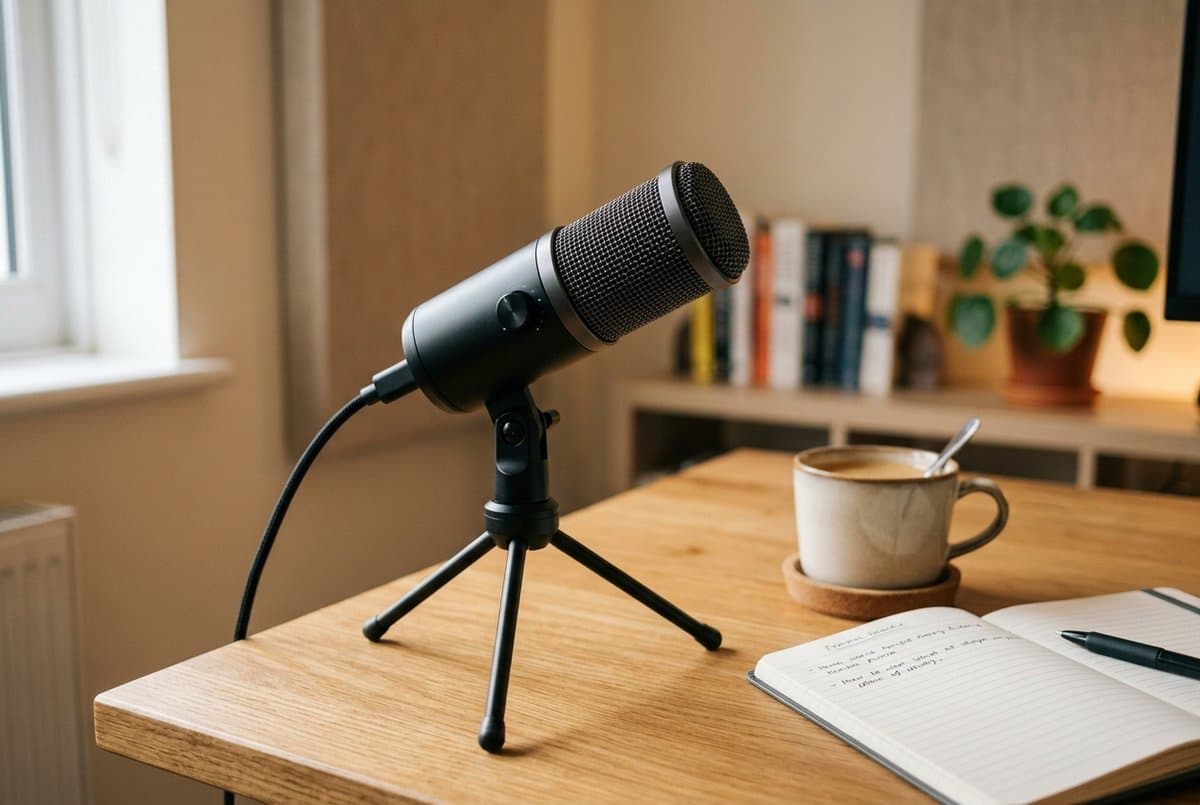
Like the MV7+, the ATR2100x-USB is a dynamic microphone — it's less sensitive to ambient noise than a condenser, which makes it forgiving in untreated rooms and noisy apartments. It ships with simultaneous USB-C and XLR outputs, so it works plug-and-play today and then moves to an audio interface when you're ready without replacing the mic itself. It also carries an unusually long warranty for the money: Audio-Technica covers the ATR USB series with a lifetime limited end-user warranty, against two years on the SoloCast 2.
It monitors, too, which is the thing that separates it from the other sub-$100 option here. Audio-Technica publishes a 3.5 mm TRS headphone jack rated 10 mW into 16 ohms, with its own volume dial on the body — a real zero-latency monitoring path on the cheapest dynamic in this guide, where the SoloCast 2 has no jack at all. An earlier version of this guide listed the ATR2100x as having no headphone output. That was wrong, and it is corrected here and in the comparison table.
The audio is a step below the MV7+ — 50 Hz–15 kHz is the narrowest of the four responses published here (HyperX publishes none for the SoloCast 2), and there's no on-board DSP — but at around $79 it is a serious undercut, and 15 kHz is still nearly double what a wideband call transmits. One caveat worth acting on: stock is thinning. Audio-Technica still lists it, but several major US retailers now show it sold out, so if this is your pick, check availability before you plan around it.
What we like
- Dynamic capsule for better noise rejection in live home environments
- Simultaneous USB-C and XLR outputs — clear upgrade path
- 3.5 mm headphone jack with its own volume control, 10 mW into 16 ohms
- Lifetime limited warranty on the ATR USB series, against 2 years on the SoloCast 2
- Ships with tripod stand, stand clamp, both USB-C cables and an XLR cable
Worth knowing
- 50 Hz–15 kHz is the narrowest of the four frequency responses published here
- No on-board DSP or companion app
- Stock is thinning at major US retailers — check availability
- Capsule type
- Dynamic cardioid
- Connectivity
- USB-C + XLR (simultaneous)
- Frequency response
- 50 Hz–15 kHz
- Sample rate
- Up to 24-bit / 192 kHz (via USB)
- Headphone output
- Yes — 3.5 mm TRS, 10 mW at 16 ohms, with volume control
- Size / weight
- 183 mm long, 51 mm max body diameter; 268 g (9.5 oz)
- Warranty
- Lifetime limited (ATR USB series)
The verdict
For most remote workers who want to sound better on calls without configuring a studio, the Elgato Wave:3 is the most friction-free combination of voice quality, desk presence, and call-specific features. The Clipguard system is genuinely useful — it is the only clip protection here that lives in the microphone rather than in an app you have to install and switch on. If you work in a noisy home environment and noise rejection matters more than fine-grained frequency detail, the Shure MV7+ is the right call: the dynamic capsule invites the close working distance that does the heavy lifting, without needing noise suppression software. At around $60, the HyperX SoloCast 2 covers the essentials cleanly and cuts only one corner — there is no headphone jack, so you cannot hear yourself. If that matters, spend the extra $20 on the Audio-Technica ATR2100x-USB, which monitors and adds an XLR output.
Before you spend the difference between any two of these, though, spend nothing: measure how far your current mic sits from your mouth. Halving that distance is worth 6 dB, which is more than the gap between the cheapest and the most expensive microphone on this page.
Frequently asked questions
Dynamic mics are generally better for home offices, but the reason matters because it changes what you should do. Noise rejection is set by the polar pattern and by distance, not by the transducer — two cardioid mics at the same distance in the same room capture the same ratio of voice to room noise. Dynamics win in practice because their low output and high SPL handling push you to work them at 2–6 inches, and that closeness is the actual mechanism. So a condenser at 4 inches beats a dynamic at 12 by roughly 9 dB. If you have a quiet, softly-furnished room, a condenser will sound more detailed. If you work in an apartment or open space with background noise, get closer first and then buy a dynamic if you still need it.
A boom arm is the highest-value accessory in this category, and by a wider margin than it gets credit for. It lets you position the mic 4–6 inches from your mouth regardless of desk layout, and because speech obeys the inverse square law, that is worth about 13 dB over a mic on its bundled tripod at 18 inches — more than the difference between the cheapest and most expensive microphone on this page. The mechanism is not that you use less gain; gain raises your voice and the room equally. It is that being closer raises your voice against a room noise floor that does not move. A decent boom arm costs $25–$50 and is the first thing to buy, before a better mic. See how far a microphone should be from your mouth.
All of them except the HyperX SoloCast 2. The Wave:3, MV7+ and Yeti each have a 3.5 mm headphone jack with its own level control, and so does the Audio-Technica ATR2100x-USB, which Audio-Technica rates at 10 mW into 16 ohms. Monitoring matters more on a long call day than it sounds like it should, because it is the only way to notice that you have drifted out of the mic's pickup pattern before someone on the call tells you. If that sounds like your situation, the SoloCast 2 is the one pick here to rule out — and the ATR2100x is the cheapest way to keep it.
Yes. Every mic in this guide is a standard USB audio class device — plug-and-play with every major operating system. In Zoom, Teams, Google Meet, or any other conferencing app, select it as the audio input in the app's audio settings. No drivers required for basic call use.
Webcam mics are 2–3 feet from your mouth when the camera is on the monitor, and they pick up a lot of room ambience. Even a $60 desk mic positioned correctly sounds noticeably more present and clear. If you speak on calls for more than a few hours per week, the upgrade is worthwhile.
The HyperX SoloCast 2 and the Logitech Yeti are the most immediately plug-and-play — recognized by Windows, macOS, and Linux with no driver installation, and both do everything a call needs without their companion apps. The Wave:3 and MV7+ are also plug-and-play but come with software worth installing for audio shaping. The SoloCast 2's NGENUITY filters are saved to the microphone itself, so if you do want them, you only need the app once.
Keep building your setup
Audio
How Far Should Your Microphone Be From Your Mouth?
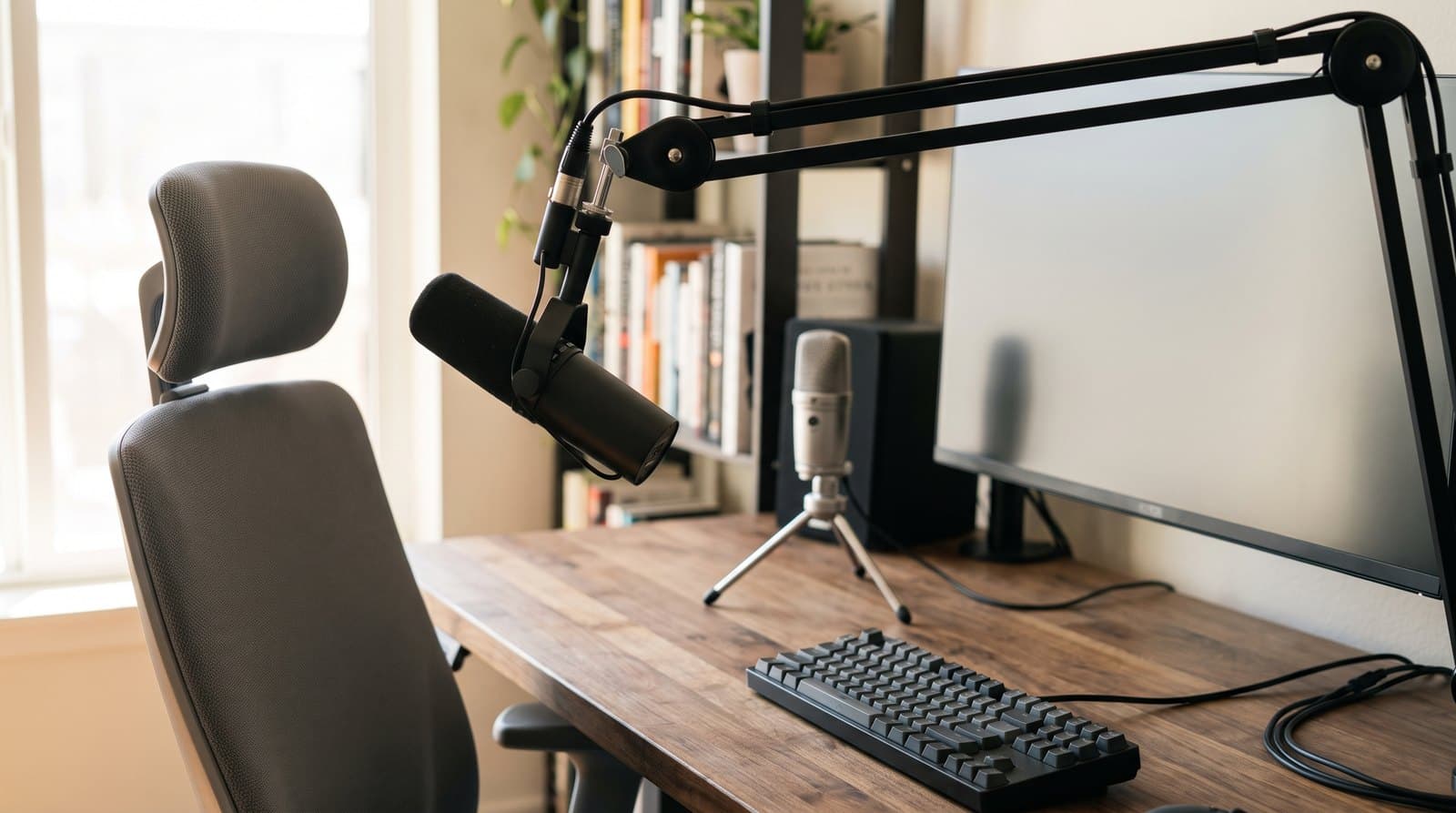
The single biggest lever on how you sound in a meeting is not the microphone — it is how far the microphone is from your mouth. Speech falls off 6 dB every time that distance doubles, while the cardioid pattern the whole category sells on is worth 4.8 dB in total. Here is the arithmetic, and what it says about the gear we recommend.
Updated September 17, 2026
Audio
The Best Wireless Headsets for Video Calls in 2026
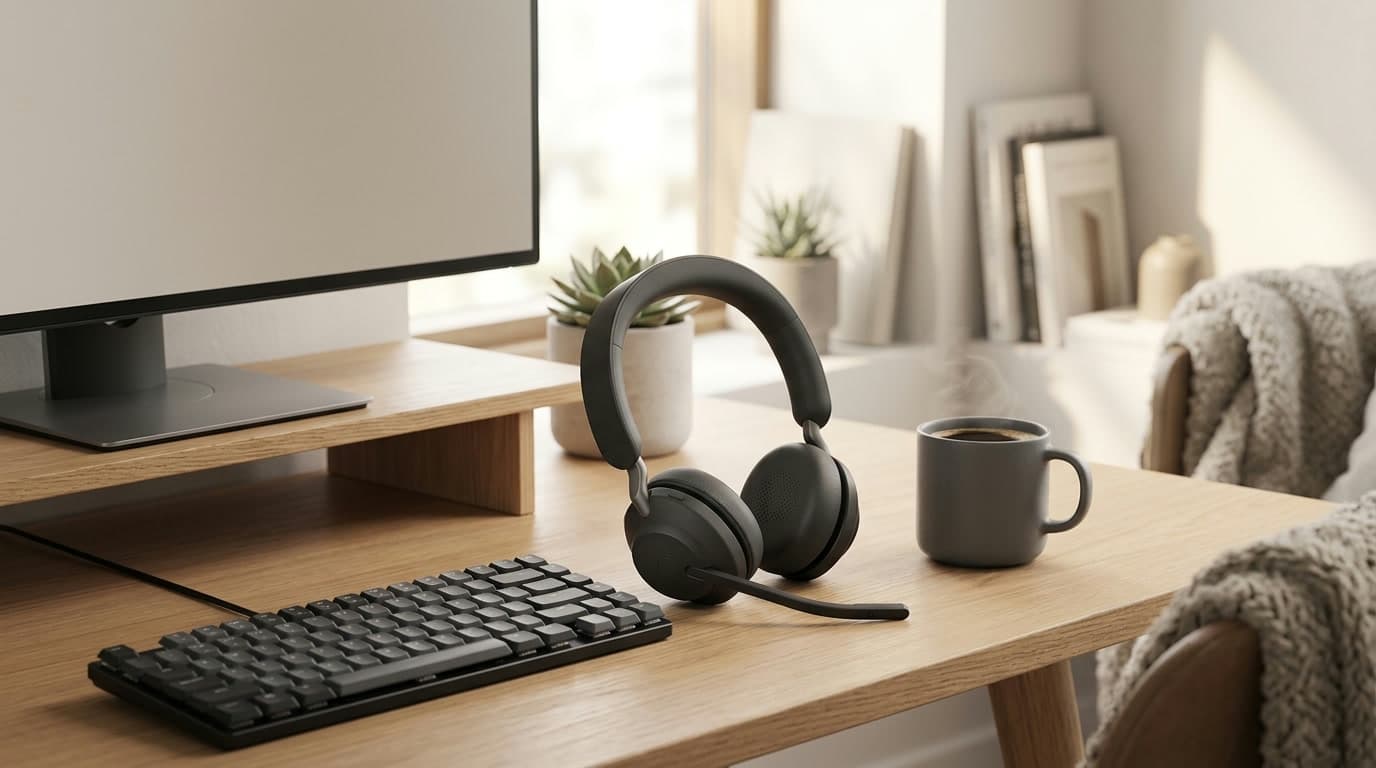
A headset with a mic near your mouth makes you sound clearer on calls than any laptop or webcam mic can — and lets you hear the room, or block it out. Six wireless headsets for back-to-back meetings, from a $99 budget pick to a $300 pair of enterprise earbuds, sorted by mic type and noise cancelling.
Updated July 31, 2026
Audio
The Best Microphone Boom Arms in 2026
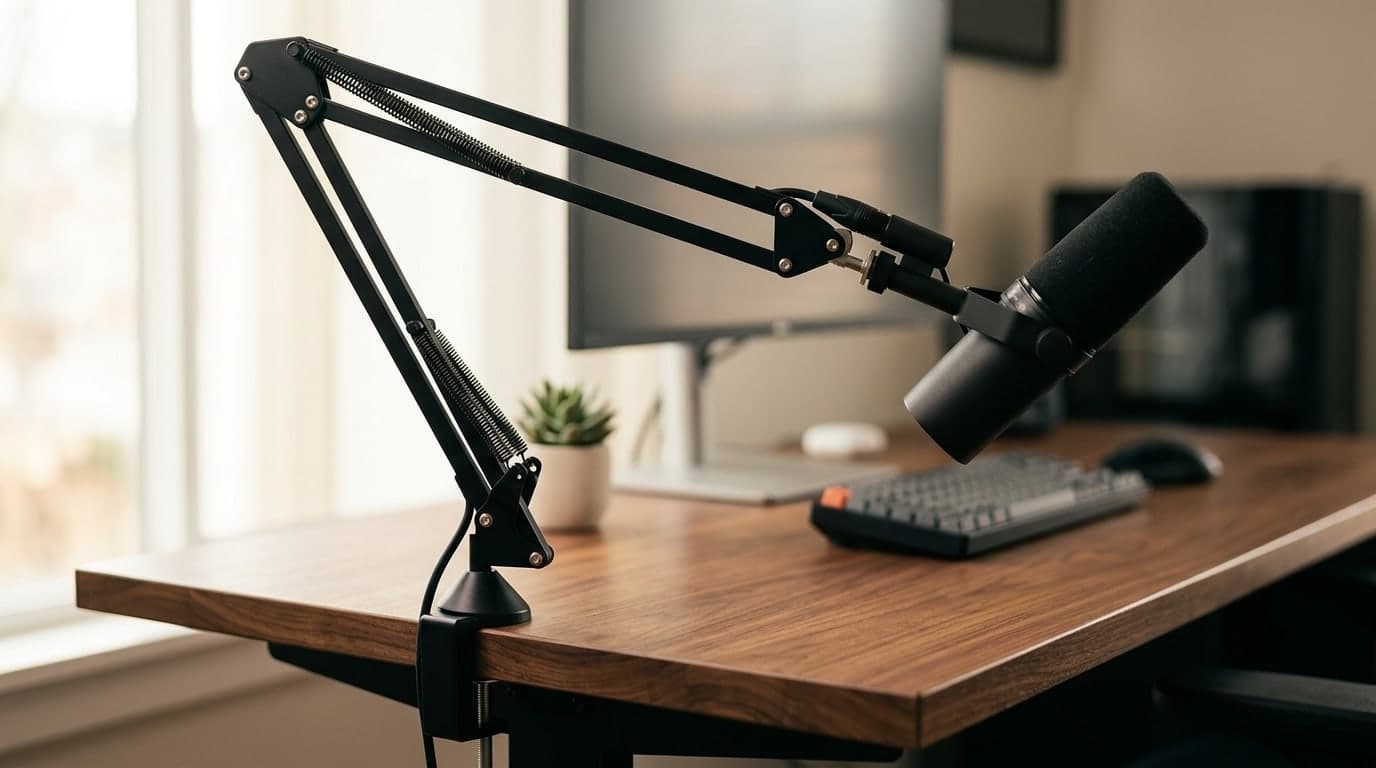
A mic arm gets the microphone off your desk and in front of your mouth — and clears the space a stand steals. Six arms from budget clamps to silent, damped, cable-hiding pro booms.
Updated July 30, 2026
Get the next guide in your inbox
One short email when we publish or meaningfully update a buying guide. No spam, no daily deals firehose.