Rigworthy

Desk Audio

Speakers, mics, and headphone gear that earn their desk space.

Desk audio covers the gear you hear and the gear others hear: compact speakers, USB and XLR microphones, headphone stands and DACs. Small rooms and near-field listening have different priorities than living-room hi-fi — desk audio is its own discipline.

We weigh footprint against sound, because on a desk every inch is contested, and we favor mics that make you sound clearly better on calls without a recording-studio learning curve.

Desk Audio — example setup

Audio buying guides

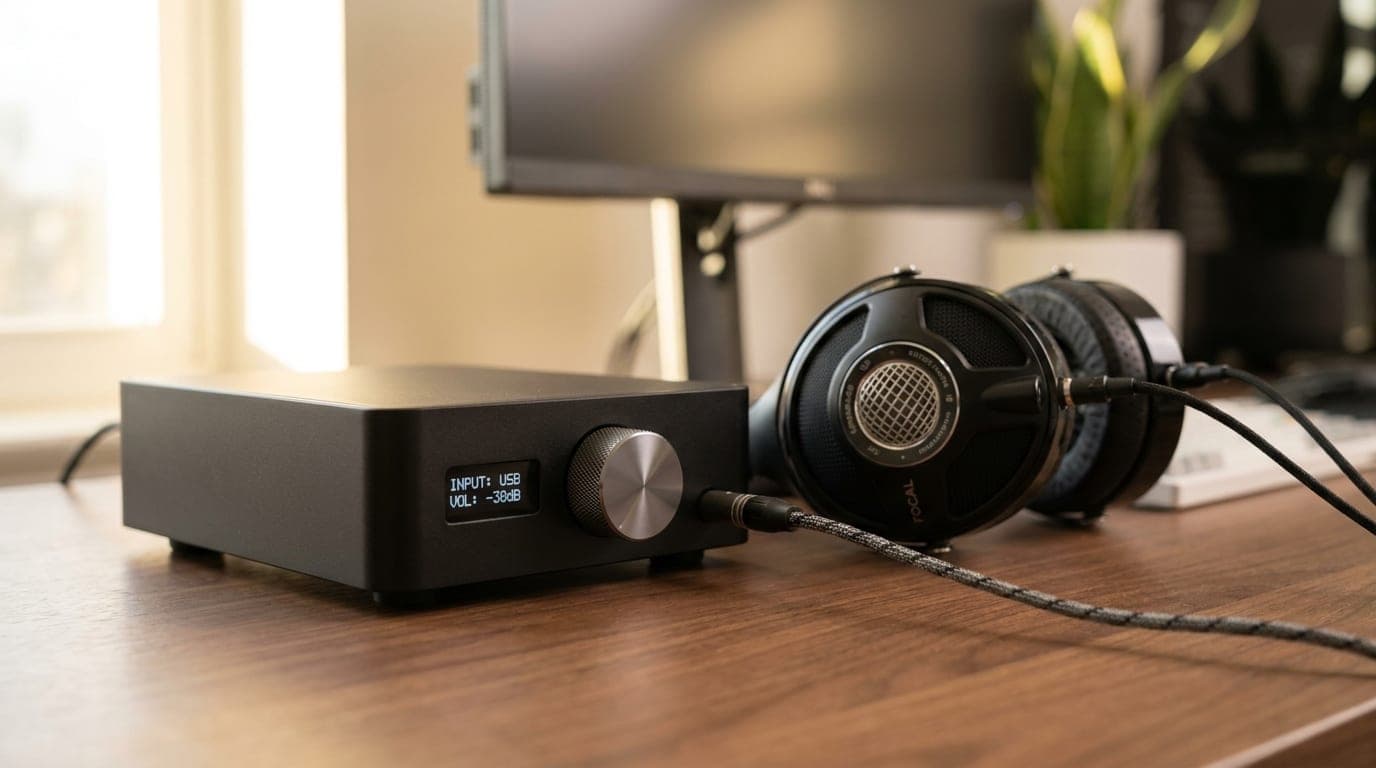
A compact desktop headphone DAC and amplifier with a volume knob beside a pair of over-ear headphones on a clean home-office desk

Audio

The Best Headphone DACs and Amps for Your Desk in 2026

A dedicated DAC/amp is the fix for weak, hissy onboard audio and headphones that never get loud enough. Five desktop picks from $129 to $499, sorted by power, connectivity, and who each one is actually for.

Updated July 28, 2026

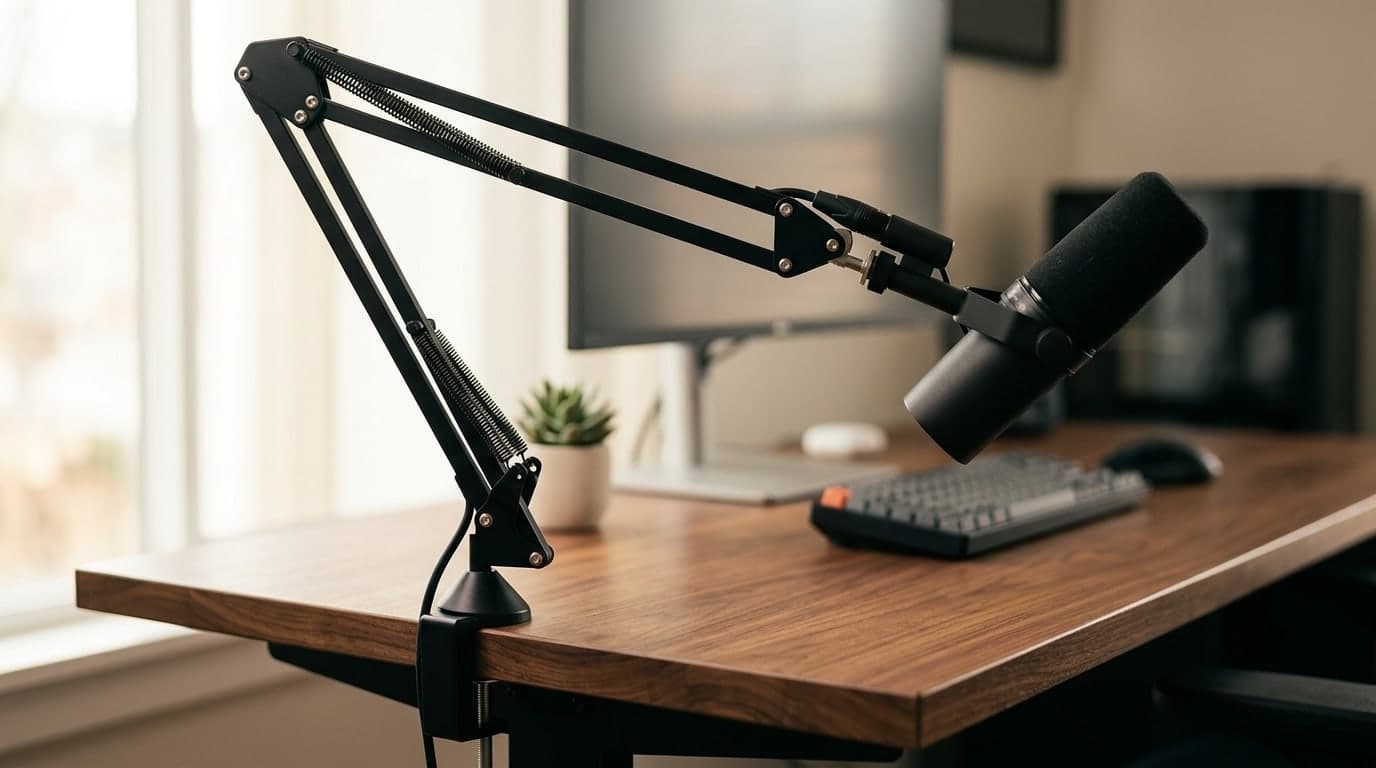
Black parallelogram microphone boom arm clamped to a walnut desk holding a dynamic mic in front of a home-office monitor setup

Audio

The Best Microphone Boom Arms in 2026

A mic arm gets the microphone off your desk and in front of your mouth — and clears the space a stand steals. Six arms from budget clamps to silent, damped, cable-hiding pro booms.

Updated July 30, 2026

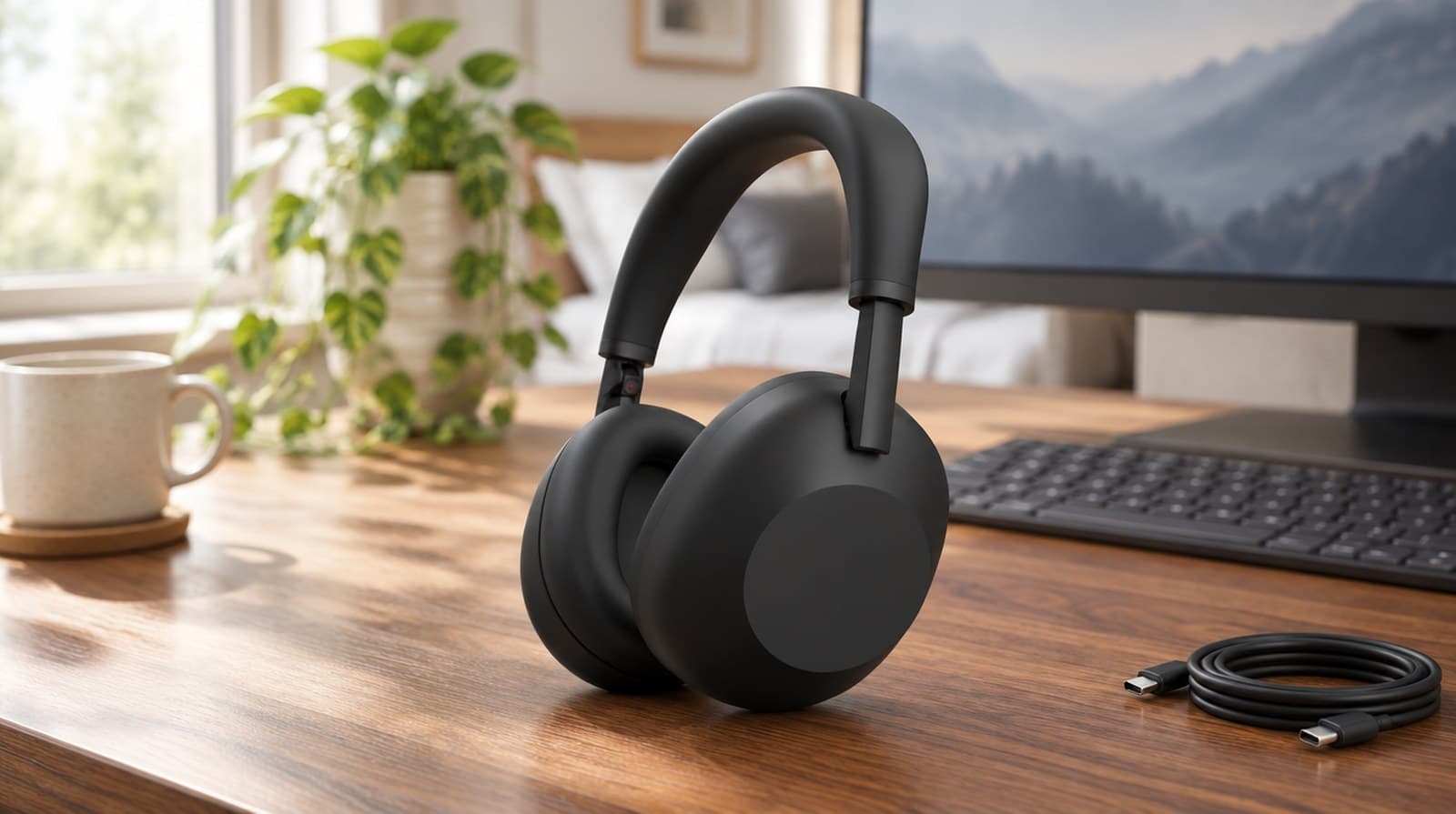
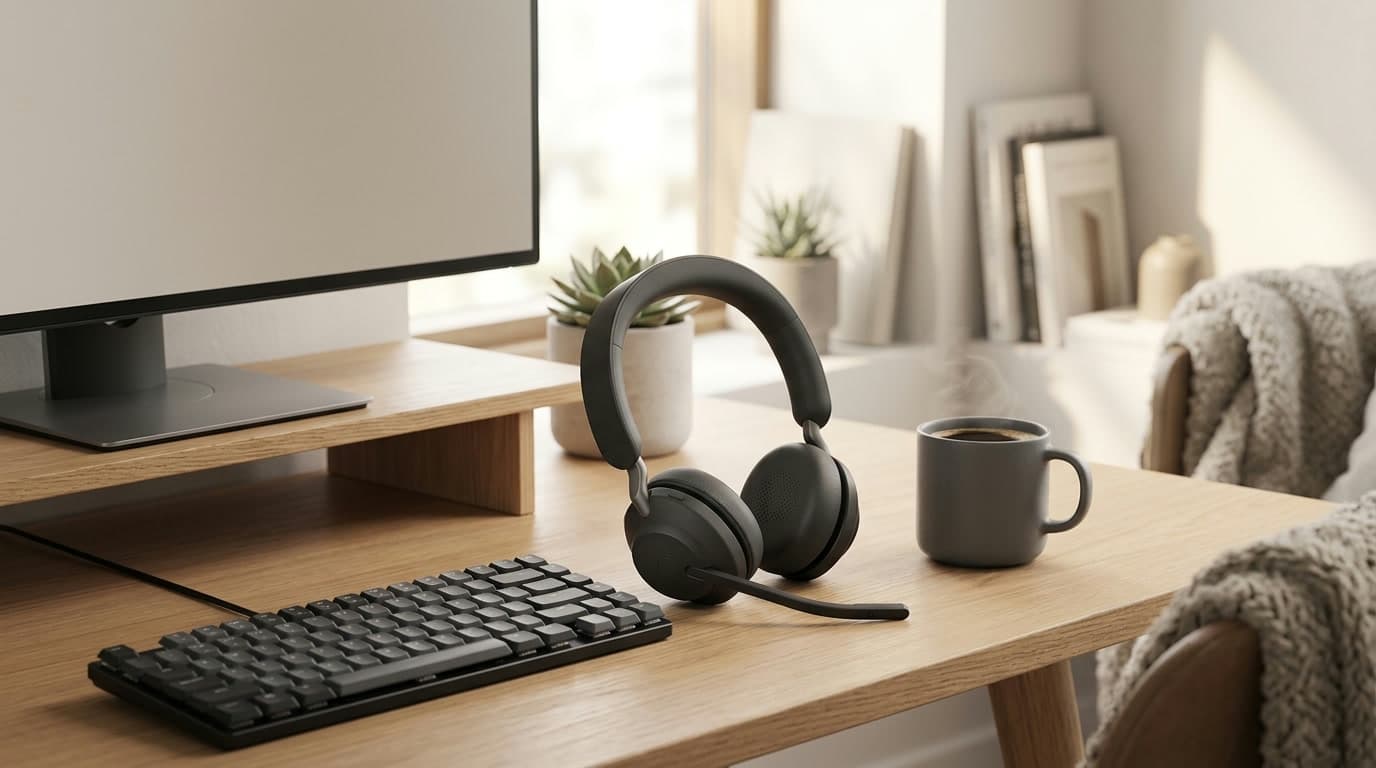
A wireless office headset with a boom microphone resting on a tidy home-office desk beside a monitor, keyboard, and coffee, lit by soft daylight

Audio

The Best Wireless Headsets for Video Calls in 2026

A headset with a mic near your mouth makes you sound clearer on calls than any laptop or webcam mic can — and lets you hear the room, or block it out. Six wireless headsets for back-to-back meetings, from a $99 budget pick to a $300 pair of enterprise earbuds, sorted by mic type and noise cancelling.

Updated July 31, 2026

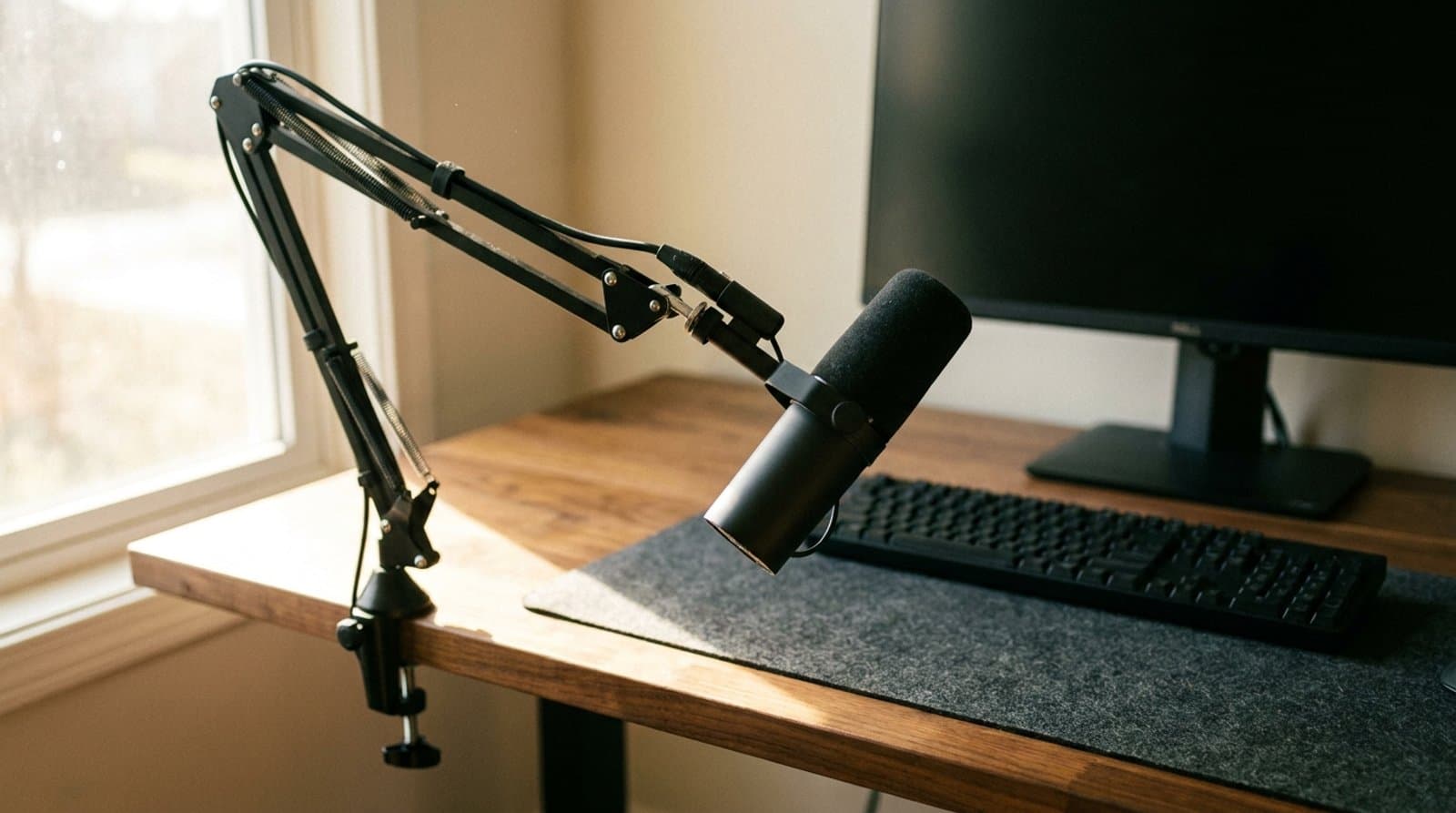
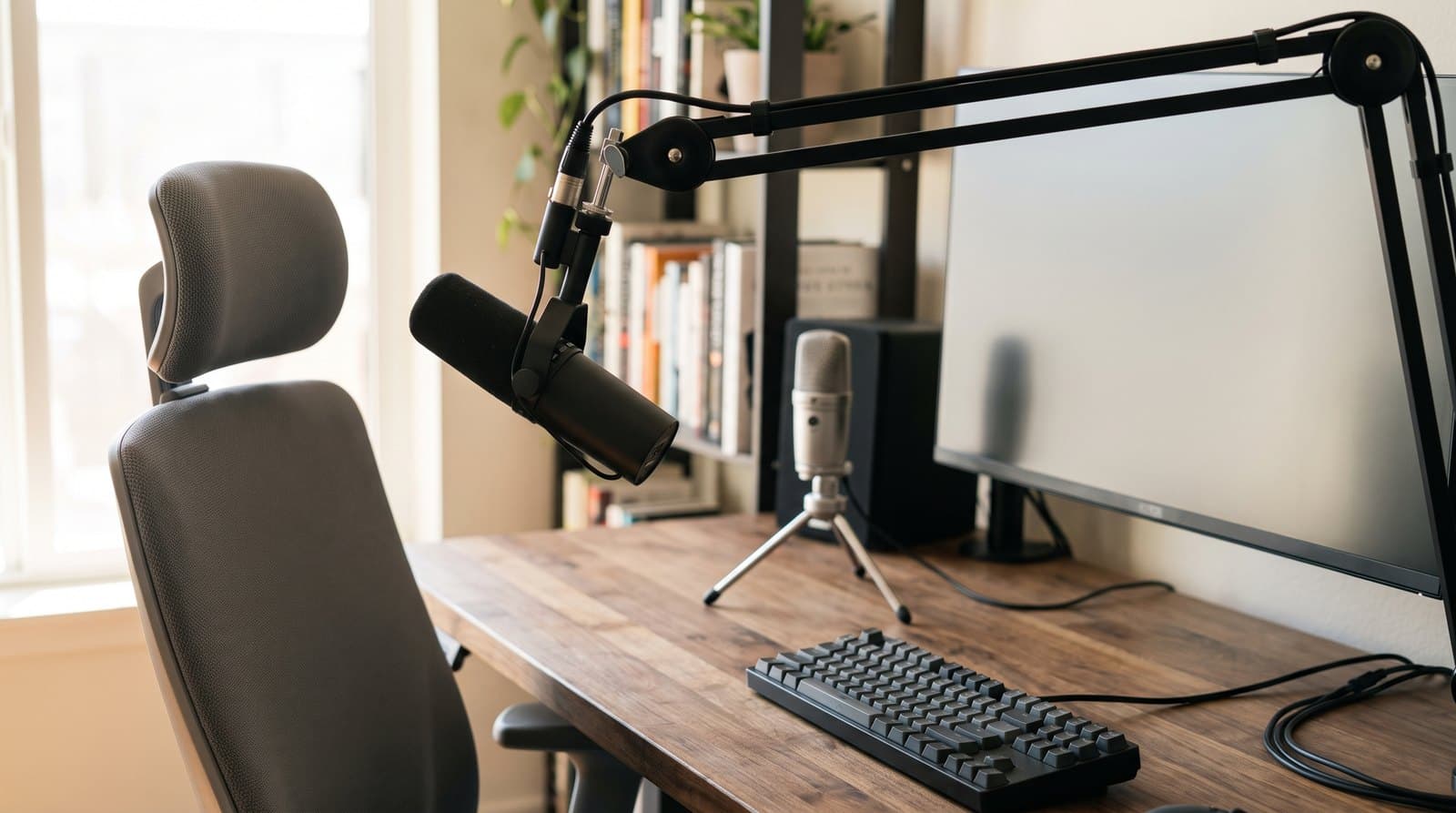
A dark broadcast-style microphone held on a black boom arm at head height directly in front of an empty office chair, with a second microphone set far back across the desk on a small tripod stand beside the monitor, showing the difference in working distance between the two positions

Audio

How Far Should Your Microphone Be From Your Mouth?

The single biggest lever on how you sound in a meeting is not the microphone — it is how far the microphone is from your mouth. Speech falls off 6 dB every time that distance doubles, while the cardioid pattern the whole category sells on is worth 4.8 dB in total. Here is the arithmetic, and what it says about the gear we recommend.

Updated September 9, 2026

What matters when buying

Near-field suitability

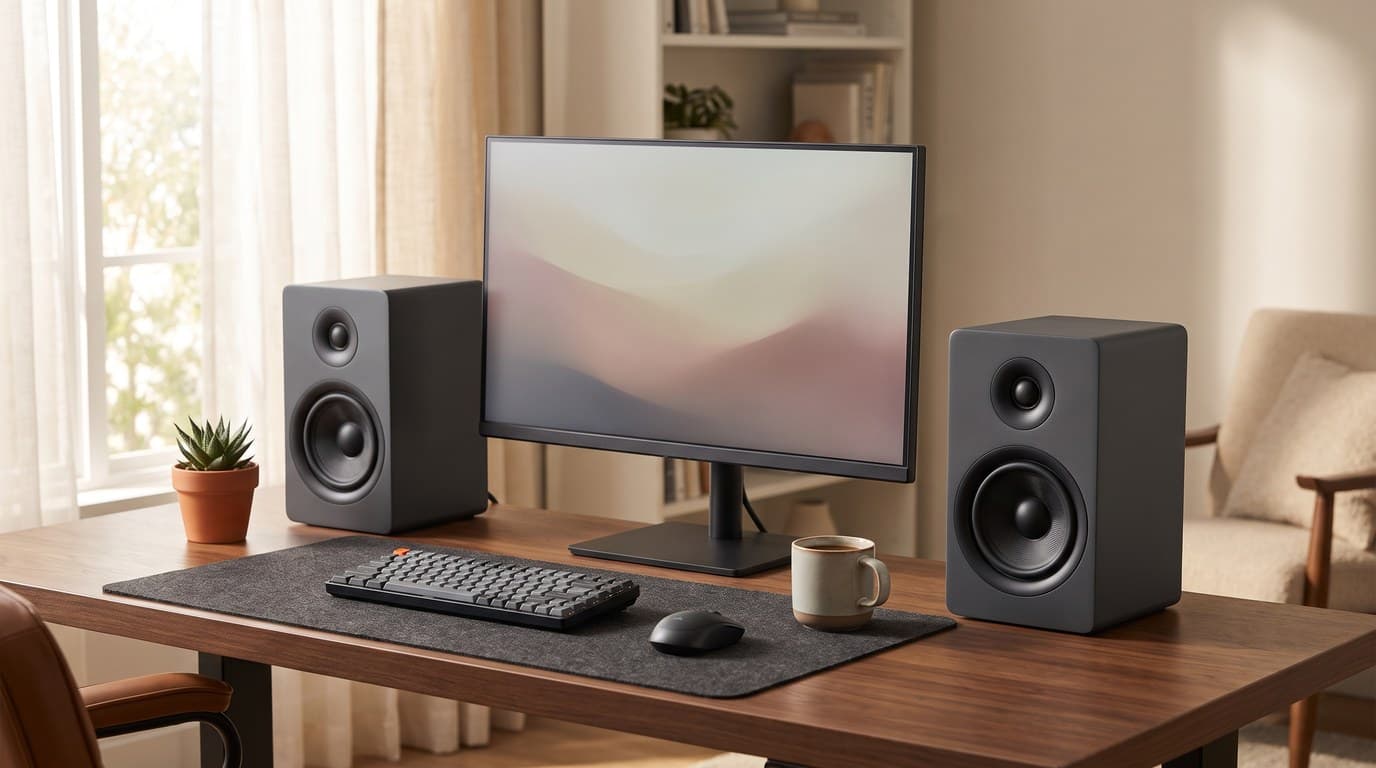
You sit three feet from desk speakers. Compact monitors designed for near-field listening beat larger speakers pointed past your head.

Microphone distance, then pattern

Positioning beats pattern, and it is not close. A cardioid rejects diffuse room noise by a flat 4.8 dB, while speech gains 6 dB every time you halve the distance to the capsule — so moving a mic from eight inches to four beats the entire directional benefit, for free. Aim for 2–6 inches on a dynamic, 6–10 on a condenser, and treat a boom arm as a 13 dB upgrade rather than a tidiness accessory.

Desk space and mounting

Boom arms and monitor-mounted speakers reclaim surface area. Factor stands and arms into the real footprint of any audio purchase.

Inputs and connectivity

USB is plug-and-play; XLR scales with better interfaces later. Bluetooth on speakers adds flexibility but check for idle hiss and latency.