Rigworthy

Monitor Arms & Mounts

Reclaim desk space and fix your posture in one upgrade.

A good monitor arm frees the deepest part of your desk, lets you set exact eye-level height, and makes ultrawide and multi-monitor setups actually workable. It's one of the highest-impact upgrades per dollar in the whole desk setup world.

The catch: weight ratings, VESA compatibility, and clamp design vary wildly, and an under-specced arm slowly sags. Our guides sort arms by what they can genuinely hold — including heavy 34-inch and 49-inch ultrawides.

Monitor Arms buying guides

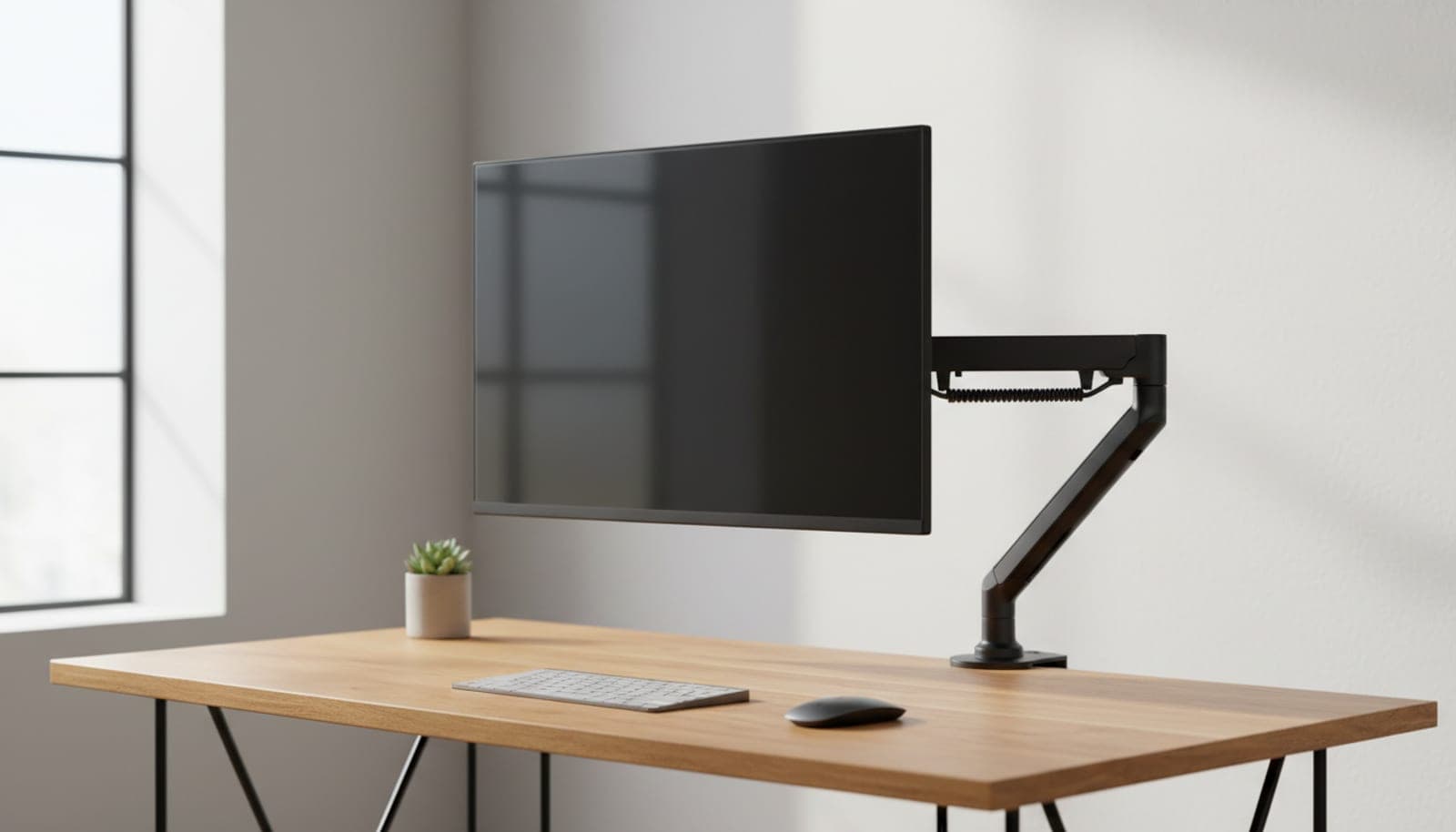
A single monitor floating on a black budget gas-spring arm above a clean home-office desk

Monitor Arms

The Best Budget Monitor Arms Under $50 in 2026

You don't need to spend Ergotron money to get your monitor off the desk. Five single arms under $50 — sorted by weight capacity, reach, and whether the spring actually floats.

Updated July 30, 2026

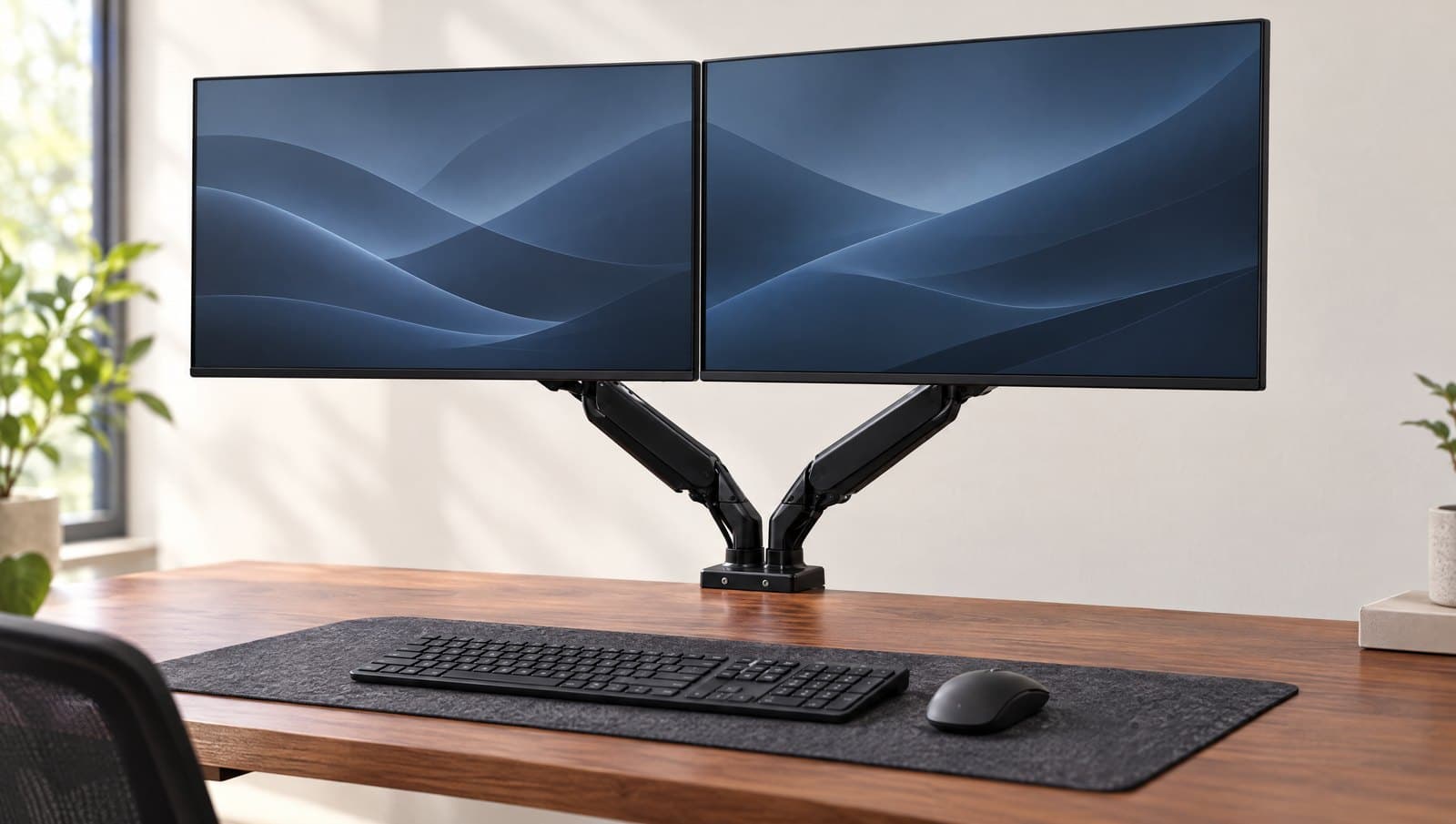
Two monitors floating side by side on a dual gas-spring monitor arm above a clean desk

Monitor Arms

The Best Dual Monitor Arms in 2026

Two screens, one mount — but a cheap crossbar and a pair of independent gas-spring arms are not the same buy. Six dual mounts sorted by layout, weight, and desk-clamp reality.

Updated July 30, 2026

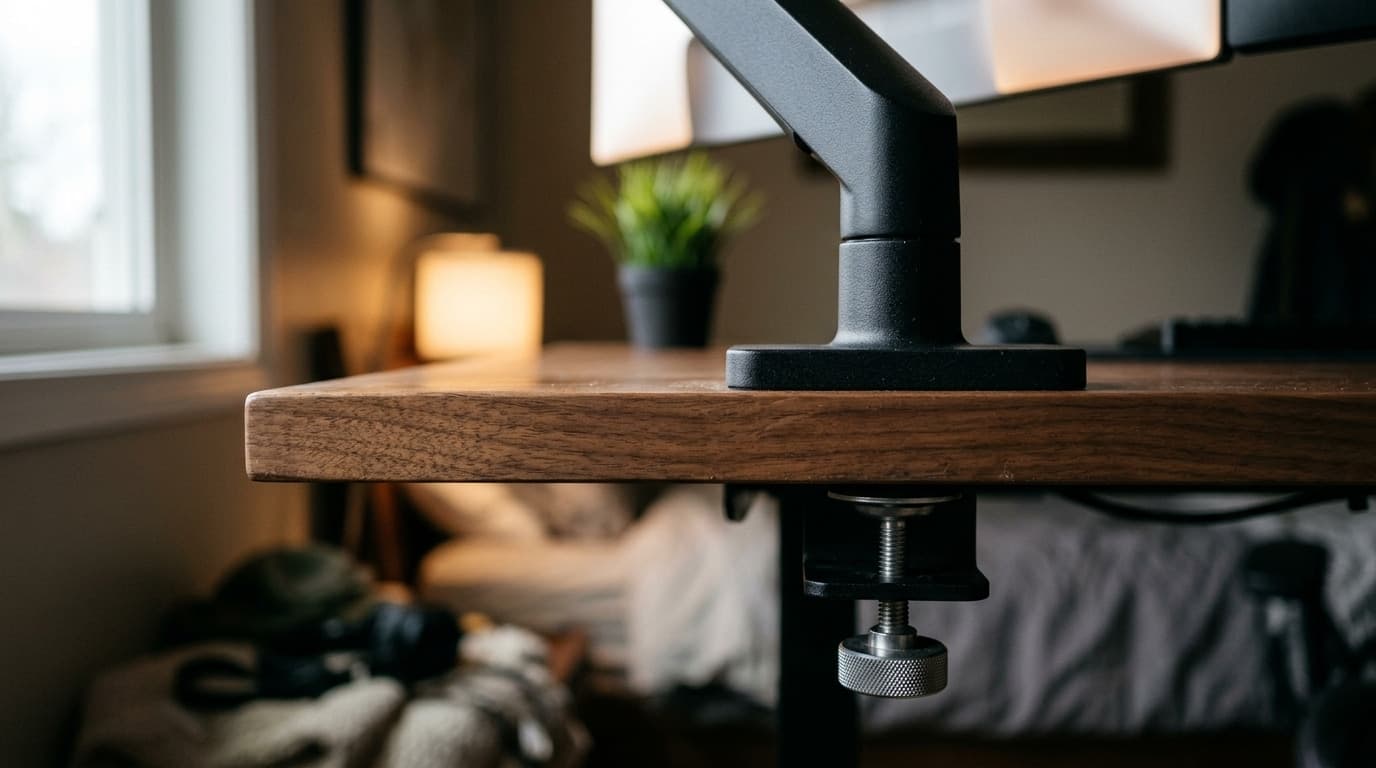
Close-up of the rear edge of a walnut desk in a home office, showing a matte black monitor arm post standing on the desktop with the two-piece clamp bracket and its knurled hand bolt visible underneath

Monitor Arms

Clamp vs. Grommet: How to Attach a Monitor Arm to Your Desk

Every monitor arm ships with a clamp and most also include a grommet base, and the box tells you nothing about which one your desk can actually take. Here is the decision, measured — including the desks where the honest answer is neither.

Updated August 17, 2026

What matters when buying

Weight rating vs. your monitor

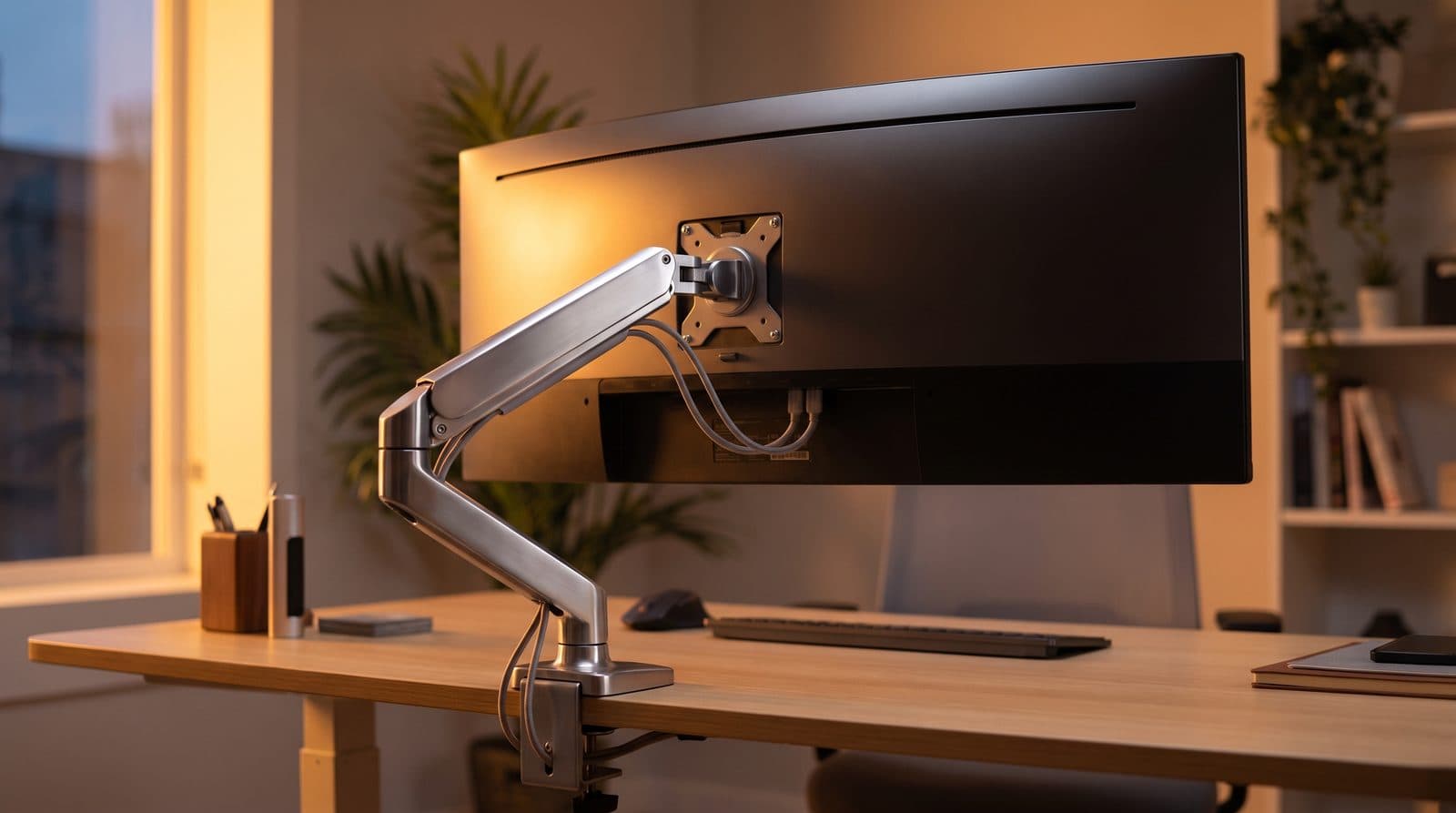
Check your monitor's weight without the stand, then leave headroom. Ultrawides commonly weigh 15–25 lbs — many popular arms top out below that.

VESA pattern

Most monitors use 100×100 or 75×75 mm. Some thin or curved displays need an adapter plate — check before you buy.

Clamp vs. grommet mount

Clamps need a few inches of clear underside desk lip; grommet mounts are more secure on thin or crowded desks.

Range of motion

Gas-spring arms adjust fluidly through the day; post-style arms are cheaper and stiffer but often more stable for heavy screens.