 Rigworthy
How Far Should Your Microphone Be From Your Mouth?
By Rigworthy Editorial Team · Updated September 17, 2026
Rigworthy is reader-supported: we may earn a commission if you buy through our links, at no cost to you. How we make money
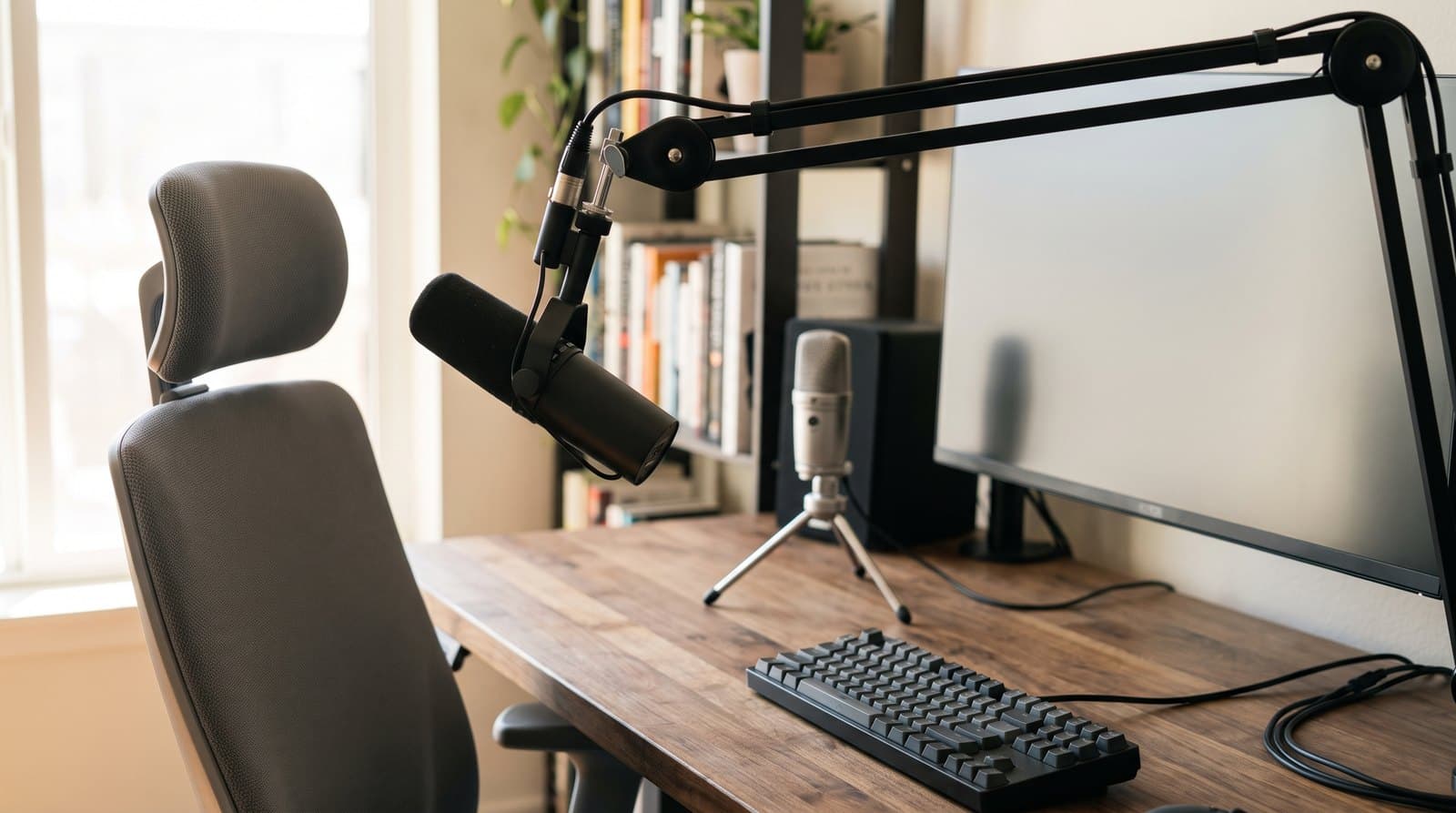
Every microphone guide, including ours, sells the same things: capsule type, polar pattern, sample rate, connectivity. This piece is about the specification that beats all of them and appears on no box, in no comparison table, and — until now — nowhere in this site's audio hub as a straight number. How far the microphone is from your mouth.
The arithmetic is unforgiving and it is not controversial. Speech obeys the inverse square law, so every halving of the distance from your mouth to the capsule is worth 6 dB of voice against a room noise floor that does not move. Meanwhile the cardioid polar pattern that the entire category is marketed on is worth 4.8 dB, total, and that is the ceiling of the technology rather than a starting point. Moving a microphone from eight inches to four beats the whole pattern, and it is free.
Follow that through and it rearranges the hub. A boom arm is not a tidiness accessory, it is a 13 dB upgrade — more than the gap between our $60 pick and our $279 one. "Dynamic mics reject room noise" turns out to be good advice resting on the wrong mechanism, which we had repeated. Our own guides give four different working distances, and gave none at all for the pick that then sat at the top, while Shure publishes 1–6 inches for that exact microphone. And the sample rates in the comparison table never reach the far end of the call at all — as Elgato demonstrated by deleting one and shipping a better product.
The short version
- Distance is the loudest spec on the sheet, and nobody prints it. Speech obeys the inverse square law: every time you halve the distance from your mouth to the capsule you gain 6 dB of voice over a room noise floor that does not move.
- The polar pattern everyone sells on is worth 4.8 dB, total. A cardioid's random energy efficiency is 0.333 — a flat 4.8 dB of diffuse-noise rejection. Moving the mic from eight inches to four buys more than the pattern does, and it is free.
- A boom arm is a signal-to-noise device, not a tidiness accessory. Going from a mic on its included desk stand (about 18 inches) to a boom at four inches is +13 dB. No microphone upgrade in our own guide moves the number that far.
- "Dynamic mics reject room noise" is the right advice with the wrong reason. Transducer type does not set noise rejection; polar pattern and distance do. Dynamics win in bad rooms because they are worked close, and closeness is the mechanism.
- Our own hub gave four different answers. Across the microphone and boom-arm guides we published 6–8 inches, 4–6 inches, "normal speaking distances" and — for our then-Best-Overall pick — no figure at all, while Shure publishes 1–6 inches for that exact microphone. Writing this piece is what surfaced it, and those guides now carry the manufacturer's figures.
- In a 50 dBA room, a mic on its bundled stand is borderline unintelligible. At 18 inches you get about 15 dB of signal-to-noise before the polar pattern helps, which is the floor for comfortable intelligibility. A headset boom at two inches gives you 34.
- The sample rates and frequency responses in mic comparison tables never reach the far end. A call codec in wideband mode carries about 8 kHz of audio bandwidth. Elgato deleted the Wave:3's 96 kHz mode in the MK.2 and spent the budget on dynamic range, max SPL and an on-mic low-cut filter — every one of which serves close-miking.
Measurements here come from manufacturers' own published mounting specifications, not from our estimates. Read the full methodology.
Four guides, four answers, and one missing number
Read this site's audio hub the way a buyer would — mic guide, boom arm guide, headset guide — and you will find advice about capsules, patterns, sample rates, weight capacities and cable channels. What you will not find is a straight answer to the question that governs all of it: how far should the microphone actually be from your mouth?
It is not that we avoided the question. It is that we answered it four different ways without noticing. Our Logitech (then Blue) Yeti write-up positions it 6–8 inches away. Our closing FAQ said a boom arm lets you position the mic 4–6 inches away. Our HyperX SoloCast entry — since replaced by the SoloCast 2 — said the capsule was fine "at normal speaking distances" and left it there. And our then-Best-Overall pick, the Shure MV7+, carried no distance at all — in a guide whose entire argument for it is that it rejects background noise. Writing this piece is what surfaced that, and the microphone guide has since been corrected: the MV7+ entry and the two FAQs involved now carry the figures below.
Shure publishes the number. The MV7's own documentation gives two positions: a Near setting for "1–6 inches away from your mouth" and a Far setting for "6–18 inches away." That is the manufacturer of the microphone we then had at the top of the guide specifying a working distance that starts three times closer than the closest figure anywhere in it, for the one pick we gave no figure to at all.
The boom arm guide has the same shape of gap, and it is the version this site has learned to look for: a hub that names a spec in its own criteria and then never quotes it. Our boom-arm criteria list "reach and range — enough to bring the mic to your mouth without crowding the frame." The comparison table publishes maximum mic weight, cable routing and, for one arm, 29 inches of reach. It never publishes a working distance, because working distance is a property of where you put the arm, and no manufacturer can print it on a box.
This piece is the missing number and the arithmetic behind it. The short version is that distance is not one factor among several — it is the dominant one, it moves in large steps, it is free, and it is the only variable in desk audio that you control completely and that nobody can sell you.
| Where it appears | Distance we published | What the manufacturer publishes |
|---|---|---|
| Shure MV7+ (dynamic) | No figure given | 1–6 in (Near) / 6–18 in (Far) |
| Logitech Yeti (condenser) | 6–8 in | Logitech (Blue) support: 6–12 in |
| HyperX SoloCast (condenser, now superseded by the SoloCast 2) | "Normal speaking distances" | No figure published |
| Microphone guide, closing FAQ | 4–6 in with a boom arm | — |
| Boom arm guide, criteria | "Enough to bring the mic to your mouth" | Reach published; working distance not |
Speech drops 6 dB every time you double the distance
Sound from a point source falls off with the inverse square of distance, which in decibels is a clean and slightly startling rule: every doubling of distance costs 6 dB, and every halving gains 6 dB. Your voice obeys it. The noise in your room mostly does not — a fan, an air conditioner, traffic through a window and a partner on a call in the next room arrive as roughly diffuse sound that is about the same level everywhere on your desk.
That asymmetry is the whole game. Moving the microphone closer does not make your room quieter. It makes your voice louder relative to a noise floor that stays put, and it does so in 6 dB steps, which are enormous. Six decibels is a doubling of sound pressure and a quadrupling of power.
The arithmetic needs one anchor, and it is a published one. DPA gives the sound pressure level of speech at normal vocal effort as 58 dB at one metre, with raised voice at 64 and loud speech at 70. ANSI S3.5 uses approximately 60 dBA for the same condition; 58 is the more conservative number, so that is the one used below. Extrapolate it inward and you get the level arriving at a capsule at any desk distance.
For the room, the reference figures are equally well established. Archtoolbox's room sound level table puts a private office or workroom at 40–45 dBA and an open office at 45–55 dBA. A home office with an air conditioner running, a desktop fan, or a household happening around it sits comfortably in the upper band. The table below uses 40 dBA for a genuinely quiet room and 50 dBA for a normal one.
The threshold column matters as much as the levels. DPA's guidance is that intelligibility holds up when speech maintains around 15 dB(A) of signal-to-noise ratio against a background above 40 dB(A). That gives a pass mark to hold the geometry against — and in a 50 dBA room, a microphone sitting on its bundled desk stand behind your keyboard lands right on it.
Two honest caveats, both of which make the far end of the table worse rather than better. Your mouth stops behaving like a point source in the last inch or two, so the very closest rows deliver slightly less than the formula promises. And past a room's critical distance, reflected sound stops falling off at all — so at 24 or 36 inches in an untreated room, the real figures are lower than these, not higher. Nothing in this table is optimistic about sitting far away.
| Distance from mouth | Level at capsule | SNR in a 40 dBA room | SNR in a 50 dBA room | What sits here |
|---|---|---|---|---|
| 1 in | 89.9 dB | 49.9 dB | 39.9 dB | Headset boom, close talk |
| 2 in | 83.9 dB | 43.9 dB | 33.9 dB | Headset boom, typical |
| 4 in | 77.9 dB | 37.9 dB | 27.9 dB | Dynamic mic on a boom arm |
| 6 in | 74.3 dB | 34.3 dB | 24.3 dB | Shure's "Near" limit |
| 8 in | 71.8 dB | 31.8 dB | 21.8 dB | Condenser on a boom arm |
| 12 in | 68.3 dB | 28.3 dB | 18.3 dB | Mic on a tall desk stand |
| 18 in | 64.8 dB | 24.8 dB | 14.8 dB — at the threshold | Bundled tripod behind keyboard |
| 24 in | 62.3 dB | 22.3 dB | 12.3 dB — below threshold | Mic pushed back for camera framing |
| 36 in | 58.8 dB | 18.8 dB | 8.8 dB — well below | Laptop's built-in mic array |
The polar pattern is worth 4.8 dB. Halving the distance is worth 6
Every microphone guide on the internet, ours included, leads on the polar pattern. Our own criteria list opens with "voice clarity — cardioid pickup pattern that rejects keyboard and HVAC noise," and the category page says cardioid mics reject keyboard clatter behind them. That is true. The question nobody asks is how much it is worth, and the answer is published and specific.
The figure is random energy efficiency: a microphone's response to diffuse sound relative to its on-axis response. For a cardioid it is 0.333, or −4.8 dB. That is the number. A cardioid microphone rejects diffuse room noise — the HVAC drone, the traffic, the reverberant wash of the room — by 4.8 dB compared to an omnidirectional mic, and no more. A hypercardioid gets you to 6 dB. That is the entire ceiling of the technology.
Set that against the previous section and the comparison is almost unfair. The complete benefit of the directional pattern the category sells on is 4.8 dB. Moving your microphone from eight inches to four inches is 6 dB. One is a design feature you pay for; the other is you leaning in, or spending twenty minutes repositioning an arm.
It gets worse for the pattern when you check it against the two noise sources our criteria actually name. HVAC is diffuse, so it gets the 4.8 dB. A keyboard is not behind the mic at all — on a normal desk it is below and in front of it, somewhere near the 90-degree axis, where a cardioid is down 6 dB, not nulled. The null is at 180 degrees, pointing at the wall behind you. So against the specific noises we cite, the pattern is worth roughly 5 to 6 dB, and the keyboard is the one it handles worst because of where keyboards physically are.
None of which is an argument against buying a cardioid microphone. It is an argument about ordering. Pattern is a fixed, one-time 4.8 dB that you buy once and cannot improve. Distance is 6 dB per halving, repeatable, free, and available right now on the microphone you already own. The category leads with the small fixed term and omits the large variable one — and that is the whole finding.
| Pattern | Random energy efficiency | Distance factor | Output at 90° | Output at 180° |
|---|---|---|---|---|
| Omnidirectional | 1.0 (0 dB) | 1.0 | 0 dB | 0 dB |
| Bidirectional | 0.333 (−4.8 dB) | 1.7 | −∞ (null) | 0 dB |
| Cardioid | 0.333 (−4.8 dB) | 1.7 | −6 dB | −∞ (null) |
| Hypercardioid | 0.25 (−6 dB) | 2.0 | −12 dB | −6 dB |
| For reference: halving the distance | — | — | — | +6 dB of voice |
Dynamic versus condenser is a distance argument wearing a costume
Our Shure MV7+ entry made a claim that appears in almost every microphone guide ever written, and this site should not have repeated it without qualification. It read: "Dynamic capsules are inherently less sensitive than condensers — they reject keyboard clicks, air conditioning drone, and street noise that condenser mics pick up readily." That sentence has since been rewritten, but it is worth spelling out why, because the same claim is still on almost every competing page.
The advice that follows from it is correct. The mechanism is not. Sensitivity is a transduction efficiency figure — how much voltage a capsule produces per unit of sound pressure. It is not a directivity figure. A cardioid dynamic and a cardioid condenser sitting at the same distance from your mouth in the same room receive the same ratio of voice to room noise, because that ratio is set by the polar pattern and the geometry, and both of those are identical. Lower sensitivity means you turn the preamp up, which raises the voice and the room noise by exactly the same amount.
The same error was in our closing FAQ, phrased as a mechanism: "Closer positioning means lower gain, which reduces room noise pickup." Gain does not reduce room noise pickup. Gain multiplies everything downstream of the capsule equally. What closer positioning does is raise your voice relative to the room before the gain stage, and the fact that you then need less gain is a consequence of the improvement, not the cause of it. Both sentences described a real effect and credited the wrong term, and both have been corrected in the guide.
So why do dynamics genuinely sound cleaner in bad rooms? Because of how they get used. A dynamic capsule's low output pushes you to work it close — Shure's own Near mode starts at one inch — and because dynamics are typically built with high maximum SPL and heavy low-frequency handling, they tolerate being that close. Condensers are sensitive enough to sound fine at 8 or 12 inches, so people place them at 8 or 12 inches. The transducer type does not reject the room. It changes the distance you end up working at, and the distance rejects the room.
The practical consequence is worth stating plainly, because it cuts against the upsell in our own guide: a condenser worked at four inches will beat a dynamic worked at twelve, every time, by about 9 dB. If you own a Yeti or a SoloCast and you have been considering a $279 dynamic to fix a noisy room, move the mic you own first. The upgrade may turn out to be unnecessary, and if it is not, you will at least be comparing the two at the distance that makes the dynamic worth buying.
So how close — and what does getting close cost you?
Closer is better for signal-to-noise without limit, but it is not free, and a guide that only tells you to get closer is giving you half the picture. Three things push back.
Proximity effect. Directional microphones work on a pressure gradient, and at close range that produces a low-frequency lift — commonly 6 to 12 dB of bass boost within about six inches, centred around 200 Hz. Close-miked without correction, this is the boomy, muddy voice that makes people sound like they are talking into a barrel. It is also completely fixable, and the fix is a high-pass or low-cut filter, which is why broadcast dynamics have a bass rolloff switch and why the MV7+ has a high-pass filter in its MOTIV software. Our guide lists that filter among a bundle of DSP features; it is more specific than that. It is the thing that lets you work the microphone at two inches.
Plosives. The blast of air from a P or a B is a physical event, not an acoustic one, and it scales badly as you close in. Inside about four inches you want either a pop filter, a foam windscreen, or — the free option — the mic offset so you talk across it rather than into it, typically positioned slightly above your mouth and angled down toward it. Speaking past the capsule at 30 to 45 degrees costs almost nothing in level and removes most of the problem.
Level and consistency. At two inches your voice is arriving at about 84 dB SPL, with peaks 15 to 20 dB above that, so the microphone needs headroom. Every mic in our guide has it. The harder problem is that at very close range, small head movements are large proportional changes in distance — leaning back four inches from a two-inch position costs you 9 dB, while the same movement from twelve inches costs 2.5. Close-miking buys signal-to-noise and spends positional consistency, which is precisely what compressors and auto-level modes exist to manage, and why Shure ties its Near and Far settings to automatic gain.
Weighing all three, the working ranges below are the practical answer. The important column is the last one: what the distance costs you in signal-to-noise against the best case. Note that our own published 6–8 inch figure for the Yeti is reasonable for a condenser, our 4–6 inch FAQ figure is right for a boom-arm setup, and the gap between them is real but small. The number that is badly wrong is the one nobody wrote down — the mic left on its bundled tripod behind the keyboard, which is where most microphones in the world actually are.
| Setup | Working distance | SNR vs. a 2 in headset boom | What you trade |
|---|---|---|---|
| Headset boom mic | 1–2 in (fixed by the hardware) | Baseline | You have to wear it |
| Dynamic on a boom arm | 2–6 in (Shure's "Near") | −0 to −10 dB | Needs a low-cut filter and a pop plan |
| Condenser on a boom arm | 6–10 in | −10 to −14 dB | Room becomes audible; needs a decent room |
| Mic on a tall desk stand | 10–14 in | −14 to −17 dB | Workable in a quiet room only |
| Bundled tripod behind keyboard | 16–20 in | −18 to −20 dB | Borderline in any room above 45 dBA |
| Laptop's built-in array | 30–40 in | −24 to −26 dB | Relies entirely on software cleanup |
A boom arm is a signal-to-noise device, and reach is the wrong spec
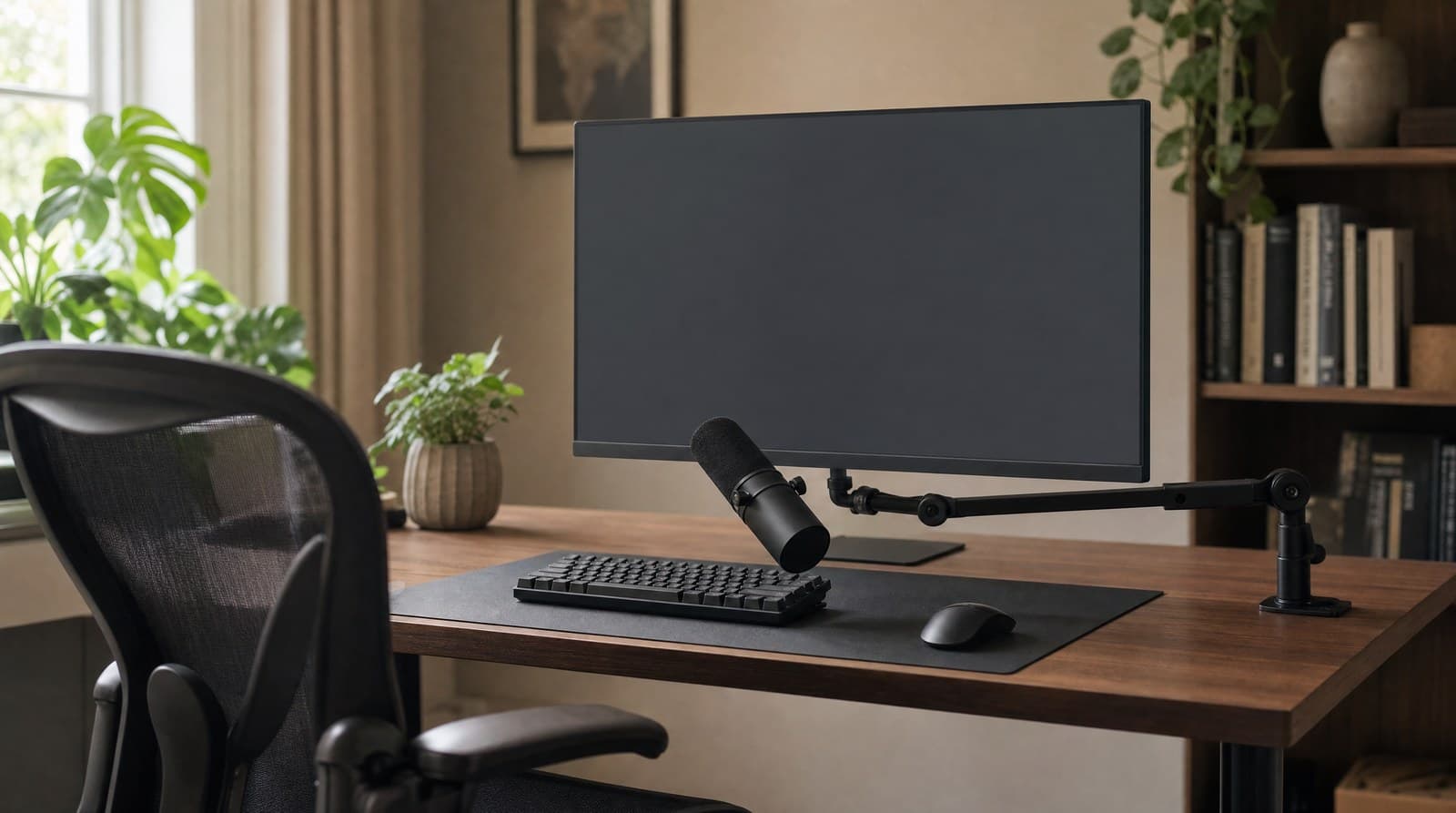
Our boom arm guide sells arms on weight capacity, damping quality, cable routing and desk footprint. All of those are real, and the guide is not wrong about any of them. But it frames the arm as a tidiness and convenience product — a way to get the mic off the desk and hide the cable — when the arithmetic says it is doing something much larger.
Take the two positions most people actually choose between. A microphone on its bundled tripod, pushed back behind the keyboard so it does not block the monitor, sits around 18 inches from your mouth. The same microphone on an arm, brought in to four inches, gains 13 dB. That is a factor of 4.5 in sound pressure and 20 in power, and it is the single largest improvement available anywhere in this category.
Now compare that to the upgrade path the category actually sells. The difference between our $60 HyperX SoloCast 2 and our $279 Shure MV7+, in terms of the ratio of your voice to your room, is small — both are cardioids, so both get the same 4.8 dB from the pattern, and self-noise differences only matter when the source is quieter than the microphone's own noise floor, which a voice at four inches emphatically is not. A $25 boom arm moves the number further than a $200 microphone upgrade does. We have a guide that sells the arm and a guide that sells the upgrade, and until now neither said so.
Which makes reach the wrong headline spec, and this is where the boom-arm guide's comparison table quietly misleads. Reach is horizontal, and the constraint is not horizontal. Our stands explainer establishes that a correctly seated user's eyes sit 20 to 22 inches above the desk surface whatever their height; the mouth is several inches below that, so the microphone's target position is somewhere in the low-to-mid teens above the desktop and 4 to 6 inches out from your face. The arm has to reach up and in, past the near edge of a monitor, without entering your sight line or your webcam frame. An arm with 29 inches of reach that cannot get its last joint above 12 inches is useless for the actual job.
That reframes two picks in our own guide rather than contradicting them. The low-profile arms — the Elgato Wave Mic Arm LP in particular — are not merely a stylistic alternative to a tall parallelogram boom; they solve the vertical-clearance problem from below rather than above, coming up under the monitor instead of over it. And the capacity spec matters for a reason the guide only half states: an arm that cannot hold position at full extension will droop away from your mouth over an afternoon, and drooping away is the failure mode that costs decibels. Damping is not a luxury. It is what keeps the 13 dB you bought.
Where a $99 headset beats a $279 microphone
Our wireless headset guide already makes the right call, and it makes it on the right grounds — it says plainly that a boom beats hidden beamforming in loud rooms. What it does not do is quantify it, and once you do, the conclusion gets uncomfortable for the rest of the hub.
A headset boom puts the capsule one to two inches from your mouth and, crucially, keeps it there regardless of how you move, because it is attached to your head. Against a microphone on its bundled desk stand at 18 inches, that is a 19 dB advantage. Against a well-positioned desk mic on a boom arm at four inches, it is still about 6 dB. There is no microphone, no capsule technology and no amount of software processing that recovers 19 dB.
Run it against the intelligibility threshold and the practical stakes become clear. In a quiet 40 dBA home office, everything works — even the bundled tripod clears the bar with room to spare, which is exactly why so many people never discover they have a problem. In a 50 dBA room — an air conditioner, a street-facing window, a household in motion — the desk mic on its stand lands at about 15 dB before the polar pattern helps, right on DPA's threshold, and every honest description of that is "understandable, and tiring to listen to for an hour." The headset is at 34 dB.
So the recommendation this hub should have been making, and now does: if your calls happen in a room you do not control, buy the headset, not the microphone. Our Logitech Zone Vibe 100 pick is around $99 and our Jabra Evolve2 65 is $180–290; both put a boom where a $279 desk microphone physically cannot. The desk mic is the right purchase when your room is quiet and you want to sound good rather than merely clear — for recording, for streaming, for a podcast, for the times you want to be on camera without hardware on your head. Those are real reasons and we stand behind the guide. They are just not the same reason as "I need to be understood in a noisy room," which is the problem most people think they are solving.
One caveat in the headset's disfavour, since this section is otherwise a commercial for it: proximity to the mouth also means proximity to breath, and boom position matters more on a headset than people assume. Most manufacturers specify the boom should sit at the corner of the mouth rather than directly in front of it, for exactly the plosive reasons in the previous section.
| Position | Distance | SNR at 40 dBA | SNR at 50 dBA | Verdict in a 50 dBA room |
|---|---|---|---|---|
| Headset boom | 2 in | 43.9 dB | 33.9 dB | Comfortable margin |
| Desk mic on a boom arm | 4 in | 37.9 dB | 27.9 dB | Comfortable margin |
| Desk mic on a tall stand | 12 in | 28.3 dB | 18.3 dB | Adequate |
| Desk mic on bundled tripod | 18 in | 24.8 dB | 14.8 dB | At the threshold — tiring |
| Laptop built-in array | 36 in | 18.8 dB | 8.8 dB | Fails; software is doing the work |
| Intelligibility threshold | — | ≈15 dB | ≈15 dB | DPA guidance |
The specs that never reach the other end
Our microphone guide is titled for Video Calls, and its comparison data includes sample rate and frequency response for every pick: 24-bit/192 kHz on the Audio-Technica ATR2100x, 24-bit/96 kHz on the HyperX, 16-bit/48 kHz on the Yeti, and published frequency responses spanning 50 Hz–15 kHz to 20 Hz–20 kHz. Those figures are, for the stated use case, almost entirely decorative.
Correction, September 2026. This section originally vouched for those numbers — it said, in as many words, those figures are accurate. Two of them were not. A full audit of the microphone guide found the Shure MV7+ published at 20 Hz–20 kHz when Shure publishes 50 Hz–16 kHz, and the HyperX SoloCast published at 16-bit/48 kHz when HyperX publishes 24-bit/96 kHz. Both have been corrected there and in the table below. The lesson is about this article rather than that one: an explainer that certifies another guide's data is underwriting a claim it does not own and cannot see change. The argument below never depended on the figures being right — it depends on them being far larger than a call transmits, which is true of the corrected numbers too — but the certification was free to write and worthless to a reader.
Video call platforms do not carry them. Zoom, Teams, Meet and the WebRTC applications behind most of the rest run speech codecs — Opus, SILK, and Microsoft's Satin — which operate in bandwidth modes: narrowband at an 8 kHz sampling rate, wideband at 16 kHz, super-wideband at 24 kHz and fullband at 48 kHz. A wideband call carries audio content up to about 8 kHz. Zoom's own description of its high-fidelity music mode is that it raises the codec to 48 kHz and disables the default post-processing — which tells you what the default is not.
Hold the specs against that and two things fall out. The ATR2100x's 192 kHz converter is running at roughly twelve times the sample rate the call will transmit. And more pointedly: the ATR2100x's frequency response of 50 Hz–15 kHz is the narrowest in our table, the one thing that makes our budget pick look technically outclassed — and 15 kHz is still nearly double the bandwidth a wideband call carries. The spec that penalises it in the comparison table cannot affect the use case the guide is about.
The clearest evidence that these numbers are decorative is that a manufacturer deleted one and improved the product. Elgato's Wave:3 MK.2 dropped the 96 kHz sample rate of the MK.1 entirely, keeping only 48 kHz. In exchange, the MK.2 raised dynamic range from 95 dB to 110 dB, raised maximum SPL from 120 dB to 130 dB, and added an on-microphone DSP chip whose five effects include a low-cut filter. Read that list against this article: they gave up the number that cannot reach the far end and spent the budget on headroom, dynamic range and low-frequency correction — which are exactly the three specifications that close-miking stresses. The revision is an endorsement of the thesis by the only party with a commercial reason to resist it.
That correction applies to us directly, and it is the second run in a row that reading every pick's manufacturer page has caught a description of a superseded product. Our guide listed the Wave:3 at "96 kHz / 24-bit," which describes the MK.1; the currently-sold MK.2 is 48 kHz. That spec has since been corrected there, along with the MK.2's revised dynamic range and max SPL. The lesson generalises past this hub: when a manufacturer removes a headline spec from a revision and the reviews get better, the spec was never doing any work — and any comparison table still ranking products by it is ranking them by nothing.
| Spec | Best figure in our guide | Worst figure in our guide | What a wideband call carries |
|---|---|---|---|
| Sample rate | 192 kHz (ATR2100x) | 48 kHz (Yeti, Wave:3 MK.2, MV7+) | 16 kHz sampling |
| Audio bandwidth | 20 kHz (Yeti; Wave:3 MK.2) | 15 kHz (ATR2100x); 16 kHz (MV7+) | ≈8 kHz |
| Bit depth | 24-bit (all but the Yeti) | 16-bit (Yeti only) | Lossy codec; bit depth not transmitted |
| What does survive | — | — | Signal-to-noise ratio, and how close you sat |
The whole thing, in five minutes and no purchases
None of this requires new gear. It requires moving the gear you have, and the order below is deliberately arranged so that everything free comes before anything that costs money.
1. Measure what you have now. Sit as you actually sit on a call and measure from your mouth to the microphone capsule. Most people are surprised — the bundled tripod behind the keyboard is usually 16 to 20 inches, which the table above puts at the edge of intelligibility in a normal room.
2. Halve it. That is 6 dB, immediately, for free. If the mic is on a stand, bring the stand forward and raise it. If that puts it in your camera frame, that is the actual constraint you are solving for, and it is a geometry problem rather than a hardware one.
3. Talk across it, not into it. Position the capsule slightly above your mouth and angled down, so your breath passes over it rather than into it. This costs almost nothing in level and removes most plosive problems, which is what lets you go closer still.
4. Turn on the low-cut filter. If you are now inside six inches, proximity effect is adding 6 to 12 dB of bass. Every serious mic has a high-pass filter in hardware or software — the MV7+ has one in MOTIV, the Wave:3 MK.2 has one on the microphone itself — and conferencing apps generally do not apply one for you. This is the step that makes close-miking sound professional instead of boomy.
5. Measure again, and find out whether you still have a problem. Re-measure from the seated position you actually use. If you are now inside six inches, you have collected 9 to 13 dB without spending anything — more than the gap between the cheapest and the most expensive microphone in our guide — and the honest outcome may be that you are finished. What the second measurement is really for is naming the constraint if you are not: either the mic physically cannot reach your face from where it has to live, or it can and your room is still too loud behind it. Those are two different purchases, and the bottom line below says which is which.
The one-sentence version: you are not shopping for a microphone, you are shopping for a distance — and the distance is free.
The bottom line
Measure the distance from your mouth to your microphone right now, sitting the way you actually sit on a call. If the answer is more than about eight inches — and for anyone using a mic on its bundled tripod behind the keyboard, it is closer to eighteen — then you have a free upgrade available that is larger than anything you can buy. Halve it, and you have gained 6 dB. Halve it again, and you have gained more than the entire directional benefit of the microphone twice over.
Then spend the two minutes that make close-miking sound professional rather than boomy: put the capsule slightly above your mouth angled down so you speak across it instead of into it, and turn on the low-cut filter that your microphone or its software almost certainly has. Proximity effect is real, it is 6 to 12 dB of bass inside six inches, and it is the only genuine cost of getting close. It has a switch.
Only after that does hardware make sense, and the honest ordering is not the one this category usually offers. If the microphone cannot physically get close enough, buy a boom arm — it is worth about 13 dB where a microphone upgrade is worth a couple. If your room is noisy and out of your control, buy a headset and accept the hardware on your head, because a boom at two inches beats every capsule ever manufactured by a margin nothing else recovers. And if your room is quiet and the goal is to sound genuinely good rather than merely clear, that is the moment our microphone guide becomes the right page — read with the knowledge that where you put the thing matters more than which one you bought.
Frequently asked questions
For a dynamic microphone like the Shure MV7+, 2 to 6 inches — Shure's own documentation specifies 1 to 6 inches for its Near setting and 6 to 18 inches for Far. For a more sensitive condenser like the Logitech Yeti or Elgato Wave:3, 6 to 10 inches is the usual working range. A headset boom sits at 1 to 2 inches and is fixed there by the hardware. The reason the number matters so much is the inverse square law: speech gains 6 dB every time you halve the distance, while the noise in your room stays where it is. Moving from 18 inches to 4 is worth about 13 dB, which is more than any microphone upgrade in this price category will give you.
Yes, and by more than most microphone upgrades. A boom arm does not change how the microphone sounds — it changes where the microphone is, and position is the dominant term. A mic on its bundled tripod behind your keyboard sits around 18 inches from your mouth; the same mic on an arm at 4 inches gains roughly 13 dB of voice over your room's noise floor, a factor of 20 in power. For comparison, the entire benefit of the cardioid polar pattern that microphones are marketed on is 4.8 dB. That is why a $25 arm is a better first purchase than a $200 microphone upgrade, and why damping matters: an arm that droops over an afternoon gives back the decibels you bought it for.
In practice yes, but not for the reason usually given, and the distinction changes what you should do about it. Noise rejection is set by the polar pattern and by distance, not by whether the capsule is dynamic or condenser — two cardioid mics at the same distance in the same room receive the same ratio of voice to room noise. Lower sensitivity does not reject noise; it just means you turn the preamp up, which raises the voice and the noise equally. Dynamics win in bad rooms because their low output and high SPL handling push you to work them close, and closeness is the actual mechanism. The practical consequence: a condenser at 4 inches beats a dynamic at 12 by about 9 dB, so move the mic you own before buying a dynamic to fix a noisy room.
There is no signal-to-noise penalty for getting closer, but there are three real costs. Proximity effect adds 6 to 12 dB of bass boost within about six inches on any directional mic, centred near 200 Hz, which sounds boomy unless you engage a low-cut or high-pass filter — that filter is the single most important setting for close-miking. Plosives get worse fast inside four inches, fixed with a pop filter or by positioning the mic slightly above your mouth and angled down so you speak across it. And consistency suffers: at two inches, leaning back four inches costs 9 dB, where the same movement at twelve inches costs 2.5. That last one is why microphones with auto-level or compression modes tie them to a stated working distance.
Almost not at all. Conferencing platforms run speech codecs — Opus, SILK and Microsoft's Satin — in bandwidth modes that top out well below what a modern USB microphone captures: narrowband samples at 8 kHz, wideband at 16 kHz, super-wideband at 24 kHz and fullband at 48 kHz, with a typical wideband call carrying about 8 kHz of audio bandwidth. A 192 kHz microphone is running at roughly twelve times what the call transmits. The clearest proof is that Elgato dropped the 96 kHz mode from the Wave:3 in the MK.2 revision and spent the engineering budget on dynamic range, maximum SPL and an on-mic low-cut filter instead — all three of which serve close-miking, which does reach the far end. Sample rate matters if you are recording locally for a podcast or video; it does not matter for a meeting.
4.8 dB against diffuse room noise, which is the published random energy efficiency figure for a cardioid (0.333). A hypercardioid reaches 6 dB, and that is the ceiling for common patterns. It is genuine and worth having, but it is a fixed, one-time improvement you cannot build on, whereas halving your working distance is 6 dB and can be done repeatedly. It also helps least against the noise source people most want it to fix: a keyboard sits below and in front of the microphone, near the 90-degree axis where a cardioid is down 6 dB, not at the 180-degree null, which points at the wall behind you.
Nine times out of ten, distance — the microphone is on its bundled stand behind the keyboard where it does not block the monitor, which is 16 to 20 inches from your mouth. In a room at 50 dBA, which is a normal home office with an air conditioner running, that gives you roughly 15 dB of signal-to-noise, right at the threshold where speech stops being comfortable to listen to. The microphone is doing its job; the geometry is not. Move it to 4 to 6 inches, engage a low-cut filter, and speak across rather than into the capsule. If it physically cannot go there, the fix is a boom arm or a headset, not a better capsule.
Published room sound level tables put a private office or workroom at 40 to 45 dBA and an open office at 45 to 55 dBA, and a home office with an air conditioner, a desktop fan, or a household happening around it sits in the upper part of that range. It matters because it is the denominator in every calculation on this page: the same microphone at the same distance is fine at 40 dBA and marginal at 50. DPA's guidance is that speech needs roughly 15 dB of signal-to-noise against a background above 40 dBA to stay comfortably intelligible, and in a 50 dBA room a microphone at 18 inches lands exactly on that line.
Keep building your setup
Audio
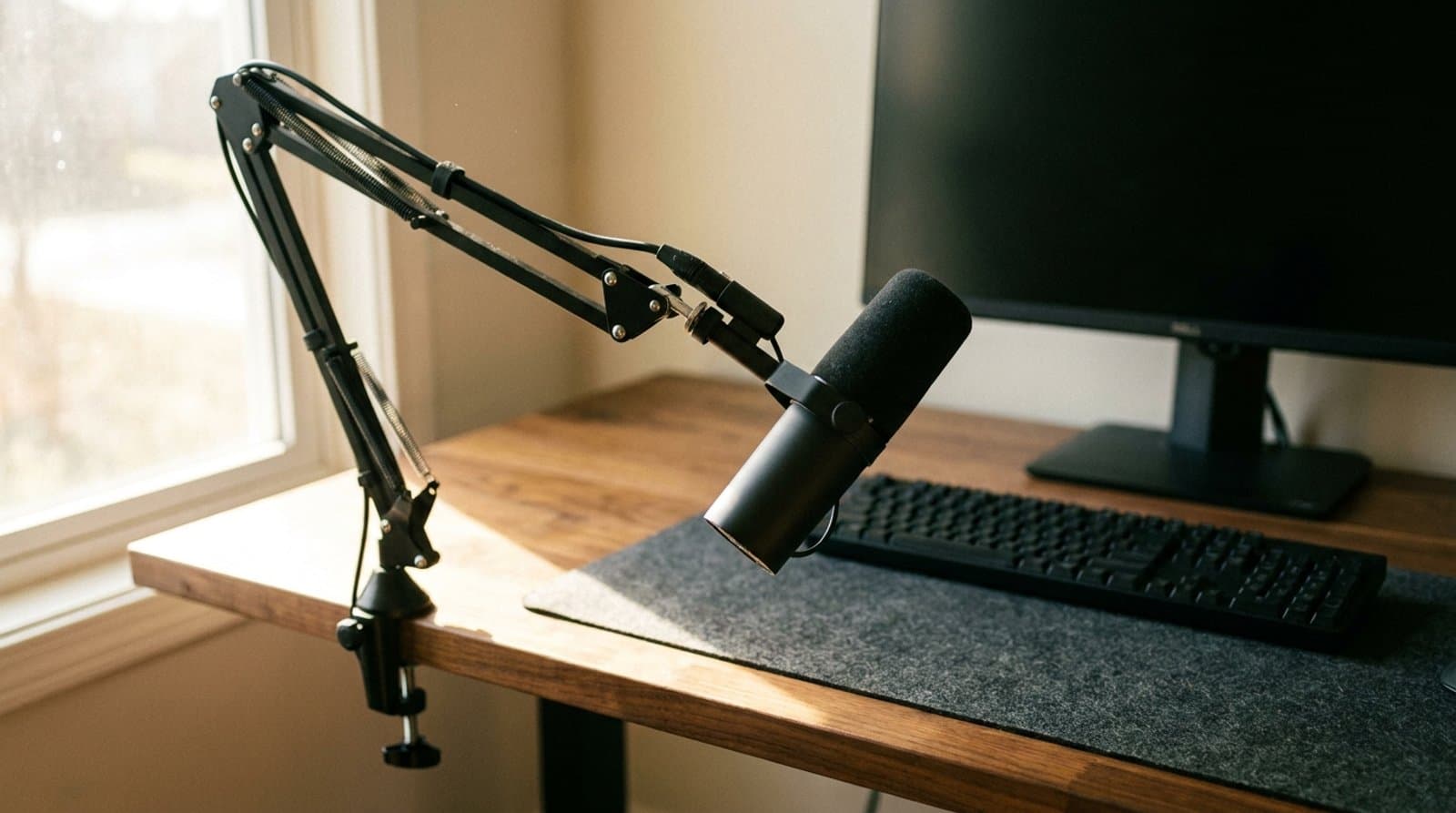
The Best USB Microphones for Video Calls in 2026
Better calls start with your microphone. Five USB picks from budget to pro that make you sound clear on Zoom and Teams without a recording studio.
Updated September 17, 2026
Audio
The Best Microphone Boom Arms in 2026
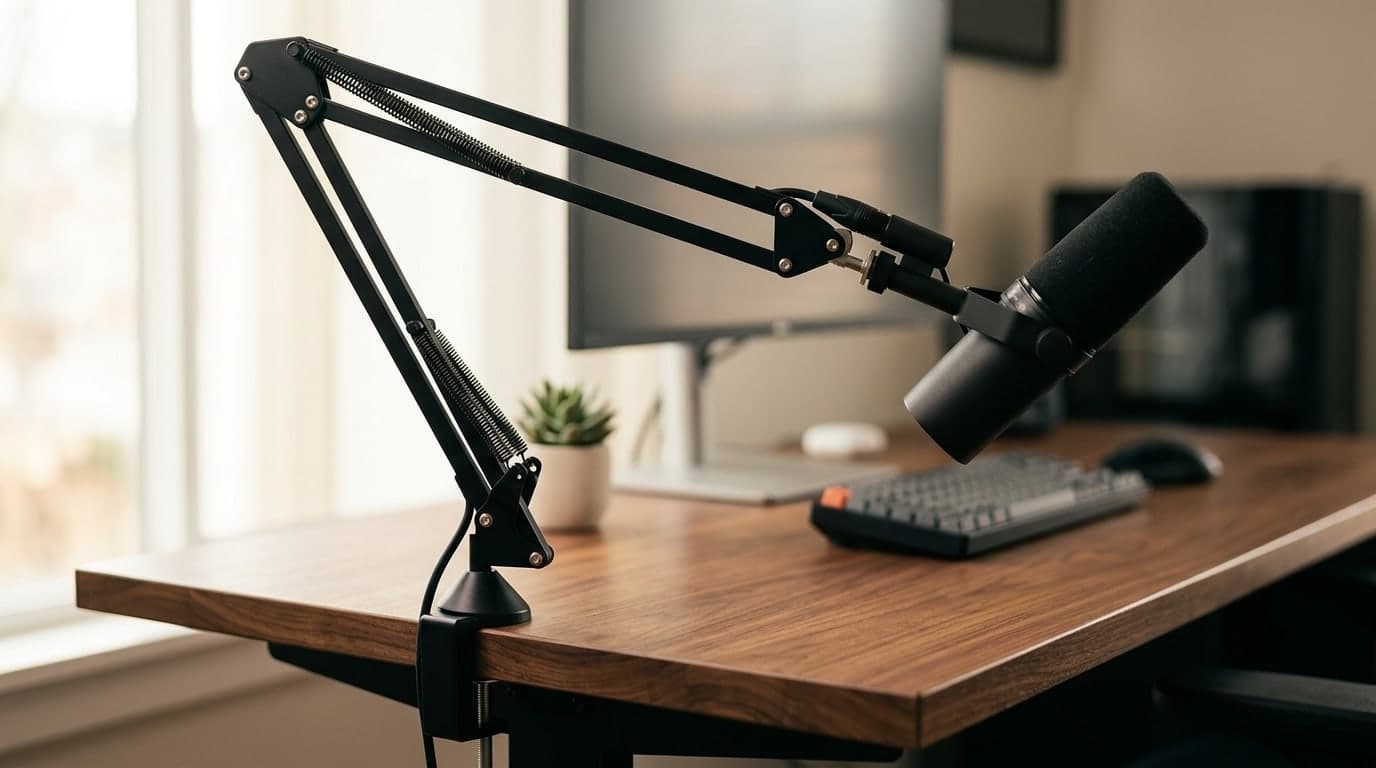
A mic arm gets the microphone off your desk and in front of your mouth — and clears the space a stand steals. Six arms from budget clamps to silent, damped, cable-hiding pro booms.
Updated July 30, 2026
Audio
The Best Wireless Headsets for Video Calls in 2026
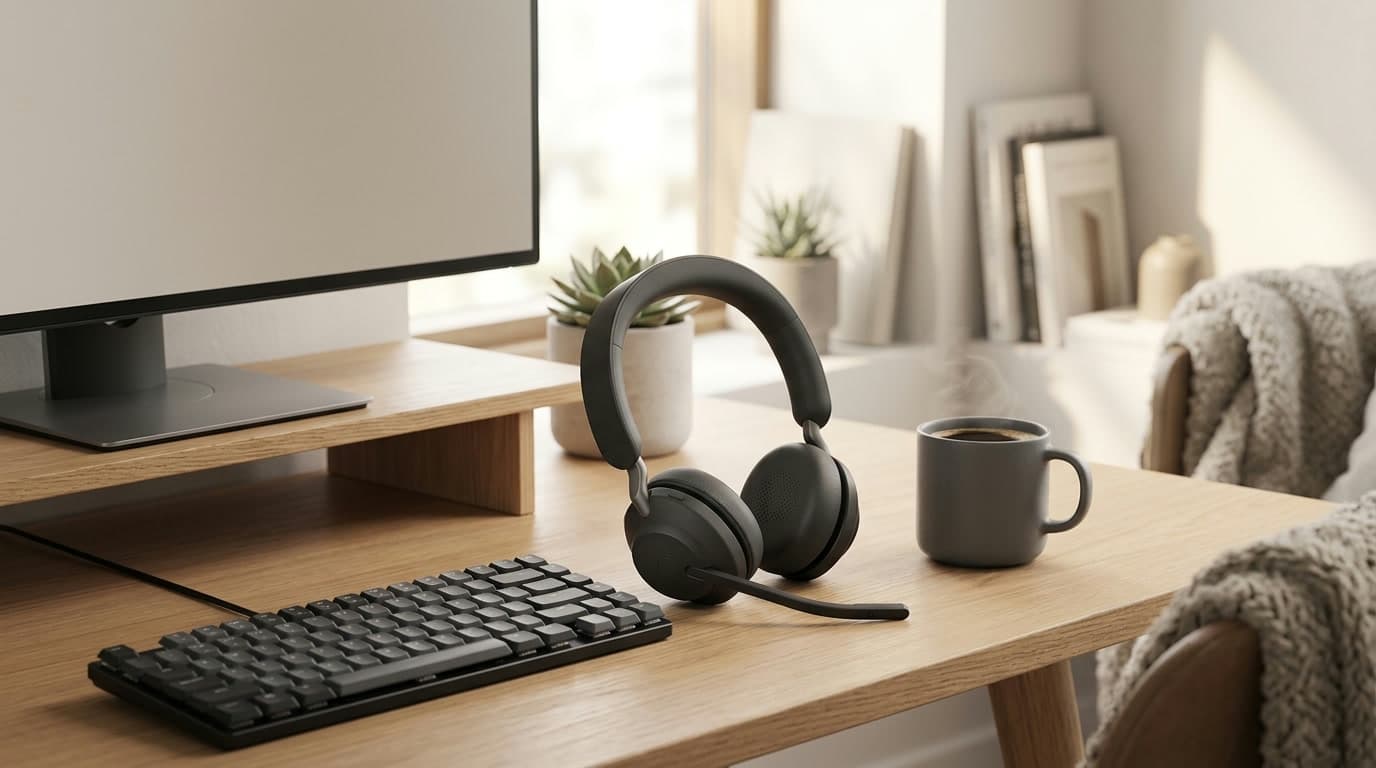
A headset with a mic near your mouth makes you sound clearer on calls than any laptop or webcam mic can — and lets you hear the room, or block it out. Six wireless headsets for back-to-back meetings, from a $99 budget pick to a $300 pair of enterprise earbuds, sorted by mic type and noise cancelling.
Updated July 31, 2026
Get the next guide in your inbox
One short email when we publish or meaningfully update a buying guide. No spam, no daily deals firehose.