Rigworthy

Desk Lighting

Less eye strain on camera and off — lit properly.

Good desk lighting reduces eye strain during long screen sessions, makes you look human on video calls, and sets the whole mood of a setup. The category spans monitor light bars, classic task lamps, key lights, and ambient bias lighting.

We evaluate lighting on color accuracy, flicker-free dimming, glare control on glossy screens, and whether the controls are pleasant enough that you'll actually adjust them.

Lighting buying guides

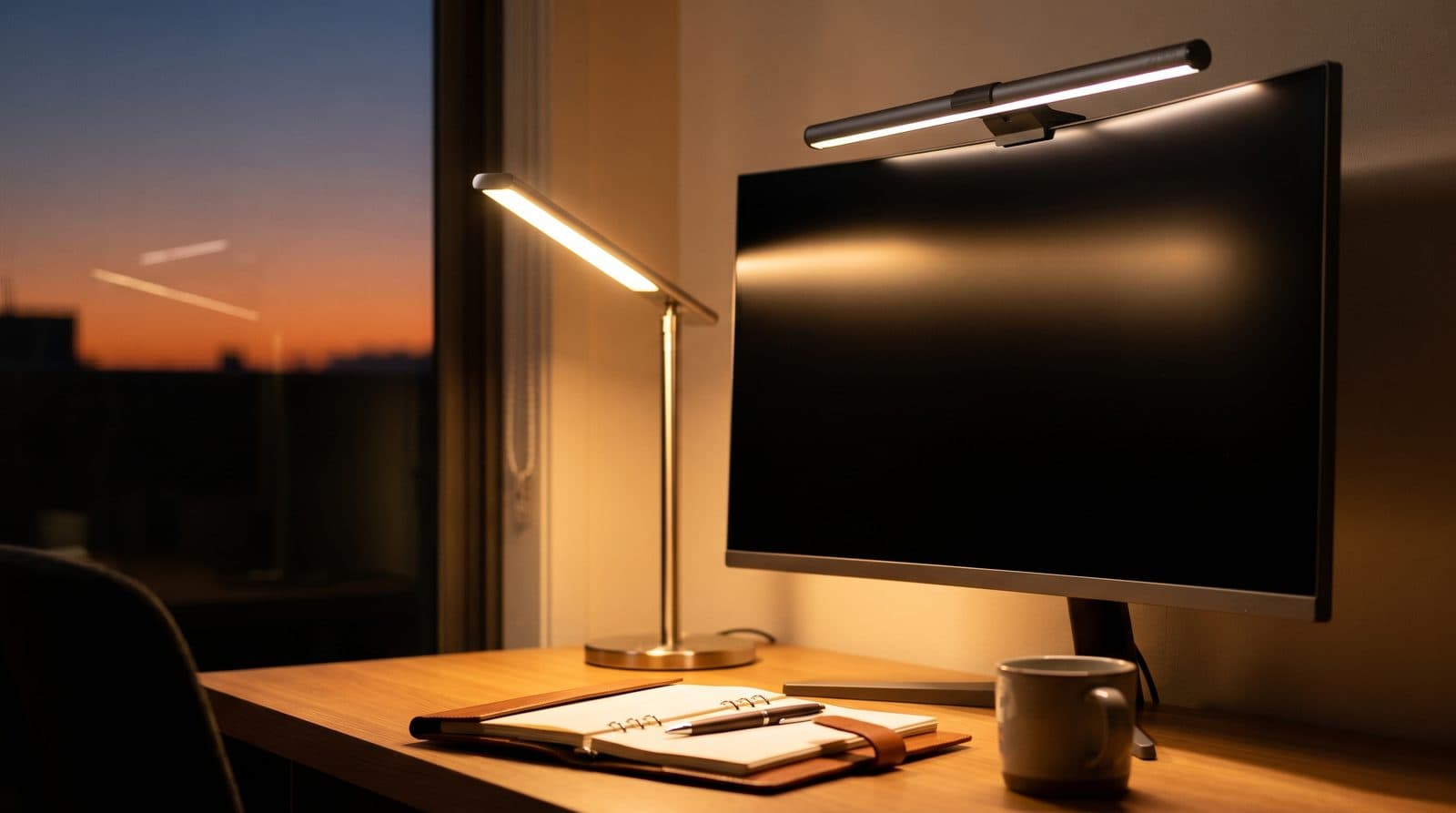
Modern articulated LED desk lamp illuminating a tidy workspace with a keyboard, notebook, and monitor at dusk

Lighting

The Best Desk Lamps for Home Offices in 2026

Better light for reading, writing, and video calls without a glare-filled screen. Five task lamps spanning premium articulated builds, budget architect clamps, and camera lighting.

Updated September 12, 2026
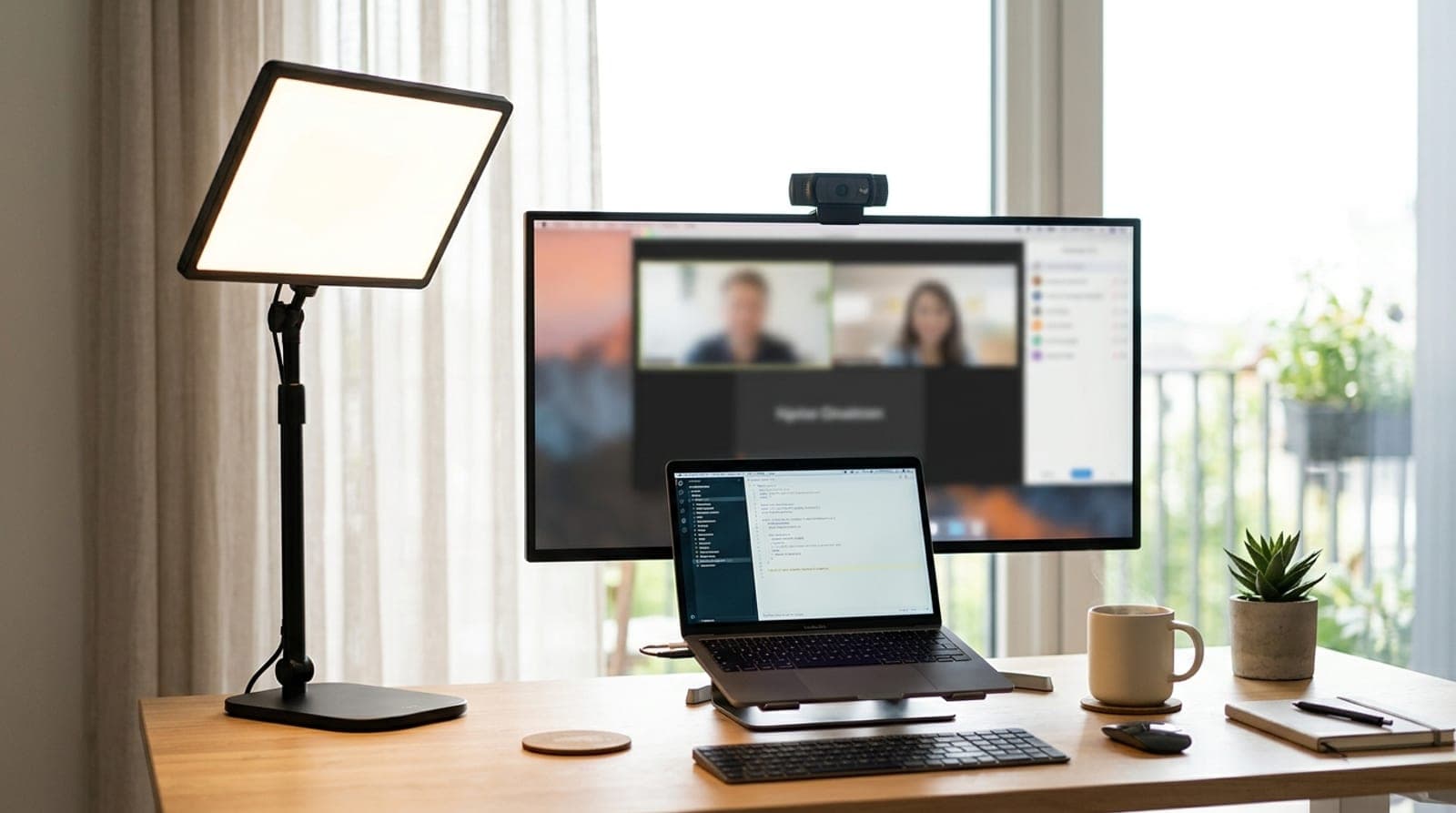
A slim edge-lit key light panel on a desk stand lighting a person's seat at a tidy home-office video-call setup

Lighting

The Best Key Lights for Video Calls and Streaming in 2026

Overhead lighting makes you look tired on camera; a key light fixes it in one purchase. Six front-facing lights compared on the things that matter — real brightness, color accuracy, how they mount, and whether you need the app.

Updated September 10, 2026

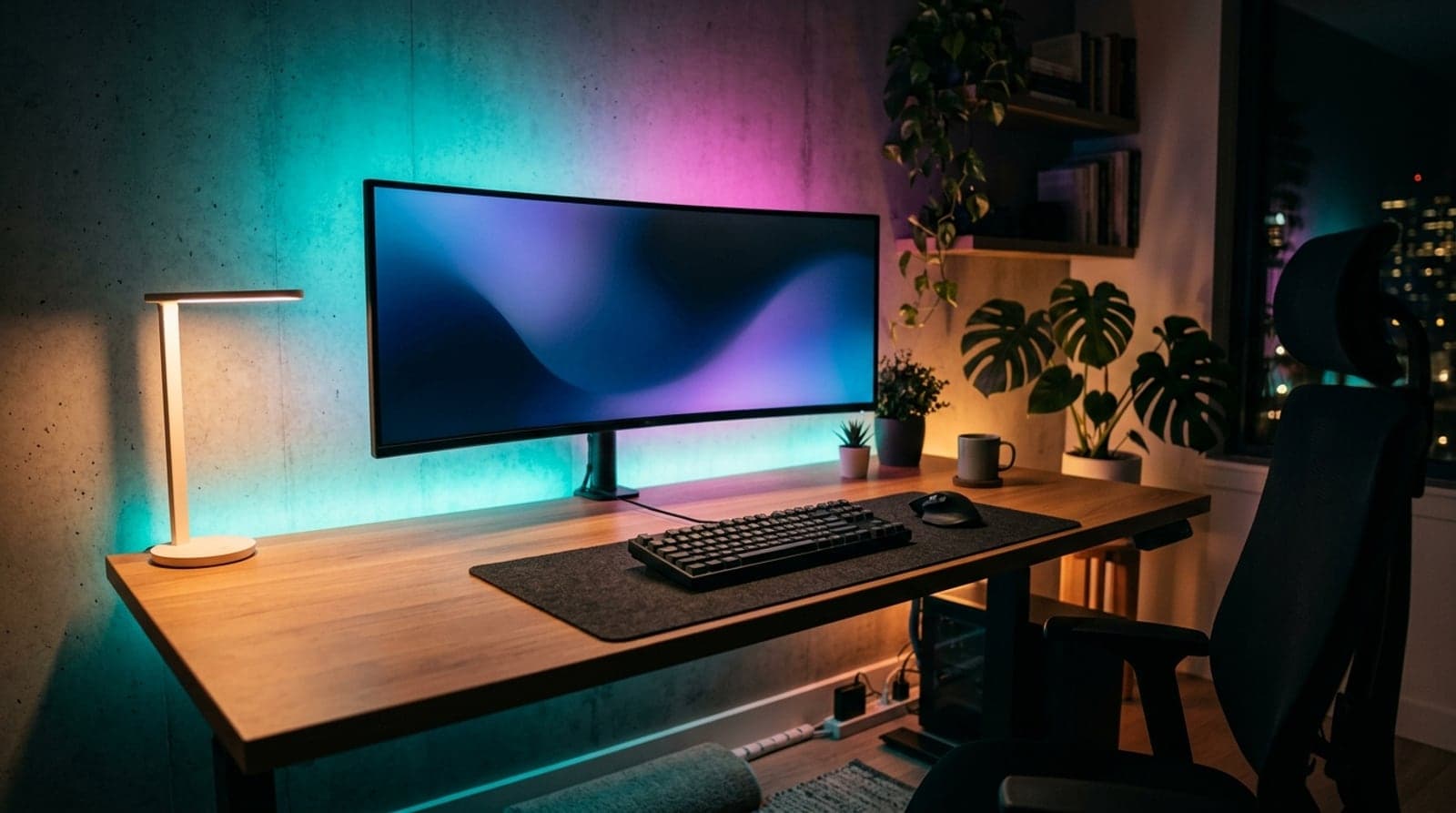
A dark home-office desk setup at night with an RGBIC LED strip casting a colorful gradient glow on the wall behind the monitor and a soft light spilling from under the desk

Lighting

The Best LED Strip Lights for Desk Setups in 2026

Bias light behind the monitor, ambient glow under the desk, or full screen-sync for gaming — six LED strips sorted by how they sync and whether they need a hub, not just by price.

Updated September 10, 2026

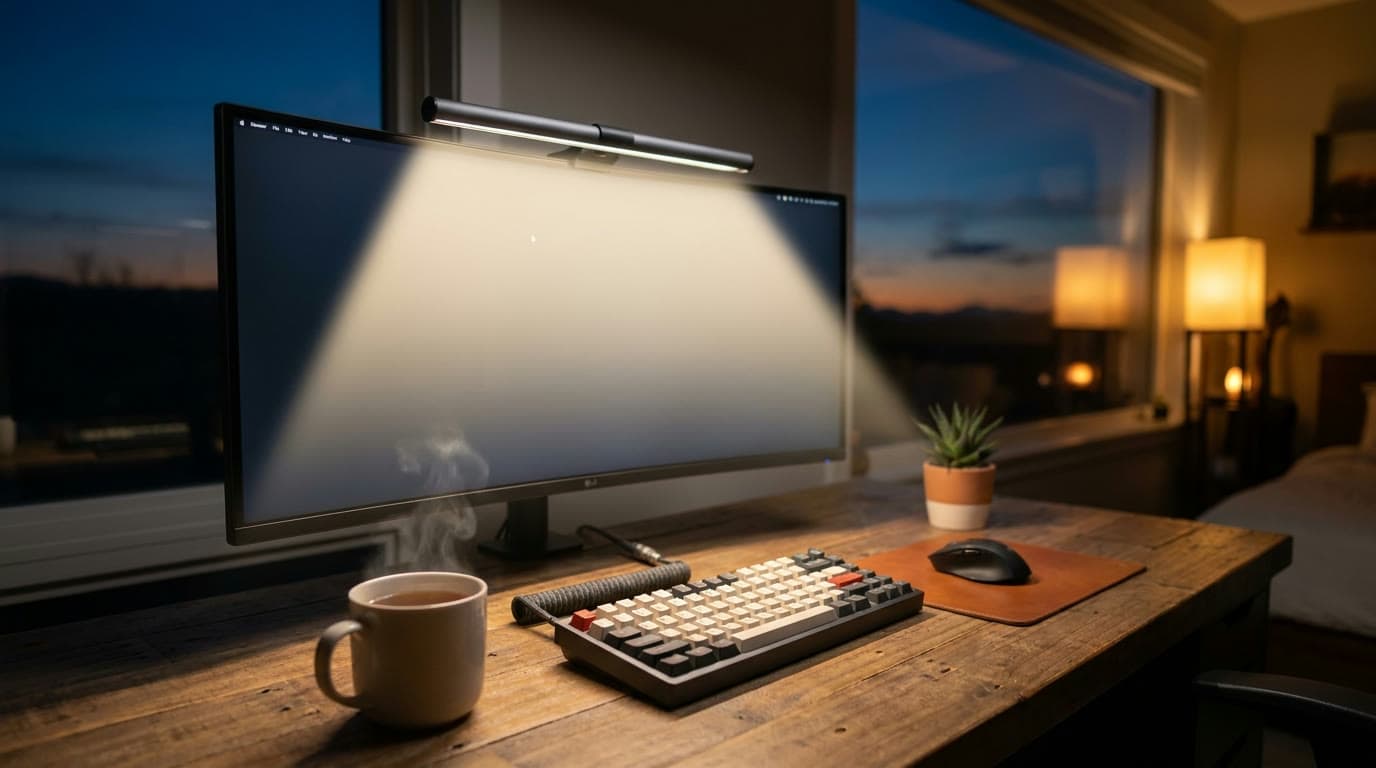
A monitor light bar clipped to the top of a widescreen monitor casting a warm pool of light onto a keyboard and desk in a dim home office at dusk

Lighting

The Best Monitor Light Bars for 2026

Zero desk footprint, no glare on the screen, and light exactly where your keyboard is. Six monitor light bars spanning budget to premium, sorted by the features that actually differ.

Updated September 10, 2026

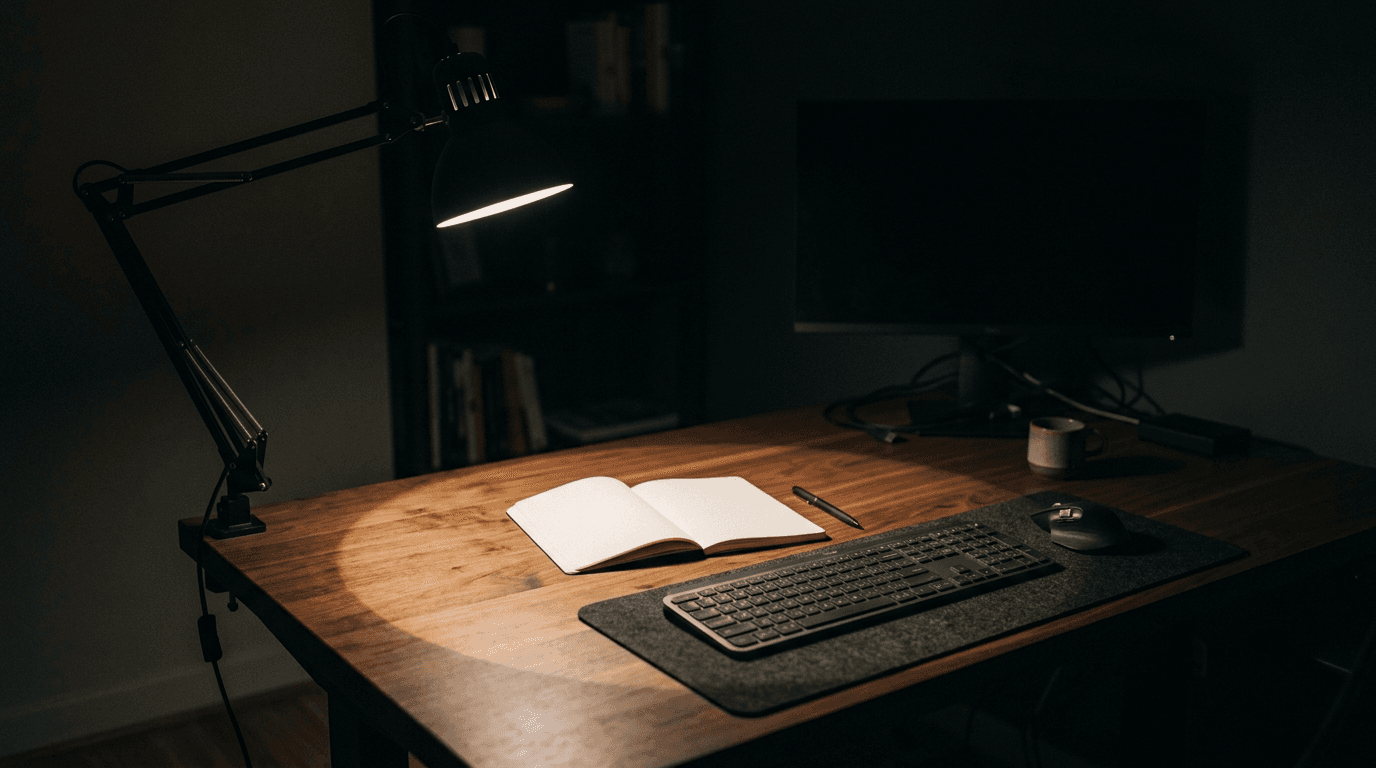
A dark home-office desk at night lit by a single articulated task lamp, with a bright even pool of light falling across an open notebook and keyboard and the surrounding desk falling away into shadow, showing the edge of the lit area

Lighting

How Bright Should Your Desk Light Be?

Desk lamps are sold in lumens, monitor light bars in lux, LED strips in lumens-per-metre, and one key light in lux at half a metre. None of those are comparable as printed. Here is the conversion, the number you are actually aiming at, and what it says about the lights we recommend.

Updated September 10, 2026

What matters when buying

Brightness, measured where it lands

The target is 500 lux at the desk — EN 12464-1's figure for reading, typing and screen work, with ANSI/IES RP-1 in the same 300–500 band. That is illuminance at the surface, and nothing in this category is sold in it: lamps are rated in lumens, light bars in lux at a stated height, strips in lumens per metre. Lumens and lux are different quantities, so shop on the area that clears 500 lux rather than on the brightest centre reading. Almost every task lamp already clears it three times over at its middle.

Color temperature range

Adjustable warm-to-cool (roughly 2700K–6500K) lets you match daylight while working and wind down at night. One exception is not a matter of taste: a bias light behind the monitor wants 6500K to match your display's white point, at under 10% of its peak brightness.

Glare and screen reflection

Monitor light bars aim light down at the desk, not into the panel. Traditional lamps need careful placement beside, not behind, the screen.

Flicker-free dimming

Cheap PWM dimming can flicker on camera and fatigue the eyes. Treat the words "flicker-free" as marketing, though — the term is unregulated and no maker in this category publishes a number. BenQ comes closest, stating that its Genie passed IEEE 1789, but without the frequency or modulation depth the standard is defined on, so even that is unverifiable. IEEE 1789 puts the low-risk limit at roughly 8% modulation where mains ripple lands (100–120 Hz) and effectively lifts it above a few kHz, so high-frequency PWM or analogue dimming is the thing to look for. Failing that, pan a phone camera across the lit surface at 20% brightness before the return window closes.

Controls

Physical dials and wireless pucks beat buried touch strips. Lighting you can't adjust in one motion stays on one setting forever.