 Rigworthy
The Best Budget Monitor Arms Under $50 in 2026
By Rigworthy Editorial Team · Updated September 16, 2026
Rigworthy is reader-supported: we may earn a commission if you buy through our links, at no cost to you. How we make money
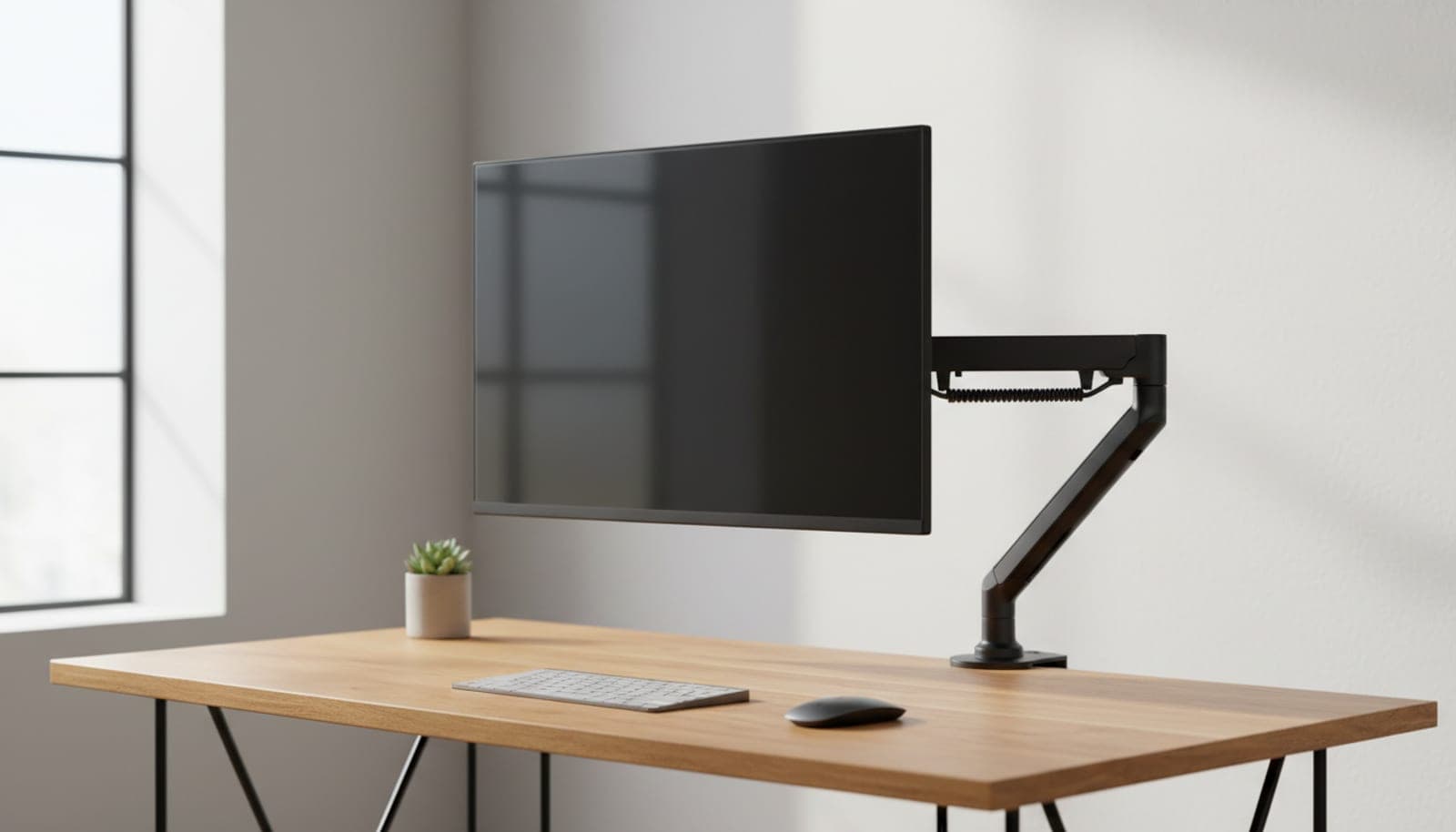
A monitor arm is the highest-impact upgrade per dollar on a desk — it reclaims the deepest, most usable space, sets your screen to true eye level, and makes the whole setup look deliberate. The catch people assume is price. It isn't: a genuinely good single arm costs less than a nice mechanical keyboard.
This guide covers only single-monitor arms that street at or under $50, and it is organized around the three things that actually separate them: the spring (a gas spring floats one-handed; a tension arm you set and forget), the weight each maker will put its name to, and whether there is a warranty term behind either. Every figure below comes from the manufacturer's own product page rather than a retailer listing — which, in this category, is a meaningful distinction, and in two of the four cases it is the reason a spec reads "not published" instead of carrying a confident number.
Our top picks at a glance
- 1
- 2
- 3
- 4
How we chose
- Weight capacity as the manufacturer publishes it — not a retailer listing or a rounded marketing figure
- Gas spring vs. tension called out — one floats one-handed, one you set and forget
- Mount hardware named, with its published desk-thickness range where the maker gives one
- Reach and height range that actually clears a keyboard tray or a deep desk
- Street price genuinely at or under $50, checked against the maker's own store
Our picks come from spec research, long-term owner feedback, and category expertise — not sponsorships. Read the full methodology.
Compared side by side
| Product | Award | Max load | Fits | Warranty | Typical price |
|---|---|---|---|---|---|
| North Bayou F80 | Best Overall | 19.8 lbs | 17–30 in | Not published | ~$30–40 |
| HUANUO SS6 Essential Single Monitor Mount (HNSS6B) | Best for First-Time Buyers | 19.8 lbs | 13–32 in | 5 yr | ~$50 |
| WALI GSDM001 | Best Reach & Height | 19.8 lbs | 13–32 in | Not published | ~$49 |
| VIVO STAND-V001 | Best for Large & Ultrawide Screens | 22 lbs | Up to 38 in | 3 yr | ~$35 |
1. Best Overall
North Bayou F80
Typically $30–40 street
- First monitor arm
- 24–30 in screens
- Set-and-forget reliability
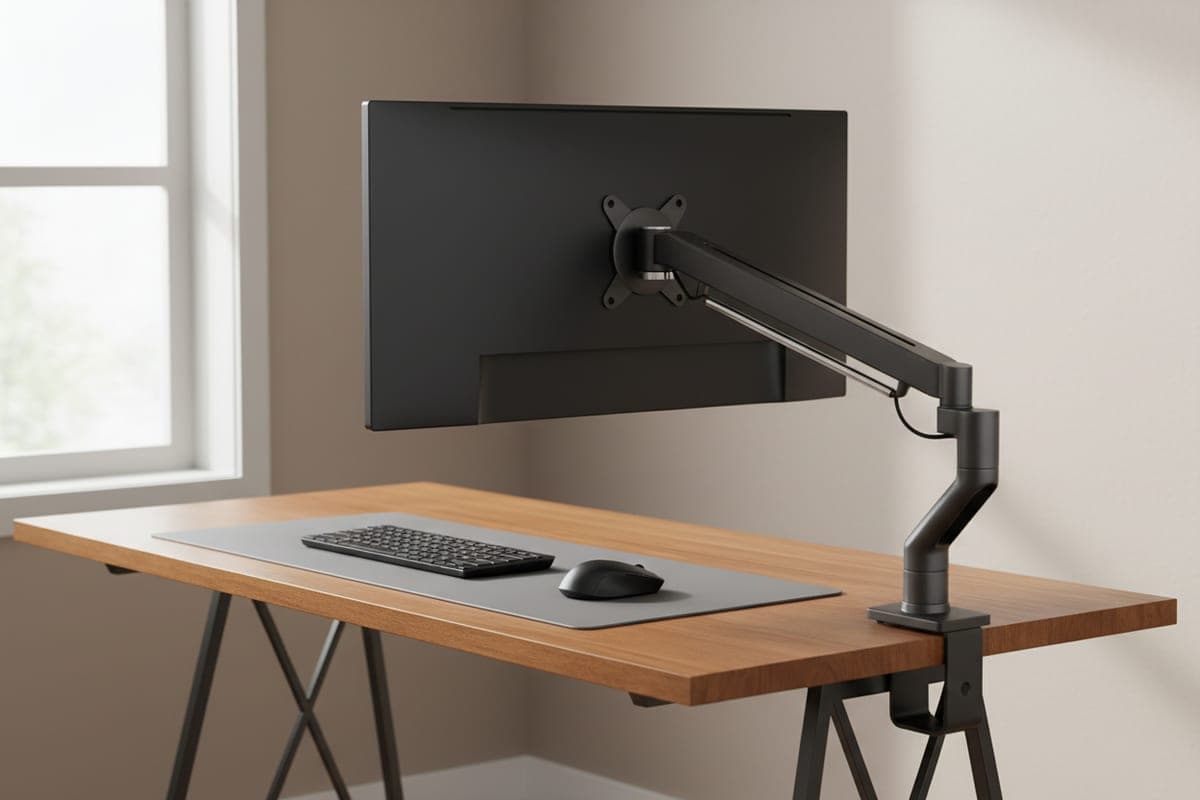
The F80 is the arm that made budget monitor mounts respectable, and it is the only pick here whose maker publishes a load range in metric: North Bayou rates it 2–9 kg, which is where the 4.4–19.8 lb figure every retailer quotes comes from. Note the floor as well as the ceiling — a gas spring has a minimum load it can be tensioned down to, so a very light 17-inch panel is as much an edge case as a heavy one. It is a genuine gas spring, so with the tension matched to your monitor it floats to a new height one-handed and stays there — the thing a tension arm cannot do at any price.
It fits 17–30 inch screens on 75×75 or 100×100 VESA, ships with both a C-clamp and a grommet mount, tilts −30° to +85°, swivels ±90° and rotates 360°. The number to weigh before you buy is the upright travel: 260 mm, about 10.2 inches, which is the shortest height range of the four arms here. Together with the 30-inch screen ceiling that defines who this arm is for — a standard 24–27 inch panel on a desk that is already roughly the right height. If you need a big lift from a low desk, or you are mounting a 32-incher, one of the arms below is the better buy.
What we like
- True gas spring, rated 2–9 kg by North Bayou itself rather than by a reseller
- Clamp and grommet hardware both in the box
- The cheapest genuine gas-spring arm of the four picks here
Worth knowing
- Rated only to 30 in — not for larger 32 in panels
- 260 mm (10.2 in) of height travel — the shortest travel figure any maker publishes here
- North Bayou publishes no warranty term; distributors quote one to two years
- Max load
- 4.4–19.8 lbs (2–9 kg)
- Fits
- 17–30 in
- Height travel
- 260 mm (10.2 in)
- VESA
- 75×75, 100×100 mm
- Mount
- Clamp or grommet
- Warranty
- Not published
2. Best for First-Time Buyers
HUANUO SS6 Essential Single Monitor Mount (HNSS6B)
Typically around $50
- Nervous first-time installs
- Thick desktops up to 3.5 in
- Buyers who want a written warranty
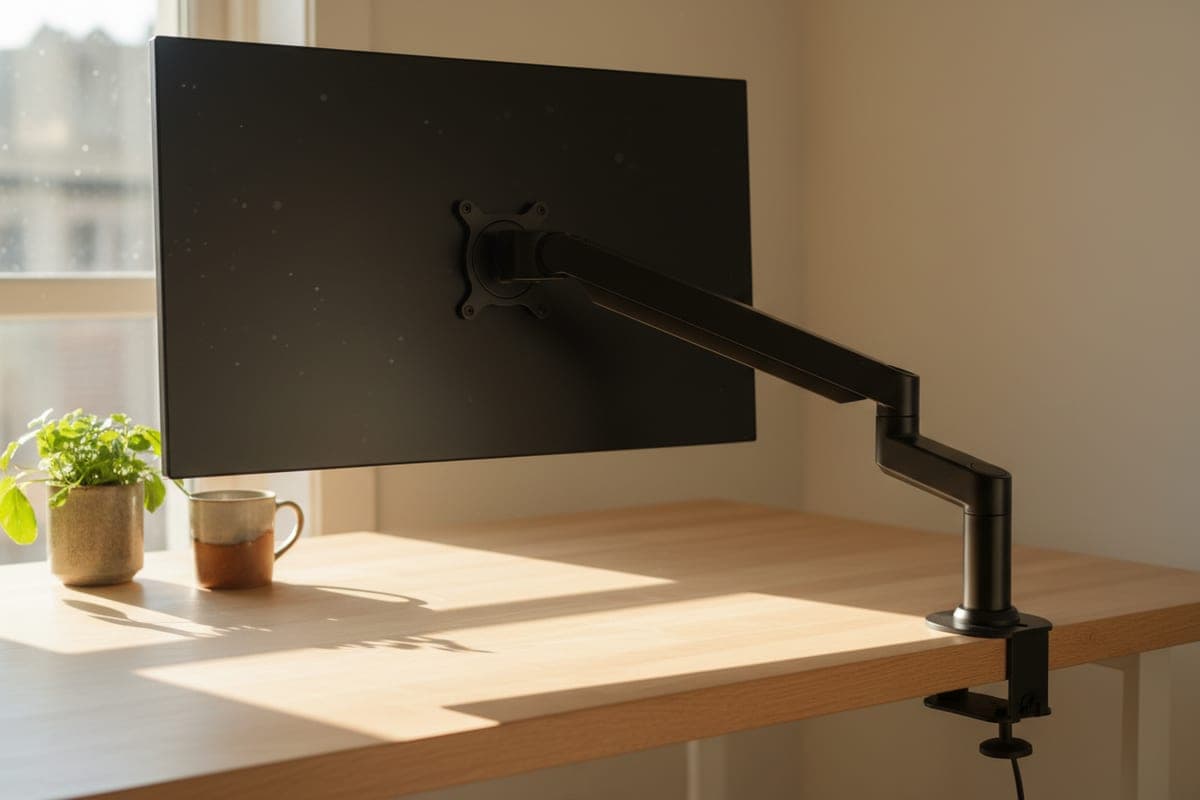
HUANUO's single arm is the low-anxiety pick, and it now has a model number worth quoting rather than the generic description it used to sell under: the SS6, HNSS6B on HUANUO's own store. It is a gas-spring mount for 13–32 inch screens rated to 19.8 lbs, with 15.75 inches of height adjustment, ±90° of swivel, 360° rotation and an unusually generous +80°/−50° tilt — the most downward tilt of the three gas-spring arms here, which is what you want if you mount high and glance down at a secondary screen.
Two specs separate it from the cheaper arms, and both are the kind that only matter after the box is open. HUANUO backs it with a five-year warranty, published on the product page — the longest here and longer than plenty of arms at several times the price. And its C-clamp spans 0.59 to 3.54 inches of desktop, comfortably the widest range of these four, which covers thick butcher-block that will defeat the others. The honest catch is what the page does not say: HUANUO documents only that C-clamp and publishes no grommet figure at all, so if you are mounting through an existing cable hole, confirm the hardware before you order. At $49.99 it is also the most expensive pick in a guide with a $50 ceiling — it earns that on warranty and desk fit, not on price.
What we like
- Five-year warranty, stated on HUANUO's own product page
- C-clamp takes the thickest desktop of these four, to 3.54 in
- +80°/−50° tilt — the most downward tilt of the three gas-spring arms here
Worth knowing
- $49.99 at HUANUO, right at this guide's ceiling
- HUANUO's page documents the C-clamp only and publishes no grommet spec
- Max load
- Up to 19.8 lbs
- Fits
- 13–32 in
- Height adjustment
- Up to 15.75 in
- VESA
- 75×75, 100×100 mm
- Mount
- C-clamp, desktop 0.59–3.54 in
- Warranty
- 5 years
3. Best Reach & Height
WALI GSDM001
Typically around $49
- Deep desks
- Taller eye-level needs
- Long forward reach
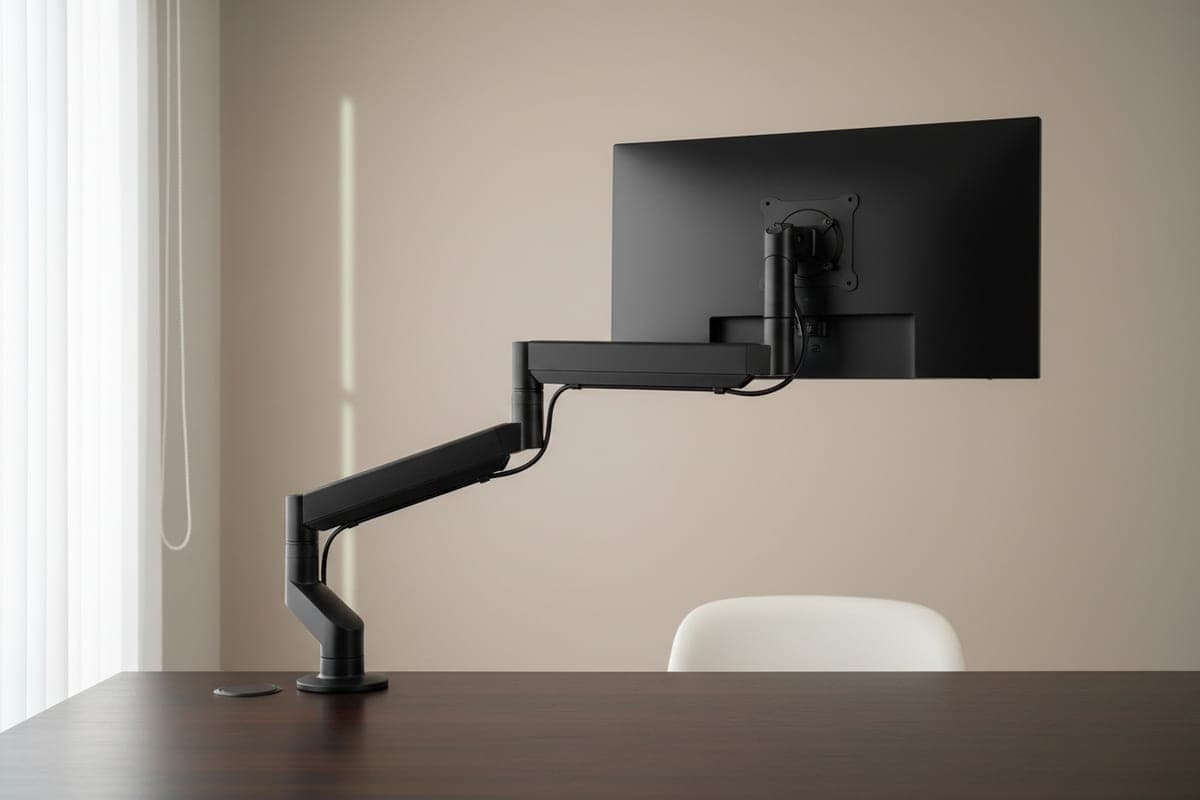
When you need the monitor to come toward you or sit higher than a short arm allows, the GSDM001 has the longest legs in this price band: 20.3 inches of forward extension and a maximum height of 23.6 inches, both the largest figures any maker on this page publishes. Read those as two different quantities from the travel numbers quoted elsewhere in this guide — WALI states where the arm reaches, while HUANUO and North Bayou state how far theirs move, and the category is careless about the difference. WALI now sells this one on its own store as the Tall Single Monitor Arm, which is the honest description: reach and height are the entire reason to pick it, and at $48.99 it is not competing on price.
It is a gas-spring arm rated to 19.8 lbs on 75×75 or 100×100 VESA, with ±180° swivel — the widest here — 360° rotation, +70°/−45° tilt, and a two-stage locking base built for a 2.76-inch C-clamp or a 1.97-inch grommet. Two quirks are worth knowing before you shop. WALI publishes the screen range two ways on the same page: the product title says 13–33 inches while the page's own meta description and image captions say up to 32. A 32-inch panel is inside the rating either way. And an older 17.6 lb capacity figure still survives in that page's URL and in legacy retailer listings — every current WALI field, including the title and the price block, says 19.8.
What we like
- 20.3 in reach and 23.6 in maximum height — the longest figures any maker publishes here
- Full ±180° swivel and 360° rotation
- Two-stage locking base sized for a 2.76 in clamp or 1.97 in grommet
Worth knowing
- $48.99 — effectively at the $50 line
- WALI states no warranty term on the product page
- Screen range published two ways on WALI's own page (13–32 and 13–33 in)
- Max load
- Up to 19.8 lbs
- Fits
- 13–32 in (WALI's page title says 13–33)
- Reach / height
- 20.3 in / 23.6 in
- VESA
- 75×75, 100×100 mm
- Mount
- Clamp 2.76 in or grommet 1.97 in
- Warranty
- Not published
4. Best for Large & Ultrawide Screens
VIVO STAND-V001
Typically around $35
- Up to 38 in ultrawides
- Heavier panels
- The lowest price here
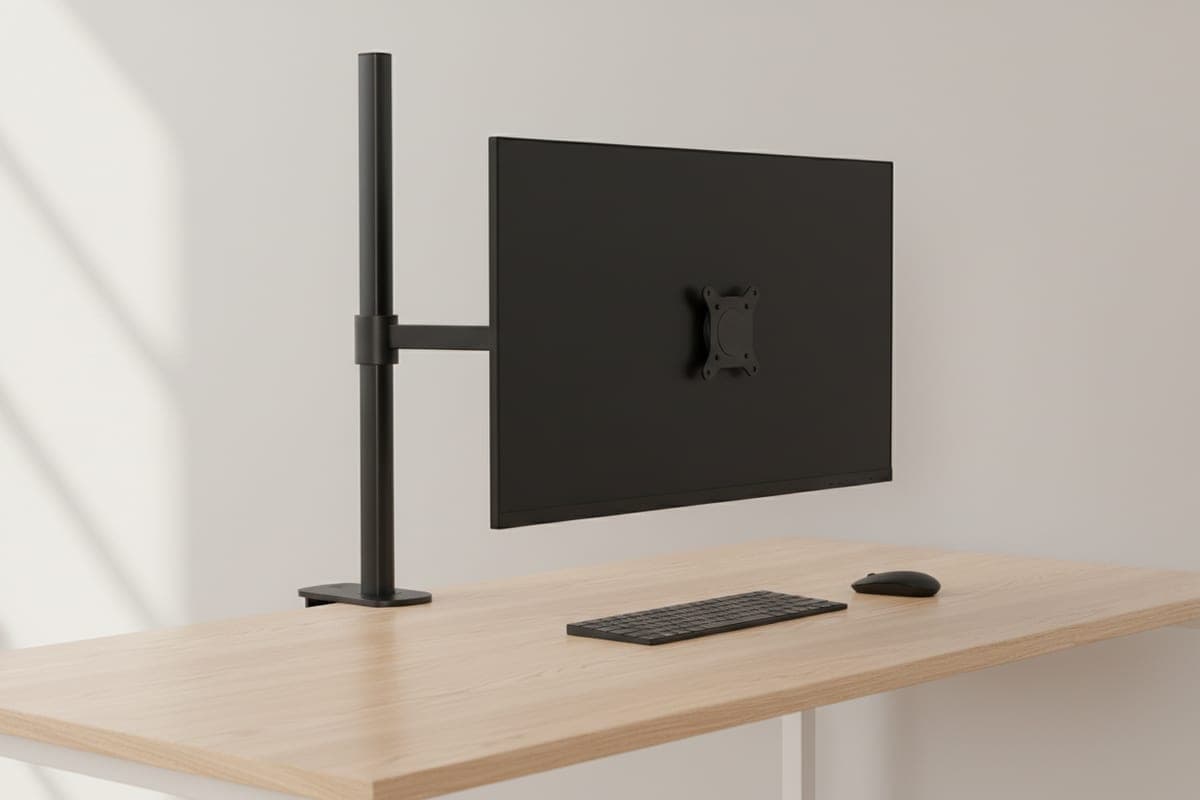
The V001 is the outlier here, and knowing how is the whole point: it is a manual-tension pole mount, not a gas spring. You set the joint tension once with the monitor already mounted and it stays put, but it will not glide to a new height one-handed the way the other three do. In exchange it carries the highest rated load in this guide — 22 lbs, against 19.8 for all three gas-spring arms — and it is the only pick here whose maker rates it for an ultrawide, up to 38 inches. Treat that 38 inches as a screen-size limit rather than a weight allowance, though: a 34-inch ultrawide commonly weighs 15–20 lbs without its stand, so 22 lbs covers the usual ones and leaves little room above them. Weigh your panel without its stand first, and if it sits at the wide end of the range see the ultrawide arm guide for arms built for the load.
It is also, awkwardly for the arms above it, the cheapest thing on this page by list price: $34.99 on VIVO's own store, with a published three-year warranty, a 17-inch pole, 16 inches of extension, and a 3.25-inch maximum desktop for both the clamp and the grommet base. The F80 can street into the same money, but only on a good day and with no maker's price behind it. Lowest list price, highest capacity and the widest screen support in one product is an unusual combination and worth saying plainly: if you set your monitor height once and leave it, there is no budget argument for buying anything else in this guide. The tension design is a trade-off, not a defect — the one-handed height change is the whole of what you give up for it.
What we like
- 22 lbs — the highest rated load here, and the only ultrawide rating (to 38 in)
- $34.99 — the lowest list price of the four, from VIVO's own store
- Three-year warranty, published
Worth knowing
- Manual tension, not a gas spring — no one-handed height float
- Vertical position is set on the pole, so re-adjusting is a two-handed job
- Max load
- Up to 22 lbs
- Fits
- 13–32 in (ultrawide to 38 in)
- Pole / reach
- 17 in pole, 16 in max extension
- VESA
- 75×75, 100×100 mm
- Mount
- Clamp or grommet, desktop to 3.25 in
- Warranty
- 3 years
The verdict
For most people the North Bayou F80 is the budget arm to buy — a proven gas spring, rated by North Bayou itself at 2–9 kg, and the cheapest of the three gas-spring arms here. On a standard 24–27 inch monitor it is the obvious buy. Its limits are real and worth matching against your desk before you order: 30 inches of screen, and 10.2 inches of height travel.
Need more lift or more reach than that? The WALI GSDM001 goes to 23.6 inches high and 20.3 inches forward, further than anything else here. Want the least fiddly install, a thick desktop handled, and something in writing if it fails? That is the HUANUO SS6 — a five-year warranty and a C-clamp that swallows a 3.5-inch desktop, though at $49.99 you are paying for both.
And the pick that quietly undercuts all of them: the VIVO STAND-V001 has the lowest list price on this page at $34.99, carries the highest rated load at 22 lbs, and is the only one its maker rates for a 38-inch ultrawide — as a screen size, so check your panel's weight against that 22 lbs too. The single thing it gives up is the one-handed height change — so if you set your screen once and leave it there, buy it and spend the difference elsewhere.
Whichever you pick, measure your desktop at the rear edge before you order and check it against that arm's stated clamp range. The ranges vary far more between models than price suggests — 0.59 to 3.54 inches on the HUANUO against a 2.76-inch clamp on the WALI — and getting clamp versus grommet right is the difference between a ten-minute install and a return.
Frequently asked questions
For a normal 24–32 inch monitor, yes. The gap between a $40 gas-spring arm and a $150 Ergotron is mostly long-term spring consistency, finish, and how the arm feels on the hundredth adjustment rather than the first. It is not, as this category is usually described, simply warranty: HUANUO publishes five years on the SS6, which is longer than plenty of arms at several times the price — though Ergotron's ten-year term on the LX is still the benchmark nothing at this price approaches. What the premium arms win outright is heavy 32-inch-plus and curved ultrawide panels, where budget ratings run out.
Gas spring if you will adjust the height often; it floats to a new position one-handed and holds it. A tension pole mount like the VIVO STAND-V001 is set once with the monitor already attached and then left alone — cheaper, and in this guide higher-rated for weight, but there is no smooth on-the-fly height change. If you sit at one height all day, tension is genuinely fine and saves you money. If you share the desk, or you switch between sitting and standing, pay for the gas spring.
Check two numbers: your monitor's weight without its stand, and the arm's published rating. Three of the four picks here top out at 19.8 lbs, and the VIVO STAND-V001 at 22 lbs. A typical 32-inch flat panel weighs 12–18 lbs without its stand, which fits — but heavy or curved 32-inch VA panels can exceed that. Watch the screen-size rating separately from the weight: the North Bayou F80 is rated only to 30 inches regardless of weight, so for a 32-incher start with the HUANUO SS6, the WALI, or the VIVO.
It matters more than the price suggests, and you cannot assume both are covered. The North Bayou and the VIVO publish both a clamp and a grommet option; WALI specifies a 2.76-inch clamp and a 1.97-inch grommet; HUANUO's page for the SS6 documents only its C-clamp, at 0.59–3.54 inches, and publishes no grommet figure. Use the C-clamp if your desk has a clear rear lip a few inches deep — it is the no-drill default. Use a grommet if your desk is thin, glass-topped, or already has a cable hole, since bolting through spreads the load. Either way, measure your desktop at the rear edge and check it against that specific arm's published range before you order — see clamp versus grommet for how to decide.
It was removed in September 2026 during a spec audit, for two reasons worth being open about. The model we had named, the EGCM1, is a dual-monitor mount — it holds two screens at 17.6 lbs per arm — which makes it the wrong product class for a guide that covers single arms only. And ErGear's US storefront no longer exists: ergear.com now redirects to huanuo.com, whose catalogue returns no results for that model, leaving no manufacturer page against which any of its specs could be checked. Rather than swap in a replacement we could not verify to the same standard, this guide now runs four picks, each checked against its maker's own published page.
Keep building your setup
Monitor Arms
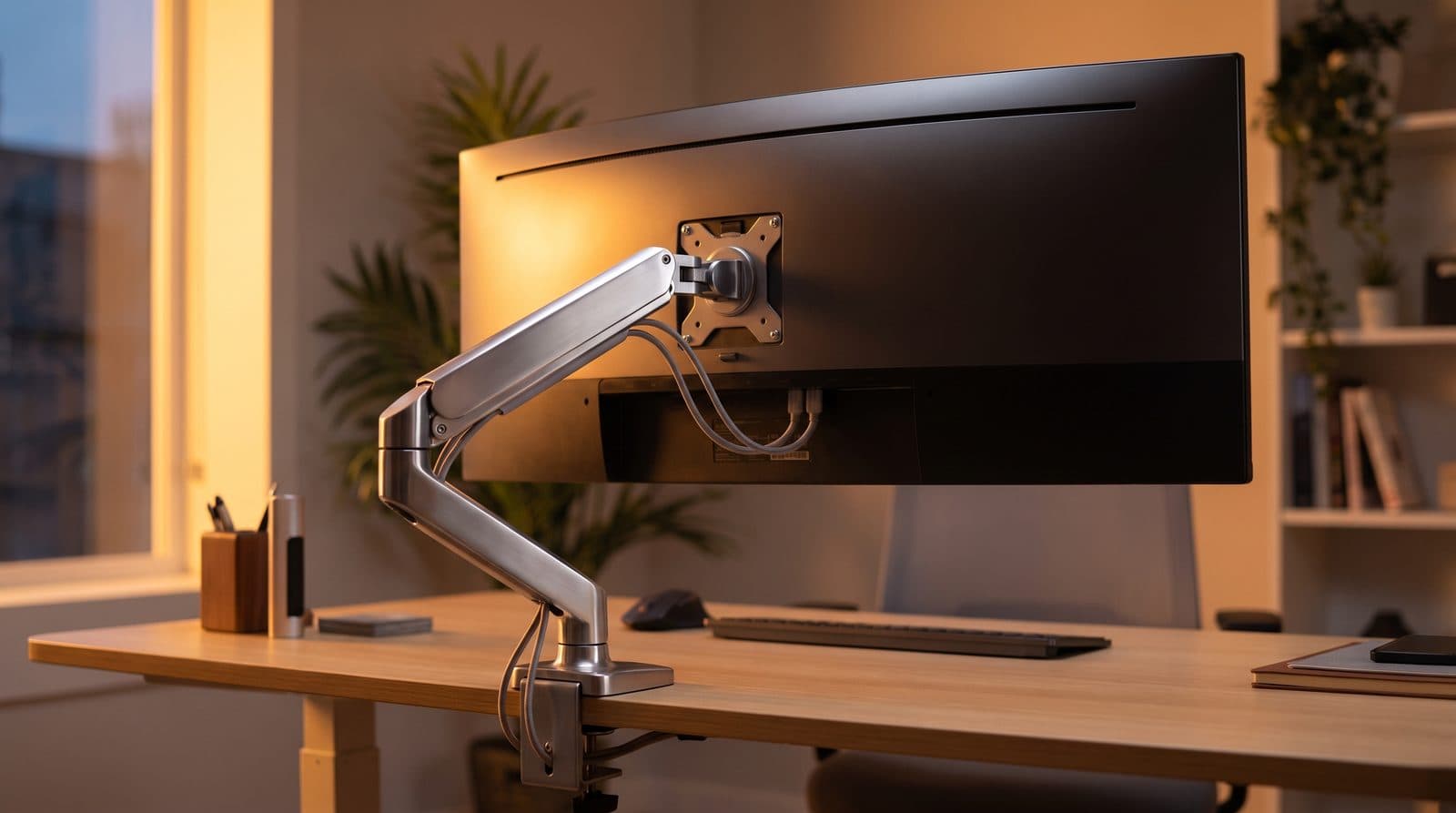
The Best Monitor Arms for Ultrawide Monitors in 2026
Ultrawides are heavy, and most arms quietly aren't rated for them. Five arms that hold 34- to 49-inch screens without sagging — matched to monitor weight.
Updated September 11, 2026
Monitor Arms
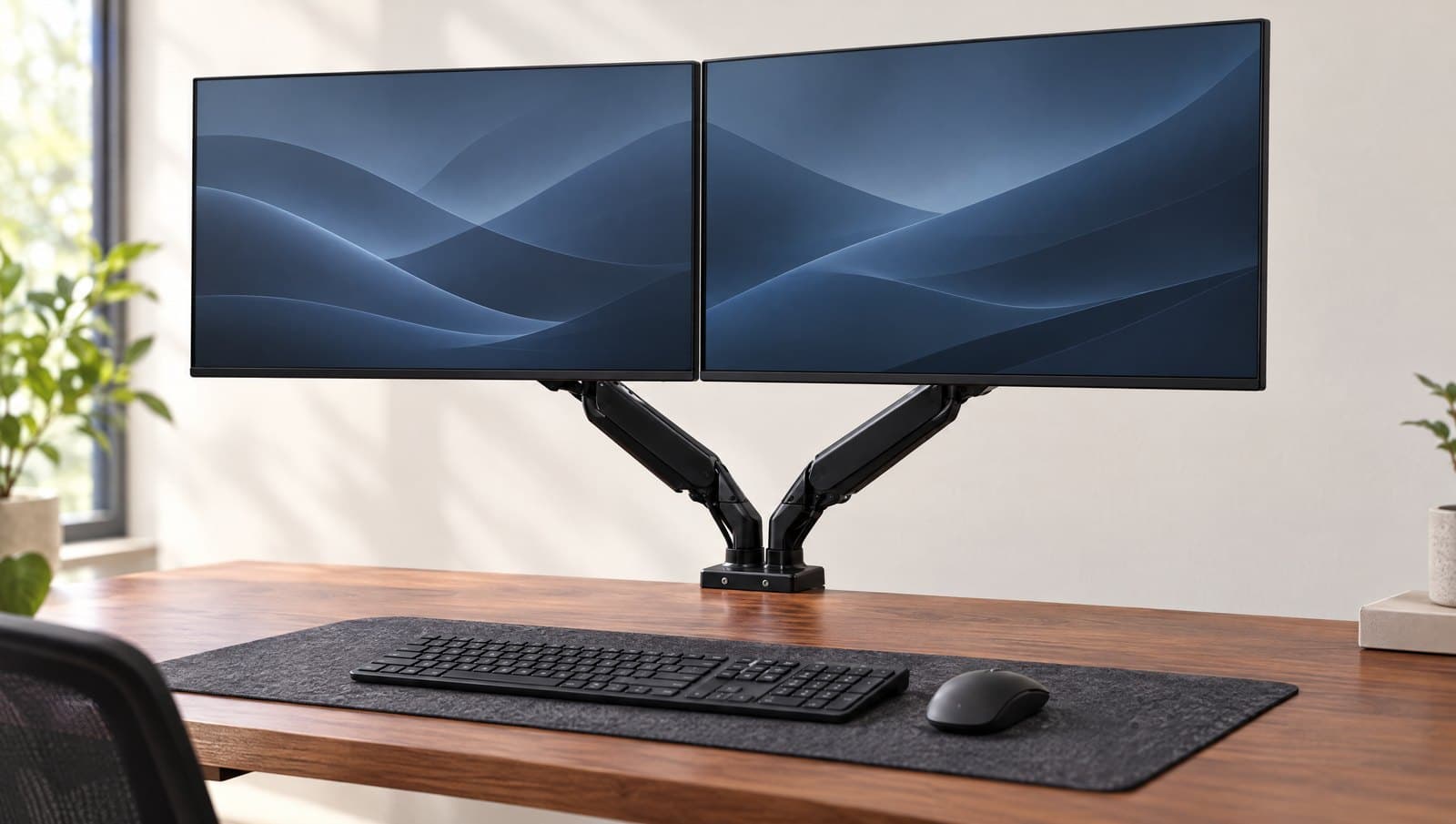
The Best Dual Monitor Arms in 2026
Two screens, one mount — and one number the listings bury: several of these arms publish a combined weight cap lower than twice their own per-arm rating. Six dual mounts sorted by layout, load and warranty.
Updated September 20, 2026
Monitor Arms
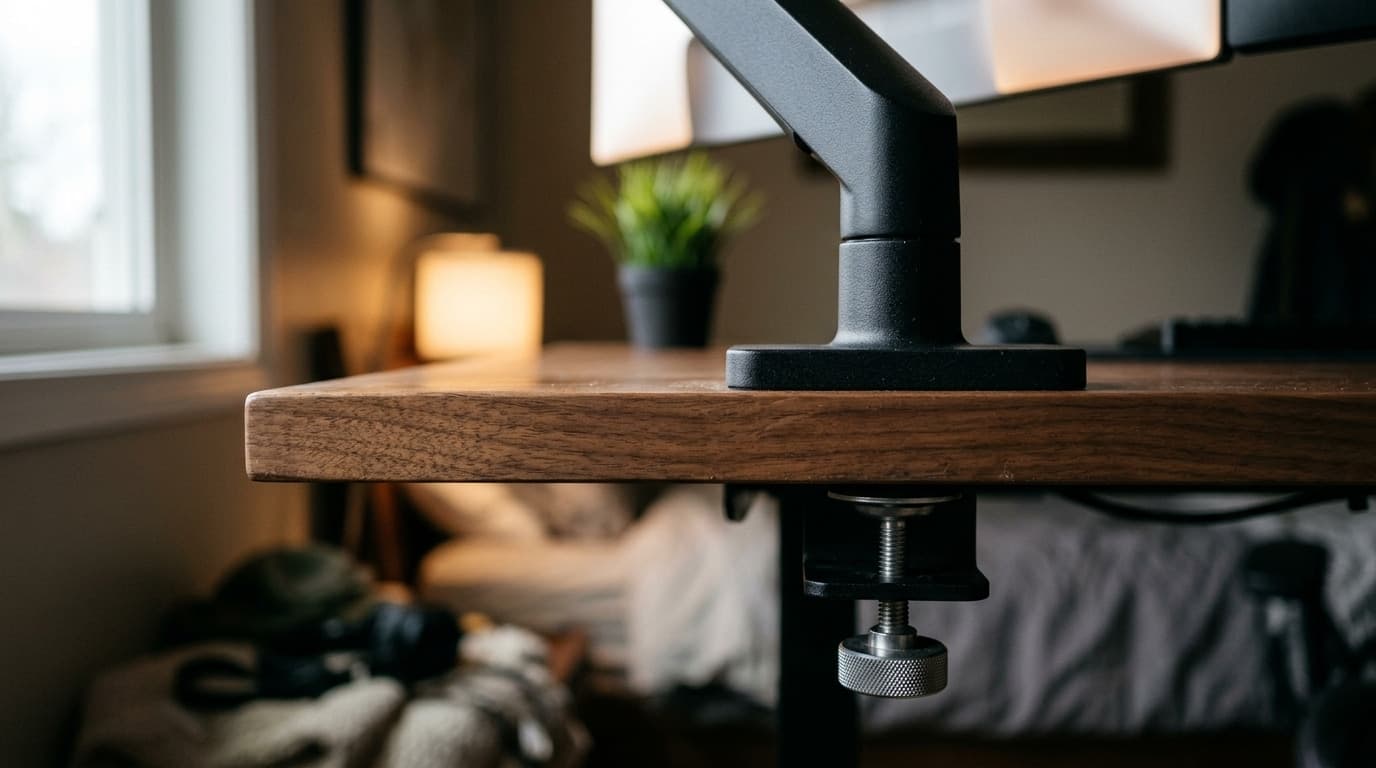
Clamp vs. Grommet: How to Attach a Monitor Arm to Your Desk
Every monitor arm ships with a clamp and most also include a grommet base, and the box tells you nothing about which one your desk can actually take. Here is the decision, measured — including the desks where the honest answer is neither.
Updated August 17, 2026
Get the next guide in your inbox
One short email when we publish or meaningfully update a buying guide. No spam, no daily deals firehose.