 Rigworthy
The Best Monitor Arms for Ultrawide Monitors in 2026
By Rigworthy Editorial Team · Updated September 11, 2026
Rigworthy is reader-supported: we may earn a commission if you buy through our links, at no cost to you. How we make money
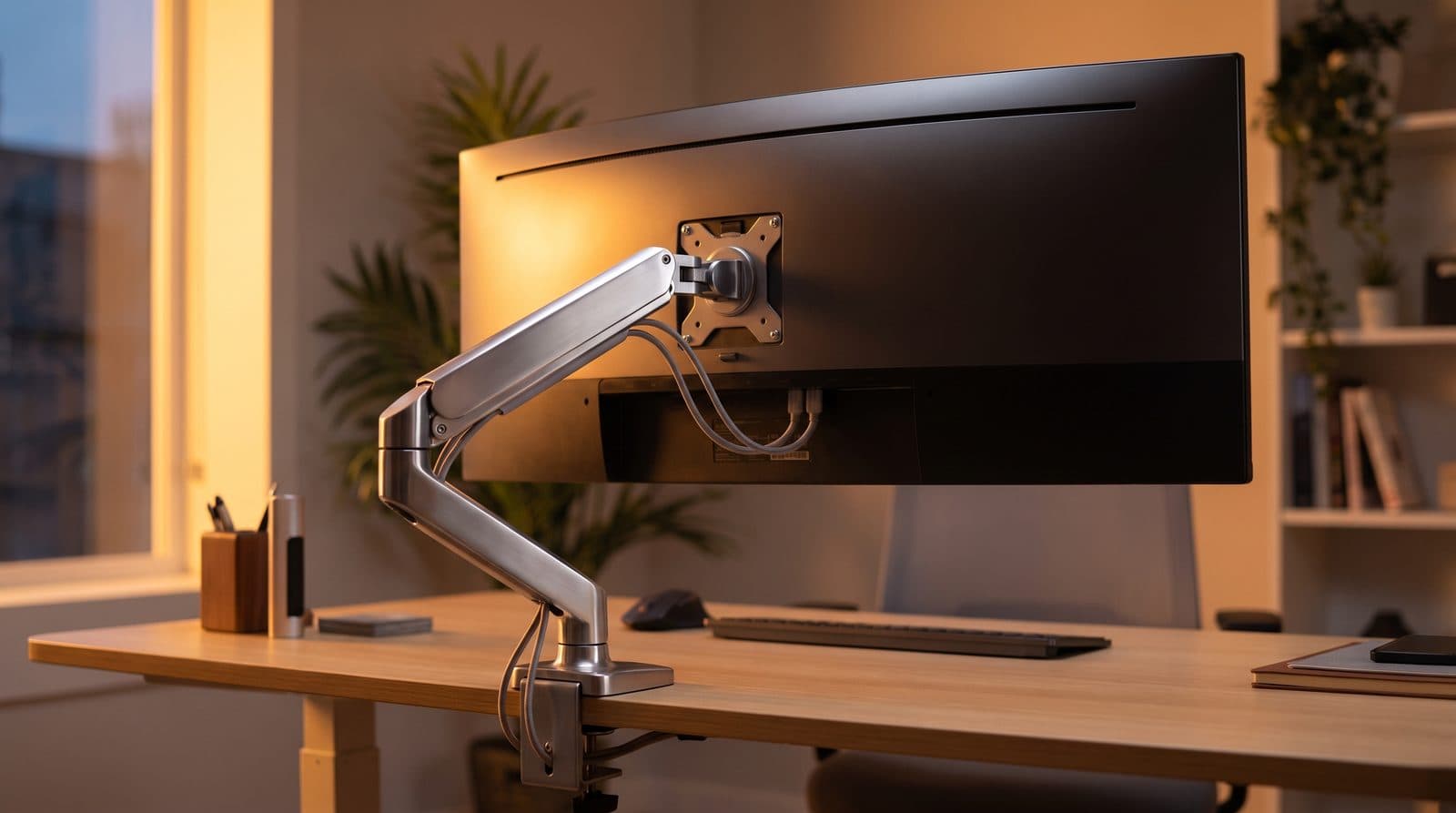
Ultrawide monitors are where monitor arms go to fail. A 34-inch ultrawide commonly weighs 15–20 lbs without its stand; a 49-inch super-ultrawide can pass 25 lbs. That's beyond the honest working range of most bestselling arms, and the failure mode is slow: the arm holds for a week, then starts drifting downward no matter how much you crank the tension screw.
This guide is organized around one question — what does your monitor actually weigh? Check the spec sheet for weight without stand, add headroom, and buy the arm rated for it. These five cover every budget from a first arm to a 49-inch flagship.
Our top picks at a glance
- 1
- 2
- 3
- 4
- 5
How we chose
- Honest weight capacity with headroom for 34–49 in ultrawides
- Smooth height and tilt adjustment that holds position long-term
- Clamp and grommet hardware that fits real desks, including sit-stand frames
- Integrated cable routing that can swallow thick DisplayPort and power cables
- Warranty length — a sagging arm at year three is a warranty question
Our picks come from spec research, long-term owner feedback, and category expertise — not sponsorships. Read the full methodology.
Compared side by side
| Product | Award | Max load | Fits | Typical price |
|---|---|---|---|---|
| Ergotron LX Desk Mount | Best Overall | 25 lbs | Up to 34 in | ~$135 |
| Ergotron HX Desk Mount | Best for 49-inch | 42 lbs | Up to 49 in | ~$250 |
| Amazon Basics Single Monitor Stand (Lift Engine Arm Mount) | Best Value | 25 lbs | Up to 32 in | ~$80 |
| North Bayou F100A | Budget Pick | 6.6–26.4 lbs | 22–35 in | ~$40 |
| Humanscale M8.1 | Premium Pick | 28 lbs | Up to 34 in | ~$350 |
1. Best Overall
Ergotron LX Desk Mount
Typically around $135
- 34-in ultrawides
- Long-term reliability
- Sit-stand desks
The LX is the default answer in monitor arms for a reason: a 25 lb rating, a patented constant-force spring that adjusts smoothly for years, and a 10-year warranty that almost nothing else in the category matches. For standard 34-inch ultrawides it has comfortable headroom.
Fit and finish are office-grade rather than flashy — polished aluminum, integrated cable channel, and a tall pole that gives real height range. Buy it once and stop thinking about the problem; that's the LX value proposition.
What we like
- 25 lb capacity covers nearly all 34-in ultrawides
- 10-year warranty, proven long-term spring design
- Excellent height range via the tall mounting pole
Worth knowing
- Utilitarian look next to newer designs
- Cable channel is snug with thick braided cables
- Max load
- 7–25 lbs (3.2–11.3 kg)
- VESA
- 75×75, 100×100 mm
- Mount
- Clamp or grommet
- Warranty
- 10 years
2. Best for 49-inch
Ergotron HX Desk Mount
Typically around $250
- 49-in super-ultrawides
- Heavy curved panels
- Deep desks
The HX exists for the monitors that break other arms: it's rated 20–42 lbs, and Ergotron sells a dedicated HD Pivot version for deeply curved panels, specified for ultra-wide curved displays 6 to 12 inches deep and 28 to 42 lbs — Ergotron names the 49-inch Samsung Odyssey G9 as the case. Note that the HD Pivot raises the minimum as well as serving the maximum, so it is the wrong choice for anything light.
It is also the only arm here that takes VESA patterns up to 200×200 mm, which is what a lot of 42-inch-and-up panels actually use. The arm itself is a thick, single-piece design that moves with surprising fluidity for its size. It's expensive and physically large, and mounting one is a two-person job, but if you own a 49-inch ultrawide this is the arm the category effectively standardized on.
What we like
- 42 lb rating handles 49-in super-ultrawides with headroom
- HD Pivot version specified for 1000R curves and 28–42 lb panels
- Takes VESA up to 200×200 mm — nothing else here does
Worth knowing
- 20 lb minimum makes it the wrong arm for a 27-in or light 34-in panel
- Needs a sturdy desk — the clamp exerts serious force
- Max load
- 20–42 lbs (9.1–19.1 kg)
- VESA
- 75×75 up to 200×200 mm
- Mount
- Clamp or grommet
- Height range
- Display centre 6.3–17.8 in above the desktop
- Warranty
- 10 years
4. Budget Pick
North Bayou F100A
Typically around $40
- Tight budgets
- Lighter ultrawides
- Secondary monitors
North Bayou arms are the budget workhorses of the mounting world. The F100A's gas spring is rated from 6.6 to 26.4 lbs (3–12 kg) for screens of 22 to 35 inches, and with the tension set carefully it holds a mid-weight 34-inch ultrawide at a price that seems like a typo next to the Ergotrons.
Mind the bottom of that range as well as the top — a gas-spring arm needs a minimum load to behave, and at 6.6 lbs the F100A will not stay put under a light 24-inch secondary panel. The other compromises are real but livable: adjustment is stiffer, the plastic trim feels its price, and long-term spring consistency doesn't match the premium arms.
What we like
- Extremely low price for a genuine gas-spring arm
- 26.4 lb top rating covers many 34-in ultrawides
- Clamp handles desks up to 3.54 in (90 mm) — the thickest here
Worth knowing
- Stiffer, less refined motion than premium arms
- 6.6 lb minimum is too high for a light secondary monitor
- Max load
- 6.6–26.4 lbs (3–12 kg)
- Screen size
- 22–35 in
- VESA
- 75×75, 100×100 mm
- Mount
- Clamp (up to 90 mm) or grommet
5. Premium Pick
Humanscale M8.1
Typically around $350
- Design-led offices
- 34-in ultrawides
- Buy-it-for-life setups
The M8.1 is what a monitor arm looks like when an ergonomics company designs for the showroom as much as the spec sheet: a mechanical counterbalance (no gas spring to age), the cleanest lines in the category, and a spread of mounting options — clamp, bolt-through, slatwall, wall — that no consumer arm matches.
Read the capacity carefully, because it is lower than the arm's price and bulk suggest: Humanscale publishes 6–28 lbs per monitor, which is 34-inch ultrawide territory, not 49-inch. If you want a Humanscale under a super-ultrawide, the arm for it is the newer M8 Pro at 9–50 lbs and screens up to 65 inches — a genuinely different product that starts around $642, not a trim level of this one.
What we like
- Mechanical counterbalance with no gas spring to wear out
- 15-year warranty — the longest in the category
- Genuinely beautiful industrial design, and the widest choice of mounts here
Worth knowing
- 28 lb ceiling is well under the Ergotron HX's, at a higher price
- Premium price out of proportion for casual setups
- Max load
- 6–28 lbs (2.7–12.7 kg) per monitor
- VESA
- 75×75, 100×100 mm (larger plates available)
- Mount
- Clamp, bolt-through, slatwall or wall
- Warranty
- 15 years
The verdict
Weigh your monitor, then buy accordingly. For nearly all 34-inch ultrawides the Ergotron LX is the long-term answer, and the Amazon Basics arm is the same engineering at a discount if warranty length doesn't move you — just note Amazon rates it to 32 inches where the LX is rated to 34.
For 49-inch super-ultrawides skip straight to the Ergotron HX — it's the arm the category trusts at that weight, and the only one here rated past 28 lbs. The North Bayou F100A is the honest budget play in the middle of the range, though its 6.6 lb floor rules out light secondary screens.
The Humanscale M8.1 is for desks where the arm is part of the furniture, and it is worth being blunt about what the money buys: mounts, finish and a 15-year warranty, not capacity. At 6–28 lbs it stops well short of the HX for roughly $100 more. If you want Humanscale under a genuine super-ultrawide, the M8 Pro is the arm that reaches — 9–50 lbs, screens to 65 inches, and a starting price around $642.
One last check before you order: a wide, heavy panel loads the desk attachment harder than its weight alone suggests, so measure the rear edge of your desktop and decide clamp or grommet deliberately rather than defaulting to whichever base is on top in the box.
Frequently asked questions
Find your monitor's weight without the stand in its spec sheet (often listed as 'weight without stand' or under shipping specs), then choose an arm whose maximum rating exceeds it by a healthy margin — 20–30% headroom keeps the mechanism in its comfortable range and prevents slow sag. Also confirm the VESA pattern (usually 100×100 mm) and that your desk lip can take a clamp.
A properly installed clamp on a solid desk won't cause damage, but thin particleboard desks (under ~0.75 in) can dent or flex under a heavy monitor's clamp pressure. A reinforcement plate spreads the load, and grommet mounting through a cable hole is even more secure. For very heavy 49-inch panels, check your desk's build before the arm arrives.
Either the tension isn't set for your monitor's weight or the monitor exceeds the arm's comfortable range. Every gas-spring arm has an adjustment screw — tighten it per the manual with the monitor mounted. If it's maxed out and still drifting, the arm is under-rated for the panel, and the fix is a higher-capacity arm, not more cranking.
Sometimes. Deeply curved super-ultrawides put their weight further forward than flat panels, which stresses the tilt mechanism. Ergotron sells an HX HD Pivot version for exactly this, specified for ultra-wide curved displays 6 to 12 inches deep weighing 28 to 42 lbs — Ergotron names the 49-inch Odyssey G9 as the example. Read that as a window rather than a ceiling: the HD Pivot's 28 lb minimum means it is the wrong part for a lighter curved panel, which wants the standard HX or an LX-class arm instead. For standard 1800R 34-inch curves, any arm rated for the weight is fine.
Keep building your setup
Monitor Arms
The Best Budget Monitor Arms Under $50 in 2026
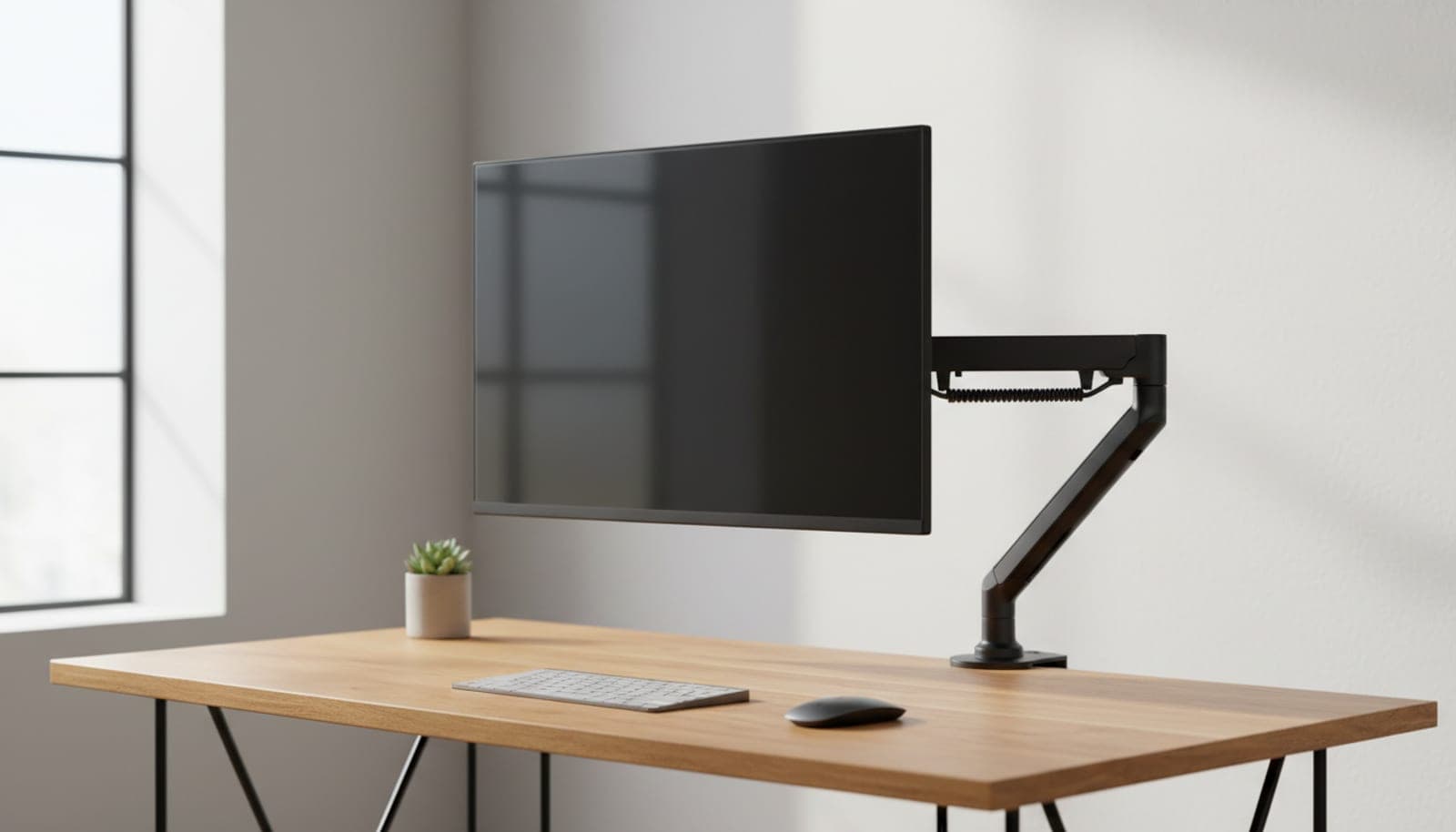
You don't need to spend Ergotron money to get your monitor off the desk. Four single arms under $50 — compared on the capacity, reach and warranty their makers actually publish.
Updated September 16, 2026
Monitor Arms
Clamp vs. Grommet: How to Attach a Monitor Arm to Your Desk
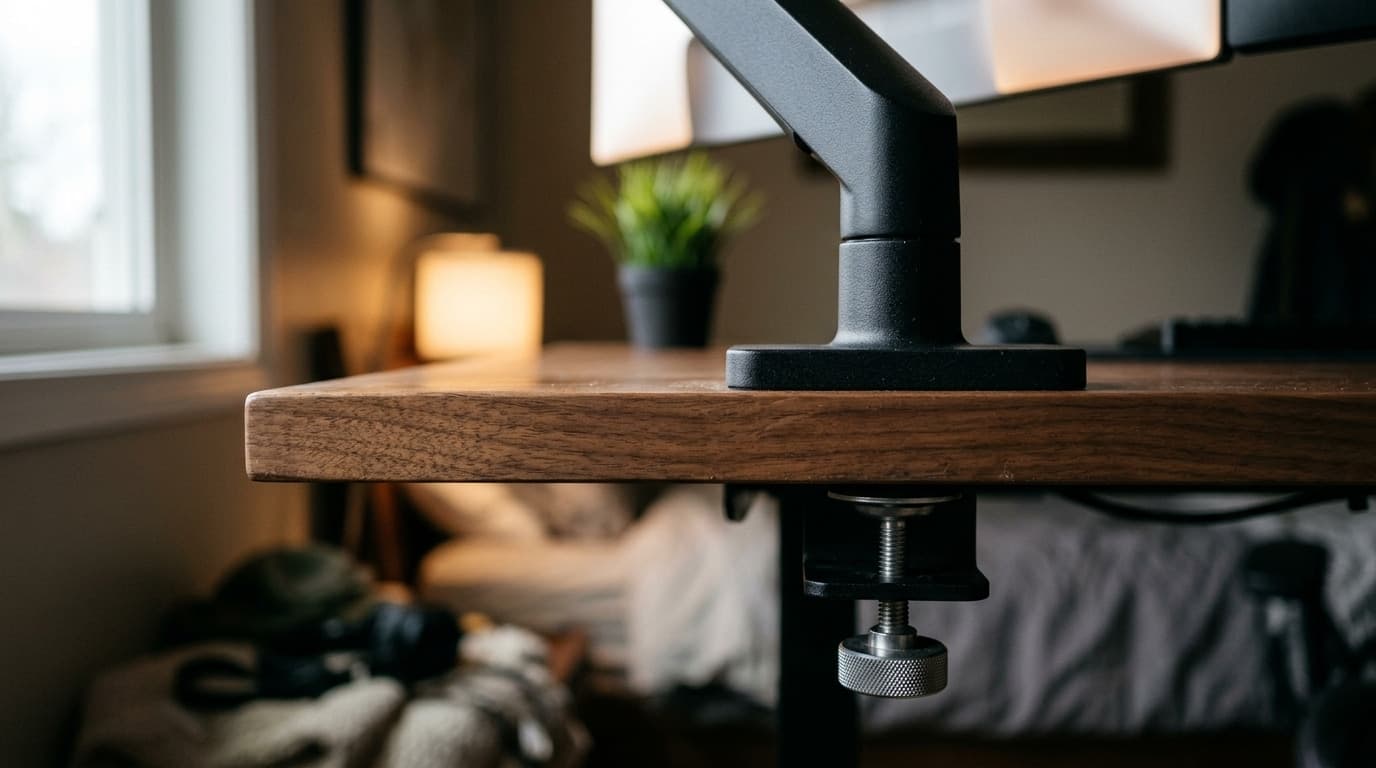
Every monitor arm ships with a clamp and most also include a grommet base, and the box tells you nothing about which one your desk can actually take. Here is the decision, measured — including the desks where the honest answer is neither.
Updated August 17, 2026
Monitors
The Best Ultrawide Monitors in 2026
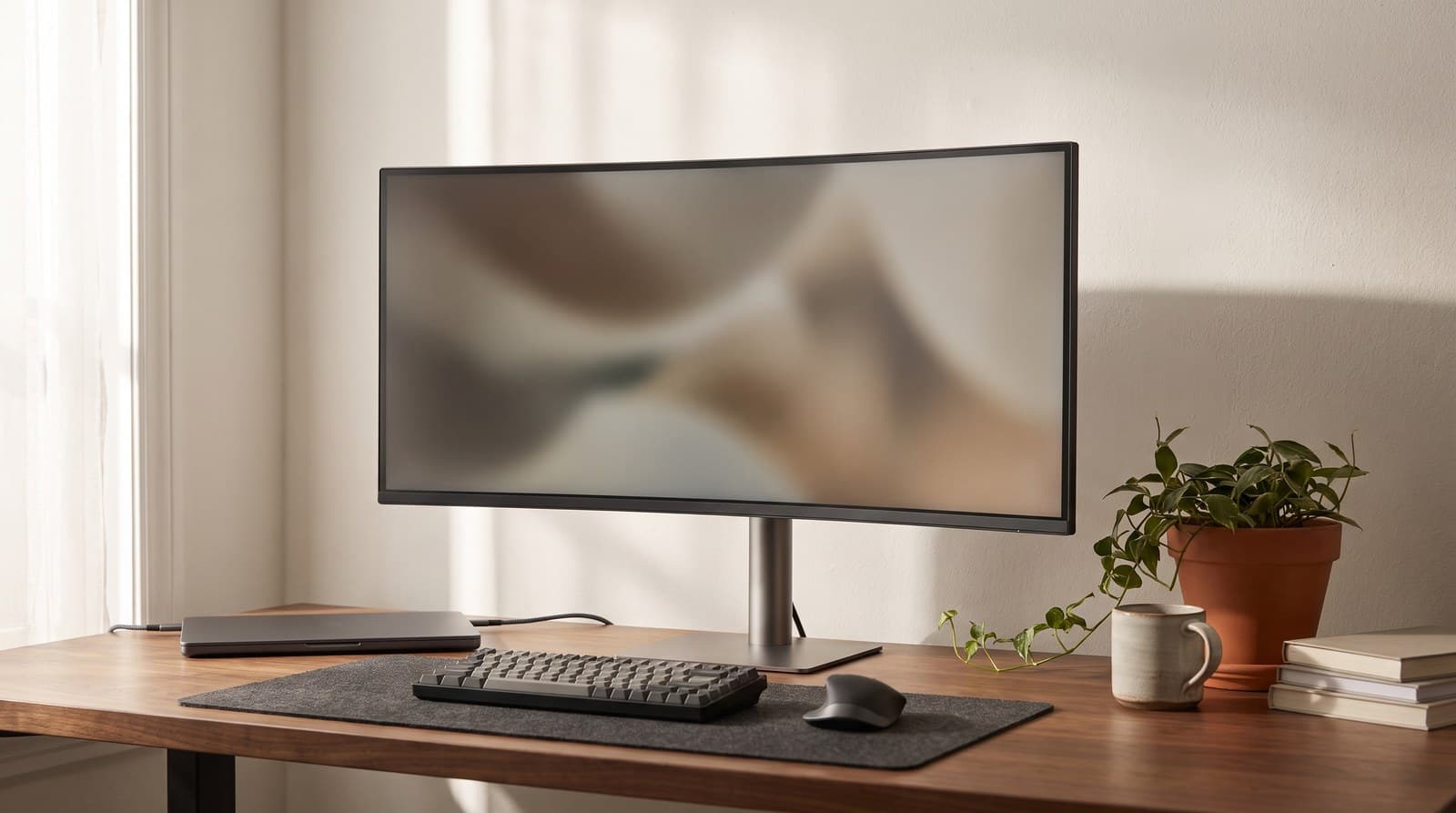
An ultrawide buys you width, not sharpness — a 34-inch 3440x1440 panel is exactly as crisp as a 27-inch 1440p screen. Six picks from $250 to $2,250, judged on pixel density, the weight number your monitor arm cares about, and what the ports actually do.
Updated August 11, 2026
Get the next guide in your inbox
One short email when we publish or meaningfully update a buying guide. No spam, no daily deals firehose.