 Rigworthy
The Best Hard and Glass Mousepads in 2026
By Rigworthy Editorial Team · Updated September 6, 2026
Rigworthy is reader-supported: we may earn a commission if you buy through our links, at no cost to you. How we make money
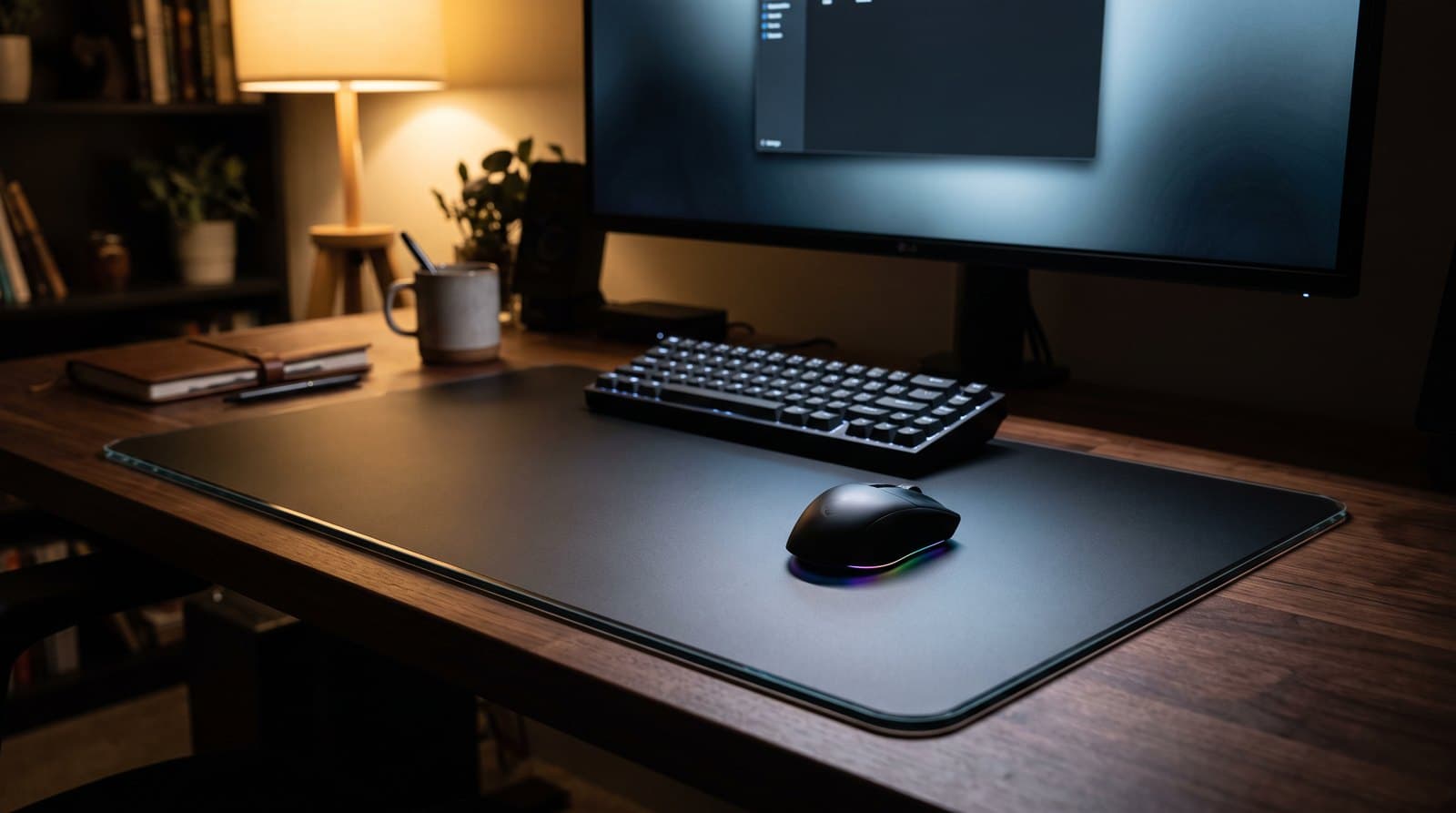
There are three kinds of desk mat, and most guides only cover two. There's the big cloth gaming mat built for control, and there's the leather or felt desk pad that makes a work setup look like furniture. This guide is about the third kind: the hard surface. No cushioning, no fabric, no give — just a low-friction slab of tempered glass or rigid polymer that your mouse skates across.
People buy into this category for speed, but the reason they stay is consistency. A cloth pad is a sponge for humidity, sweat, and skin oil, so it feels quick some weeks and draggy others, and it slowly wears out in the exact spot you use most. Glass doesn't care what the weather is doing and doesn't wear out at all. That's the trade you're making, along with a colder, harder surface and a mouse that's audibly louder.
The two things that actually decide which one you buy are the surface treatment — coated glass is smoother-running and quieter, uncoated etched glass is faster with more bite — and the thickness, because a 5 mm slab puts an edge under your forearm that a 2 mm one doesn't. We picked six across a $10-to-$130 ladder, from a stick-on film to a 20-inch enthusiast slab, and we're upfront about the running cost nobody mentions: glass eats mouse skates.
Our top picks at a glance
- 1
- 2
Best for Competitive FPS
Pulsar Superglide3 Glass Mousepad (Type S)Typically $50–105 depending on size
- 3
- 4
- 5
- 6
How we chose
- Surface honesty — coated vs. uncoated glass vs. hard polymer, and what each actually does to glide and stopping power
- Sensor compatibility — micro-etched texturing that modern optical sensors can read, not plain slick glass
- Edge and thickness — how the pad meets your forearm, since a thick slab has an edge you rest on all day
- Base grip — full silicone or rubber that holds a heavy pad still, not four corner dots that let it creep
- Skate impact — whether the pad ships with suitable skates, and what it costs to run properly
- Real size options and street price, checked against manufacturer listings rather than marketing copy
Our picks come from spec research, long-term owner feedback, and category expertise — not sponsorships. Read the full methodology.
Compared side by side
| Product | Award | Surface | Size | Thickness | Typical price |
|---|---|---|---|---|---|
| Razer Atlas | Best Overall | Coated glass | 450 × 400 mm | 5 mm | ~$100 |
| Pulsar Superglide3 Glass Mousepad (Type S) | Best for Competitive FPS | Aluminosilicate glass | 330–500 mm wide | ~2.5 mm | $50–105 |
| Wallhack SP-005 | Best Premium | Faceted etched glass | 510 × 440 mm | 3.3 mm | ~$129 |
| ATK Micro-Etched Tempered Glass Mouse Pad | Best Value Glass | Micro-etched glass | 360 × 300 mm | 4 mm | ~$40 |
| Logitech G440 Hard Gaming Mouse Pad | Best Budget Hard Pad | Hard polymer | 340 × 280 mm | 3 mm | ~$20–30 |
| Razer Sphex V3 | Best Ultra-Thin | Polycarbonate film | Small / Large (not published) | 0.4 mm | ~$10–20 |
1. Best Overall
Razer Atlas
Typically around $100
- Coming to glass from cloth for the first time
- Setups where mouse noise matters (shared rooms, hot mics)
- Buyers who want a glass pad they can actually find in stock
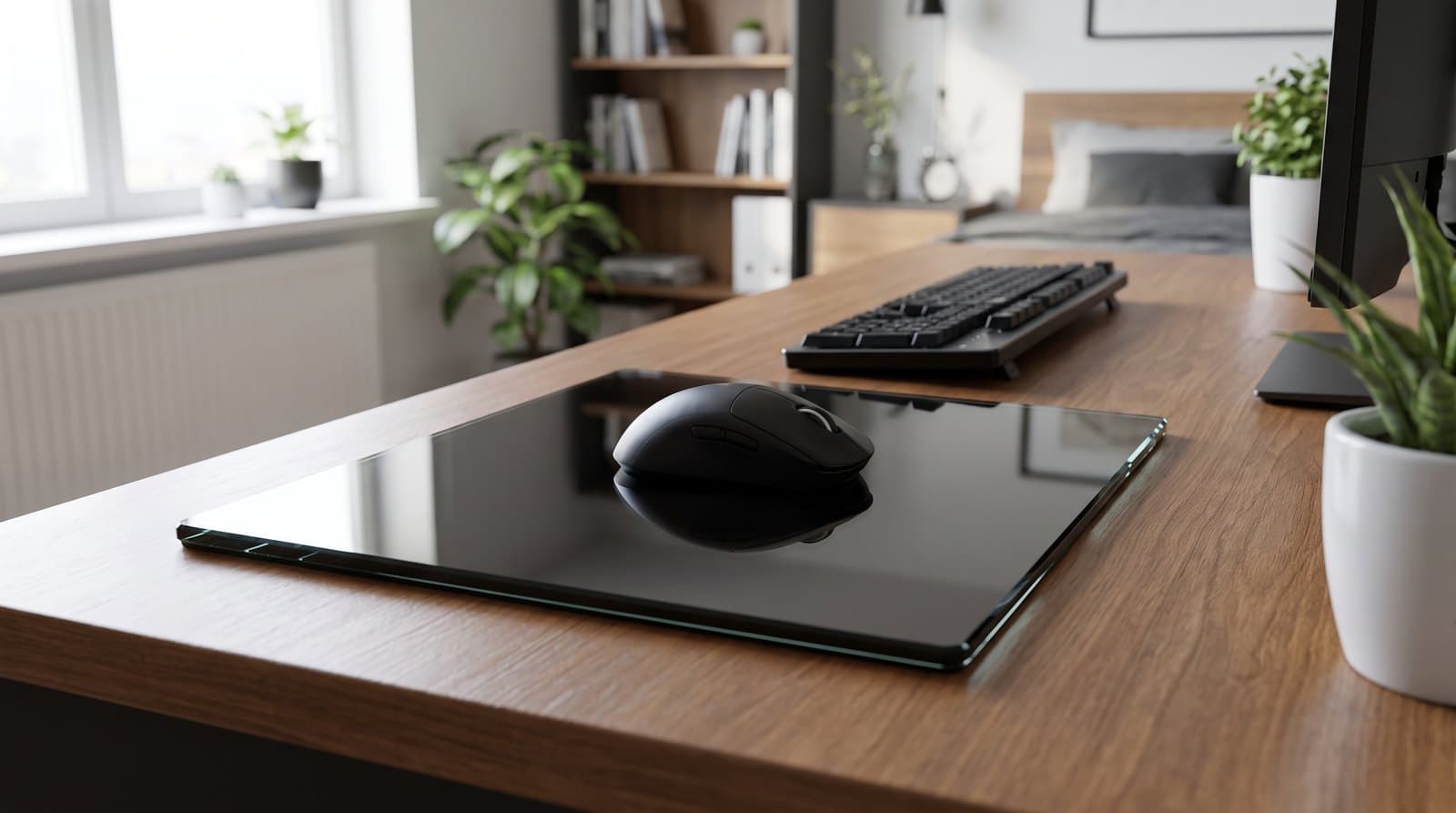
The Atlas is the glass pad to buy if you have never owned one. It's a 450 × 400 mm sheet of tempered glass, 5 mm thick, micro-etched at 2 μm so optical sensors read it cleanly, sitting on a full anti-slip rubber base. What sets it apart from the enthusiast pads is the coating: Razer treats the surface so it resists fingerprints and scratches and — the part people notice immediately — so mouse swipes are quieter than they are on bare etched glass. It comes in black or white, and unlike most of this category you can buy one from Amazon, Best Buy or Micro Center this afternoon rather than waiting for a restock drop.
The trade-offs are real and worth knowing before you spend $100. That coating costs you a little top-end speed against an uncoated pad like the Wallhack, so the hardcore speed crowd will tell you the Atlas is the slow one — which is exactly why it's the right first glass pad, because it lands closer to a fast hybrid than to an ice rink. And at 5 mm it's the thickest pad here. Razer CNC-mills the edges round, which helps, but 5 mm is still 5 mm: there's a step where the glass meets your desk that your forearm will find on long sessions. If you rest your wrist heavily, look at the thinner pads below. For everyone else, this is the most forgiving, most available, most livable way into glass.
What we like
- Coated surface resists smudges and scratches and runs noticeably quieter than bare glass
- Micro-etched at 2 μm — no sensor tracking weirdness
- Actually in stock at mainstream retailers, in black or white
Worth knowing
- Coating costs a little speed versus uncoated enthusiast pads
- 5 mm is the thickest here — rounded edges help, but there's still a step under your forearm
- $100 for a mousepad is a hard sell if you're happy on cloth
- Surface
- Tempered glass, micro-etched 2 μm, coated
- Size
- 450 × 400 mm
- Thickness
- 5 mm
- Base
- Anti-slip rubber, full footprint
- Edges
- CNC-milled rounded
- Colors
- Black, white
2. Best for Competitive FPS
Pulsar Superglide3 Glass Mousepad (Type S)
Typically $50–105 depending on size
- Low-sens FPS players who want the fastest consistent glide
- Anyone who wants to pick an exact size, from 330 mm to 500 mm
- Players who'd otherwise have to buy skates separately
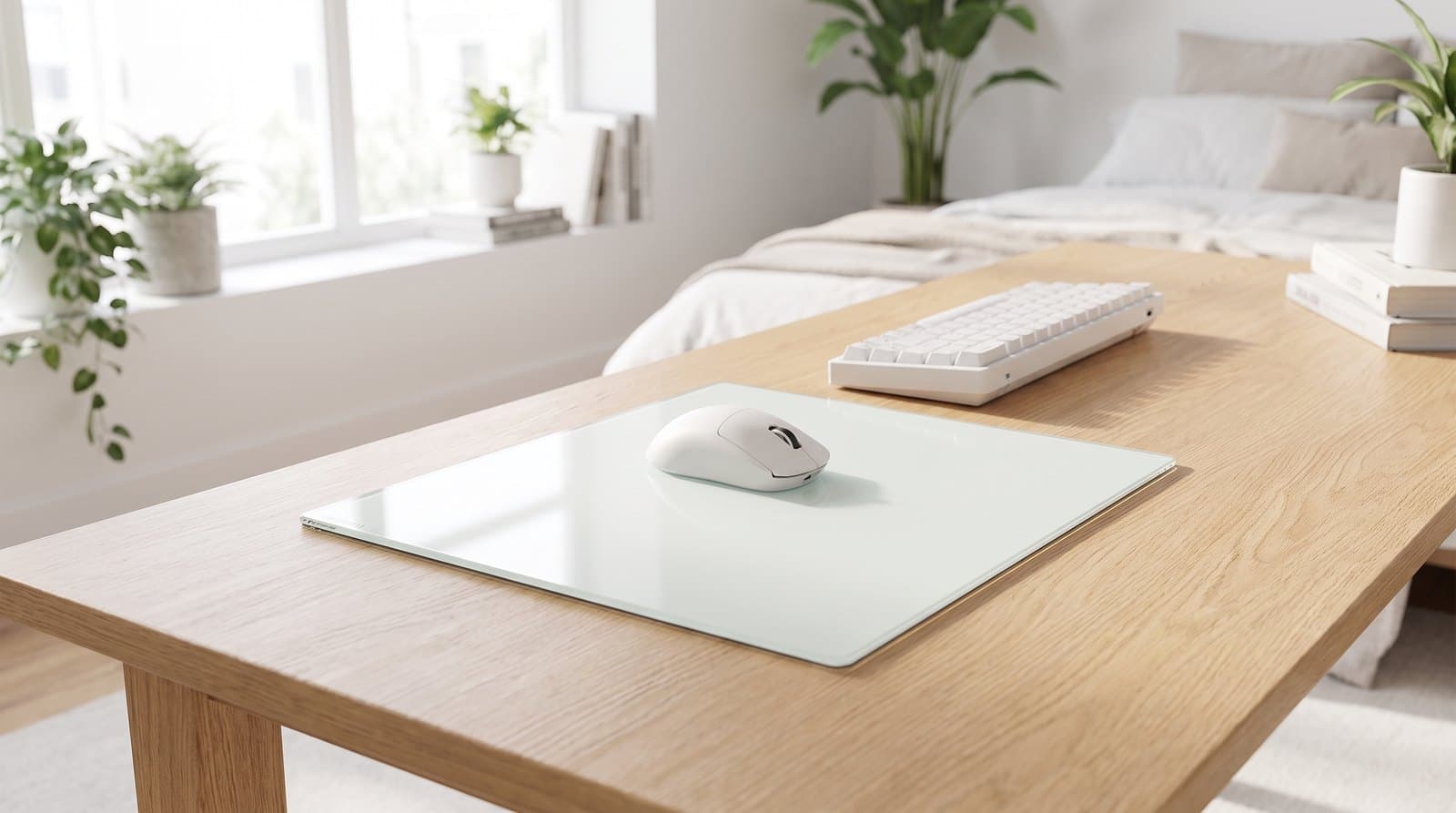
Pulsar's Superglide3 is the pad to get if speed is the point. It's aluminosilicate glass — the chemically strengthened stuff, not ordinary tempered soda-lime — at 1.5 mm over a 1 mm molded high-density silicone base, so the whole thing is only about 2.5 mm tall and grips the desk across its full footprint rather than on corner dots. "Type S" stands for speed, and Pulsar machines a generous rounded R-edge specifically so your wrist and forearm can cross the boundary without catching. Four sizes span M 330 × 260 mm at $49.95, L 420 × 330 mm at $84.95, XL 490 × 420 mm at $94.95, and XLE 500 × 450 mm at $104.95.
The detail that matters most is in the box: 16 UHMW-PE dot skates. Glass is unforgiving of the stock PTFE feet on most mice — they wear faster and can feel scratchy — and swapping to dots is how experienced glass users tune friction. Getting them included turns a $10–20 hidden cost into part of the purchase, and it's the single strongest reason to pick this over a cheaper pad. Two honest caveats: at 1.5 mm of glass this is the thinnest full-size glass pad here and it does not want to be dropped or flexed off-desk, and Pulsar sells pads as consumables with no returns once opened, so choose your size carefully the first time.
What we like
- Aluminosilicate glass at just 2.5 mm total — barely an edge to catch your wrist
- 16 UHMW-PE dot skates included, so it arrives ready to run properly
- Four real sizes from 330 mm to 500 mm, four colorways
Worth knowing
- Thin glass demands care — this is not the one to slide around off the desk
- Sold as a consumable: no returns once the packaging is opened
- Speed-tuned surface offers less stopping power than a control cloth pad
- Surface
- Aluminosilicate glass, speed-tuned texture
- Sizes
- 330×260 / 420×330 / 490×420 / 500×450 mm
- Thickness
- ~2.5 mm (1.5 mm glass + 1 mm silicone)
- Base
- Molded high-density silicone, full footprint
- In the box
- 16 UHMW-PE 6.6 mm dot skates
3. Best Premium
Wallhack SP-005
Typically around $129
- Full-desk coverage — this is the biggest pad here
- Enthusiasts who want the etched-glass feel done properly
- Buyers who value stopping power as much as speed
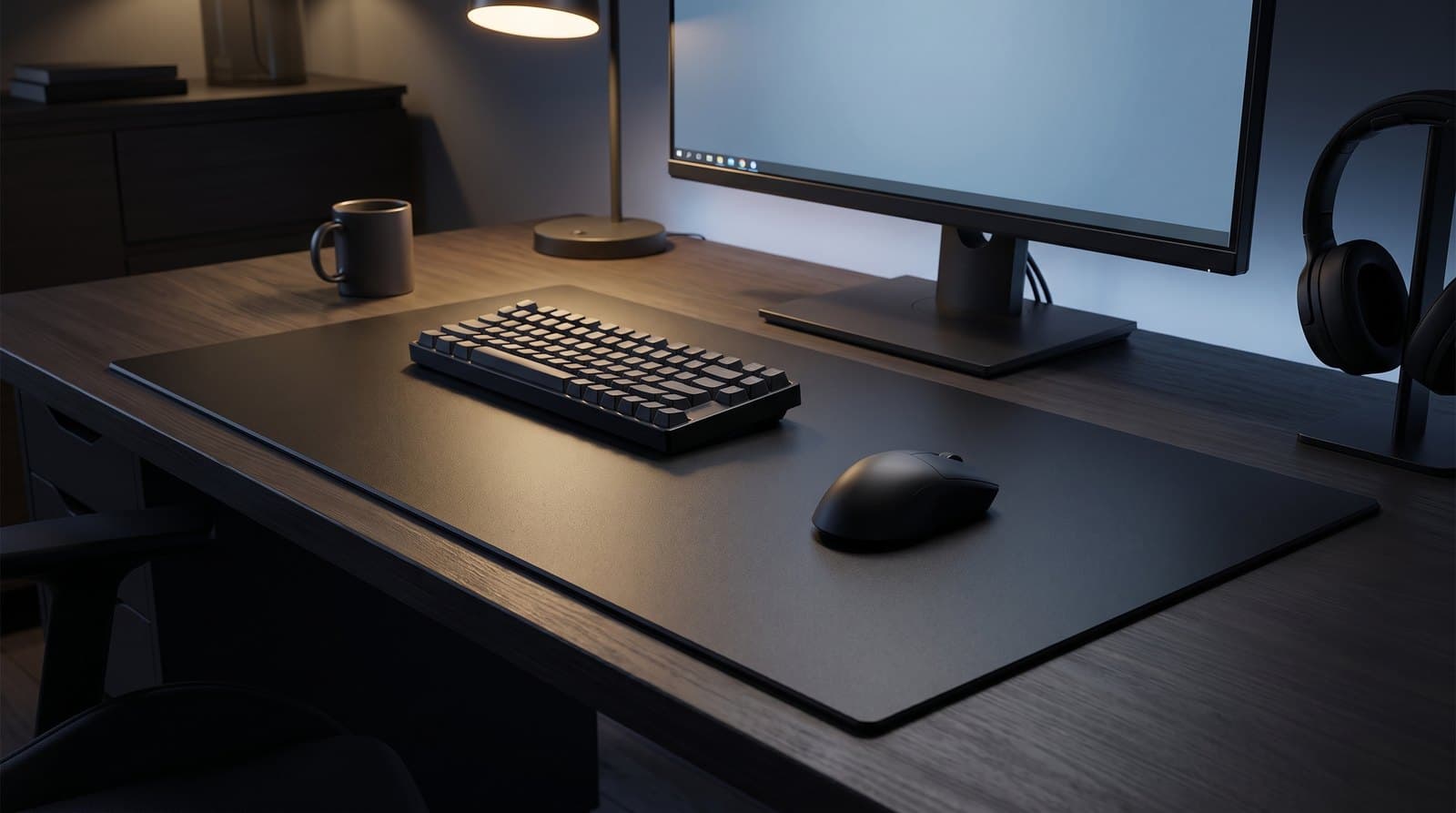
Wallhack — the brand that started as SkyPAD and did more than anyone to turn glass pads into a category — makes the enthusiast benchmark, and the SP-005 is the current one. It's a huge 51 × 44 cm slab (20.1 × 17.3 in) at 3.3 mm total: 2.5 mm of tempered glass over a concave-grid silicone base. The surface is the interesting part. Rather than a uniform etch, Wallhack uses a micro-etched faceted crystal pattern that reduces how much of your skate is touching glass at any moment, which is how it manages to feel fast and still give you something to brake against. It ships with a protective carry case, a microfiber and maintenance kit, and two sets of skates.
Two things to go in with your eyes open about. First, availability: Wallhack sells in limited runs and the store is frequently sold out, and the previous-generation SP-004 is explicitly being discontinued rather than restocked — so don't buy an SP-004 listing assuming it's the current model. Second, the size is a commitment. At 20 inches wide and 3.2 lbs this covers a large part of a normal desk and it cannot be rolled, folded or trimmed; measure before you order, because a glass pad that doesn't fit is not a problem you can solve after delivery.
What we like
- Faceted crystal etch — genuinely fast with real stopping power
- Biggest surface here at 51 × 44 cm, on a full concave-grid silicone base
- Carry case, maintenance kit and two sets of skates in the box
Worth knowing
- Frequently sold out; sold in limited runs
- 20 inches wide and 3.2 lbs — measure your desk first
- The outgoing SP-004 is being discontinued, so watch which model you're buying
- Surface
- Tempered glass, micro-etched faceted crystal
- Size
- 510 × 440 mm (20.1 × 17.3 in)
- Thickness
- 3.3 mm (2.5 mm glass + 0.2 mm print + 0.6 mm silicone)
- Base
- Concave-pattern silicone grid
- Weight
- ~1,450 g (3.2 lbs)
4. Best Value Glass
ATK Micro-Etched Tempered Glass Mouse Pad
Typically around $40
- Finding out whether you like glass without spending $100
- Smaller desks and higher-sensitivity players
- Wrist-and-fingertip aimers who don't need a huge surface
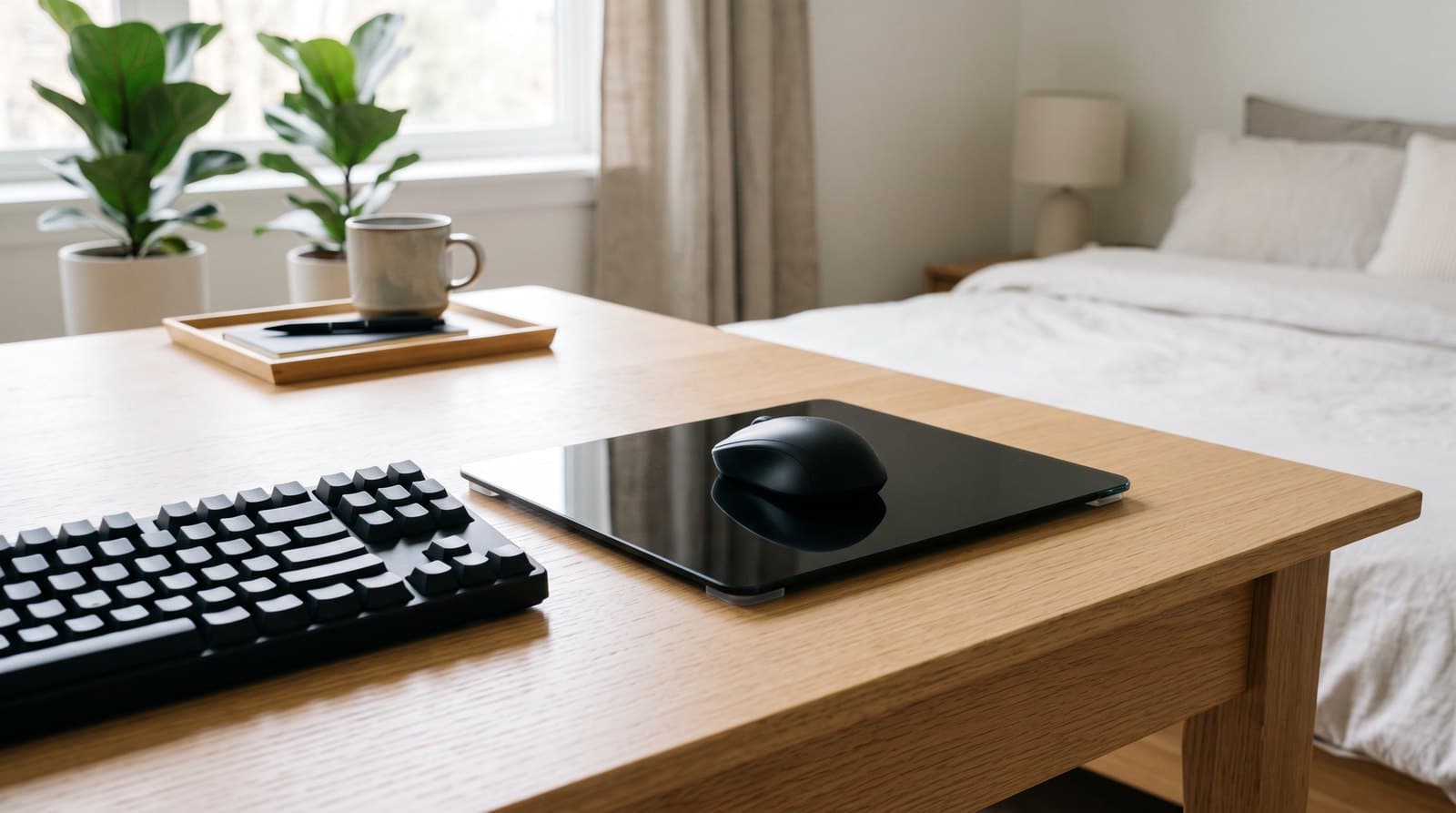
ATK's micro-etched pad is the honest way to test this whole idea. It's 360 × 300 × 4 mm of high-strength tempered glass with the same micro-etched treatment the expensive pads use, rounded corners, and clear silicone corner pads (with two spares in the box) that lift it off the desk without the flex older glass pads suffered from. At around $40 it costs less than half of the Razer and roughly a third of the Wallhack, and the consensus among people who've used all three is that it lands closer to them than the price gap suggests — quieter and faster than the coated mainstream pads, if not quite as refined at the edges.
The size is the catch, and it's a real one. 360 mm wide is compact: fine for fingertip and wrist aimers or anyone playing above roughly 800 DPI × 0.5 sens, cramped for a low-sens arm aimer who sweeps the full pad on a turn. Stock is also intermittent — ATK sells direct in batches and the pad goes in and out of availability, so you may be buying from a marketplace listing rather than the brand. If your desk suits the size and one's in stock, it's the best money-per-millimetre in this guide.
What we like
- Real micro-etched tempered glass for around $40
- Clear silicone corner pads with spares; rounded corners
- Quiet and quick — punches well above its price
Worth knowing
- 360 mm is small for low-sens, full-arm aimers
- Direct stock is intermittent; availability comes and goes
- No skates included, unlike the Pulsar
- Surface
- Tempered glass, micro-etched
- Size
- 360 × 300 mm
- Thickness
- 4 mm
- Base
- Clear silicone corner pads (2 spares included)
- Edges
- Rounded corner design
5. Best Budget Hard Pad
Logitech G440 Hard Gaming Mouse Pad
Typically around $20–30
- Trying a low-friction surface for the price of lunch
- Anyone who wants hard-pad speed without glass anxiety
- Second desks, LAN bags, and setups with kids or pets nearby
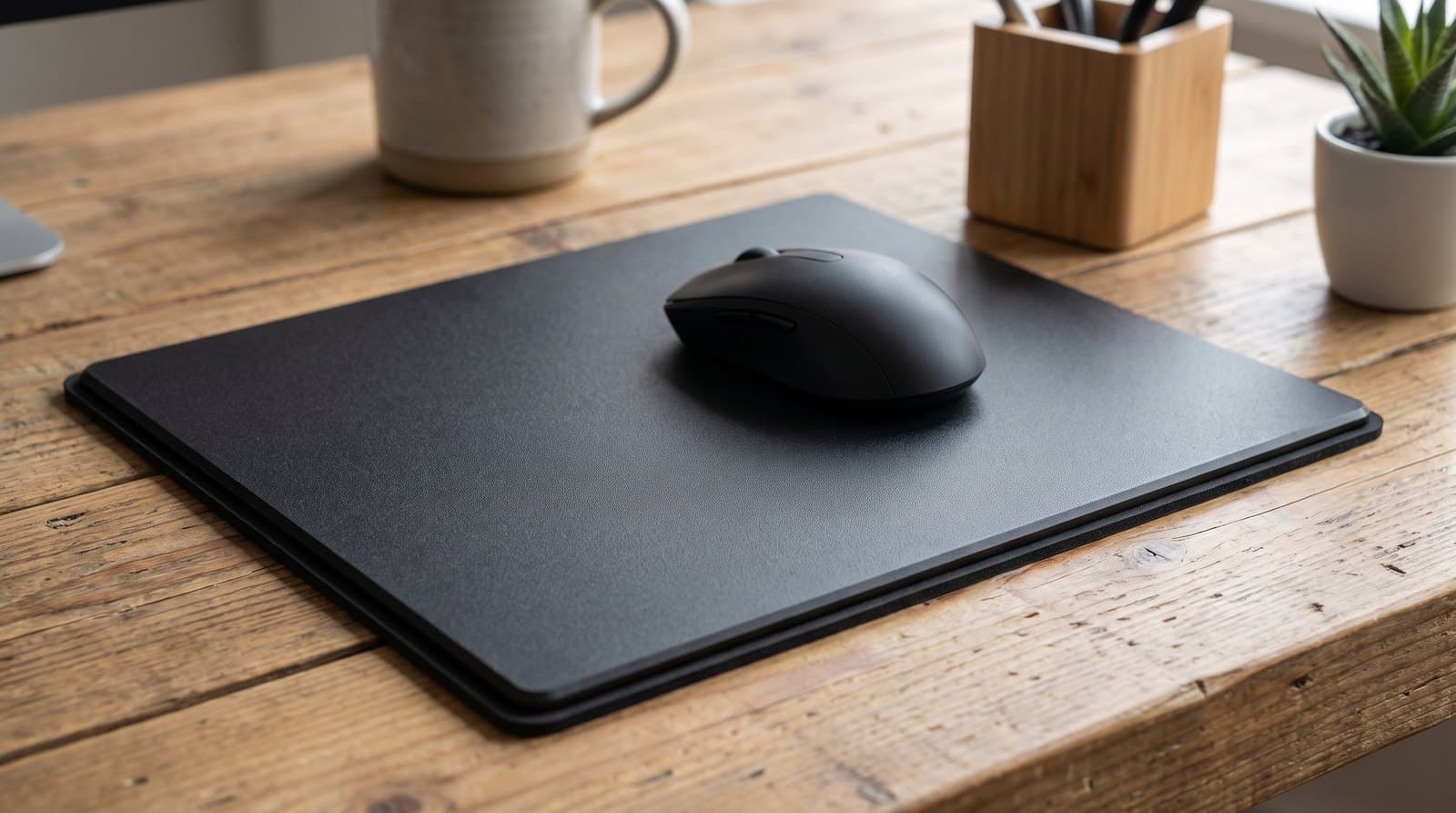
Before glass existed, this is what a speed pad was, and the G440 is still the sane cheap answer. It's a 340 × 280 mm three-layer sandwich: a low-friction polyethylene top sheet, a high-impact polystyrene core that keeps it rigid and flat, and a natural rubber base that keeps it put. Roughly 3 mm thick and about 229 g, so there's barely any edge to catch. It's calibrated for optical sensors and gives you most of what people actually want from this category — a consistent, low-drag, humidity-proof surface — for a fifth of the price of the pads above.
It isn't glass, and you shouldn't expect it to be: the polymer top will haze and slow down over a year or two of heavy use, where a glass pad's surface is essentially permanent. It's also the smallest full pad here. One listing trap worth flagging — the G440 is only ever a hard pad, but some retailers have the hard SKU (943-000790) filed under the title "G440 Cloth Gaming Mouse Pad," and Logitech's actual cloth pads are the G240, G640 and G840. Buy on the SKU rather than the title, and don't be thrown if a listing quotes 5 mm instead of Logitech's own 3 mm. Get the right one and it's the smartest $25 in this guide, especially as a way to find out whether low friction suits you at all.
What we like
- Rigid three-layer build stays dead flat, for around $25
- ~3 mm thick with almost no edge under the wrist
- No skate anxiety, no breakage risk, no fingerprint maintenance
Worth knowing
- Polymer surface hazes and slows over time; glass doesn't
- Smallest full-size pad here at 340 × 280 mm
- Retailer listings muddle the name and thickness — buy on SKU 943-000790
- Surface
- Hard polyethylene top layer
- Size
- 340 × 280 mm
- Thickness
- 3 mm (some listings say 5 mm)
- Construction
- Polyethylene top / polystyrene core / rubber base
- Base
- Non-slip rubber
6. Best Ultra-Thin
Razer Sphex V3
Typically around $10–20
- Desks where any pad edge is one edge too many
- Laying a hard surface over an existing desk mat
- Travel, laptop bags, and sub-$20 experiments
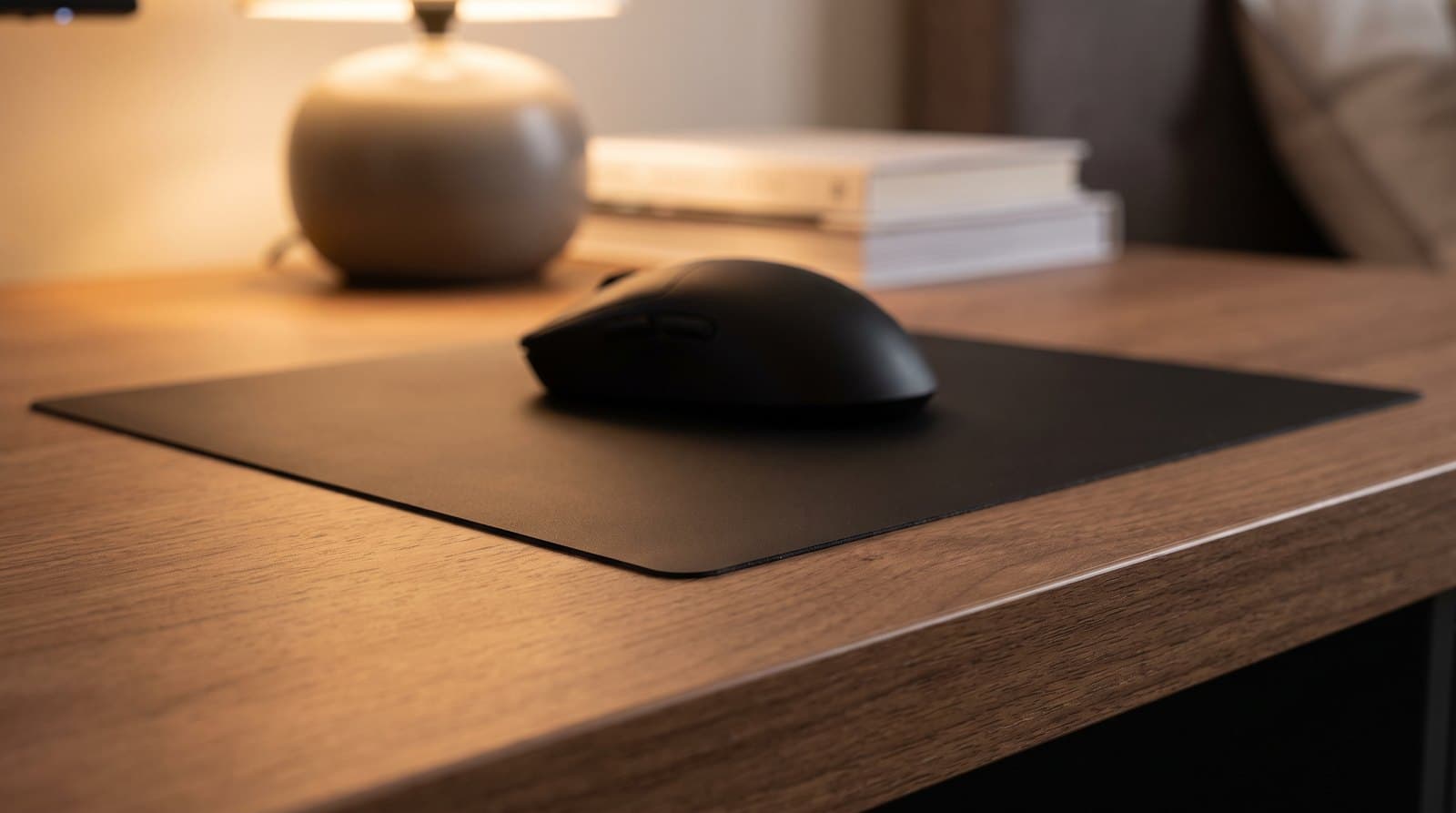
The Sphex V3 barely counts as an object. It's a 0.4 mm polycarbonate film with an adhesive back that sticks flat to your desk and effectively turns the desk itself into a hard mousepad — no edge, no lip, nothing for your forearm to find. Razer sells it in Small and Large, it's lab-rated for impact and tear strength, and the adhesive is designed to peel off cleanly without residue. It is the one pad in this guide we can't give you dimensions for: Razer publishes none for either size, and the distributor spec sheets that do circulate a figure for the Large don't square with Razer's own claim that the V3 is 50% larger than the standard Sphex V2. Measure the space you want it to cover and buy the size that fits that, not a number from a listing. At around $10–20 it is the cheapest way in this guide to answer the only question that matters: do you actually prefer a low-friction surface?
Understand what you're giving up. There is no cushioning whatsoever, and because it's adhesive-mounted it is semi-permanent — it's designed to come off cleanly, but this is not a pad you reposition daily, and it wants a smooth, clean, flat desk to sit on. Thin polycarbonate also wears faster than glass under a heavy hand. But it's genuinely useful beyond the budget angle: you can stick it on top of a big cloth desk mat to get a hard mousing zone without giving up the mat, which is a trick none of the glass pads here can do.
What we like
- 0.4 mm — no edge at all under your wrist
- Around $10–20, the cheapest honest way to test a hard surface
- Can sit on top of an existing desk mat as a hard mousing zone
Worth knowing
- Adhesive mount — not something you reposition often
- Polycarbonate wears faster than glass
- Needs a smooth, flat, clean desk surface to adhere properly
- Surface
- Hard polycarbonate
- Sizes
- Small and Large (Razer publishes no dimensions)
- Thickness
- 0.4 mm
- Base
- Removable adhesive
- Build
- Lab-tested impact, rip and tear strength
The verdict
For most people the Razer Atlas is the right glass pad: coated so it stays clean and runs quiet, micro-etched so any sensor reads it, and — unusually for this category — genuinely in stock. If you're buying for competitive FPS, the Pulsar Superglide3 Type S is the better pick, with faster aluminosilicate glass, a barely-there 2.5 mm profile, four sizes to choose from, and skates in the box so it arrives ready to run properly. Want the enthusiast benchmark and have the desk for it? The Wallhack SP-005 is the biggest and best-finished pad here, if you can catch it in stock.
Spending less is entirely reasonable in this category. The ATK Micro-Etched pad gets you real etched glass for around $40 as long as 360 mm is enough surface, the Logitech G440 delivers most of the low-friction experience for about $25 with none of the fragility, and the Razer Sphex V3 answers the whole question for the price of a coffee — stick it down, or even lay it over an existing desk mat, and find out whether you like a hard surface before spending real money.
Whatever you land on, budget $10–20 for a set of UHMW-PE mouse skates unless your pad includes them, and be honest about the trade: if you want a surface that helps you plant a shot rather than fly across the screen, a cloth gaming desk mat is still the better tool, and if you want your desk to look like an office rather than an arena, our leather and felt desk pads guide is the one to read. A new surface is also the cheapest half of a hand-comfort fix — the other half is the mouse itself, covered in our ergonomic mice guide.
Frequently asked questions
Not better — different, and the honest reason to switch is consistency rather than speed. Cloth changes with humidity, sweat, and skin oil: the same pad feels draggy in July and quick in January, and it slowly wears in the zone you use most. Glass feels the same on day 700 as it did on day one, in any weather. What you give up is stopping power and cushioning — a control cloth pad lets you plant a shot in a way glass never will, and glass is cold and hard under the wrist. If you like your cloth pad and your aim is consistent, moving to glass is a lateral move, not an upgrade.
Yes, faster than cloth does, and this is the cost nobody puts on the box. Stock PTFE feet on most mice are tuned for cloth; on glass they wear quicker and can feel scratchy or inconsistent once they do. The fix is cheap and standard practice: swap to UHMW-PE skates or small dot skates, which typically run $10–20 a set. The Pulsar Superglide3 and the Wallhack SP-005 both include skates in the box; budget for a set if you buy the Razer, ATK or a marketplace pad. Plan on replacing skates once or twice a year with heavy use.
On any of the pads here, yes. The reason plain glass has a bad reputation is that a perfectly smooth, featureless surface gives an optical sensor nothing to read — which is exactly why every pad in this guide is micro-etched, giving the sensor texture to track while keeping friction low. Modern sensors (PixArt 3395/3950-class, Logitech HERO) handle etched glass without complaint. If you're using an older budget mouse or an optical sensor from the mid-2010s, test before you commit, and be aware that laser-sensor mice were always the fussier ones on hard surfaces.
Louder than cloth, yes — you'll hear the skates. How much depends on the surface: the Razer Atlas is specifically treated to be quieter than bare etched glass, which is a real advantage if you share a room or run an open microphone, while uncoated enthusiast pads are the noisiest. Softer UHMW-PE skates cut the noise noticeably compared with hard PTFE. If silence matters more to you than glide, this is the category to skip — a cloth pad from our gaming desk mats guide will always be quieter.
Sitting flat on a desk, no — these are tempered or chemically strengthened glass, the surface itself doesn't wear, and normal mousing puts nothing near their limits. The risk is entirely in handling. A glass pad is a stiff, unsupported sheet the moment you pick it up, so the failure mode is dropping it, knocking a corner against a hard edge, or flexing it while you carry it one-handed. Thinner is more demanding here, not less: the Pulsar Superglide3 is 1.5 mm of glass and wants two hands, while the Wallhack ships with a hard carry case for exactly this reason. If a pad is going in a bag or moving between desks often, that case matters more than the spec sheet does — and the Logitech G440 or Razer Sphex V3 sidestep the question entirely.
Skin oil is the culprit. Glass doesn't wear out, but a film of oil from your hand builds up and turns a fast pad grabby within a week or two of use — which people often misread as the pad going bad. Wipe it down with a microfiber cloth and either isopropyl alcohol or a little glass cleaner (sprayed on the cloth, not the pad) and the original glide comes straight back. Do the same to your mouse skates. Coated pads like the Atlas resist the buildup longer; uncoated pads show fingerprints immediately and want wiping more often.
It's the ultra-thin version of our top pick, launched in April 2026, and it's a reasonable buy if edge comfort is your priority. Razer bills it as the world's thinnest glass mouse mat at 1.9 mm total (1.1 mm glass plus a 0.8 mm base), in a 500 × 400 mm size with CNC-milled rounded edges, a 9H protective coating and the same 2 μm micro-etch, at $129.99. We led with the standard Atlas because it's $30 cheaper and easier to find, and with the Pulsar Superglide3 because it hits a similar thinness for less and includes skates — but if you want a thin coated pad specifically, the Atlas Pro is the one.
Keep building your setup
Desk Mats
What Size Desk Mat Do You Actually Need?
Every mousepad size guide, ours included, hands out a round number of inches. The useful number is the one left over after your keyboard, measured against how far your mouse actually travels — and once you do that arithmetic, most people are buying a bigger mat to solve a problem they do not have.
Updated September 6, 2026
Desk Mats
The Best Desk Mats for Gaming in 2026
Five desk mats that cover the whole desk, feel great under a mouse, and survive daily use — from budget XXL cloth to enthusiast-grade Japanese surfaces.
Updated September 12, 2026
Desk Mats
The Best Leather and Felt Desk Mats in 2026
The grown-up, non-gaming half of the desk mat. Six leather, wool-felt, cork, and vegan-leather desk pads that make a work-from-home setup look like furniture — matched to how you want it to age.
Updated September 6, 2026
Get the next guide in your inbox
One short email when we publish or meaningfully update a buying guide. No spam, no daily deals firehose.