 Rigworthy
What Size Desk Mat Do You Actually Need?
By Rigworthy Editorial Team · Updated September 6, 2026
Rigworthy is reader-supported: we may earn a commission if you buy through our links, at no cost to you. How we make money
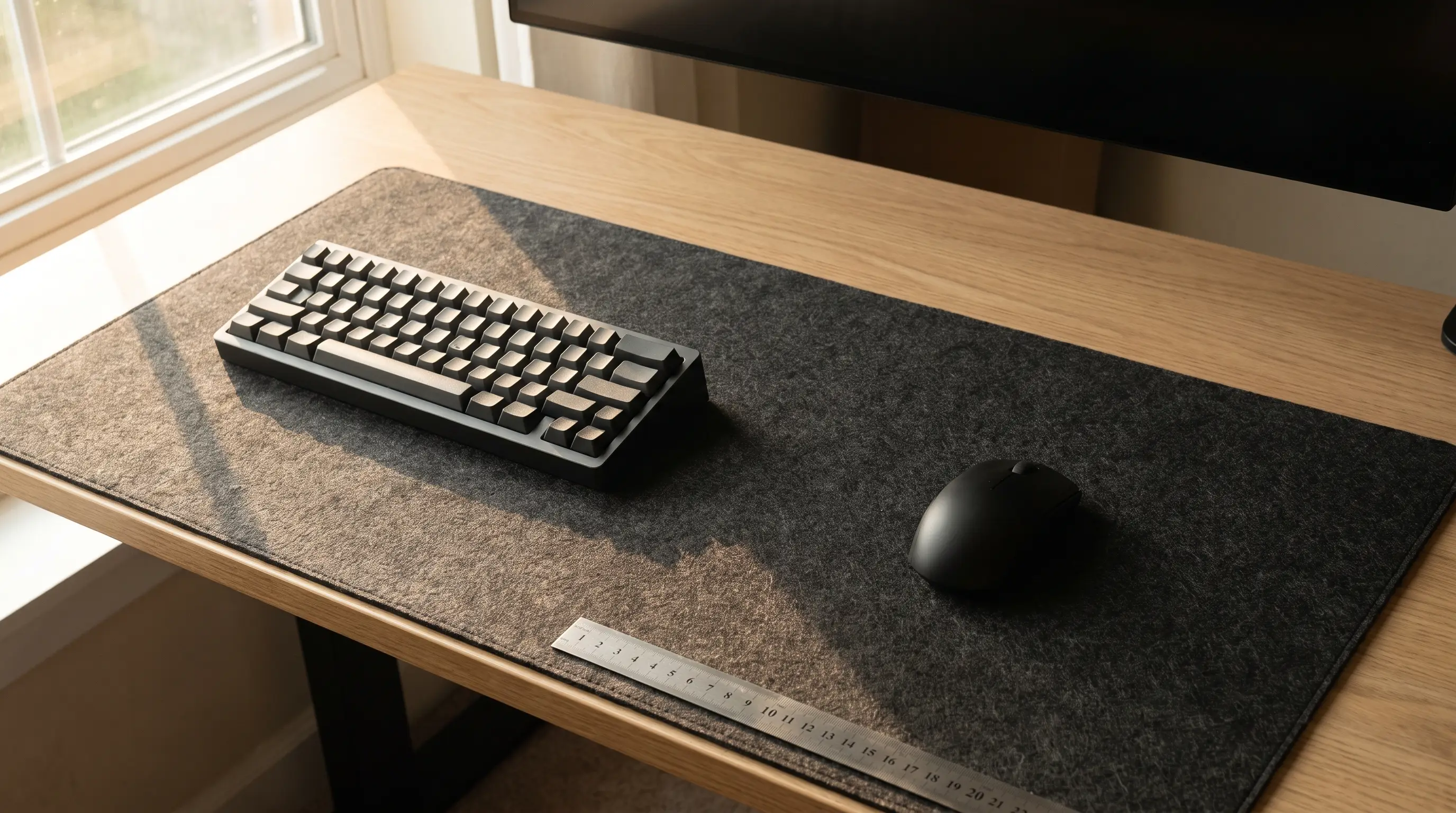
Every guide to desk mat sizing, including the one we published, answers the question the same way: buy at least this many inches wide. Thirty-five inches. Thirty-six by eighteen. The common XXL class. It is a satisfying kind of answer because it is a single number, and it is close to useless, because a mouse has never once travelled across a desk mat. It travels across whatever is left of the mat after the keyboard is sitting on it.
That leftover is computable in one subtraction, and how much of it you need is computable in one more. A standard XXL mat is 940 mm wide; a full-size keyboard takes 445 of them; your mouse gets the remaining 49 centimetres. A half-turn in game at the sensitivity most people play needs about 26. The arithmetic says most buyers in this category are shopping for width to solve a problem they do not have — and the two things that genuinely decide whether a mat works, the depth of your desk and the width of your keyboard, are the two things no size guide mentions.
This piece has the real published dimensions for every mat and pad across our three desk mats guides, converted onto one convention so they can actually be compared; what XXL and 3XL mean at each brand, which is three different things; the formula for the only size figure that is about you rather than the product; and the institutional ergonomics guidance on the cheapest fix available, which costs nothing if you already own the hardware. It also corrects four numbers we had wrong, one of them on the category page itself.
The short version
- A mat's width is not your mouse's working space. Subtract the keyboard first: a full-size board eats 445 mm of a 940 mm XXL mat, leaving about 49 cm — and that leftover, not the mat, is the number to shop against.
- How much you need is computable. Distance per 360-degree turn is 2.54 × 360 ÷ (DPI × sensitivity × the game's yaw constant), and a half-turn — the practical requirement — is half of it. At the sensitivities almost everyone plays, that is 15 to 30 cm.
- Which means the leftover on an ordinary XXL mat covers a half-turn at an eDPI of about 420, below where all but a handful of professionals play. For most buyers, mat width is not the binding constraint and never was.
- "XXL" and "3XL" are marketing labels, not standards. Razer's XXL is 940 × 410 mm and SteelSeries' is 900 × 400. Their 3XLs are 1200 × 550 and 1220 × 590, and Corsair's is 1220 × 610 — three different sizes under one name, two of which are sold as "48 × 24 in".
- Depth is the figure you do not get to choose. Line up the largest size of every mat we recommend — cloth, felt, leather and glass, $10 to $180 — and width spans more than three to one while depth sits inside a 50 mm band, because depth is set by your forearm and your desk rather than by the product.
- The cheapest way to buy mousing room is a shorter keyboard. CCOHS puts the gain from dropping the number pad at 10.2 cm, and OSHA lists exactly that as a remedy for a surface too small for both devices. No mat upgrade in the XXL class moves the mouse that far.
Measurements here come from manufacturers' own published mounting specifications, not from our estimates. Read the full methodology.
The mat is not the measurement — the leftover is
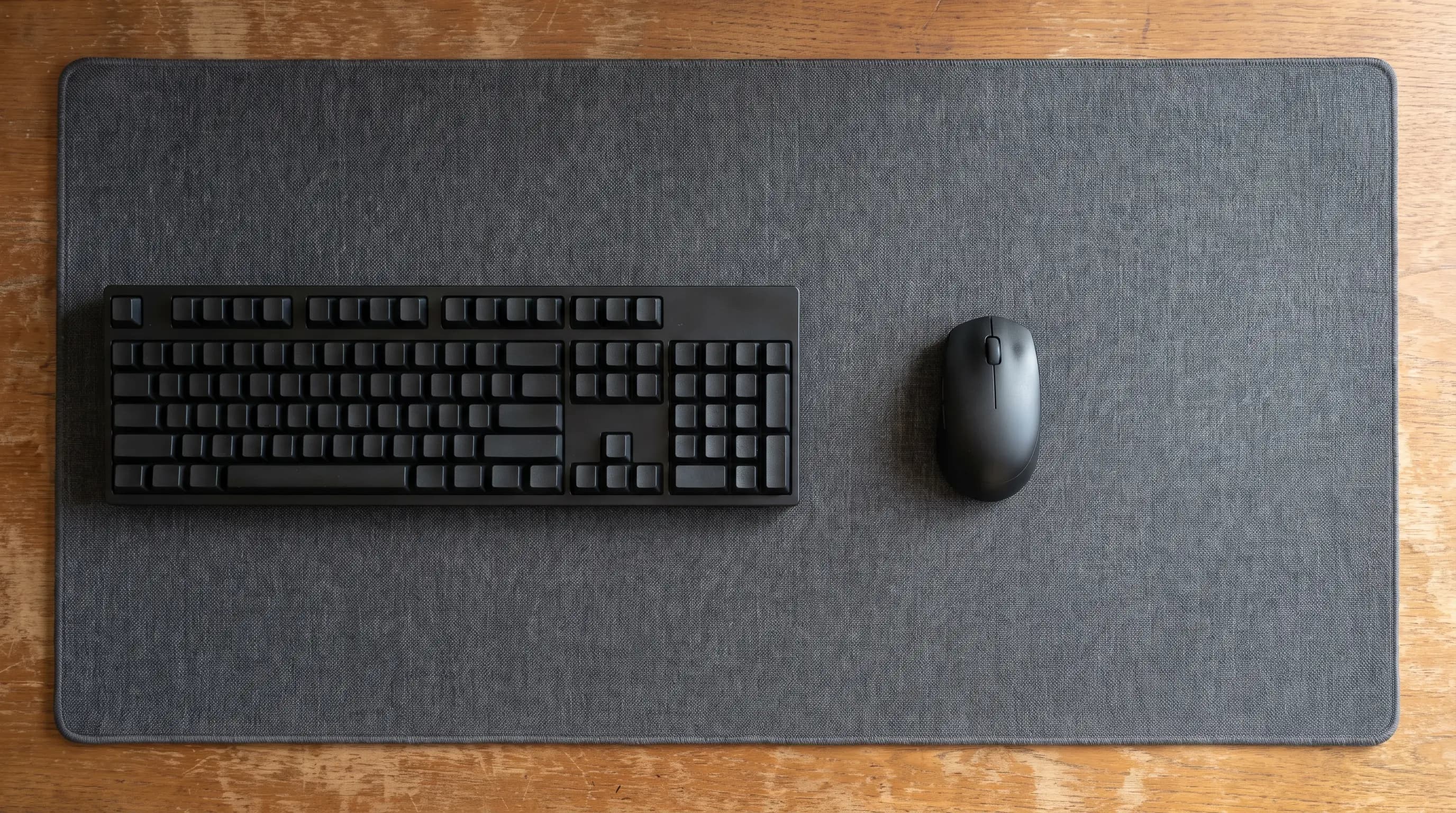
Every size guide in this category, including the one we published, answers the question in the same shape: buy at least this many inches wide. Our own gaming desk mats guide said at least 35 inches wide and 15 inches deep. The category hub said an XXL of roughly 36 by 18 inches fits a keyboard and mouse with room to spare. Both of those are answers to a question nobody asked, because a mouse does not travel across a mat. It travels across whatever is left of the mat once the keyboard is sitting on it. Both have been rewritten off the back of what follows.
So the arithmetic is one subtraction. A Razer Gigantus V2 XXL is 940 mm wide — that is Razer's own published figure, not a marketing round-up. A standard full-size keyboard is about 445 mm wide. That leaves 495 mm, call it 49 cm, and out of that you lose a couple of centimetres to the gap you leave between the two so your hands are not touching. The mat is 94 cm wide and your mouse gets about half of it.
Which is fine — it is more than fine, as the next section shows — but it changes what you are shopping for. Going from a 930 mm Corsair MM700 to a 940 mm Razer XXL buys you 10 mm of mouse space. Going from a full-size keyboard to a tenkeyless one, on the same mat, buys you 90. The two decisions are not close to each other in effect, and only one of them is the one being sold to you.
It also explains a thing that looks like a contradiction across our own guides. The gaming guide told you to buy at least 35 inches of width. The hard and glass mousepads guide recommends an ATK pad that is 360 mm wide — 14 inches — and calls it "fine for fingertip and wrist aimers," cramped only for a low-sensitivity arm aimer. Both can be true. The 35-inch mat is being sized to cover a desk; the 360 mm pad is being sized to hold a mouse, and it is only ever asked to do the second job. They are not measuring the same thing, and neither of them said so.
| Keyboard layout | Typical width | Left on a 940 mm XXL mat | Left on a 1220 mm 3XL mat |
|---|---|---|---|
| Full-size (100%) | ≈ 445 mm | 495 mm (49 cm) | 775 mm (78 cm) |
| Tenkeyless (TKL) | ≈ 355 mm | 585 mm (59 cm) | 865 mm (87 cm) |
| 75% | ≈ 320 mm | 620 mm (62 cm) | 900 mm (90 cm) |
| 65% | ≈ 290 mm | 650 mm (65 cm) | 930 mm (93 cm) |
| 60% | ≈ 280 mm | 660 mm (66 cm) | 940 mm (94 cm) |
How much travel you actually need, and it is arithmetic
The reason nobody publishes the useful number is that it is not a property of the mat. It is a property of you, and specifically of two settings you already have: your mouse's DPI and your in-game sensitivity. Together they fix how far your hand has to move to turn a given amount, and that distance is the only thing a mousepad's width is really being asked to accommodate.
The standard measure is cm/360 — centimetres of mouse travel for one full turn in game. The formula is a single line: 2.54 × 360 ÷ (DPI × sensitivity × the game's yaw constant). For Counter-Strike and other Source-engine games the constant is 0.022, which collapses the whole thing to roughly 41,560 ÷ eDPI, where eDPI is just DPI multiplied by sensitivity. Valorant's constant is 0.07, giving about 13,060 ÷ eDPI. At the canonical 800 DPI and 1.0 sensitivity in CS2, that is 52 cm for a full turn.
A full turn is not the requirement, though, and this is where most of the received wisdom goes wrong. You almost never need to spin 360 degrees in one unbroken sweep — you need to face behind you, which is a half-turn, and anything beyond that you get by lifting and repositioning the mouse, which every player does constantly without noticing. So the working figure is half your cm/360, and that is what the table below uses.
Run it and the conclusion is uncomfortable for a category that sells width. At an eDPI of 800 you need 26 cm to turn all the way around. The leftover on an ordinary XXL mat with a full-size keyboard is 49. That covers a half-turn down to an eDPI of about 420 — and published pro settings across CS2 run roughly 400 to 1400 eDPI with the bulk clustered between 700 and 1000. Swap to a tenkeyless board and the same mat covers everyone in that range with room over.
We should be straight about what this means, including where it costs us. If you are buying a bigger mat to get more mouse travel, you are almost certainly solving a problem you do not have. There are good reasons to buy a large mat — it protects the desk, it puts the keyboard and mouse on one continuous surface at one height, it makes a setup look deliberate, and it is a genuinely nice thing to have. More room to swing is not usually one of them, and it is the reason the category leads with.
The honest exception is the person the category was designed for: the low-sensitivity arm aimer. Below about 420 eDPI in CS2 a half-turn starts to want more than an XXL leftover, and the extra width is real. For scale, that is a slower setting than most of the published CS2 pro configs — the well-known low-sensitivity players sit in the 30-something-centimetres-per-360 range, which is a faster setting than this, not a slower one. So the group that genuinely needs the width is smaller than the marketing implies, and it is worth checking whether you are in it before you spend on the assumption that you are.
| eDPI (e.g. 800 DPI × sens) | cm per 360° | Half-turn | Fits the XXL leftover? |
|---|---|---|---|
| 1400 (× 1.75) | 29.7 cm | 14.8 cm | Yes, with 34 cm spare |
| 1000 (× 1.25) | 41.6 cm | 20.8 cm | Yes, with 28 cm spare |
| 800 (× 1.0) | 52.0 cm | 26.0 cm | Yes, with 23 cm spare |
| 600 (× 0.75) | 69.3 cm | 34.6 cm | Yes, with 14 cm spare |
| 500 (× 0.625) | 83.1 cm | 41.6 cm | Yes, with 8 cm spare |
| 400 (× 0.5) | 103.9 cm | 51.9 cm | No — about 2 cm short |
"XXL" is a label, not a size — and we published the wrong one
If you are going to shop on width, you need the labels to mean something, and they do not. There is no standards body for mousepad sizing. Each manufacturer prints its own ladder, and the ladders do not line up.
Take XXL, the size most of this category sells. Razer publishes its Gigantus V2 XXL at 940 × 410 mm. SteelSeries' QcK XXL is 900 × 400 mm, and it is 2 mm thick where Razer's is 4. Now take 3XL, and it gets worse: Razer's is 1200 × 550 mm, SteelSeries' QcK 3XL is 1220 × 590, and Corsair's MM700 Extended 3XL is 1220 × 610. Three products with the same name, spanning 60 mm of depth — more than the difference between an L and an XL on some ladders. The SteelSeries and the Corsair are the sharpest version of it: identical published width, 20 mm apart in depth, and both sold as "48 × 24 in."
This forced a correction to our own category page. The desk mats hub has said, for as long as it has existed, that XXL mats are "roughly 36 × 18 in." The width is fine. The depth is not: no XXL mat from any manufacturer in this guide is 18 inches deep, and none of the ones we actually recommend come close. Razer's XXL is 16.1 inches. SteelSeries' is 15.7. Corsair's MM700 Extended is 15.7. That figure has now been corrected to the real 15.7–16.1 inch band, because two inches of imagined depth is exactly the kind of error that makes someone measure their desk, decide a mat will fit, and be wrong in the other direction.
A second, smaller correction came out of the same exercise, and the mechanism behind it is one this site has now hit four times in six articles. A number rounded in one unit and converted back into the other accumulates error, and the error looks like data. SteelSeries markets the QcK 3XL as 48 × 24 inches; its actual dimensions are 1220 × 590 mm, and 590 mm is 23.2 inches, not 24. Our guide had listed it as "48 × 24 in (1220 × 610 mm)" — we took the rounded marketing inches and converted them back to millimetres, inventing 20 mm of depth that does not exist. What made it hard to spot is that 1220 × 610 is a real mat: it is the Corsair, sitting in the same size class under the same name. The Gigantus entry had the same shape of error, listing 16.5 inches against Razer's own 410 mm, which is 16.1. Both are fixed. The rule that falls out: when a spec is published in two units, one of them is the measurement and the other is a rounding of it. Find out which, and never convert the rounded one back.
One more of our own, in the opposite direction: the Wallhack SP-005 was listed in our glass guide as "440 × 510 mm," depth first, while every other size on the site is width first. Wallhack's own copy says "the large 510×440mm surface gives you enough space for long arm movements" — it is 510 wide and 440 deep. Fixed, and worth flagging as a hazard of its own, because a reversed pair is the one error that survives every sanity check a reader can do in their head.
| Mat or pad | Family | Width × depth (mm) | Width × depth (in) |
|---|---|---|---|
| SteelSeries QcK 3XL | Cloth | 1220 × 590 | 48.0 × 23.2 |
| Razer Gigantus V2 XXL | Cloth | 940 × 410 | 37.0 × 16.1 |
| Razer Strider XXL | Hybrid | 940 × 410 | 37.0 × 16.1 |
| Corsair MM700 Extended | Cloth | 930 × 400 | 36.6 × 15.7 |
| Orbitkey Desk Mat (Large) | Premium pad | 897 × 424 | 35.3 × 16.7 |
| Harber London (XL) | Premium pad | 800 × 450 | 31.5 × 17.7 |
| Wallhack SP-005 | Glass | 510 × 440 | 20.1 × 17.3 |
| Artisan Hien (XL) | Cloth, mouse-zone | 490 × 420 | 19.3 × 16.5 |
| Razer Atlas | Glass | 450 × 400 | 17.7 × 15.7 |
| ATK Micro-Etched | Glass | 360 × 300 | 14.2 × 11.8 |
Width is a choice. Depth is not.
Read down the right-hand column of that table and something jumps out that no product page will tell you, because no product page shows you ten products at once. Width across these ten spans 360 mm to 1220 mm — a factor of 3.4. Depth spans 300 mm to 450 mm, and if you drop the one deliberately mouse-only pad, 400 mm to 450 mm. Cloth, hybrid, wool felt, full-grain leather and tempered glass. Ten dollars to a hundred and eighty. Gaming brands and Spanish leather workshops. Nine of the ten land inside a 50 mm band.
Be clear about what that table is, though, because the effect is easy to overstate. Those are the largest size each product ships in. Several of these are sold in ladders, and the smaller rungs are shallower — Satechi's single-size pad is about 310 mm deep, Harber London's medium is 300 — so the honest claim is not that every desk pad on sale is 400 to 450 mm deep. It is that nothing goes past 450, at any price, in any material. The ceiling is the finding; the floor is just how small a pad you were willing to buy.
That is not a coincidence and it is not copying. Depth is the axis where the product is constrained by a human being. A mat deeper than about 450 mm starts to run past the front of the desk into your lap or past the back into the monitor stand, and the part of it beyond your forearm's comfortable reach is surface you will never touch. Width has no such limit — it just runs along the desk — which is why it is the number that varies, the number that gets a marketing label, and the number this category competes on.
The practical consequence is that depth is not a spec to shop for, it is a spec to check against your desk. And the figure to check it against is one we established in our monitor sizing guide: the usable depth of a desk is what is left after the monitor's stand, and published stand depths across the monitors we recommend run from 7.4 to 11.5 inches — with, memorably, the deepest stand in the set belonging to the smallest screen. On a 24-inch-deep desk with a 10-inch stand, you have 14 inches of clear surface, and a 16.1-inch mat will overhang the front edge by two inches.
That overhang is not cosmetic. It is the mechanism behind the failure our gaming guide already warns about — "a mat that overhangs the edge curls, catches on your chair, and wears out early" — and the fix is not a thinner mat or a better base. It is either a shallower mat or a monitor arm, which deletes the stand entirely and gives back somewhere between 2.2 and 9.8 inches of depth depending on the monitor. An arm is an odd thing to recommend in a mousepad article, but if your mat does not fit, it is very often the actual answer.
It also means one common purchase is close to pointless. If your desk is 24 inches deep, the difference between a 400 mm mat and a 450 mm mat is 2 inches of surface you cannot use anyway, because the monitor is standing on part of it. Spend the money on width, or on the surface itself, and let depth be whatever the manufacturer chose — they have all chosen roughly the same thing.
The cheapest way to buy mousing room is a shorter keyboard
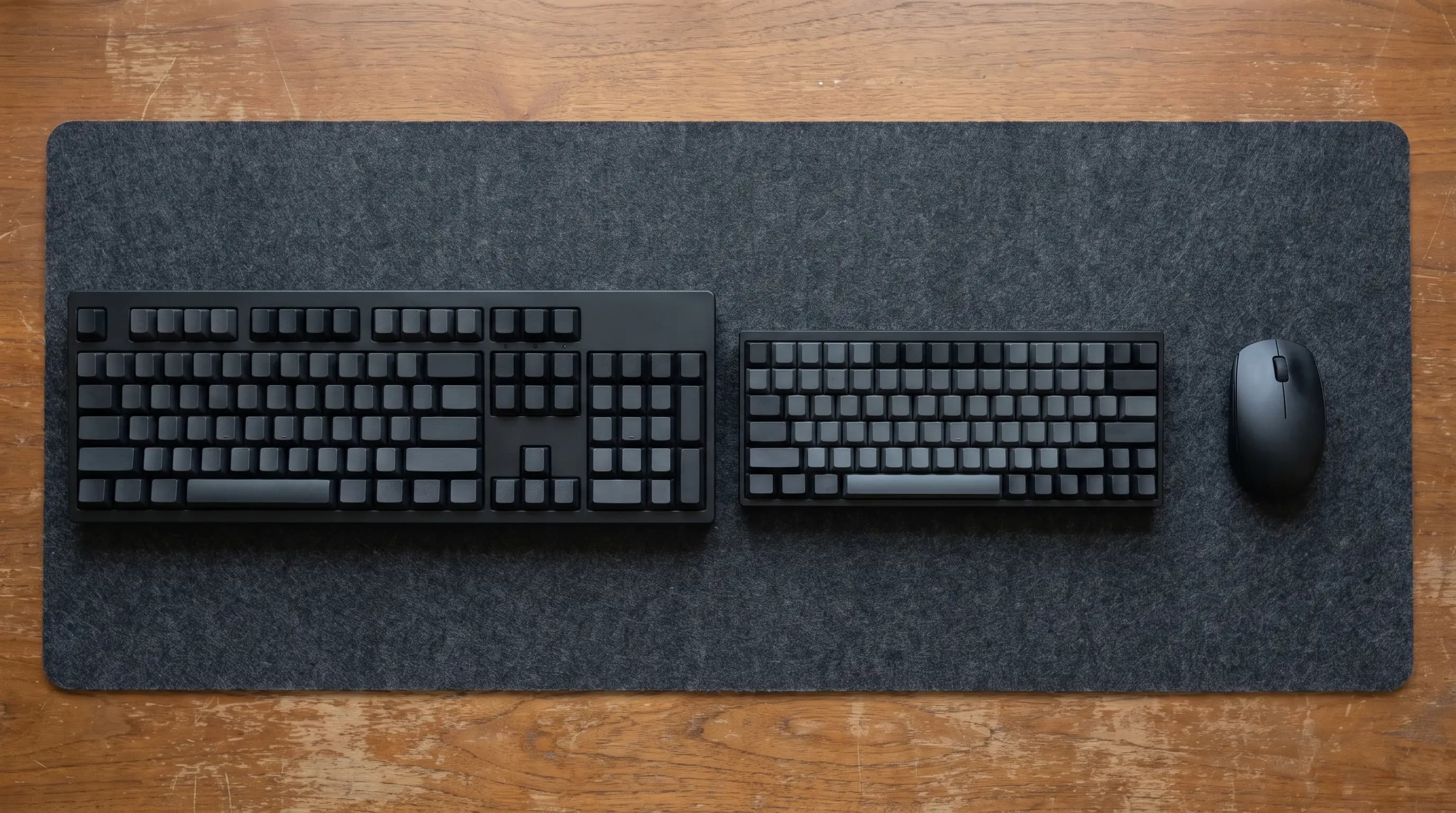
This is the section that argues against the products in our own guides, so it is worth grounding it in something other than our opinion. Both of the major occupational health bodies that publish on computer workstations reach the same conclusion, and one of them puts a number on it.
CCOHS, Canada's national occupational health centre, is the one with the number: "By using a shorter (35.6 cm or 14") keyboard instead of a regular (45.7 cm or 18") one, you will have an extra 10.2 cm or 4 inches of space beside the keyboard where the mouse can be placed." That is a tenkeyless board against a full-size one, and 10.2 cm is more mousing room than you get from any width upgrade available inside the XXL class — the whole spread from the narrowest XXL on the market to the widest is 4 cm, and between the two XXLs we actually recommend it is 1.
OSHA arrives at the same place from the ergonomics side. Its pointer and mouse guidance lists, among the fixes for a surface too small to hold both devices, "use a keyboard without a ten-key pad, which leaves more room for the pointer/mouse" — alongside a mouse platform over the numpad and a larger keyboard tray. The reason it cares is not comfort at the wrist but load at the shoulder: "Your shoulder and neck muscles are continually being used to lift the arm away from your body if the mouse is placed too far away," and elsewhere on the same material, a work surface too small "can cause you to move the mouse to a position of the desk that requires you to reach."
So the number pad costs you about 90 mm of mat and pushes your mousing hand 90 mm further from your shoulder, permanently, all day, whether or not you are gaming. If you use it — accountants, data entry, anyone living in a spreadsheet — that is a fair trade and you should keep it. If you have not touched it since you bought the keyboard, it is the most expensive 90 mm on your desk, and our office keyboards and gaming keyboards guides are both full of tenkeyless and 75% boards that delete it.
There is one more thing CCOHS notices that is worth quoting because it describes a habit rather than a measurement, and it is the strongest argument against buying width for its own sake: a constrained mousing area means "you avoid the tendency to wiggle it further and further away, which would make you reach even further and increase muscle strain." A very large mat removes the thing that was stopping your mouse from drifting outward. Nobody in this category will tell you that, ourselves included until now, and it does not mean large mats are bad — it means the discipline of putting the mouse back has to come from you rather than from the furniture.
The pad on a pad, and the step it puts under your hand
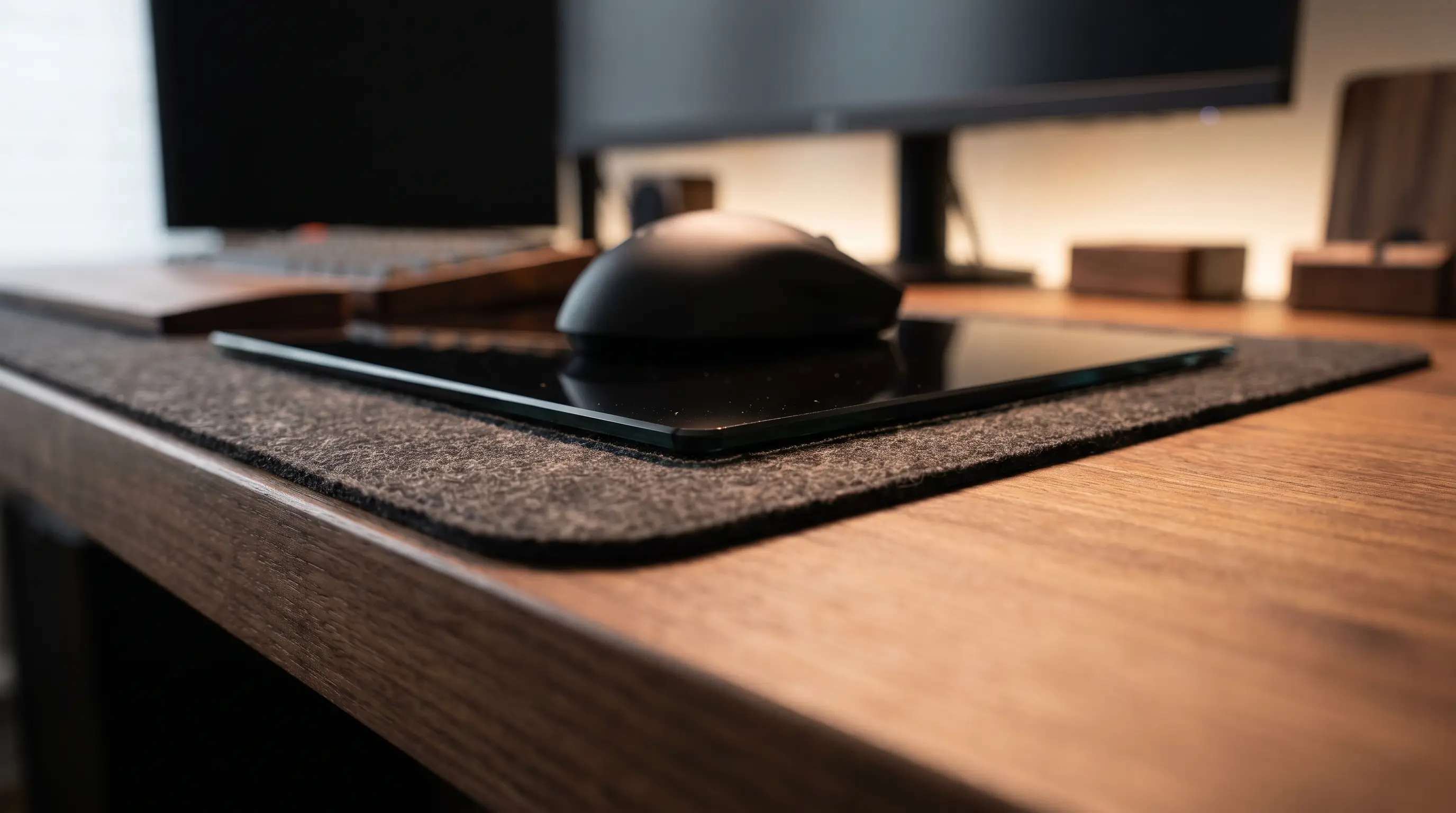
Read our three desk mats guides together and they quietly converge on a single piece of advice, none of them phrases it as advice, and all three arrive at it from different directions. The leather and felt guide says that if precise tracking matters, "put a small dedicated mousepad on top — a cloth pad from our gaming desk mats guide, or a thin hard or glass pad." The glass guide says of the Razer Sphex V3 that "you can stick it on top of a big cloth desk mat to get a hard mousing zone without giving up the mat." And the gaming guide's Artisan Hien pick is explicitly mouse-zone sized because "serious players often pair a dedicated aim surface with a separate desk mat."
That is a real and good solution to a real problem — a leather pad looks right and mouses badly; a cloth mat mouses well and looks like a battlestation — and stacking gets you both. What none of the three guides do is add up the heights, so here they are. A Grovemade wool felt pad is 3 mm. A Razer Atlas on top of it is 5 mm. The mousing surface ends up 5 mm above the surface your keyboard is on, with a hard glass edge between them that your hand crosses every time it repositions.
Our own glass guide already flags half of this, on the Atlas: "5 mm is still 5 mm: there's a step where the glass meets your desk that your forearm will find on long sessions." It is measuring the step against the desk. On a stack it is measuring against a mat that is itself 3 or 4 mm tall — which cuts the step down, not up, so stacking on a thick cloth mat is genuinely gentler than putting the same glass pad on bare wood. That is the useful version of the finding and it is the opposite of what you would guess.
For scale, our keyboard height guide put the front edge of a standard mechanical keyboard at 26 to 30 mm and treated an 11 mm mismatch as a real ergonomic error worth correcting. A 5 mm step is half that, on the hand doing the finer work, and it is horizontal rather than vertical — your hand crosses it sideways rather than climbing it. We are not going to claim that is an injury risk, because we have no basis for saying so and neither does anyone else selling you a solution to it. It is a comfort variable, it is worth knowing about before you stack, and it is a reason to prefer a thin pad on top: the Pulsar Superglide3 at 2.5 mm or the Razer Sphex V3 at 0.4 mm put almost nothing under your hand.
The other thing to check before stacking is grip. A glass pad's silicone base is engineered to hold onto a desk, not onto wool felt or brushed PU, and a heavy pad that creeps a millimetre at a time is worse than no pad. Full-footprint silicone bases hold on fabric better than corner dots do — which quietly reverses the usual ranking, since corner dots are fine on a desk and the least suitable thing on a mat.
Three material families, three completely different sizing logics
All of which finally reconciles the thing that makes this hub confusing to read straight through. Our three desk mats guides quote sizes that are not comparable, in units that are not the same, for products that are not doing the same job — and once you know what each family is being sized for, the apparent disagreement disappears.
Cloth and hybrid gaming mats are sized to cover the desk. They are measured in inches, they are named in Xs, and the width is the product: the surface itself is inexpensive, so the ladder from L to 3XL is mostly a ladder of how much desk you want covered. The mouse zone is a by-product of that decision, not the target of it.
Glass and hard pads are sized to hold a mouse and nothing else. They are measured in millimetres, they carry no size labels, and they top out around 510 mm because a sheet of tempered glass wide enough to sit under your keyboard would be heavy, expensive, fragile and pointless — you do not want to type on glass. This is why our glass guide can recommend a 360 mm pad without contradicting anything the cloth guide says about width: it is sizing the mouse zone directly, which is the honest version of the number the cloth guide was only ever approximating.
Leather, felt and cork desk pads are sized to look right. Inches again, named by S/M/L, and the governing constraint is proportion against the desk and the monitor rather than any function. Harber London's XL is 800 mm wide and its depth of 450 mm is the deepest thing in our whole table — because a pad that reads as furniture wants to be visually substantial, not because your forearm needed the extra 50 mm.
So the practical translation, if you are cross-shopping the three guides: compare the glass pads against the leftover column, and the cloth and premium pads against your desk. They are answering different questions and the numbers were never meant to sit beside each other. Which is a fair description of most of this category, and the reason a guide that just tells you 35 inches is not really telling you anything.
| Family | Sized for | Typical width | Compare it against |
|---|---|---|---|
| Cloth / hybrid gaming mats | Covering the desk | 900–1220 mm | Your desk's clear width |
| Leather / felt / cork pads | Looking proportionate | 580–900 mm | Your desk and monitor |
| Glass / hard pads | Holding the mouse | 360–510 mm | Your half-turn distance |
| Mouse-zone cloth pads | Holding the mouse | 450–500 mm | Your half-turn distance |
The whole thing, in five minutes with a tape measure
None of this needs a spreadsheet. Here is the sequence, in the order that saves you the most money soonest.
1. Measure the clear depth of your desk, not the desk. Push the monitor stand back where it lives and measure from the front edge to the front of the stand. That number caps your mat's depth, and if it is under about 15.5 inches you are outside the range every full-size mat is built in — which is a signal to look at a monitor arm or a riser before you look at mats at all.
2. Measure your keyboard's width. Not its layout name — its actual width, because a 75% in an aluminium case can be wider than a plastic TKL. Subtract it from any mat width you are considering, then subtract another 20 mm for the gap. That is your mouse zone.
3. Work out your half-turn. Take your DPI, multiply by your in-game sensitivity, divide 41,560 by it for CS2 or 13,060 for Valorant, and halve the result. If you do not play shooters, skip this entirely — desktop mousing needs a fraction of it and the mat will never be your constraint.
4. Compare the two numbers, and expect the mat to win comfortably. If your mouse zone is bigger than your half-turn, width is a solved problem and you should be choosing on surface, thickness, edge finish and looks instead. If it is not, the first thing to try is a shorter keyboard, and only then a wider mat.
5. Check whether you are stacking. If a glass or hard pad is going on top of a desk pad, add the thicknesses and decide whether you want a 5 mm step or a 2.5 mm one. And check the base: full silicone holds on fabric, corner dots do not.
Then buy on the things that actually differ. Our gaming desk mats guide covers cloth and hybrid surfaces for control and speed, the leather and felt guide covers the pads that make a desk look like an office, and the hard and glass guide covers the low-friction slabs — including what they do to your mouse skates, which is a running cost, and a more consequential decision than an inch of width in either direction.
The bottom line
Measure the clear depth of your desk — front edge to the front of the monitor stand — before you look at a single product, because that is the only hard constraint in this category and the one that will actually stop a mat fitting. Then stop worrying about width. Subtract your keyboard from any mat you are considering, halve your cm/360, and compare: for the overwhelming majority of people the mat wins by twenty centimetres or more, which means width is a solved problem and you should be choosing on surface, thickness and how it looks instead.
If your mouse zone genuinely is tight, the first move is not a wider mat. It is a shorter keyboard — CCOHS puts the gain at 10.2 cm against a 4 cm spread across the entire XXL class, and unlike extra width it brings your mousing hand toward your shoulder rather than giving it more room to drift away. A tenkeyless or 75% board is the cheapest upgrade in this article and it is free if one is already in a drawer.
Then buy for the reason the product is actually good. A cloth or hybrid gaming mat if you want one continuous surface at one height, with control or speed to taste. A leather, felt or cork pad if you want the desk to read as a workspace rather than an arena — and accept that it mouses adequately rather than well. A glass or hard pad if you want a surface that feels identical in July and January, and budget for skates. Any of those is a better use of the decision than an extra two inches of mat, and the letter on the box was never going to tell you which.
Frequently asked questions
For most desks, a mat around 900 mm wide (the common XXL class, about 36 inches) and 400 to 410 mm deep covers a keyboard and mouse with room over and fits a standard desk without overhanging. But check the depth first: measure from the front edge of your desk to the front of your monitor's stand, because that is the real limit, and stands eat between 7.4 and 11.5 inches depending on the monitor. If that clear depth is under about 15.5 inches, no full-size mat will lie flat and the fix is a monitor arm or a riser rather than a smaller mat.
Almost certainly, and you can check rather than guess. Multiply your DPI by your in-game sensitivity, divide 41,560 by the result for CS2 (13,060 for Valorant), and halve it — that is the travel a half-turn needs. At eDPI 800 it is 26 cm. An XXL mat leaves about 49 cm beside a full-size keyboard and about 59 cm beside a tenkeyless one, so the mat only becomes the constraint below roughly 420 eDPI, which is at the very bottom of the published professional range. If you are genuinely down there, buy the 3XL; if you are not, buy on surface instead.
It depends entirely on the brand, because there is no standard. Razer's Gigantus V2 XXL is 940 × 410 mm (37 × 16.1 in) and 4 mm thick; SteelSeries' QcK XXL is 900 × 400 mm and 2 mm thick. The 3XL label is worse: Razer's is 1200 × 550 mm, SteelSeries' QcK 3XL is 1220 × 590, and Corsair's MM700 Extended 3XL is 1220 × 610 — a 60 mm spread in depth under one name, and the SteelSeries and the Corsair are both sold as "48 × 24 in" despite being 20 mm apart. Always buy on the millimetre figure from the manufacturer's own spec table, and treat the letter as a rough price tier rather than a size.
Depth is not really the variable — it has a ceiling the whole category respects. Take the largest size of everything we recommend, from a $10 cork pad to a $180 leather one to a $129 glass slab, and depth lands between 400 and 450 mm, because it is limited by your forearm's reach and your desk's clear surface rather than by any design decision. Smaller rungs on a size ladder go shallower, but nothing goes past 450 mm at any price in any material, while width differs by a factor of more than three. So check depth against your desk once, then make your real decision on width and surface.
Yes, and it is a common and sensible way to get a good-looking desk pad and a good mousing surface at once — our own guides recommend it in three different places. Two things to check. First, the step: a 5 mm glass pad on a 3 mm felt pad puts your mousing hand 5 mm above your keyboard hand, with a hard edge between, so a thinner pad on top (2.5 mm, or the 0.4 mm Razer Sphex V3) is more comfortable. Second, the base: full-footprint silicone grips fabric reasonably well, while corner dots — fine on a bare desk — tend to let a heavy pad creep.
The keyboard, almost always, and it is not close. CCOHS puts the space gained from dropping the number pad at 10.2 cm, and OSHA lists a keyboard without a ten-key pad among its standard remedies for a surface too small for both devices. The entire width spread within the XXL class is about 4 cm, so a layout change moves your mouse more than twice as far as the biggest available mat upgrade — and it moves the mouse closer to your shoulder rather than giving it more room to drift away from it. If you use the number pad daily, keep it; if you have not touched it in a year, our office and gaming keyboard guides are full of tenkeyless and 75% boards.
Keep building your setup
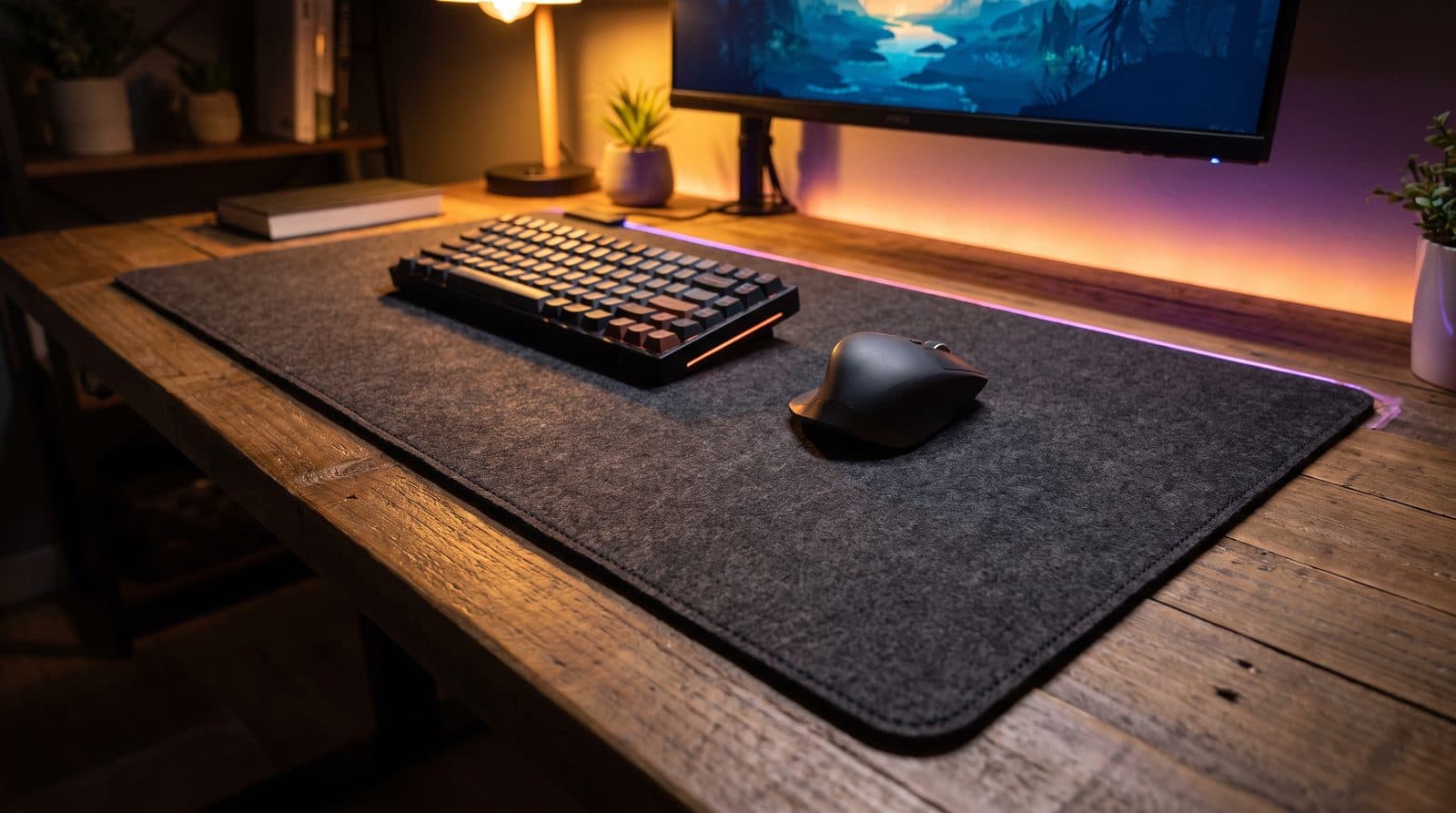
Desk Mats
The Best Desk Mats for Gaming in 2026
Five desk mats that cover the whole desk, feel great under a mouse, and survive daily use — from budget XXL cloth to enthusiast-grade Japanese surfaces.
Updated September 12, 2026
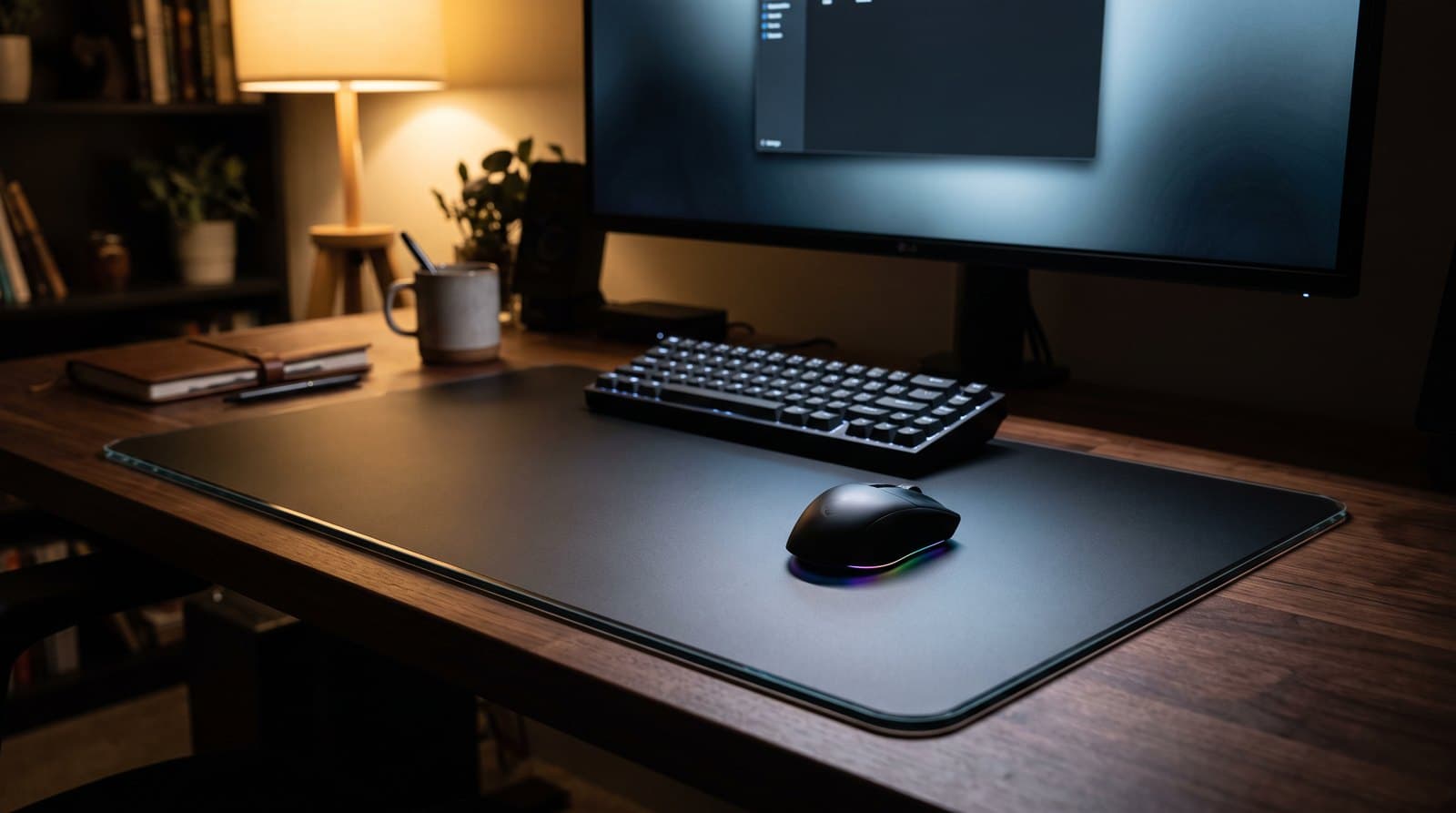
Desk Mats
The Best Hard and Glass Mousepads in 2026
The third kind of desk mat: no cloth, no cushion, just a low-friction slab. Six glass and hard pads compared on coated-vs-uncoated glide, edge comfort, and the skate wear nobody warns you about.
Updated September 6, 2026
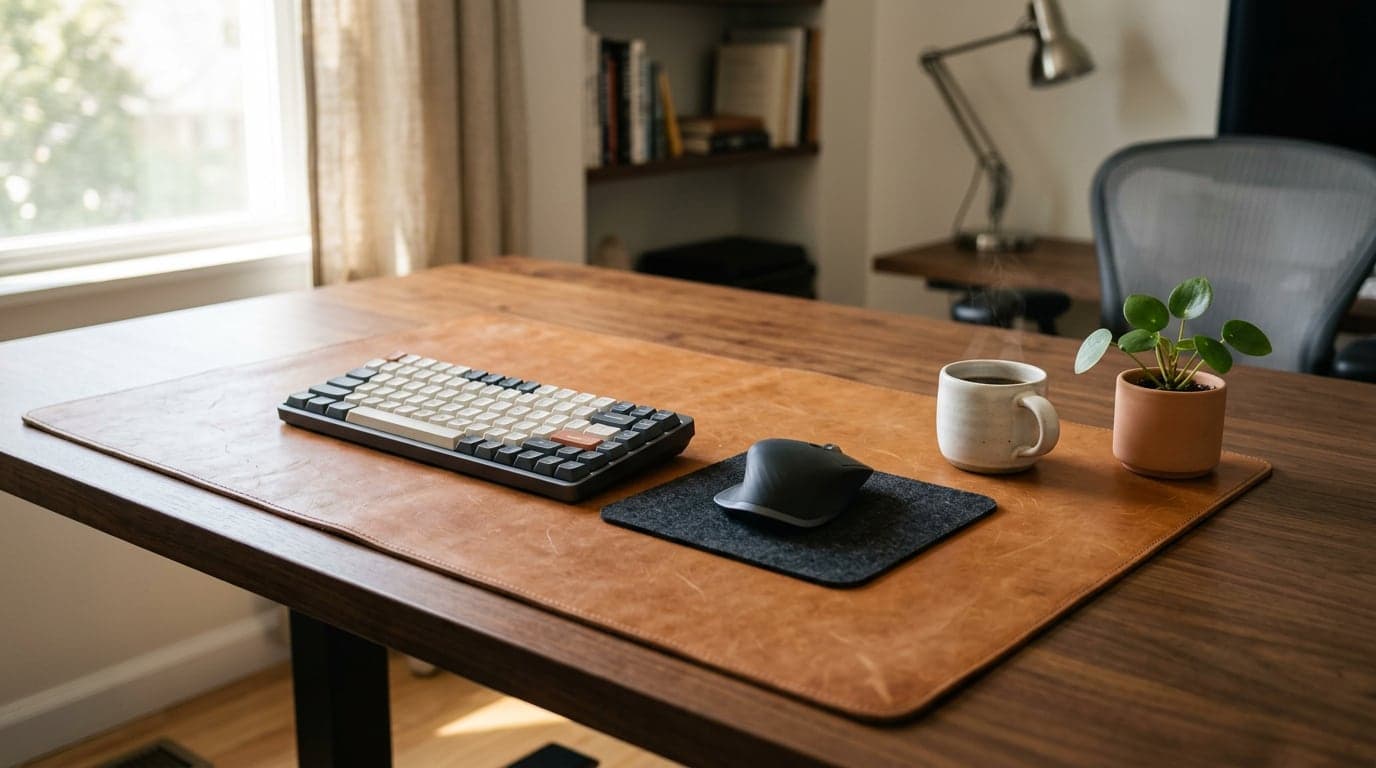
Desk Mats
The Best Leather and Felt Desk Mats in 2026
The grown-up, non-gaming half of the desk mat. Six leather, wool-felt, cork, and vegan-leather desk pads that make a work-from-home setup look like furniture — matched to how you want it to age.
Updated September 6, 2026
Get the next guide in your inbox
One short email when we publish or meaningfully update a buying guide. No spam, no daily deals firehose.