 Rigworthy
The Best Laptop Stands for Small Desks in 2026
By Rigworthy Editorial Team · Updated September 12, 2026
Rigworthy is reader-supported: we may earn a commission if you buy through our links, at no cost to you. How we make money
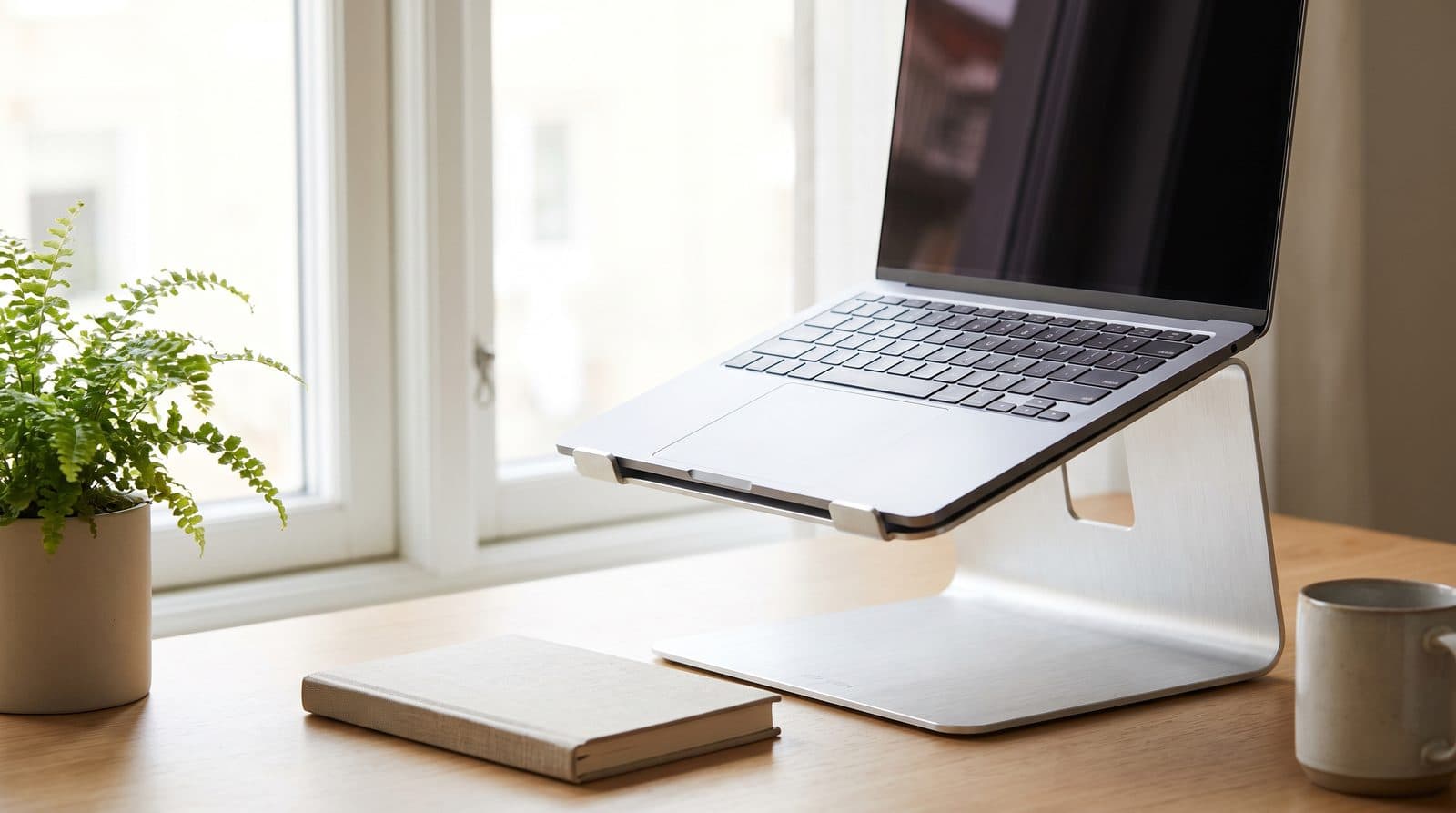
A 14-inch laptop lying flat puts the top of its screen about 8.5 inches above the desk, which is roughly 12 inches below where your eyes actually are — and that gap is why laptop-only workers end the day with their neck announcing itself. A stand fixes the geometry, and on a small desk it does double duty: the space under a raised laptop becomes usable again for a notebook, hub, or keyboard.
Small desks change the ranking, though, and in both directions. Deep fixed stands that anchor a 60-inch battlestation can eat a third of a compact desk — but a compact desk also puts you closer to the screen, which means you need more lift, not less. We prioritized footprint, stability, and how well each stand shares space with the external keyboard you'll want once the screen is up; if you want the number your setup actually needs before you shop, start with our laptop stand height guide.
Our top picks at a glance
- 1
- 2
- 3
- 4
- 5
How we chose
- Footprint proportional to a small desk — depth matters as much as width, and we now publish the manufacturer's own base dimensions where they exist
- Stability when the laptop is actually used (typing, touchscreen taps)
- Height measured on one convention: what the stand actually lifts, against the 7.6–9.9 inches a 14-inch laptop needs at a normal viewing distance — and 9.1–11.0 inches if you sit close, which a small desk makes you do
- Awards follow that number. A stand that cannot reach the lift a small desk requires is not the overall pick, however well it is made
- Usable space recovered underneath the stand
- Build quality that matches the laptop sitting on it
Our picks come from spec research, long-term owner feedback, and category expertise — not sponsorships. Read the full methodology.
Compared side by side
| Product | Award | Adjustable | Weight | Typical price |
|---|---|---|---|---|
| Roost Laptop Stand V3 | Best Overall | Yes (7 levels) | 6 oz | ~$90 |
| Rain Design mStand | Best Fixed Stand | No (fixed 5.9 in) | 3 lbs | ~$50 |
| Nulaxy C3 Laptop Stand | Best Value | No (fixed) | 2.4 lbs | ~$30 |
| Twelve South Curve Flex | Premium Pick | Yes (to 10.78 in) | 1.75 lbs | ~$80 |
| MOFT Adhesive Laptop Stand | Best Ultra-Compact | 2 positions | 3 oz | ~$30 |
1. Best Overall
Roost Laptop Stand V3
Typically around $90
- Small desks
- Sitting close to the screen
- Hybrid workers and travel
The Roost weighs 6 ounces, folds to 1 × 1.5 × 13 inches, and unfolds into a stand that lifts a laptop's screen anywhere from 6.5 to 12.5 inches across seven levels, with startling rigidity for the weight. It is the stand that defined the portable category, and on a small desk it wins on the two things that actually matter here: it reaches the lift a close-in setup needs, and when you fold it away it occupies less desk than a pen.
That combination is why it takes the overall pick. A 14-inch laptop at a close viewing distance wants 9 to 11 inches of lift, by the arithmetic in our laptop stand height guide. Only two stands on this page reach it, and the Roost is the one that does both: headroom left at the top of that range, and essentially no persistent footprint. Roost also publishes screen lift rather than the stand's own height, which is why its number looks large next to the others and isn't.
One thing to get right when you buy: there are now two Roosts, and the brand's homepage headlines the newer one's numbers for the whole line. "Screen lift up to 14 inches" and "up to 11 height settings" describe the V3 Plus ($99.95), which spans 5–14 in over 11 settings and adds a quick-release ratchet that changes height without lifting the laptop off. The plain V3 ($89.95) is 6.5–12.5 in over 7 settings with no quick release. Both weigh 6 oz and fold to the same size. If you sit close, the extra $10 buys the top of the range you actually need — check which one a listing is selling before you click.
What we like
- 6.5–12.5 in of screen lift over seven levels — clears the 9–11 in a close-in desk needs, with headroom left
- 6 oz and pocketable: folds to 1 × 1.5 × 13 in, so the desk footprint is zero when you're done
- Impressively rigid for its weight
Worth knowing
- Premium price for a portable accessory
- External keyboard and mouse are mandatory in use
- The V3 Plus, not this one, is the version Roost's own homepage advertises
- Height
- Adjustable, 7 levels — 6.5–12.5 in of screen lift
- Step-up
- V3 Plus: 5–14 in, 11 levels, quick-release, ~$100
- Folded size
- 1 × 1.5 × 13 in
- Material
- Reinforced polymer
- Weight
- 6 oz (178 g, Roost's published figure)
- Fits
- All makes and models (V3 Plus: 12–18 in)
2. Best Fixed Stand
Rain Design mStand
Typically around $50
- MacBook setups
- Permanent desk position
- Under-stand storage
The mStand has survived nearly two decades of imitators because the fundamentals are exactly right: a single piece of sand-blasted aluminum, dead-solid stability, a tilted platform standing 5.9 inches (150 mm) tall, a 2-inch cable hole that routes power behind the curve, and a 10 × 7.5 in (253 × 190 mm) base. Rain Design lists it at $49.90 and fits it to every MacBook including the 16-inch.
On a small desk, the space under its arc is the hidden feature — a keyboard slides under when you clear the desk, and the flat base area holds a hub or SSD. As a permanent perch it is still the best-made object on this page.
It is no longer our overall pick, and the reason is arithmetic rather than taste. 5.9 inches is the right lift if you sit about 30 inches back, and three to five inches short if you sit close — which is exactly what a small desk makes you do. A guide called "for small desks" cannot name a stand its own thesis says is too short. If you sit at arm's length and want one beautiful thing that never moves, buy it without hesitation; if you sit close, run the arithmetic in our laptop stand height guide first.
What we like
- Single-piece aluminum — zero wobble, ever
- Space under the arc stores a keyboard or hub
- Finish matches MacBooks convincingly
Worth knowing
- Fixed 5.9 in lift — short of what a close-in small-desk setup needs
- Fixed angle, no adjustment at all
- At 3 lbs, not something you move around
- Height
- 5.9 in (150 mm) stand height, fixed
- Footprint
- 10 × 7.5 in (253 × 190 mm)
- Material
- Single-piece anodized aluminum
- Weight
- 3 lbs (1.46 kg — Rain Design's own published pair)
- Fits
- All MacBooks incl. 16 in; most notebooks
3. Best Value
Nulaxy C3 Laptop Stand
Typically around $30
- Budget setups
- Getting closer to the height you actually need
- Desks that have to be cleared
The C3 is the value pick among fixed risers: a CNC-cut 5 mm aluminum frame that Nulaxy says will "elevate the laptop screen to 7''", with an open vented panel underneath, rubber pads everywhere it touches the laptop, and a rated capacity of 22 lb — far more than any laptop weighs, which is why it feels planted rather than springy.
It is not height-adjustable, and it is worth being clear about that because plenty of listings imply otherwise. What it does instead is detach into three pieces for storage or a bag, which is the useful trick on a desk that has to become a dinner table. At around 7 inches of rise it sits closer to the height most people actually need than the classic 5.9-inch fixed stands do — see our laptop stand height guide for the arithmetic — but if you need to dial the screen in against an external monitor, you want one of the adjustable stands below.
What we like
- About 7 inches of rise — taller than most fixed stands at a budget price
- Detaches into three pieces for storage or travel
- 22 lb rated capacity and a vented open panel for airflow
Worth knowing
- Fixed height and angle — no adjustment at all
- Can't be matched to an external monitor's height
- Height
- Fixed — raises the screen to about 7 in
- Material
- 5 mm CNC-cut aluminum alloy, detachable
- Capacity
- Up to 22 lbs (10 kg)
- Fits
- Laptops 10–16 in
4. Premium Pick
Twelve South Curve Flex
Typically around $80
- Design-led desks
- Full height range
- MacBook pairing
The Curve Flex is what happens when a fixed-stand company adds motion without losing rigidity: smooth dual hinges take the stand from 1.18 inches folded to a maximum height of 10.78 inches (274 mm), with keyboard angles from 0 to 45 degrees, in a matte-black or white aluminum package that folds completely flat.
Twelve South also markets it as putting a 16-inch MacBook Pro's webcam "22 inches off the desk" — that is a height above the desk, not the distance the stand lifts anything, and it's worth reading carefully because your eyes are only about 21 inches up, so that figure describes a screen at the very top of its travel rather than a lift you should be shopping for. The hinge tension is the star: position it anywhere and it stays, even under typing, and its 10.78-inch ceiling is one of only two in this guide that reaches the lift a close-in laptop setup actually needs. It costs premium money, and earns most of it.
What we like
- Reaches 10.78 in with rock-solid hinges — genuine full-height adjustment
- Folds completely flat, includes travel pouch
- Finish quality worthy of the laptops it holds
Worth knowing
- Premium price over functionally similar budget stands
- Its 10.4 × 8.8 in base is the largest published footprint here — and unlike the Roost, it's permanent
- Height
- Adjustable, 1.18–10.78 in (30–274 mm) stand height
- Footprint
- 10.4 × 8.8 in (264 × 224 mm); 7.28 in between the base legs
- Weight
- 1.75 lbs (0.79 kg)
- Fits
- Laptops from 8.66 in wide, up to 7 lbs
5. Best Ultra-Compact
MOFT Adhesive Laptop Stand
Typically around $30
- Zero desk footprint
- Couch-to-desk workers
- Minimalists
MOFT takes the small-desk logic to its conclusion: a 3-ounce (89 g) panel measuring 170 × 224 × 3 mm that sticks to the laptop's underside with reusable adhesive and magnets, folds flat, and pops open into two heights whenever needed. The footprint is literally zero, because it lives on the laptop.
Check the name before you buy, because MOFT now sells three laptop stands with near-identical names. The one described here is the "Adhesive Laptop Stand" ($29.99, 3 oz, 2- or 3-inch settings) — the product we originally listed as the "Invisible Laptop Stand." MOFT's current "Invisible Stand (Non-adhesive)" is a different object: a magnetic, non-stick panel that weighs 192 g in its small size and 272 g in its large one, holds 11 lbs, and is the model whose published 15° and 25° angles you'll see quoted around the web. A third, the older "Non-adhesive Laptop Stand," is 3 oz but currently out of stock. Same brand, same category, three different products.
Read the number correctly too: MOFT publishes 2 or 3 inches of height adjustment, and that is how far it lifts the laptop's rear edge, not its screen. It raises the top of the screen by rather less, because tipping the chassis forward also reclines the lid. It's a typing-angle and airflow product rather than a screen-height one — a genuinely good one — so it complements rather than replaces a full-height stand. One real limit MOFT states and most listings don't: it fits 11.6–16 inch laptops with no air vents on the underside, and explicitly not the Surface Book or Surface Book 2.
What we like
- Zero desk footprint — attached to the laptop itself
- Feather-light at 3 oz (89 g) and permanently available
- Cheap enough to add alongside a desk stand
Worth knowing
- A keyboard tilt, not a screen lift — nowhere near eye level
- Only for laptops with no underside vents; not Surface Book / Surface Book 2
- Adhesive mounting isn't for everyone
- Height
- Rear-edge lift of 2 in or 3 in (MOFT's published figures)
- Material
- PU, fiberglass, magnets, removable adhesive
- Weight
- 3 oz (89 g)
- Dimensions
- 170 × 224 × 3 mm
- Fits
- 11.6–16 in laptops with no underside vents (not Surface Book / Book 2)
The verdict
The Roost V3 is the pick, and it wins on the two numbers this guide is actually about. A 14-inch laptop at the close viewing distance a small desk forces wants 9 to 11 inches of lift; the Roost covers 6.5 to 12.5 and is one of only two stands here that get there. And when you're done it folds to the size of a pen and stops taking desk space altogether, which no fixed stand can do. Before you buy, check whether the listing is the V3 or the newer V3 Plus — 5 to 14 inches, 11 settings and a quick-release ratchet for about $10 more, and the version whose numbers Roost puts on its own homepage.
The Rain Design mStand remains the best-made object on this page and it is still the right buy if you sit a comfortable arm's length back — but 5.9 inches is a fixed lift, and on a small desk it lands three to five inches short. That is why it is now Best Fixed Stand rather than Best Overall: the height arithmetic points somewhere else, and we would rather move an award than argue with our own guide.
Below that, the Nulaxy C3 gets to about 7 inches for a third of the Roost's money and comes apart for storage; the Curve Flex is the premium do-everything pick at up to 10.78 inches, at the cost of the largest permanent footprint here; and the MOFT Adhesive Laptop Stand is the zero-footprint keyboard-tilt companion worth adding to almost any of the above — just make sure you're buying the adhesive one, since MOFT now sells three stands under nearly the same name.
Frequently asked questions
For full-height stands, yes — once the screen is at eye level the keyboard is at chest height, which is unusable for more than a moment. Budget for a compact external keyboard and mouse as part of the upgrade. Low-rise stands like the MOFT keep the keyboard typeable, at the cost of a much smaller ergonomic improvement.
Aim at the middle of the screen, not the top. OSHA asks for the center of a display 15 to 20 degrees below horizontal eye level, and your eyes sit about 21 inches above a correctly set desk — which works out to 7.6 to 9.9 inches of lift for a 14-inch laptop at a normal 24-inch viewing distance, and 9.1 to 11.0 inches if you sit closer than that. The popular "top of the screen at eye level" rule comes from a 17-inch monitor and overshoots a laptop by about two and a half inches, because a laptop panel is only about 7.7 inches tall. Our laptop stand height guide works through the arithmetic and the five-minute test with a stack of books.
Modestly, yes. Elevating the chassis lets air circulate under the intake vents that desk contact otherwise blocks, and open-frame stands help most. It won't transform thermals on a heavily loaded machine the way active cooling would, but it removes the worst-case scenario of vents pressed against a soft or flat surface.
An adjustable stand — the Roost V3 or the Curve Flex, not the fixed C3 or mStand — set so the middles of the two screens line up rather than the tops. Aligning the tops looks tidier but puts the laptop's center about 2.75 inches higher than a 27-inch monitor's, because the two screens have different half-heights, so you spend the day glancing upward at the secondary display. Our laptop stand height guide has the arithmetic. If the laptop stays closed in clamshell mode instead, a vertical dock saves even more space than any of the stands here.
Keep building your setup
Stands
How High Should a Laptop Stand Be?
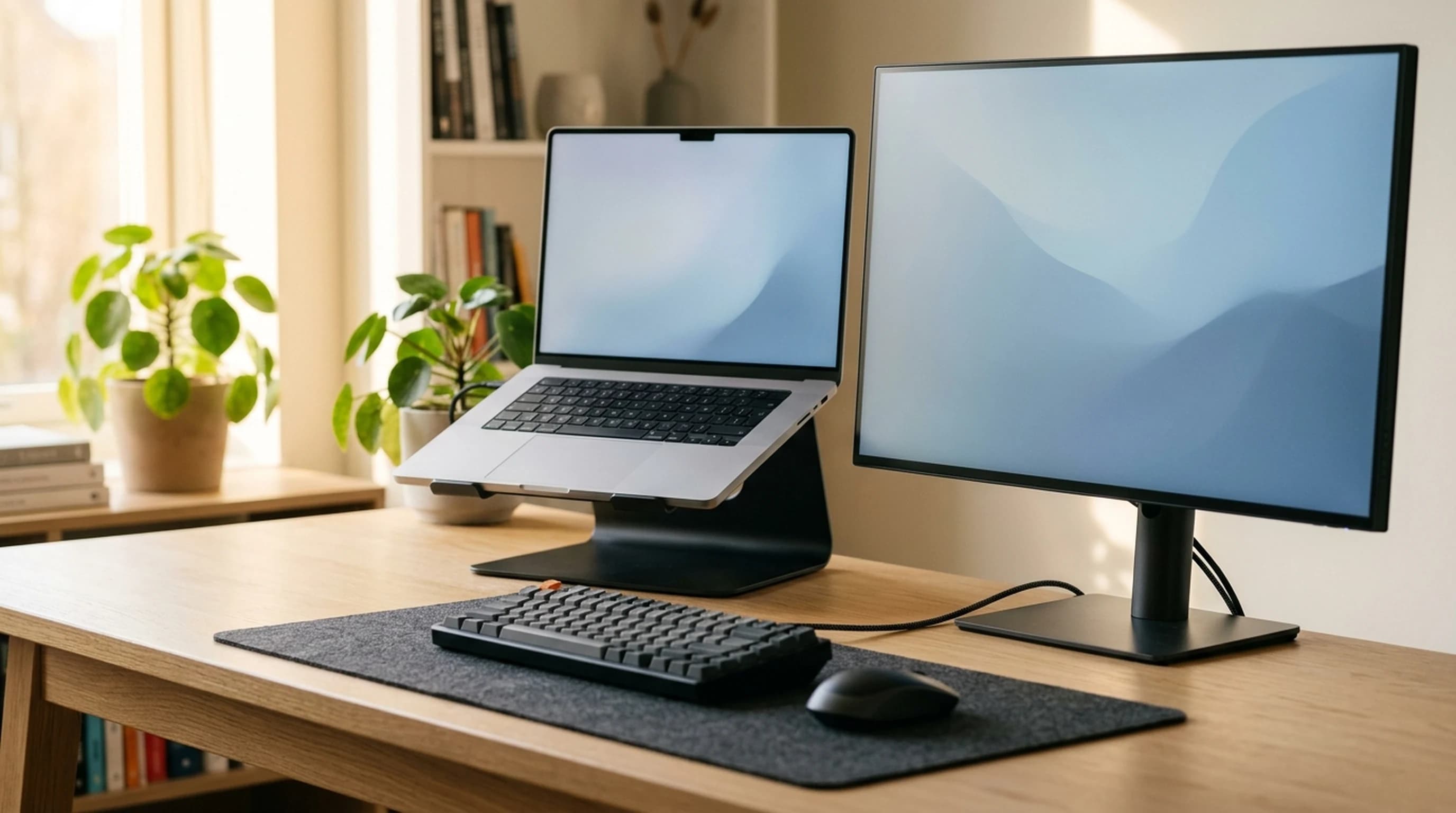
Every laptop stand guide, ours included, says to raise the screen to eye level. Do the arithmetic and that rule turns out to be borrowed from a monitor, it overshoots a laptop by about two and a half inches, and the stand you need is taller than almost anything the category sells.
Updated September 7, 2026
Stands
The Best Vertical Laptop Stands in 2026
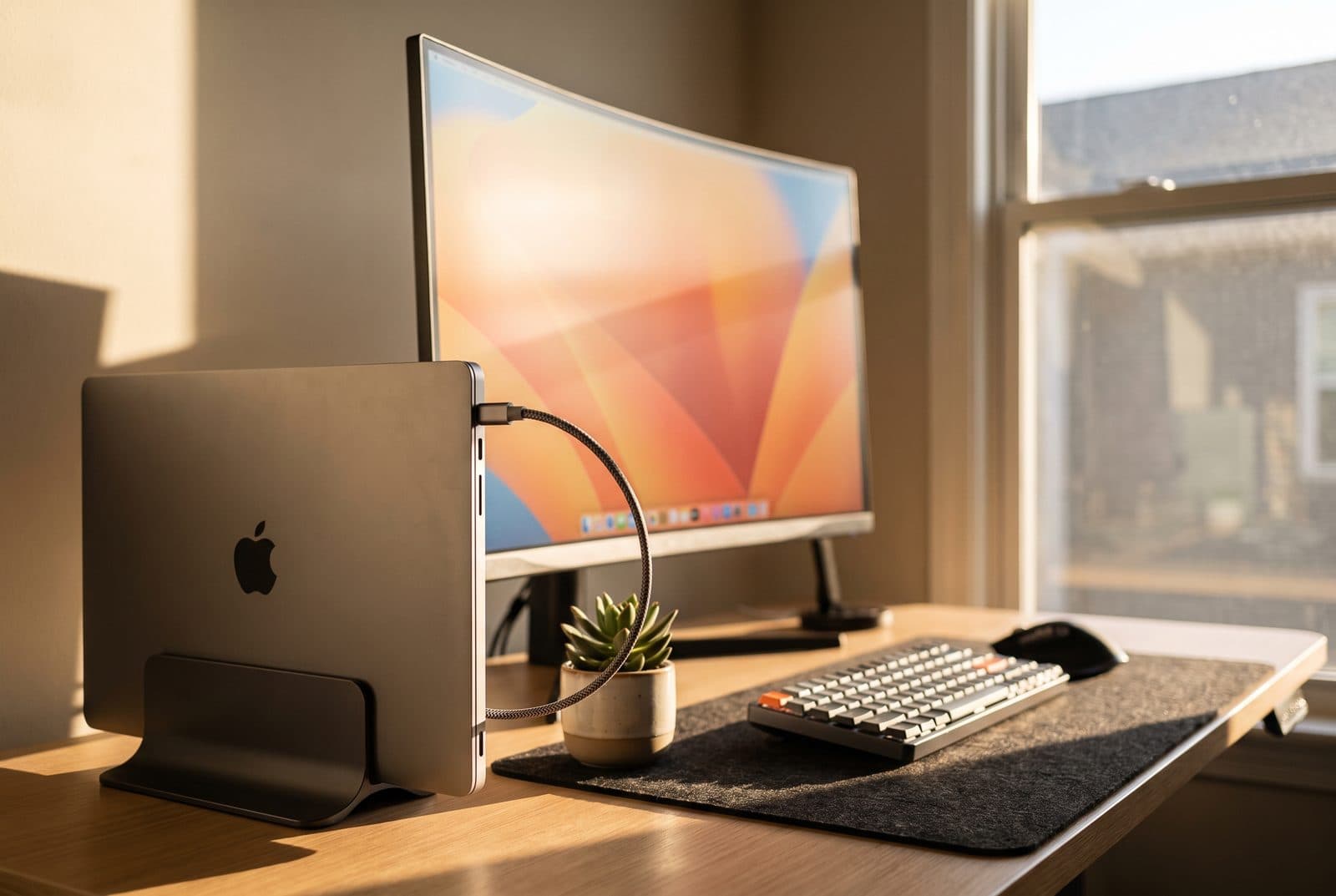
Dock your laptop, close the lid, and reclaim the desk. Six vertical stands compared on how thick a laptop they hold, how stable they are, and which suit a clamshell setup.
Updated September 7, 2026
Accessories
The Best USB-C Hubs and Docking Stations in 2026
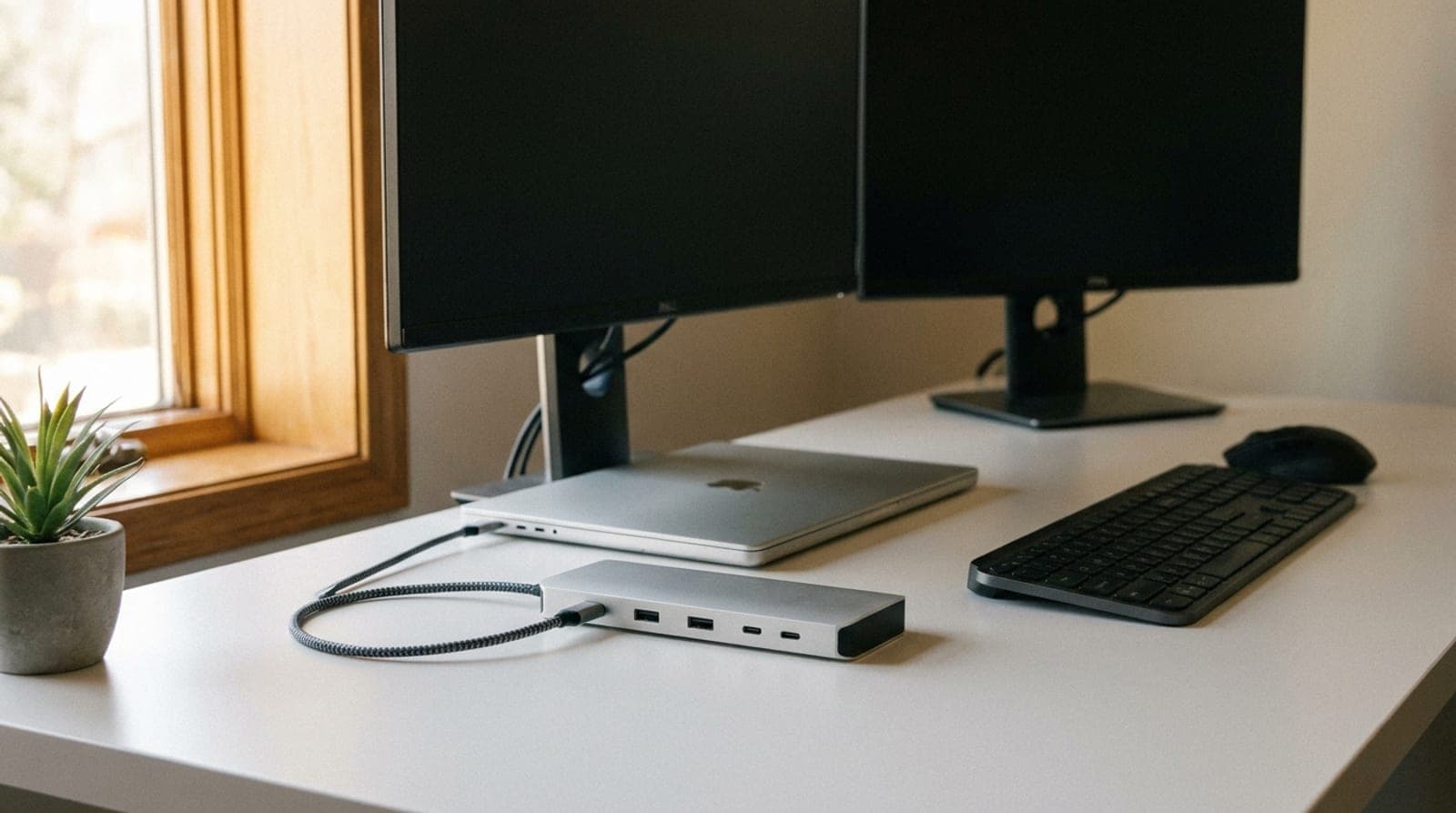
A $50 hub and a $380 dock both get filed under "USB-C hub," and the gap is where most people overspend. Six picks sorted by whether you need more ports or a real single-cable desk — plus the MacBook display limit this category is still built around, which Apple removed two chip generations ago.
Updated September 24, 2026
Get the next guide in your inbox
One short email when we publish or meaningfully update a buying guide. No spam, no daily deals firehose.