 Rigworthy
The Best LED Strip Lights for Desk Setups in 2026
By Rigworthy Editorial Team · Updated September 10, 2026
Rigworthy is reader-supported: we may earn a commission if you buy through our links, at no cost to you. How we make money
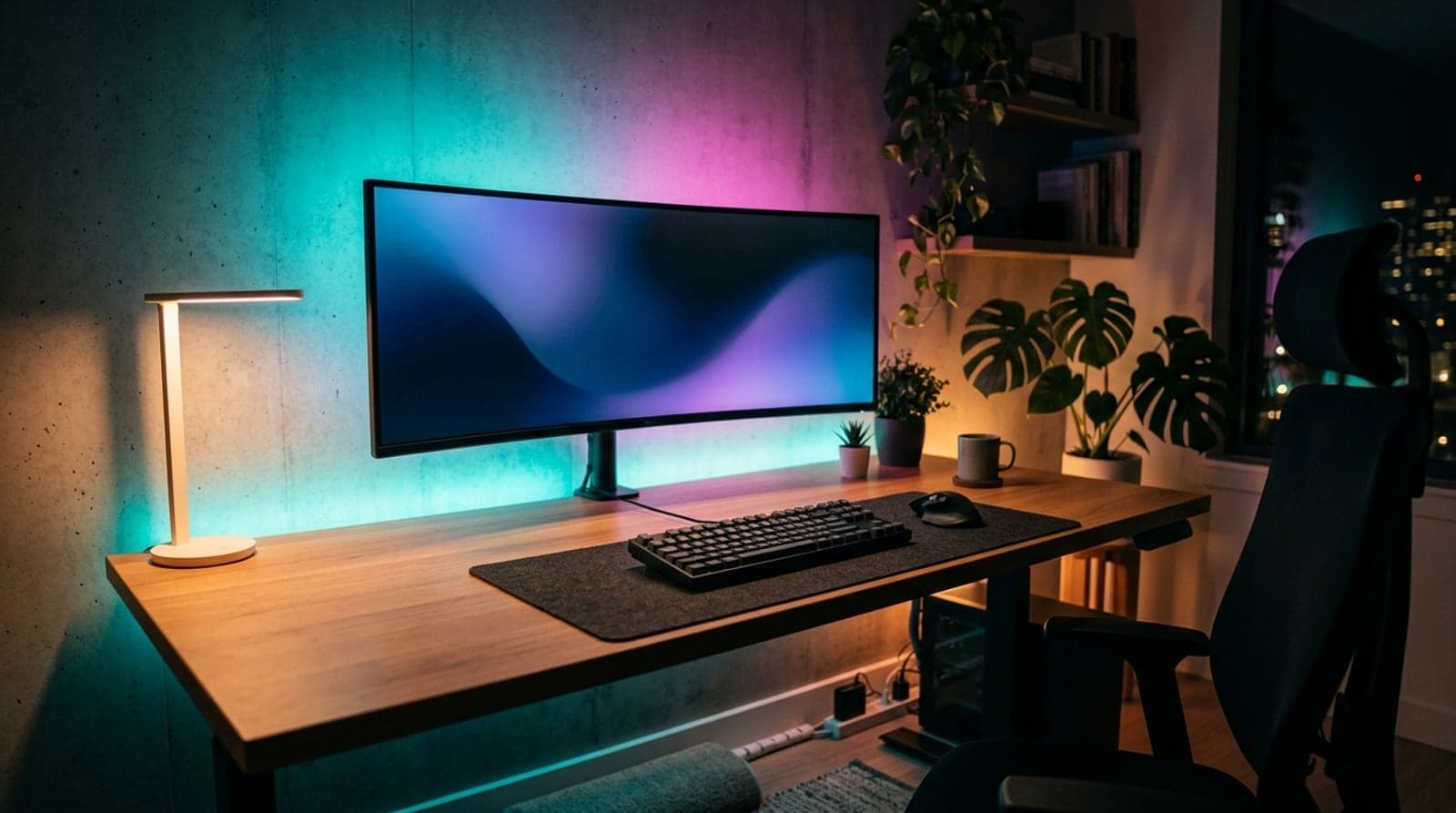
Nothing transforms the look of a desk after dark like light behind the screen. A strip of LEDs tucked around the back of the monitor, under the desk lip, or along the wall turns a flat, front-lit workspace into something that feels designed — and, run properly, it genuinely makes the screen easier to look at during long evening sessions. It is the cheapest upgrade with the biggest visual payoff in the whole setup.
The catch is that "LED strip" now covers wildly different products. Some are simple ambient glow; some mirror your screen in real time; some need a bridge you did not know you had to buy; some clip a camera to your monitor so they can sync a console. Pick the wrong one and you end up with rainbow lighting that cannot do the reactive trick you wanted, or a strip that quietly demanded a $50 hub. So we sorted these by the two things that actually decide fit — how (or whether) they sync to your screen, and whether they need a hub — and were clear about where the cheap strip is all you need.
Our top picks at a glance
- 1
- 2
- 3
- 4
- 5
- 6
How we chose
- The right kind of light: RGBIC or gradient for effects, tunable white for a genuine bias light
- Screen-sync method that matches your gear — software, camera, or none at all
- Honest about hidden costs, especially strips that hard-require a hub or bridge
- Ecosystem fit: Alexa, Google, HomeKit, Matter, or a PC app like iCUE and Chroma
- Mounting and length that survive a real desk — heat, corners, and the run to an outlet
Our picks come from spec research, long-term owner feedback, and category expertise — not sponsorships. Read the full methodology.
Compared side by side
| Product | Award | Screen sync | Hub needed | Typical price |
|---|---|---|---|---|
| Govee RGBIC Wi-Fi LED Strip Lights | Best Overall | No (music-reactive) | No | ~$30–50 |
| WiZ LED Strip Starter Kit | Best Budget & Simple Bias Light | No | No | ~$20–30 |
| Philips Hue Play Gradient Lightstrip for PC | Best Premium | Yes (PC software) | Yes (Hue Bridge) | ~$170 |
| Govee DreamView G1 (Camera) | Best for Gaming & Console Sync | Yes (camera) | No | ~$60–90 |
| Nanoleaf Lines | Best for a Statement Wall | Limited | No | ~$120–200 |
| LIFX SuperColor Lightstrip (Z) | Best No-Hub Premium | No | No | ~$50–90 |
1. Best Overall
Govee RGBIC Wi-Fi LED Strip Lights
Typically around $30–50
- Behind the monitor
- Under-desk glow
- Most setups
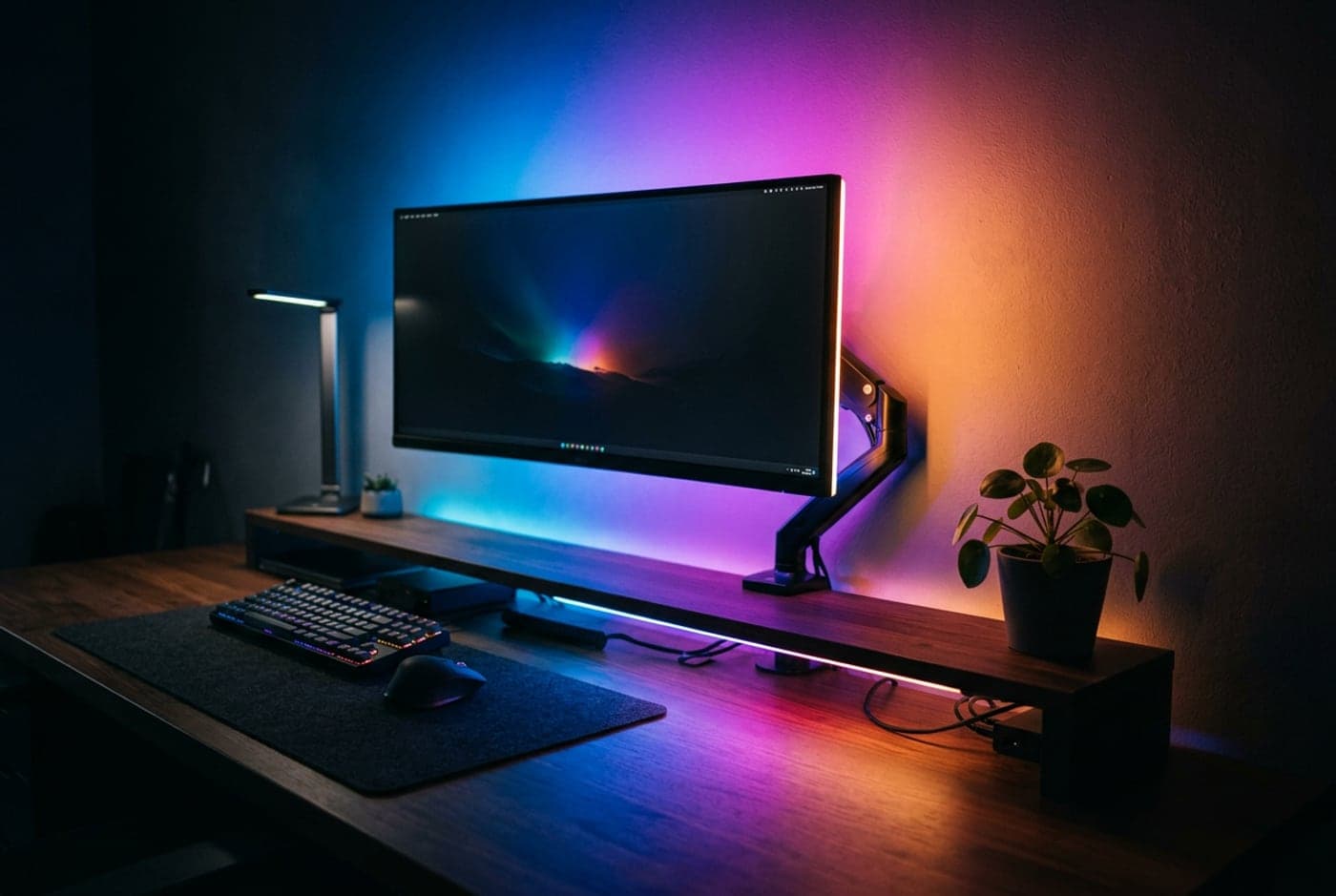
For most desks, the Govee RGBIC strip is the one to buy first. RGBIC means the strip shows multiple colors at once along its length — real gradients and color chases, not the single flat color a basic RGB strip is stuck with — and Govee's is the version that gets the fundamentals right at a fair price. It runs on 2.4GHz Wi-Fi and Bluetooth with no hub or bridge to buy, the Govee Home app is mature and quick, and Alexa and Google Assistant both work out of the box.
What it does not do is sync to your screen: this is an ambient and music-reactive strip, not a screen-mirroring one, so treat it as the glow behind the monitor and under the desk rather than a gaming light show that tracks the game. That is exactly what most people actually want. Mount it behind the display for a bias light, run it under the desk lip for a floating look, and set it once — it is the highest-payoff-per-dollar lighting upgrade a desk can get. The only routine gripe is the adhesive backing, which loosens on warm or textured surfaces; a few mounting clips fix it permanently.
What we like
- True RGBIC gradients with no hub or bridge required
- Mature app plus Alexa and Google, all for a low price
- Wi-Fi and Bluetooth — control it locally or remotely
Worth knowing
- No screen sync — ambient and music-reactive only
- 3M adhesive struggles on warm or textured walls
- Light type
- RGBIC addressable
- Connectivity
- Wi-Fi 2.4GHz + Bluetooth
- Screen sync
- None (music/mic reactive)
- Voice
- Alexa, Google
- Lengths
- 16.4 / 25 / 50 ft
2. Best Budget & Simple Bias Light
WiZ LED Strip Starter Kit
Typically around $20–30
- A clean white bias light
- Set-and-forget
- First-timers
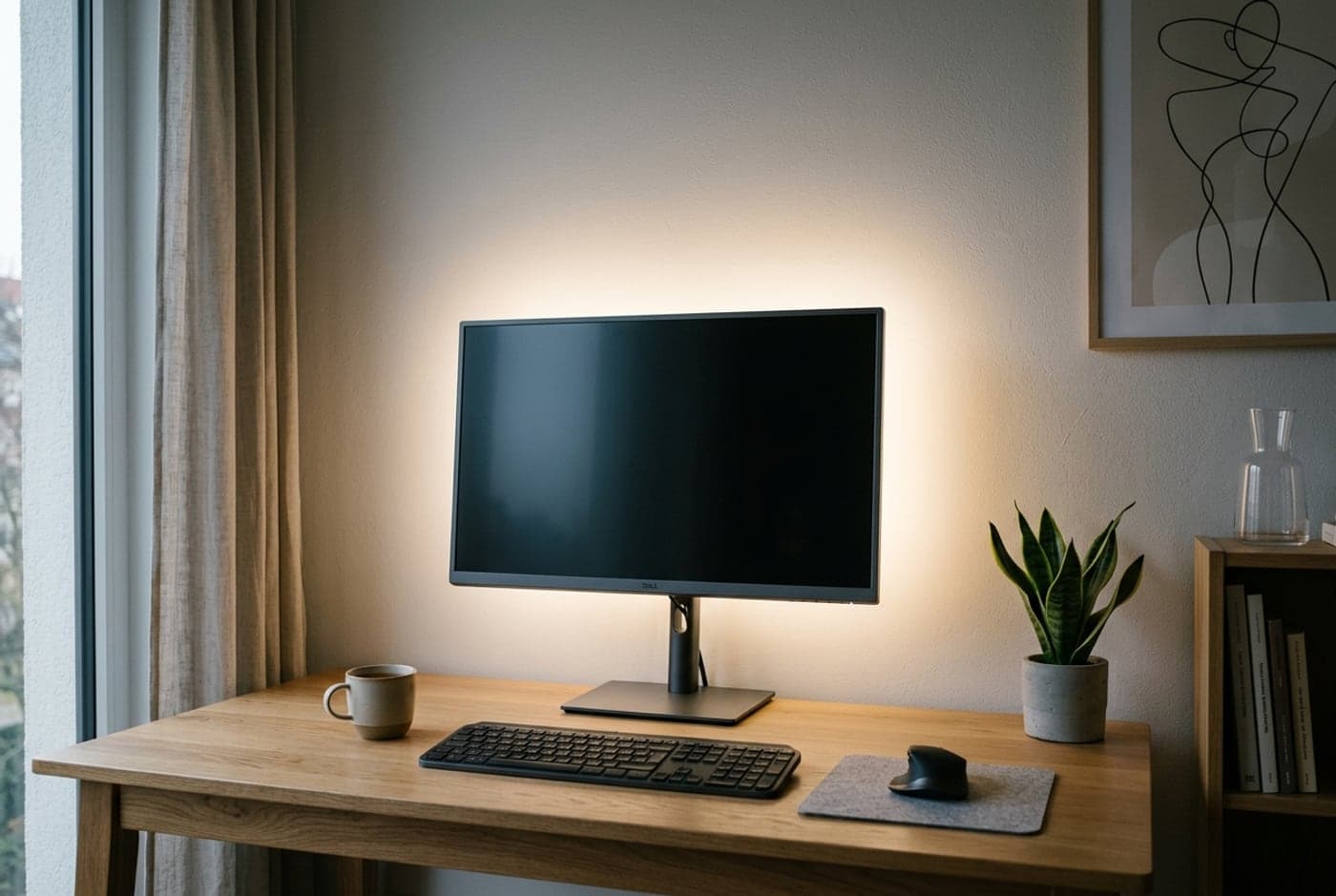
Here is the honest secret of desk lighting: the version that actually helps your eyes is a calm white glow, not a rainbow. The WiZ strip leans into that. It is Wi-Fi with no hub, tunable from warm 2700K to cool 6500K plus full color if you want it, and it works with Alexa and Google — a genuinely good light for the price of a couple of takeout meals. Set it to 6500K at low brightness behind the monitor and it does the one thing a bias light is supposed to do, cleanly and reliably. 6500K specifically, not "neutral white" — SMPTE's recommended practice for critical viewing puts a bias light at CIE D65, which is 6500K, because that is the white point your display is calibrated to. Anything warmer and the screen reads blue against it. Every strip in this guide reaches 6500K; see how bright should your desk light be for why a bias light is the one fixture here that is not aiming at the desk.
The trade-off versus Govee is that it is plain RGB, not RGBIC, so the whole strip is one color at a time — no gradients or per-zone chases. For a bias light that is a non-issue; for a gaming wall of effects, it is the wrong tool. It is also short in the base kit, so measure your run and add an extension if you are wrapping a large monitor or a whole desk. If you want lighting that disappears into the background and just makes the screen easier to look at after dark, this is the smart, cheap way to get it.
What we like
- Full tunable white plus color, Wi-Fi, no hub
- Ideal, honest bias-light behavior at a rock-bottom price
- Alexa and Google support most budget strips skip
Worth knowing
- Plain RGB — one color at a time, no gradients
- Base kit is short; large setups need an extension
- Light type
- RGB + tunable white
- Connectivity
- Wi-Fi 2.4GHz
- Screen sync
- None
- Voice
- Alexa, Google
- Color temp
- 2700K–6500K
3. Best Premium
Philips Hue Play Gradient Lightstrip for PC
Typically around $170 (plus bridge)
- Existing Hue homes
- Smooth screen sync
- The cleanest gradient
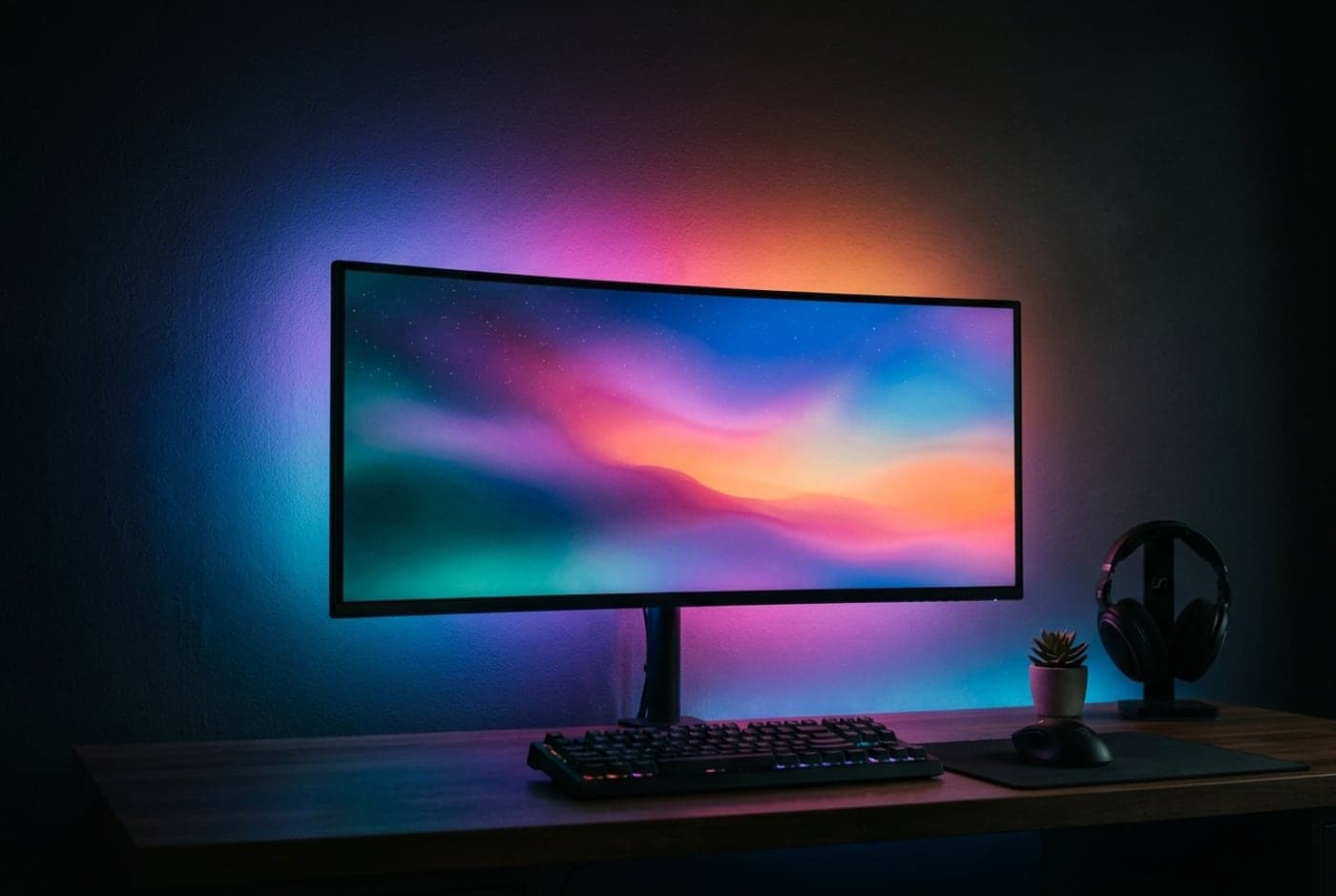
The Hue Play Gradient is the best-looking screen-sync light you can put behind a monitor, and the price reflects it. It mounts in a channel around the back of the display and, driven by the free Hue Sync desktop app, mirrors whatever is on screen as a smooth blended gradient — no camera, no HDMI box, just software reading your PC's display. The blend is cleaner and more convincing than any budget strip's, and because it is Hue it plugs into the deepest smart-home ecosystem here: Alexa, Google, Apple Home, Matter, SmartThings, the lot.
Two catches keep it from being the default pick. First, it hard-requires the Hue Bridge — budget for that on top of the strip — so the real entry cost is higher than the sticker. Second, the Hue Sync app runs on the PC and only mirrors PC content, so a console or streaming box on the same monitor will not sync. If you are already in Hue and mostly game or watch on the PC, nothing else blends this nicely. If you are starting from zero, the bridge tax makes the Govee picks far better value.
What we like
- The smoothest, most convincing screen-sync gradient here
- Deep ecosystem — Alexa, Google, Apple Home, Matter
- No camera or HDMI box; syncs from the Hue Sync app
Worth knowing
- Hard-requires the Hue Bridge — a real added cost
- Hue Sync mirrors PC content only, not consoles
- Light type
- Gradient (multi-zone)
- Connectivity
- Zigbee via Hue Bridge
- Screen sync
- Software (Hue Sync app, PC)
- Ecosystem
- Alexa, Google, Apple Home, Matter
- Sizes
- 24–27 / 32–34 in
4. Best for Gaming & Console Sync
Govee DreamView G1 (Camera)
Typically around $60–90
- Consoles and PC
- Reactive gaming
- Screen-matched color
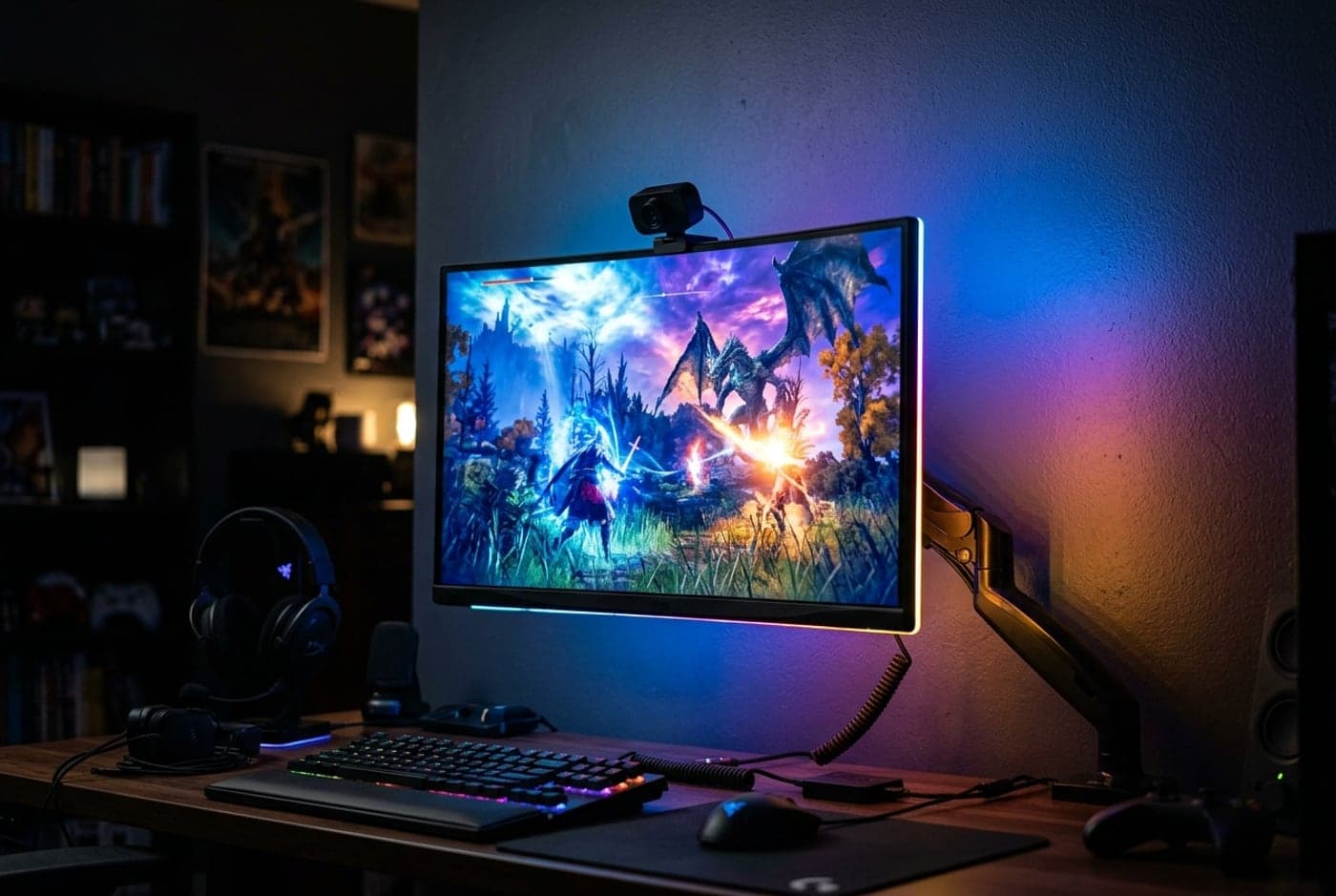
If you want the lights to actually track what is on screen — and you game on a console, not just a PC — the DreamView G1 is the pick. Instead of software, a small camera clips to the monitor and reads the on-screen colors directly, then drives an RGBIC strip around the back to match them. Because it watches the panel rather than the PC, it syncs anything the monitor shows: PlayStation, Xbox, a streaming box, or the PC, no display-capture app required. Govee bundles game modes, a music visualizer, and Razer Chroma support for setups that light up in time with play.
The camera is also the catch. It needs a one-time calibration, it works best in a dimmer room, and it does sit visibly on the top bezel, which not everyone loves the look of. For a pure PC desk, the software-only Govee Gaming G1 does the same job without a camera for less. But for a mixed console-and-PC battlestation, the DreamView G1 is the affordable way to get real, screen-matched reactive light that a Hue setup would cost far more to replicate.
What we like
- Camera syncs consoles and streaming boxes, not just a PC
- RGBIC with game modes, music sync, and Razer Chroma
- Far cheaper than a Hue screen-sync setup
Worth knowing
- Visible bezel camera needs calibration and a dimmer room
- PC-only desks can skip the camera and save with the software G1
- Light type
- RGBIC addressable
- Sync method
- Camera (on-screen capture)
- Works with
- Console, streaming box, PC
- Extras
- Game modes, music, Razer Chroma
- Sizes
- 24–32 in monitors
5. Best for a Statement Wall
Nanoleaf Lines
Typically around $120–200
- The wall behind the desk
- Geometric decor
- HomeKit / Thread homes
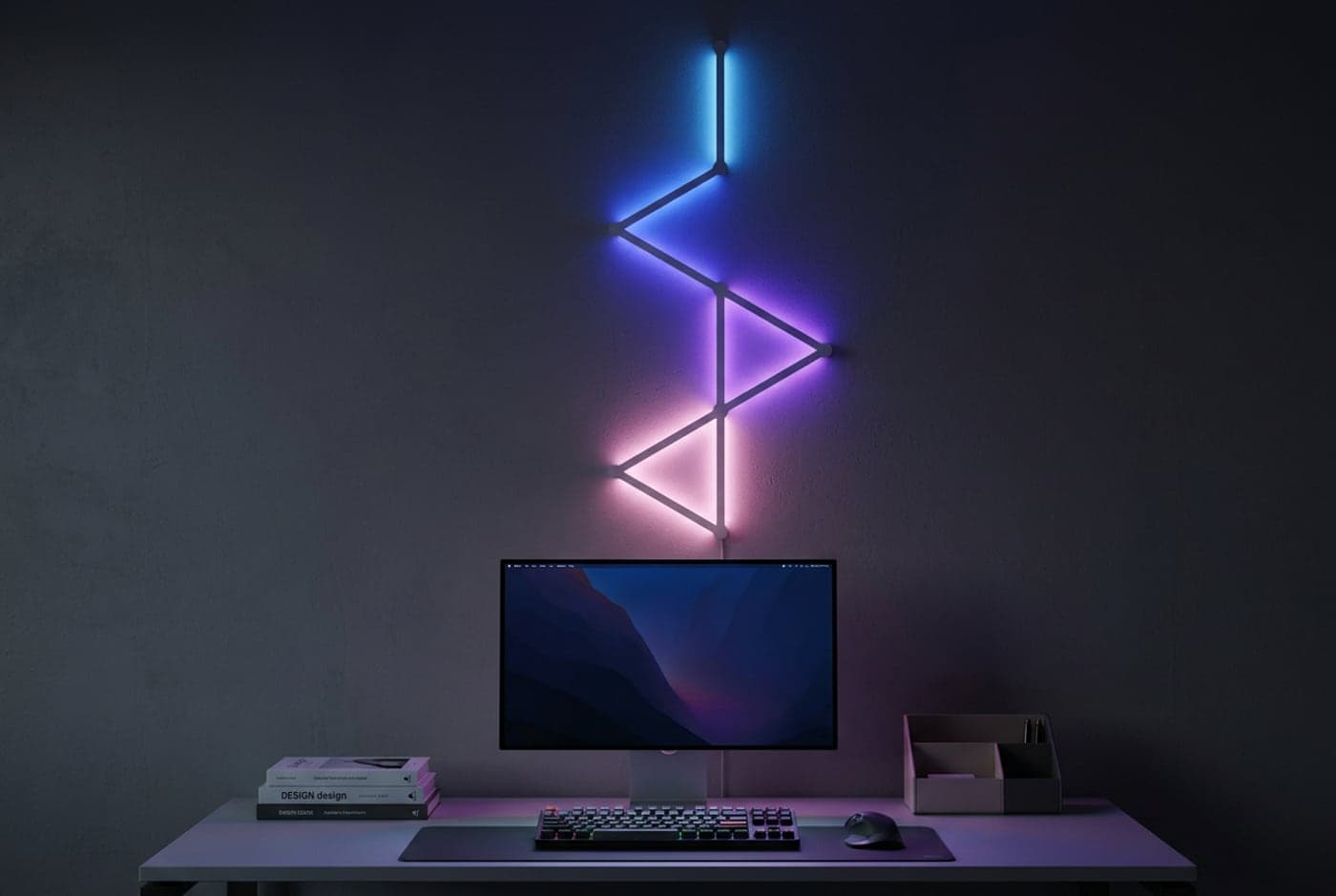
Nanoleaf Lines are a different animal from a flexible strip: they are rigid, backlit light bars you connect into a geometric pattern and mount on the wall behind or above the desk. The result is less an even wash and more a piece of decor that happens to light up — the shape is the point. Each bar glows and casts color onto the wall behind it, and you arrange them however you like. There is no separate hub; the controller is built in, and connectivity is genuinely modern — Wi-Fi plus Thread (it acts as a Thread border router) and Matter, with Apple Home, Alexa, Google, and SmartThings all supported.
The compromises are cost and coverage. You pay a lot per unit of actual light, and because it is a pattern of bars rather than a continuous strip, it will not give you the smooth, even bias glow a Govee or Hue strip does behind the monitor. Its screen-mirroring is also more of an afterthought than Hue's. Buy Lines because you want the wall itself to be part of the setup's look, not because you want the most light per dollar — for that, a strip wins every time.
What we like
- Distinctive geometric statement, not just a glowing strip
- Thread border router plus Matter and Apple Home
- Built-in controller — no hub to add
Worth knowing
- Expensive per unit of actual light output
- A pattern of bars, not an even bias-light wash
- Light type
- Rigid modular RGB bars
- Connectivity
- Wi-Fi + Thread + Matter
- Screen sync
- Secondary (screen mirror app)
- Ecosystem
- Apple Home, Alexa, Google
- Color temp
- 1200K–6500K
6. Best No-Hub Premium
LIFX SuperColor Lightstrip (Z)
Typically around $50–90
- Brightest ambient
- Apple HomeKit
- No-bridge setups
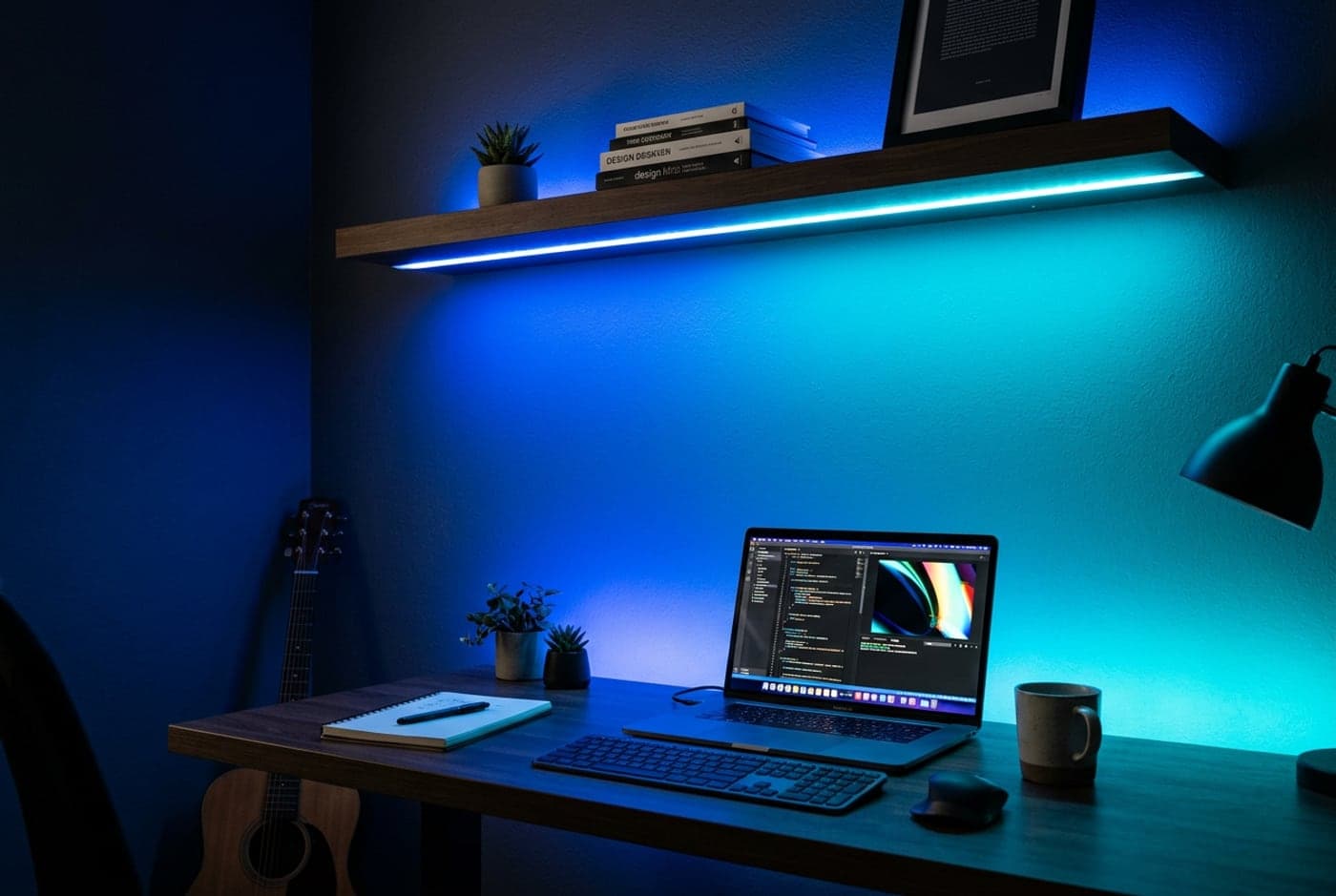
LIFX is the strip for people who want the brightest, most saturated ambient light without buying into a bridge. The SuperColor lightstrip (the current name for the long-running LIFX Z) puts out roughly 1,400 lumens per two meters — noticeably brighter than most strips here — with eight individually addressable zones per meter for gradients, and it connects over Wi-Fi directly with no hub. Its ecosystem support is a highlight: full Apple HomeKit alongside Alexa, Google, and SmartThings, which is rare in a no-bridge strip and the reason HomeKit households reach for it.
Two honest caveats. It is premium-priced per foot, and it has no native screen-sync — it is a bright, controllable ambient and effects light, not a display-mirroring one, so pair it with the DreamView or Hue if reactive sync is the goal. LIFX the company has also been through ownership turbulence, so factor a little app-longevity risk into a purchase. If your priority is a punchy, even color wash that runs bright and plays nicely with HomeKit, no other no-hub strip here matches it.
What we like
- Brightest strip here — roughly 1,400 lm per 2m
- Full Apple HomeKit with no bridge required
- Addressable zones for gradients and effects
Worth knowing
- No native screen sync — ambient and effects only
- Premium per foot; some company/app-longevity risk
- Light type
- Addressable RGB (8 zones/m)
- Connectivity
- Wi-Fi (no hub)
- Screen sync
- None
- Brightness
- ~1,400 lm per 2m
- Ecosystem
- Apple Home, Alexa, Google
The verdict
For most desks, the Govee RGBIC Wi-Fi strip is the right first buy: real gradients, no hub, a mature app, and the ambient glow behind the monitor that most people are actually after — all for well under $50. If you only want the calm white bias light that genuinely eases evening eye strain, the WiZ starter kit does exactly that for even less and skips the RGB theatrics.
Want the lights to track what is on screen? On a PC you are already lighting with Hue, the Philips Hue Play Gradient blends the cleanest — just budget for the bridge it requires. For a console-and-PC battlestation, the camera-based Govee DreamView G1 syncs anything the monitor shows for a fraction of that price. Then there are the specialists: Nanoleaf Lines when you want the wall itself to be the statement, and the LIFX SuperColor lightstrip when you want the brightest no-hub ambient wash with real Apple HomeKit support. Match the strip to how you actually use the desk, and for the bias-light comfort effect, keep it white and dim.
Frequently asked questions
A dim light behind the screen can help, and the mechanism is real: in a dark room your eyes constantly readjust as your gaze moves between a bright screen and dark surroundings, and a soft backlight reduces that contrast swing, which many people find more comfortable over long sessions. It also makes on-screen blacks look deeper without raising screen brightness. What it does not do is prevent eye damage or 'protect' your vision — the benefit is comfort and perceived contrast, not a medical one. For the comfort effect specifically, set the strip to 6500K and run it dim, aimed at the wall. The color temperature is not a matter of taste here: SMPTE's recommended practice for critical viewing specifies CIE D65 (6500K) bias lighting against a neutral grey-to-white wall, matching the white point your display is calibrated to, and it caps the level at no more than 10% of the display's peak brightness. Warmer 'neutral white' around 4000K will make your screen look distinctly blue by comparison. That 10% ceiling is also why the brightest strip here is not the best one for this job — it is headroom you have to dial away. Saturated rainbow colors look great but do less for actual eye comfort.
RGB strips show one color along the entire length at a time. RGBIC strips are addressable — different segments can show different colors simultaneously, which is what enables gradients, color chases, and per-zone screen sync. If you want effects or screen-matched lighting, you need RGBIC (or a gradient strip like Hue's). If you only want a steady bias-light glow, plain RGB with tunable white, like the WiZ pick, is cheaper and perfectly good.
It depends on the method. Software sync (Philips Hue Play Gradient, the software Govee Gaming G1) reads your PC's display and only works for PC content — a console on the same monitor won't sync. Camera sync (Govee DreamView G1) clips a camera to the monitor and reads the panel directly, so it works with consoles and streaming boxes too. Many popular strips — the Govee RGBIC, WiZ, and LIFX picks here — don't do screen sync at all; they're ambient and music-reactive. Match the method to your gear before you buy.
Usually no, but read carefully. The Govee, WiZ, LIFX, and Nanoleaf picks here all connect directly over Wi-Fi or Thread with no separate hub. The big exception is the Philips Hue Play Gradient, which hard-requires the Hue Bridge — a genuine added cost that makes its real entry price higher than the strip alone. If you're not already in the Hue ecosystem, a no-hub strip is simpler and cheaper.
The 3M adhesive that ships on most strips is the weak point — it loosens on warm surfaces (like the back of a monitor that vents heat) and on textured or freshly painted walls. Mounting clips or an aluminum channel solve it for good and look tidier. As for cutting: only cut at the marked points, and know that on RGBIC and addressable strips, cutting can break the data chain and kill the zones past the cut, so measure twice. For long runs, check that the included power supply is rated for the full length, or the far end will look dimmer.
They solve opposite problems. A monitor light bar clips to the top of the screen and shines down onto your desk and keyboard — it's task lighting for reading and typing. LED strips mount behind the monitor, under the desk, or along the wall and shine away from you onto your surroundings — that's ambient, bias, or decorative lighting. Many complete setups run both: a light bar for the work surface and a strip for the glow behind it. See our monitor light bar guide for the task-lighting half.
Keep building your setup
Lighting
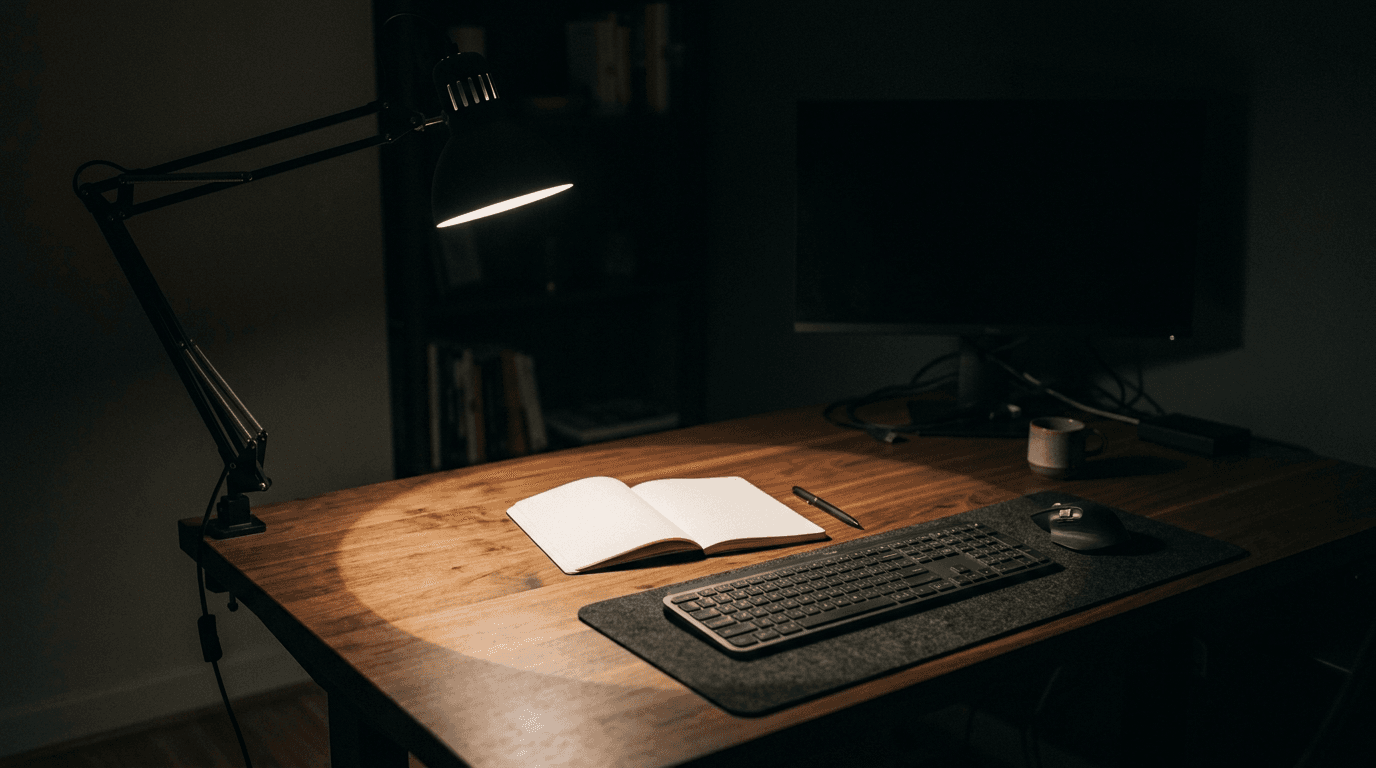
How Bright Should Your Desk Light Be?
Desk lamps are sold in lumens, monitor light bars in lux, LED strips in lumens-per-metre, and one key light in lux at half a metre. None of those are comparable as printed. Here is the conversion, the number you are actually aiming at, and what it says about the lights we recommend.
Updated September 10, 2026
Lighting
The Best Monitor Light Bars for 2026
Zero desk footprint, no glare on the screen, and light exactly where your keyboard is. Six monitor light bars spanning budget to premium, sorted by the features that actually differ.
Updated September 10, 2026
Lighting
The Best Desk Lamps for Home Offices in 2026
Better light for reading, writing, and video calls without a glare-filled screen. Five task lamps spanning premium articulated builds, budget architect clamps, and camera lighting.
Updated September 12, 2026
Get the next guide in your inbox
One short email when we publish or meaningfully update a buying guide. No spam, no daily deals firehose.