 Rigworthy
The Best Monitor Light Bars for 2026
By Rigworthy Editorial Team · Updated September 10, 2026
Rigworthy is reader-supported: we may earn a commission if you buy through our links, at no cost to you. How we make money
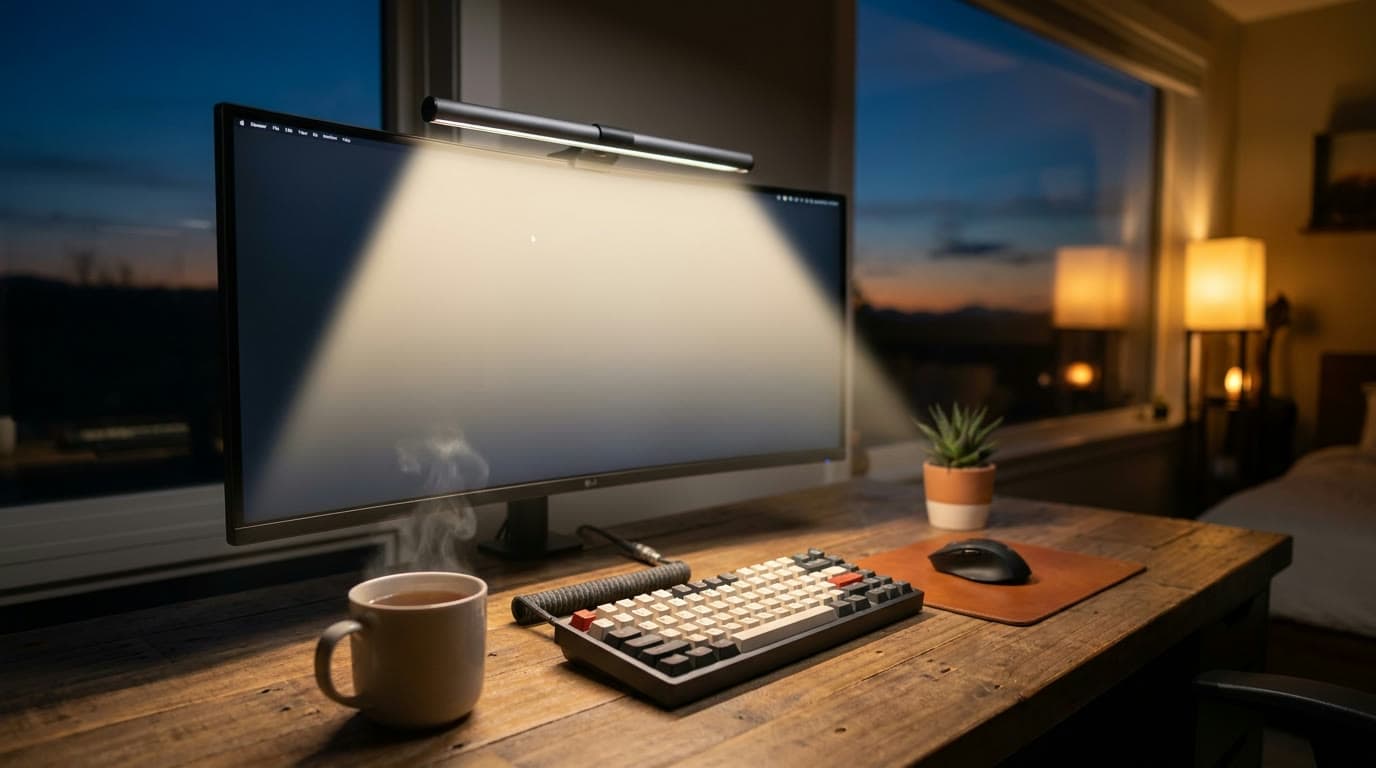
The monitor light bar has quietly become the default desk light. It solves the one geometry problem every lamp fights — how to light your desk without the light bouncing off your screen or into your eyes — by sitting on top of the monitor and throwing an asymmetric beam down onto the keyboard. It uses no desk space, plugs into USB, and once it's there you wonder how you read anything after dark before.
The category has matured past "is it glare-free" into real feature differences: auto-dimming and motion sensors, wireless dials versus fiddly touch strips, rear bias lights for night work, and clip designs that do — or don't — fit a curved ultrawide. We picked the standout at each price and role, and were clear about where the $50 bar is genuinely enough.
Our top picks at a glance
- 1
- 2
- 3
- 4
- 5
- 6
How we chose
- Asymmetric optics that light the desk without reflecting into the panel
- High CRI for accurate color, plus a full warm-to-cool temperature range
- Controls you'll actually use — wireless dials and auto-dimming over touch strips
- Clip fit across panel thickness, including curved and ultrawide monitors
- Honest value: where the budget bar is enough, and where premium earns it
Our picks come from spec research, long-term owner feedback, and category expertise — not sponsorships. Read the full methodology.
Compared side by side
| Product | Award | Auto-dim sensor | Rear bias light | Typical price |
|---|---|---|---|---|
| BenQ ScreenBar Pro | Best Overall | Yes + motion | No | ~$139 |
| BenQ ScreenBar Halo 2 | Best Premium | Yes + motion | Yes (tri-zone) | ~$179 |
| Quntis Monitor Light Bar Pro+ | Best Value | Yes | No | ~$70 |
| Xiaomi Mi Computer Monitor Light Bar | Best Budget | No | No | ~$50 |
| Quntis ScreenLinear Radar Pro Plus | Best for Curved & Ultrawide | Yes + radar | No | ~$70 |
| Yeelight Monitor Light Bar Pro | Best RGB & Bias Light | No | Yes (RGB) | ~$105 |
1. Best Overall
BenQ ScreenBar Pro
Typically around $139
- Most desks
- Long daily sessions
- Hands-off lighting
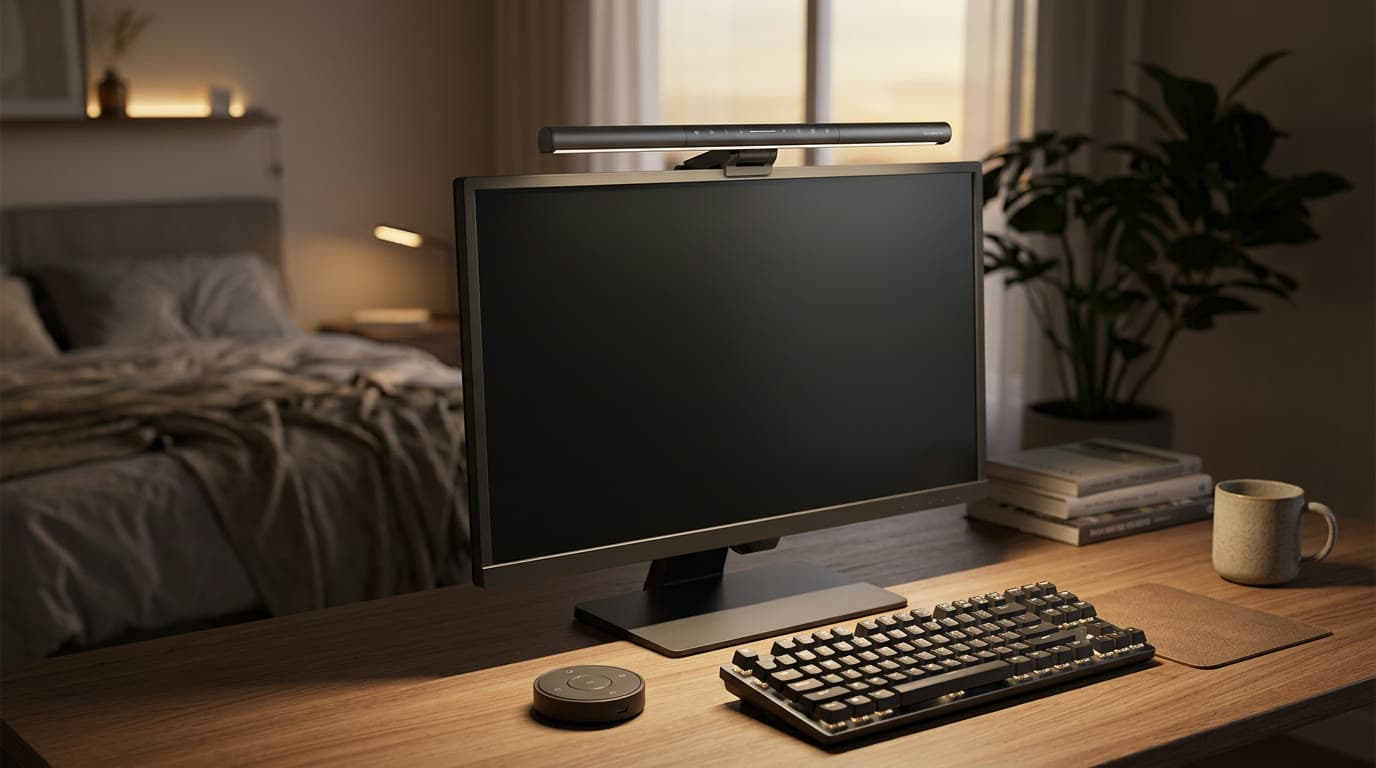
The ScreenBar Pro is BenQ's mainstream bar done to a standard nobody else quite matches, and it's the one we'd tell most people to buy. Its asymmetric optics throw light down and forward onto the desk with an 18-degree cut-off that keeps it off the panel entirely, and it's the brightest bar here — BenQ publishes over 1,000 lux at center measured at a height of 50 cm — using a high-CRI (Ra ≥ 95, Rf ≥ 96) full-spectrum LED that renders paper and skin tones honestly.
The more useful number, and the one almost nothing else in desk lighting publishes, is BenQ's stated coverage at 500 lux: 85 × 50 cm, or 33.5 × 19.7 inches. 500 lux is the illuminance EN 12464-1 specifies for reading, typing and screen work, so that figure says the bar holds the office standard across an area comfortably bigger than a keyboard and a notebook side by side — on a maximum draw of 8.5 watts. A center-brightness figure tells you about one point; this tells you about your desk. See how bright should your desk light be for why this is the spec to shop on.
What sets it apart is that you stop thinking about it. A time-of-flight (ToF) motion sensor turns the bar on when you sit down and off when you leave, and an ambient-light sensor trims brightness to match the room automatically. The wireless controller handles the rest — brightness, warmth, and presets from a puck on the desk instead of a touch strip you have to reach over the monitor to find. The clip fits panels from 0.17 to 2.56 inches and handles gentle curves. It isn't cheap for a light, but nothing about it feels like a compromise.
What we like
- Brightest in the lineup with a genuinely high-CRI, full-spectrum LED
- Motion + ambient sensors make it truly hands-off
- Wireless desktop controller instead of a fiddly touch strip
Worth knowing
- No rear bias light — that's the Halo 2's job
- Premium price versus the value bars
- Color range
- 2700K–6500K (8 steps)
- Sensors
- Motion + ambient auto-dim
- Control
- Wireless desktop controller
- Fit
- 0.17–2.56 in, curves to 1800R
- Power
- USB-C
2. Best Premium
BenQ ScreenBar Halo 2
Typically around $179
- Evening work
- Bias-lighting fans
- Complete setups
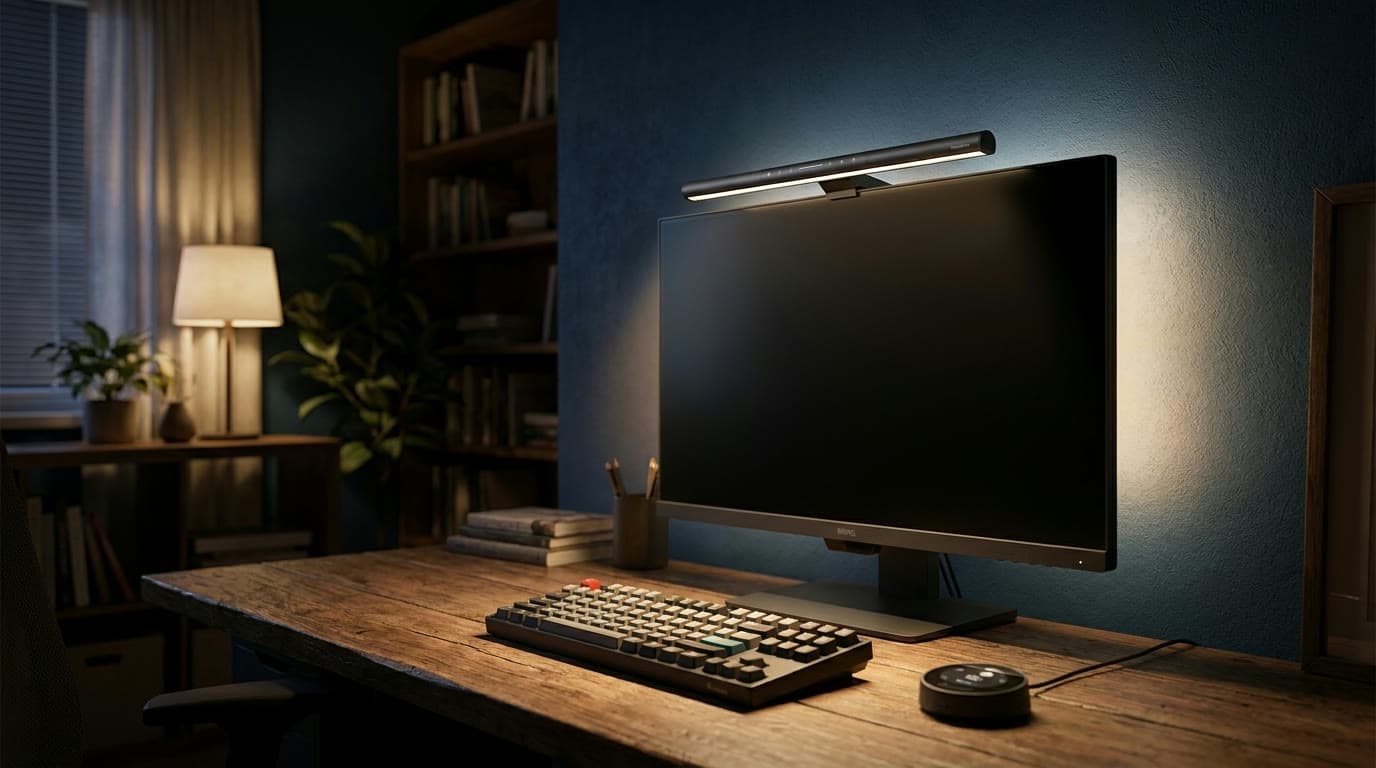
The Halo 2 is the ScreenBar Pro's more indulgent sibling, and the reason to pay up is on the back. A tri-zone rear ambient backlight — now over four times wider than the original Halo's — washes the wall behind the monitor, softening the harsh screen-to-room contrast that fatigues your eyes during night sessions. Combined with the front task light, it's the most complete answer for anyone who works after dark.
The front end matches the Pro's asymmetric, glare-free optics and high output, and control comes via a premium wireless puck with a rotary knob and a small display that shows exactly what you're adjusting. Motion auto-off and ambient auto-dimming are both here too. It costs more than the Pro for what is, functionally, a bias light bolted onto the same excellent bar — but if you like your room glowing at 9pm, it's the one to get.
What we like
- Wide tri-zone rear bias light is genuinely relaxing at night
- Rotary puck with a readout is the nicest control here
- Same glare-free front optics and high output as the Pro
Worth knowing
- Most expensive bar in the lineup
- The bias light is the only real upgrade over the cheaper Pro
- Color range
- 2700K–6500K
- Rear light
- Tri-zone ambient backlight
- Control
- Wireless rotary puck + display
- Fit
- 0.2–2.3 in, curves to 1800R
- Power
- USB-C
3. Best Value
Quntis Monitor Light Bar Pro+
Typically around $70
- First light bar
- Standard flat monitors
- Value-focused buyers
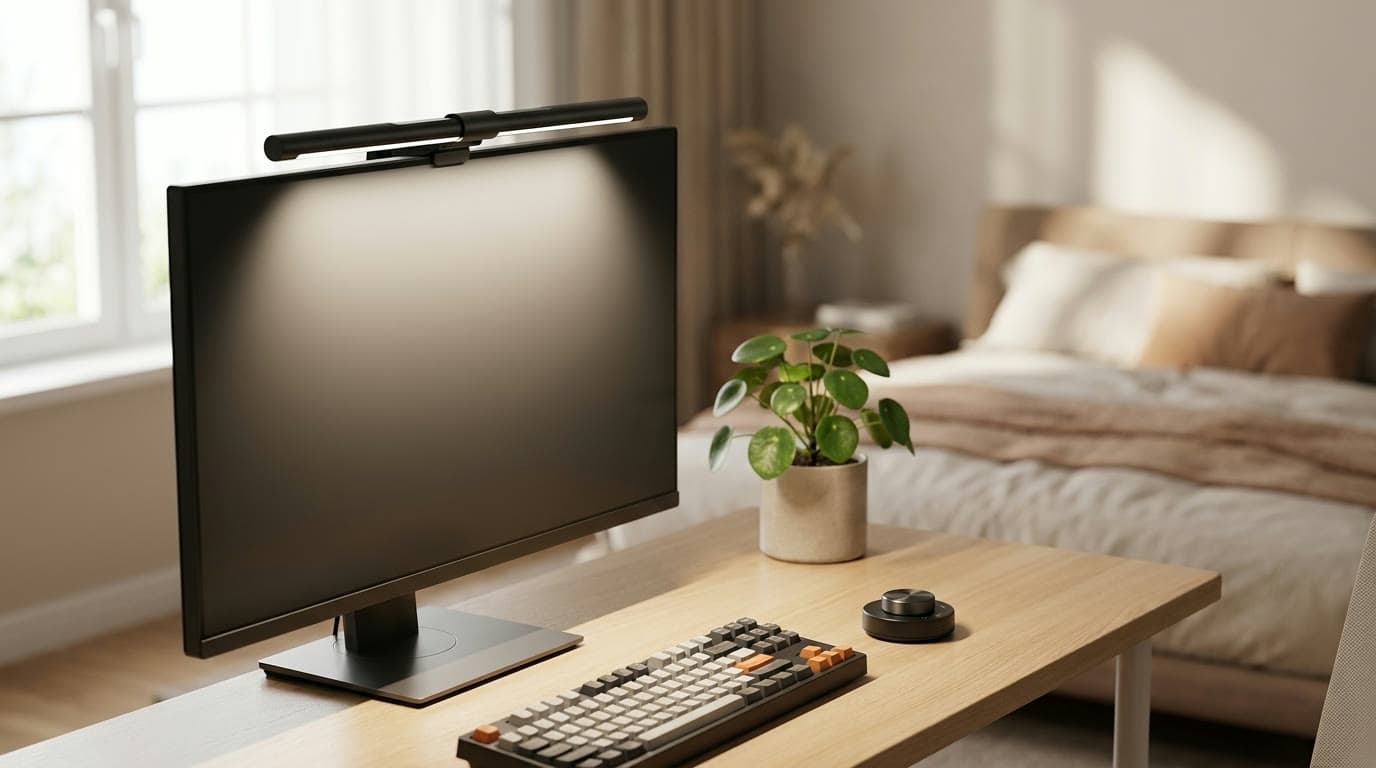
Quntis has spent a few generations closing the gap with BenQ, and the Pro+ is where the value case gets hard to argue with. You get the core formula — downward asymmetric light, a high CRI95 panel, a full 3000K–6500K range — plus the two features budget bars usually cut: a wireless remote with a rotary dial and an ambient-light sensor that auto-dims. It even remembers your setting through a power loss and auto-off after two hours.
Against the BenQ Pro it gives up some peak brightness, the motion sensor, and a little finish quality, but it lands at roughly half the price with the controls that matter intact. For a standard flat monitor of ordinary thickness, this is the bar most people should start with — and many won't feel the need to upgrade.
What we like
- Wireless remote dial and auto-dimming at half the BenQ price
- High CRI95 panel with the full warm-to-cool range
- Setting memory through power loss, plus auto-off
Worth knowing
- No motion sensor and lower peak brightness than the BenQ Pro
- No rear bias light
- Color range
- 3000K–6500K, CRI95
- Sensor
- Ambient auto-dim
- Control
- Wireless remote dial
- Fit
- 0.12–2.36 in, 45° tilt
- Power
- USB-C
4. Best Budget
Xiaomi Mi Computer Monitor Light Bar
Typically around $50
- Tight budgets
- Flat monitors
- A tidy first upgrade
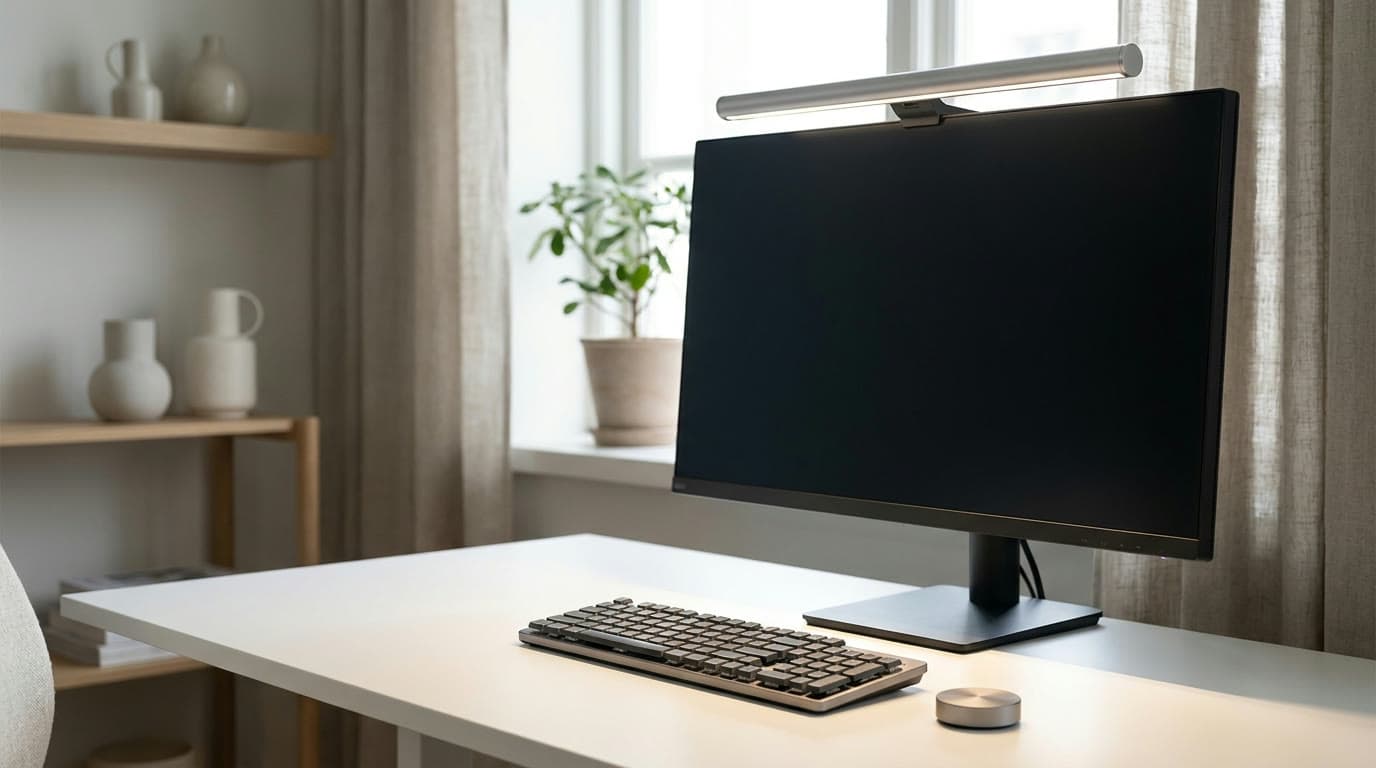
The Mi bar is the cleanest way into the category on a budget. Its slim metal body and weighted magnetic clip look and feel a cut above the price, the LED renders color well (Ra95) across a full 2700K–6500K range, and a 2.4GHz wireless remote adjusts brightness and warmth without you reaching over the screen — the single feature that most separates a bar you enjoy from one you tolerate.
The cuts are honest: there's no ambient or motion sensor, so you set it and leave it, and the magnetic clip is rated for flat panels up to about 32mm rather than deep curves. But for a monitor-centric desk that just needs clean, controllable, glare-free light, it does the essential job for a fraction of the premium bars and looks good doing it.
What we like
- Slim metal build that punches above its price
- Wireless remote for brightness and color temperature
- Full 2700K–6500K range with accurate Ra95 color
Worth knowing
- No auto-dimming or motion sensor
- Rated for flat panels — not deep curves
- Color range
- 2700K–6500K, Ra95
- Sensor
- None
- Control
- 2.4GHz wireless remote
- Fit
- Flat panels to ~32mm
- Power
- USB-C
5. Best for Curved & Ultrawide
Quntis ScreenLinear Radar Pro Plus
Typically around $70
- Curved monitors
- 34–49 in ultrawides
- Wide desks
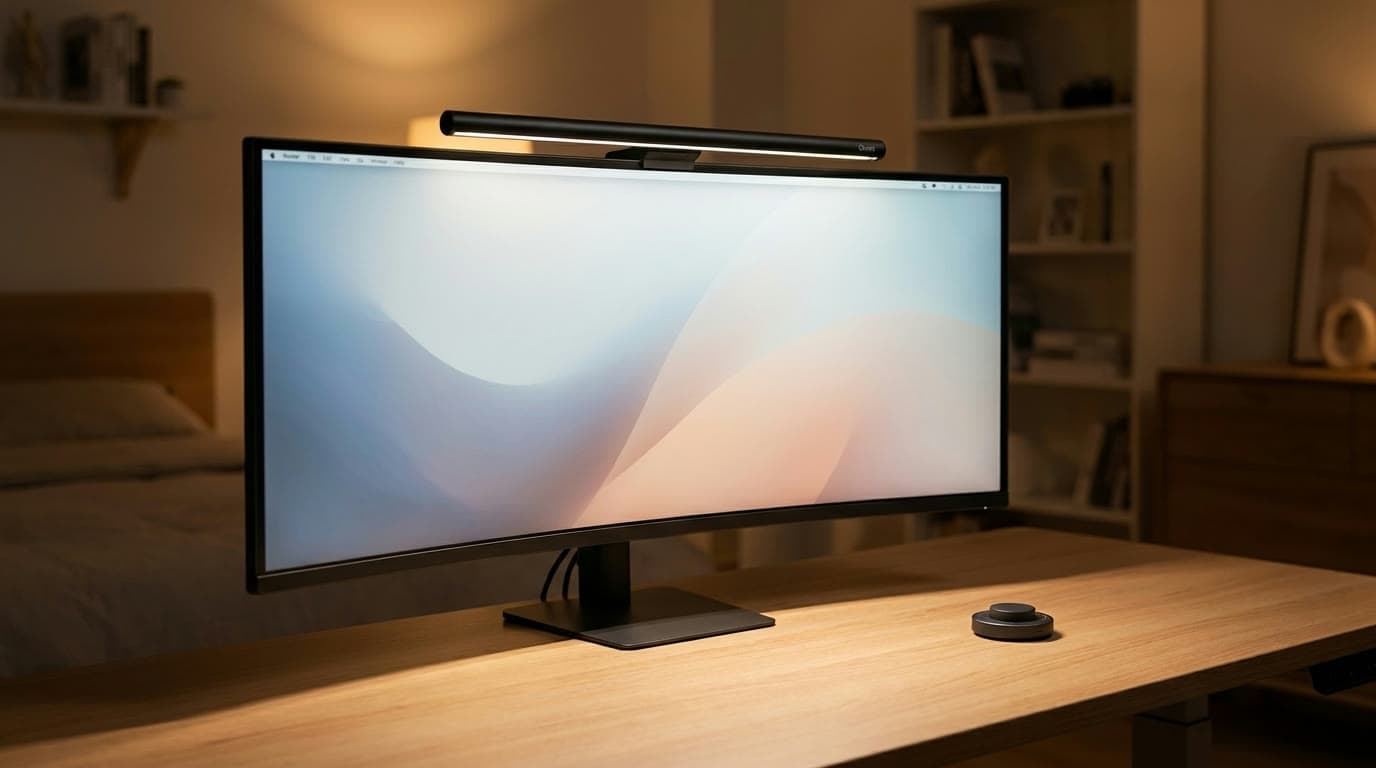
Standard bars are sized and shaped for a 24–27-inch flat panel; put one on a big curved ultrawide and the ends of your desk go dark. The ScreenLinear Radar Pro Plus is Quntis's answer: at 52cm it's the longest bar here, its clip handles panels up to 9cm thick with curvature down to 1000R, and it's rated to span monitors from 21 all the way to 49 inches. On a 34- or 49-inch curved screen it lights the full width evenly where a normal bar can't.
The party trick is a radar motion sensor that's smarter than a simple on/off — it distinguishes a brief step away from a genuine long-term departure, so it won't flicker off every time you lean back. Add touch and wireless-remote control, ambient sensing, and a CRI of 98, and it's a specialist that happens to be priced like a value pick. If your monitor is flat and 27 inches, buy the cheaper Quntis Pro+; if it's big and curved, this is the one.
What we like
- Long 52cm bar lights wide and curved screens evenly
- Fits 21–49 in panels and deep 1000R curves
- Smart radar sensor tells a pause from a real departure
Worth knowing
- Overkill (and too long) for a standard 24–27 in flat monitor
- No rear bias light
- Length
- 52 cm (20.5 in)
- Color range
- 3000K–6500K, CRI98
- Sensor
- Radar motion + ambient
- Fit
- 21–49 in, curves to 1000R
6. Best RGB & Bias Light
Yeelight Monitor Light Bar Pro
Typically around $105
- Gaming setups
- Ambient RGB fans
- Smart-home control
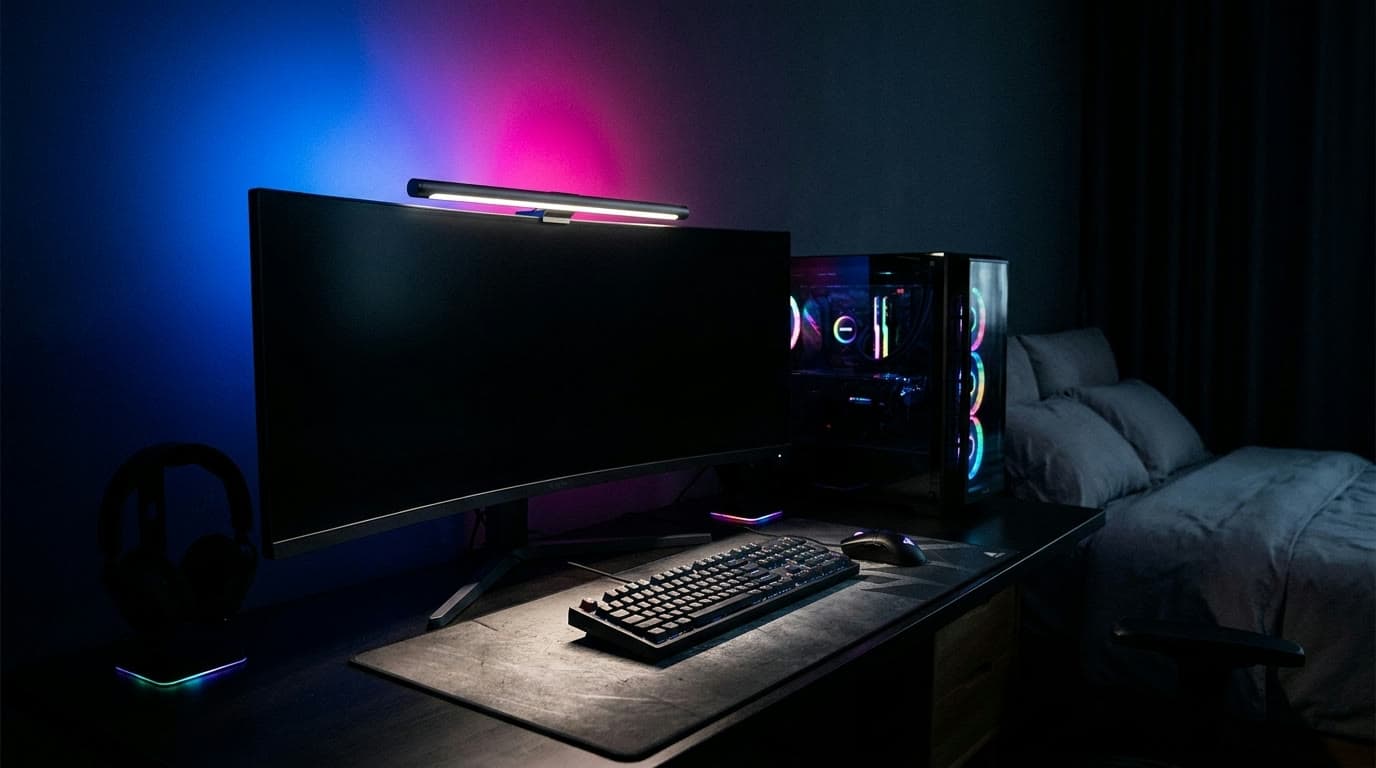
The Yeelight Pro is the light bar for people who also run RGB. Up front it's a proper task bar — stepless 2700K–6500K white light on a rotary knob — but the back carries a 16-million-color ambient light that syncs with music, movies, and games, with Razer Chroma and Overwolf integration for setups that light up in time with what's on screen.
It leans smart-home in a way the others don't: full app control plus Alexa, Google, and SmartThings voice. You give up the auto-dimming sensors of the BenQ and Quntis bars, and it's more expensive than the pure-white value picks, so it's a genuine wildcard rather than the default recommendation. But if your desk is a gaming setup and you want the front-of-screen task light and the behind-screen mood light in one bar, nothing else here does both.
What we like
- 16M-color RGB bias light with music/game sync
- Razer Chroma, app, and voice control
- Real stepless white task light up front, not an afterthought
Worth knowing
- No auto-dimming or motion sensor
- Pricier than the pure-white value bars
- Color range
- 2700K–6500K white + RGB
- Rear light
- 16M-color RGB ambient
- Control
- Knob, app, voice, Chroma
- Power
- USB
The verdict
For most desks, the BenQ ScreenBar Pro is the complete answer: the brightest, most color-accurate bar here, made effortless by motion and ambient sensors and a proper wireless controller. Step up to the ScreenBar Halo 2 only if you want its wide rear bias light for evening sessions.
On a budget, the Quntis Monitor Light Bar Pro+ keeps the wireless dial and auto-dimming that matter and drops the price by half, while the Xiaomi Mi bar is the tasteful, sub-$50 way in. If your monitor is a big curved ultrawide, skip the standard bars and get the longer Quntis ScreenLinear Radar Pro Plus; if your desk is a gaming setup that wants RGB behind the screen, the Yeelight Pro is the one bar that does both jobs at once.
Frequently asked questions
For a screen-centric desk, usually yes. A light bar takes zero desk space, its asymmetric optics can't reflect into the panel, and it lights the keyboard zone evenly right where you work. A traditional task lamp still wins when you need light across a large area, on paper documents, or positioned flexibly for hobbies and repairs — so many complete setups run one of each. If your desk is mostly a monitor with a keyboard below it, start with a bar; if it's a wide work surface with paperwork, see our task-lamp guide.
Most bars grip panels within a stated thickness range and are sized for a 24–27-inch flat screen. Strongly curved gaming monitors, very thin OLEDs, and 34–49-inch ultrawides are the common problem cases — a standard-length bar leaves the ends of a wide screen dark, and a tight clip won't sit flat on a deep curve. For those, choose a longer bar rated for curves and wide panels, like the Quntis ScreenLinear Radar Pro Plus here, and always check the manufacturer's thickness and curvature figures before buying.
A bias light is a soft glow cast on the wall behind your monitor. It reduces the harsh contrast between a bright screen and a dark room, which is a well-established contributor to evening eye strain, and it makes the screen feel easier to look at after dark. You don't strictly need one — a good front task light already helps — but if you work late often, a bar with a rear light like the BenQ ScreenBar Halo 2 (white) or Yeelight Pro (RGB) is noticeably more comfortable at night.
A properly designed bar won't. The whole point of asymmetric optics is a sharp cut-off angle that sends light down onto the desk and none of it up into the panel. Cheap symmetrical LED strips do reflect; a real monitor light bar from a reputable brand does not. If you see the bar reflected in your screen, it's either mounted too far forward on the monitor or it isn't a true asymmetric design.
By USB — most now use USB-C — drawing a few watts from your monitor's own USB hub, a dock, or a wall adapter. They don't need a spare mains outlet, which is part of the appeal. If your monitor's USB port only powers on when the PC is awake, plug the bar into an always-on hub or charger instead so its motion sensor and auto-on features work as intended.
Keep building your setup
Lighting
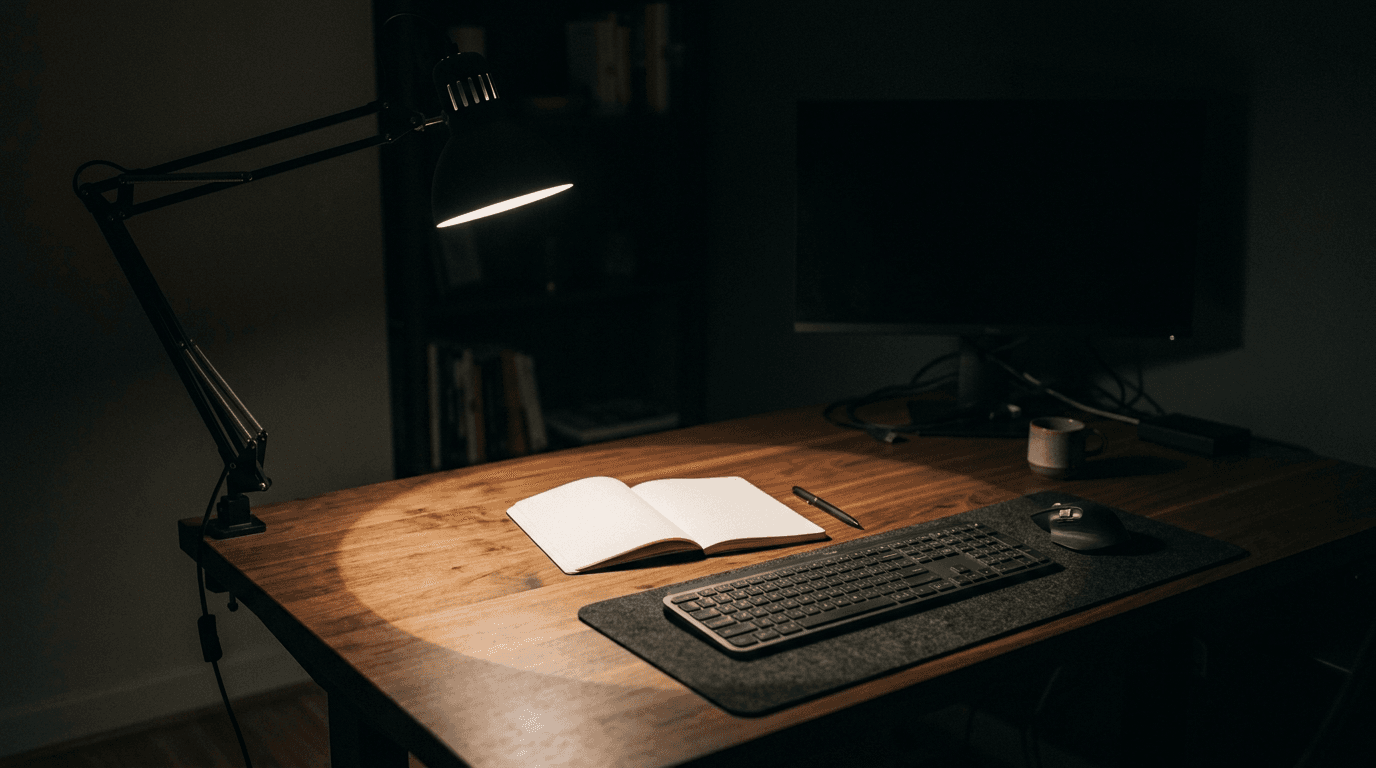
How Bright Should Your Desk Light Be?
Desk lamps are sold in lumens, monitor light bars in lux, LED strips in lumens-per-metre, and one key light in lux at half a metre. None of those are comparable as printed. Here is the conversion, the number you are actually aiming at, and what it says about the lights we recommend.
Updated September 10, 2026
Lighting
The Best LED Strip Lights for Desk Setups in 2026
Bias light behind the monitor, ambient glow under the desk, or full screen-sync for gaming — six LED strips sorted by how they sync and whether they need a hub, not just by price.
Updated September 10, 2026
Lighting
The Best Desk Lamps for Home Offices in 2026
Better light for reading, writing, and video calls without a glare-filled screen. Five task lamps spanning premium articulated builds, budget architect clamps, and camera lighting.
Updated September 12, 2026
Get the next guide in your inbox
One short email when we publish or meaningfully update a buying guide. No spam, no daily deals firehose.