 Rigworthy
How Bright Should Your Desk Light Be?
By Rigworthy Editorial Team · Updated September 10, 2026
Rigworthy is reader-supported: we may earn a commission if you buy through our links, at no cost to you. How we make money
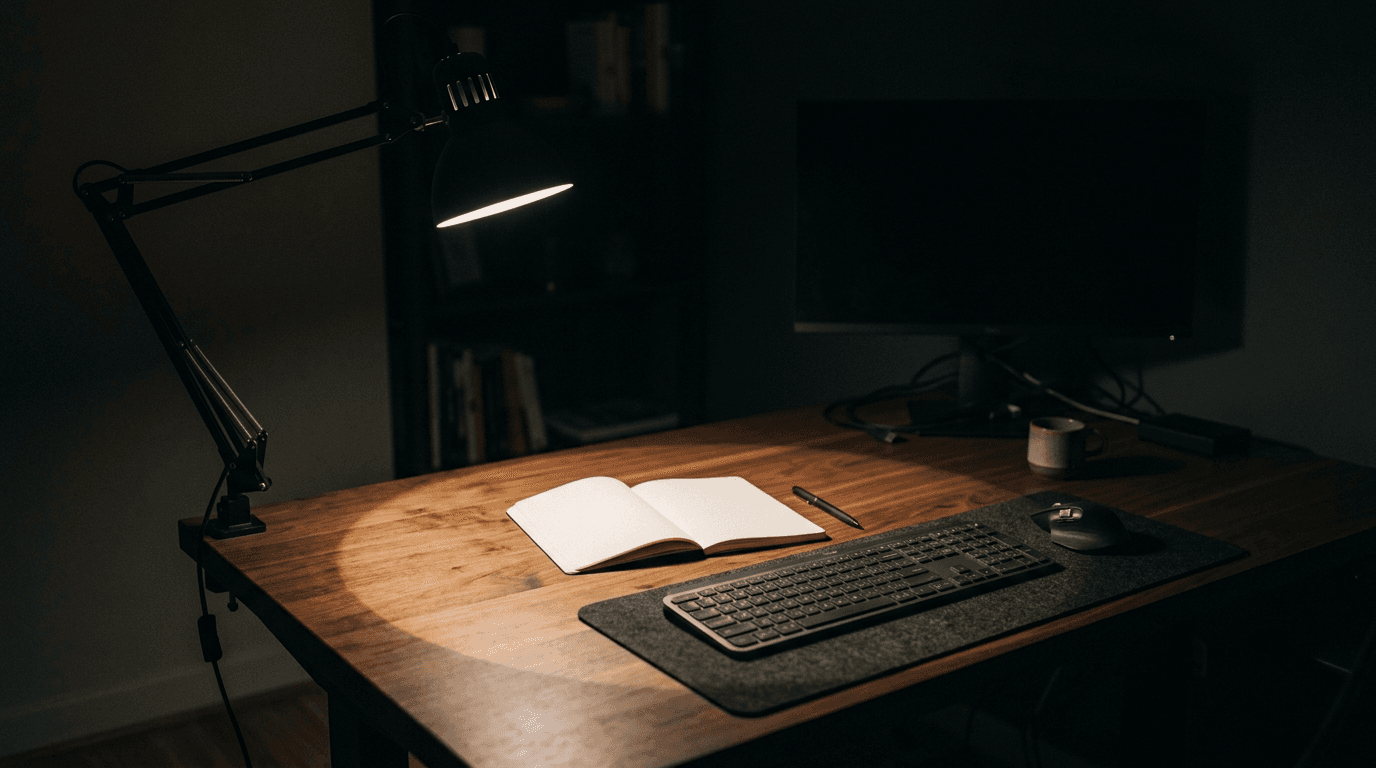
Every guide in this site's lighting hub tells you how bright something is, and no two of them use the same units. Our desk lamp guide published no brightness figure at all for any of five lamps. Our monitor light bar guide quotes lux at the centre. Our LED strip guide quotes lumens per two metres. Our key light guide quotes lumens, except for the one product it quotes in lux — with a footnote conceding that number cannot be compared to the others on the page.
That is four product classes pointed at the same desk, published in four quantities, and it is not a sloppiness that careful reading fixes. Lumens and lux are different physical quantities. One is the light leaving the fixture; the other is the light arriving on your page. Converting between them requires knowing the beam and the distance, and those are not on the box.
But they are recoverable, because two manufacturers in our own guides publish both numbers for the same product without meaning to hand anyone a conversion factor. Follow that through and everything in the category lands on one scale — including the target, which turns out to be a published number that two standards bodies agree on and that almost nothing in this industry is sold in.
The short version
- The number you are aiming at is 500 lux on the desk. EN 12464-1 specifies 500 lux maintained for writing, typing, reading and data processing; ANSI/IES RP-1 puts general office work at roughly 300–500. That is a figure measured at the work surface, and no box quotes it.
- Lumens and lux are not two units for one quantity. Lumens are total light leaving the fixture; lux is light per square metre arriving somewhere. Converting between them needs the beam and the distance, which is why a 700-lumen lamp and a 1,700-lux lamp can be the same lamp.
- Two manufacturers in our own guides publish both numbers for one fixture, which hands you the conversion — twice, for two different beam classes. Lume Cube rates the Edge Light 2.0 at 700 lumens and 1,700 lux at 0.5 m, which fixes a compact task-lamp head at about an 85-degree beam. Neewer pairs 2,800 lumens with 3,700 lux at 0.5 m, which fixes a large streaming panel at about 118 degrees — within four per cent of a perfect diffuser.
- That conversion recovers a spec Xiaomi does not publish. Xiaomi gives central illuminance as 1,250 lux and never says at what distance, and an illuminance figure without a distance is not a measurement. Push Xiaomi's own 520 lumens through the task-lamp beam and the implied distance is 0.503 m — half a metre, the category's standard, to within half a per cent.
- Brightness is not the constraint; area is. Every task lamp in our guide clears 500 lux at its centre by two to three times over. What separates them is how wide the 500-lux pool is — and exactly one manufacturer in the category publishes that figure.
- Distance beats every purchase in this hub. Illuminance falls with the square of distance, so moving a lamp from 50 cm to 25 cm is four times the light, for free. Our Best Overall lamp goes from 1,564 lux to 6,256 by being moved ten inches closer.
- Our own desk lamp guide published no brightness figure for any of five lamps, and four of the five manufacturers publish one. Its first criterion is "even coverage across the desk, not a hot spot" — an illuminance claim, made with no illuminance data. Writing this piece is what surfaced it, and that guide now carries the manufacturers' numbers.
Measurements here come from manufacturers' own published mounting specifications, not from our estimates. Read the full methodology.
Four guides, four units, and nothing you can compare
Line up this site's four lighting guides and look only at how each one answers "how bright is it?" The desk lamp guide answers in nothing at all. The monitor light bar guide answers in lux at the centre. The LED strip guide answers in lumens per two metres. The key light guide answers in lumens, except for one product it answers in lux at half a metre, with a footnote admitting that number cannot be compared to the others.
Four product classes, all of them pointed at the same desk, published in four different quantities. And unlike the convention problems this site has found before — a desk height quoted with or without its desktop, a keyboard's front edge quoted with or without keycaps — this is not two conventions for one measurement. Lumens and lux are genuinely different physical quantities. No amount of care in reading the spec sheet will make them comparable, because the information needed to convert between them is not on either box.
The key light guide is the one that came closest to noticing. It flags in its own criteria that it will "flag the ones that only quote lux," and its Neewer GL1 PRO entry says plainly that Neewer "rates this light in lux (about 3,700 lux at half a meter), not lumens, so you can't cleanly compare its brightness number against the lumen-rated panels here." Right instinct, wrong conclusion, and wrong twice over. Neewer does publish a lumen figure — 2,800 lm, in its own retail listings, while omitting it from the spec page on its own site. So the comparison was available all along. And because that gives one fixture both numbers, the Neewer turns out to be the second key that unlocks this whole piece.
The bigger gap is in the desk lamp guide, and it is the shape this site has learned to look for: a hub that names a spec in its own criteria and then publishes it for nothing. That guide's first criterion is "even coverage across the desk, not a hot spot under the head." That is a claim about illuminance and its uniformity. The guide carried no illuminance figure, and no lumen figure, for any of its five lamps — while four of the five manufacturers publish one. Those numbers are in the table below and in that guide now.
| Product (guide) | Brightness we published | What the manufacturer publishes |
|---|---|---|
| UPLIFT E7 (desk lamps, Best Overall) | No figure given | 567 / 639 / 644 lm by colour mode, 9 W |
| BenQ Genie (desk lamps, Best Premium) | "~35 in wide illumination oval" | 1,600 lux at 45 cm; 90 cm wide at 500 lux |
| Xiaomi Mi 1S (desk lamps, Best Value) | No figure given | 520 lm; 1,250 lux central (no distance stated) |
| Lume Cube Edge (desk lamps, video calls) | No figure given | 700 lm and 1,700 lx at 0.5 m — both |
| PHIVE CL-1 (desk lamps, Best Budget) | No figure given | No first-party specification published |
| BenQ ScreenBar Pro (light bars) | "up to 1,000 lux at center" | >1,000 lux at 50 cm; 85 × 50 cm at 500 lux |
| Elgato Key Light Air MK.2 (key lights) | ≤2,100 lm | 2,100 lm at ~30 W PD |
| Neewer GL1 PRO (key lights) | "3,700 lux*" — flagged incomparable | 2,800 lm and ≈3,700 lx at 0.5 m — both |
| LIFX SuperColor (LED strips) | ~1,400 lm per 2 m | ~1,400 lm per 2 m |
Lumens leave the lamp; lux arrives at the desk
The distinction is worth thirty seconds because everything else follows from it.
Lumens measure total luminous flux — all the visible light leaving the fixture, in every direction it goes. It is a property of the lamp alone. A 700-lumen lamp emits 700 lumens whether it is on your desk, on the floor, or in a box.
Lux measures illuminance — lumens landing on each square metre of a surface. It is a property of the lamp and where you put it and what you are measuring. The same 700-lumen lamp produces wildly different lux readings at 25 cm and at 1 m, and different readings again at the centre of its pool and at the edge.
Which means lux is the quantity you actually care about and lumens is the quantity you are usually sold. Your eyes do not care how much light left the lamp. They care how much is arriving on the page, the keyboard, the notebook.
The bridge between them is candela, luminous intensity — lumens per unit of solid angle, i.e. how concentrated the beam is. Two relationships do all the work on this page, and both are elementary:
Intensity from illuminance: I = E × d². An illuminance reading of 1,700 lux at 0.5 m means 1,700 × 0.25 = 425 candela. This is exact, and it is why an illuminance figure published without a distance is not a measurement. Xiaomi publishes "central illuminance 1,250 lux" with no distance attached, which on its own is unusable.
Illuminance from flux: E = Φ ÷ (Ω × d²), where Ω is the beam's solid angle in steradians. This is the one that needs a piece of information the box does not print — how wide the beam is. Which is exactly where the next section comes in, because two manufacturers in our own guides hand it over without meaning to.
| Quantity | Unit | What it measures | Depends on distance? |
|---|---|---|---|
| Luminous flux | lumen (lm) | Total light leaving the fixture | No — a property of the lamp |
| Luminous intensity | candela (cd) | Light per unit solid angle — beam concentration | No, but depends on beam width |
| Illuminance | lux (lx = lm/m²) | Light arriving per square metre of surface | Yes — falls with the square of distance |
The number you are aiming at is 500 lux, and it is not a secret
Before converting anything it is worth knowing what you are converting toward, and this is the part the category almost never mentions: the target illuminance for desk work is published, it is specific, and two independent standards bodies agree on it.
EN 12464-1, the European standard for lighting of indoor workplaces, specifies 500 lux maintained at workstations where writing, typing, reading and data processing are performed — which is a precise description of a home office desk. It steps down to 300 lux for filing, copying and reception areas, and up to 750 lux for technical drawing. ANSI/IES RP-1, the American standard practice for office lighting, lands in the same territory, putting general office work at roughly 300–500 lux (30–50 foot-candles) on the work surface.
This is the move that has paid repeatedly on this site: when a hub's premise is "put light on surface X," go and find out who already publishes a requirement for surface X. Somebody usually does. For the space under a desk it was OSHA and BIFMA; here it is CEN and the IES, and they have specified the exact quantity — illuminance at the work plane — that none of the products in this category are sold in.
Two honest caveats, because these are workplace standards being borrowed for a bedroom desk. The first is that 500 lux is a maintained average over the task area, not a peak reading at one point — a lamp that hits 500 lux only at the dead centre of its pool has not met it. The second is that these figures assume the task area is the whole working zone, and they are written for general lighting rather than a single task lamp. A desk lamp is designed to supplement room light, not replace it, so the practical question is whether the lamp plus your ceiling light gets the page to 500.
That second point cuts in the reader's favour and against ours. If your room already delivers 150–200 lux at the desk, which a typical ceiling fixture does, then the lamp only has to find the remaining 300. Every lamp in our guide does that several times over at its centre.
| Task | Target illuminance | Source |
|---|---|---|
| Writing, typing, reading, data processing | 500 lux | EN 12464-1 |
| Filing, copying, reception desks | 300 lux | EN 12464-1 |
| Technical drawing | 750 lux | EN 12464-1 |
| Archives and storerooms | 200 lux | EN 12464-1 |
| General office work | ~300–500 lux (30–50 fc) | ANSI/IES RP-1 |
Two manufacturers publish both numbers, which hands you the conversion
Here is the piece of luck that makes this article computable rather than theoretical. Lume Cube publishes, for a single product, both a lumen rating and an illuminance at a stated distance. The Edge Light 2.0's specification page gives 700 lumens and 1,700 lux at 0.5 m for the same fixture in the same operating state.
That is enough to solve for the beam. Intensity is I = E × d² = 1,700 × 0.25 = 425 candela. Solid angle is Ω = Φ ÷ I = 700 ÷ 425 = 1.647 steradians, which corresponds to a beam of about 85 degrees — a moderately concentrated pool, which is exactly what you would expect from a small lamp head built to put light on a desk rather than wash a room, and a useful sanity check that nothing has gone wrong.
Now take that beam to a product from a completely different manufacturer. Xiaomi publishes the Mi 1S at 520 lumens and, separately, at a central illuminance of 1,250 lux — with no distance attached, which on its own makes the second number unusable. Push the lumen figure through Lume Cube's beam and you get 520 ÷ 1.647 = 316 cd, which falls to 1,250 lux at a distance of √(316 ÷ 1,250) = 0.503 m.
Half a metre, to within half a per cent. That is the distance the category measures desk lights at — it is the distance Lume Cube states, and the distance Neewer states a few paragraphs below — and Xiaomi's unstated one lands on it almost exactly. The specification Xiaomi does not publish is recoverable from a competitor's product.
It is worth being precise about what that does and does not prove, because it is one result rather than two. It is not an independent validation of the conversion: you cannot score a prediction against a number whose measuring conditions you had to assume. What it is, is a consistency test with a sharp failure mode. If the two lamps did not genuinely share a beam class, the recovered distance would have come out at some arbitrary value — 0.38 m, 0.71 m — and the exercise would have collapsed on the spot. It landed on the category's round number instead.
This site has found reliable derived quantities before by subtracting two published specs, by converting between units in one step, and by comparing two published constants. This is a different and better one: a missing specification reconstructed from a second manufacturer's product. The generalisable rule is that when one company in a category publishes two quantities for the same item and a competitor publishes only one, the competitor's missing number is usually recoverable — and the party with the least incentive to help you has already done so by accident.
The obvious next question is how far that beam carries, and the category obliges again. Neewer publishes both numbers too — 2,800 lumens and 3,700 lux at 0.5 m for the GL1 PRO — except that this is not a task lamp at all, but a 15.5-inch streaming panel. Same arithmetic: I = 3,700 × 0.25 = 925 cd, so Ω = 2,800 ÷ 925 = 3.03 steradians, a beam of roughly 118 degrees.
That number deserves a second look, because it is very nearly π. A perfectly diffusing flat surface — a Lambertian emitter, the textbook idealisation of a glowing panel — has a flux-to-on-axis-intensity ratio of exactly π steradians, 3.1416. The Neewer comes out at 3.03, a gap of under four per cent. A big flat diffuser behaves like a big flat diffuser, which is a reassuring thing for arithmetic scraped off two marketing numbers to work out on its own.
It also settles the limit of the method, and the limit is real: there is no single conversion factor for "lights." The Lume Cube's 1.65 sr is barely half the Neewer's 3.03, because its head concentrates roughly twice as much of its output onto the axis as a bare panel does. Run a key light through the task-lamp beam and you would put a 2,800-lumen panel at about 1,500 — wrong by nearly a factor of two, in the direction that makes a strong light look ordinary. Two classes, two constants, and the conversion is only as good as knowing which fixture is in your hand.
| Step | Arithmetic | Result |
|---|---|---|
| Lume Cube publishes both | 700 lm, and 1,700 lx at 0.5 m | Two quantities, one fixture |
| Solve for intensity | I = 1,700 × 0.5² | 425 cd |
| Solve for the task-lamp beam | Ω = 700 ÷ 425 | 1.647 sr (≈85° beam) |
| Recover Xiaomi's missing distance | d = √(520 ÷ 1.647 ÷ 1,250) | 0.503 m — half a metre |
| Neewer publishes both too | 2,800 lm, and 3,700 lx at 0.5 m | A second fixture, a different class |
| Solve for the panel beam | Ω = 2,800 ÷ (3,700 × 0.5²) | 3.03 sr (≈118° beam) |
| Check it against a perfect diffuser | Lambertian ratio = π | 3.1416 — a 3.6% gap |
Every light in the hub, on one scale
With both beams in hand, the guides finally become comparable. The table below puts every light in our lighting hub onto illuminance at 0.5 m, converting the lumen-rated ones through whichever of the two classes fits the fixture, and leaving the directly published figures alone.
The first thing it shows is that the desk lamps are not meaningfully different from each other in brightness. The UPLIFT E7 at its coolest mode delivers about 1,564 lux, the Lume Cube 1,700, the Xiaomi 1,250. A $95 lamp, a $120 lamp and a $50 lamp land within a third of each other, and all three clear the 500-lux standard by two and a half to three and a half times over at the centre of their pool. Brightness is not what separates these products, and any guide ranking them on it — including a version of ours — would be ranking on nothing.
The second is that the key lights do not all tower over the desk lamps, which is the opposite of what a lumen-first reading suggests. Converted through the panel beam, the 250-lumen Logitech Litra Glow puts about 330 lux on a surface half a metre away — under the office standard, and under every task lamp in our desk lamp guide. It carries less than half the Xiaomi's lumens and spreads them across nearly twice the solid angle, so it arrives at roughly a quarter of the Xiaomi's illuminance. That is not a knock on the Litra Glow; it is a face light at conversational distance and 330 lux on a face is ample. It is a demonstration that a brightness number means nothing until you know the beam behind it.
The third is the one worth pausing on. Where the key lights genuinely are brighter, the fact is almost irrelevant, because they are aimed at your face from roughly 0.7 m, not at your desk from 0.5 m, and because a light bright enough to sit in your field of view is a glare source rather than a task light. A 2,800-lumen Neewer GL1 PRO is not a better desk lamp than a 520-lumen Xiaomi. It is not a desk lamp at all. Printing their brightness in the same units across two guides in the same hub implies a comparison that should never be made.
| Light | Published | On the lux scale at 0.5 m | vs 500 lux target |
|---|---|---|---|
| Xiaomi Mi 1S (lamp) | 520 lm / 1,250 lux | 1,250 lux (published) | 2.5× |
| UPLIFT E7, 3000K (lamp) | 567 lm | ~1,377 lux (converted) | 2.8× |
| UPLIFT E7, 5000K (lamp) | 644 lm | ~1,564 lux (converted) | 3.1× |
| Lume Cube Edge 2.0 (lamp) | 700 lm / 1,700 lx at 0.5 m | 1,700 lux (published) | 3.4× |
| BenQ Genie (lamp) | 1,600 lux at 45 cm | 1,600 lux at 45 cm (published) | 3.2× — over 90 cm at 500 lux |
| BenQ ScreenBar Pro (bar) | >1,000 lux at 50 cm | >1,000 lux (published) | 2.0× — over 85 × 50 cm at 500 lux |
| Logitech Litra Glow (key) | 250 lm | ~330 lux (converted) | 0.7× — a face light, not a desk light |
| Elgato Neo, full power (key) | ~1,000 lm | ~1,320 lux (converted) | Aimed at your face, not the desk |
| Elgato Key Light Air MK.2 (key) | 2,100 lm | ~2,770 lux (converted) | Aimed at your face, not the desk |
| Neewer GL1 PRO (key) | 2,800 lm / 3,700 lx at 0.5 m | 3,700 lux (published) | Aimed at your face, not the desk |
Coverage without illuminance is not a specification
If every lamp clears the target at its centre, the thing that actually separates them is how big the area is that clears it. A pool of 1,600 lux four inches across is worse for real work than a pool of 700 lux that covers the notebook, the keyboard and the space between them, because the standard is a maintained average over the task area and because your eyes hate re-adapting as your gaze moves across a desk with a hot spot in the middle.
Exactly one manufacturer in this entire hub publishes that number. BenQ specifies, as a first-class item on its own spec sheets, Lighting Coverage (At 500 Lux) — the size of the region that meets the office standard. The Genie is 90 cm wide at 500 lux. The ScreenBar Pro is 85 × 50 cm at 500 lux. Those are the two most useful numbers in the category and almost nobody else in it publishes an equivalent.
Which brings us to a correction in our own copy, and it is the most precise one this piece produced. Our desk lamp guide lists the Genie's coverage as "~35 in wide illumination oval." BenQ's 90 cm is 35.4 inches. It is the same number — we published BenQ's 500-lux coverage figure with the words "at 500 lux" removed. What was a photometric specification became a bare geometry, and a bare geometry is not a claim about anything: every lamp on earth illuminates a 35-inch oval if you accept a low enough illuminance at the edge of it. That entry now carries the qualifier and the 1,600-lux centre reading.
Read properly, that figure also justifies the Genie's price in a way our guide asserted but could not demonstrate. The Genie draws 18 W and the UPLIFT E7 draws 9 W. The Genie's centre illuminance, 1,600 lux at 45 cm, is barely above the E7's converted 1,564 at 50 cm. So the extra power is not buying a brighter middle — it is buying width, spreading a comparable centre reading across 90 cm of desk. That is the entire product thesis, it is what an asymmetric wide optic is for, and it is why the conversion in the previous section does not apply to it. Our guide said the Genie "lights an entire deep desk corner-to-corner"; BenQ's own spec sheet says how far, and to what standard.
The same reading rescues the light bar from an unfair comparison. The ScreenBar Pro draws 8.5 W — less than either lamp, and less than a third of the Lume Cube's 30 W — and holds 500 lux across 85 × 50 cm, which is 0.425 m² and comfortably larger than a keyboard and notebook side by side. Multiply through and at least 213 lumens are landing inside that footprint, against the 2,100 lumens an Elgato Key Light Air MK.2 emits in every direction at a face. The bar delivers a tenth of the light and does the desk-lighting job better, because delivered-where-you-need-it beats emitted-in-total every time. That is the practical meaning of the lumens/lux distinction, and it is the argument for the cheapest and lowest-powered fixture in the hub.
| Fixture | Centre illuminance | Area at 500 lux | Power |
|---|---|---|---|
| BenQ Genie (task lamp) | 1,600 lux at 45 cm | 90 cm wide (35.4 in) | 18 W |
| BenQ ScreenBar Pro (light bar) | >1,000 lux at 50 cm | 85 × 50 cm (33.5 × 19.7 in) | 8.5 W |
| UPLIFT E7 (task lamp) | ~1,564 lux at 50 cm (converted) | Not published | 9 W |
| Lume Cube Edge 2.0 (task lamp) | 1,700 lux at 50 cm | Not published | 30 W |
| Xiaomi Mi 1S (task lamp) | 1,250 lux (distance not stated) | Not published | 9 W incl. driver |
Moving the lamp beats every upgrade in this hub
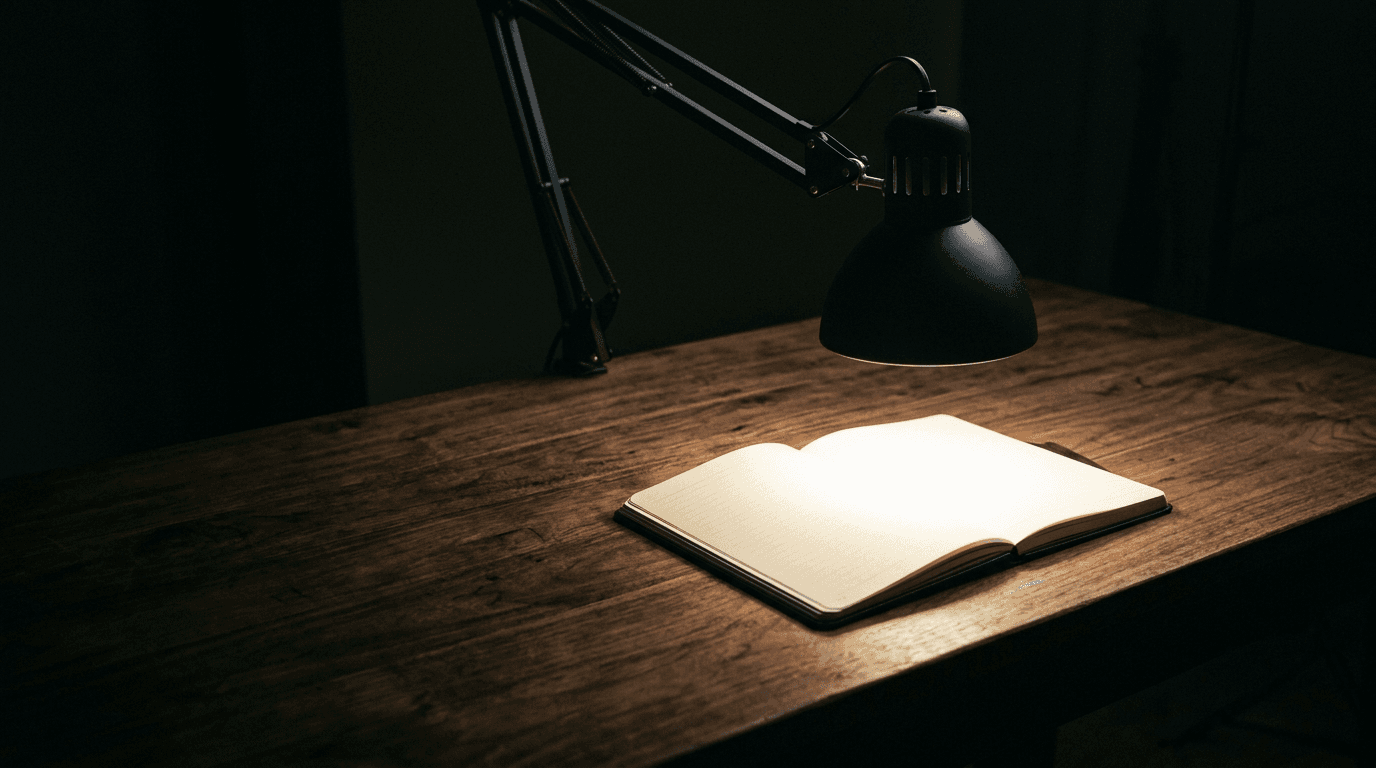
Illuminance falls with the square of distance. Doubling the distance from lamp to page quarters the light; halving it multiplies the light by four. This is the same inverse-square geometry that governs how you sound on a call, where it works in 6 dB steps — but light is not measured in decibels, so the effect is not compressed into a gentle-looking number. It is a bare factor of four.
Take our Best Overall lamp at its brightest mode. At 1 m from the page the UPLIFT E7 delivers about 391 lux and fails the 500-lux standard. At 50 cm it delivers 1,564 and clears it three times over. At 25 cm it delivers 6,256, which is past the point of usefulness and into glare. Same lamp, same setting, same nine-watt draw — a factor of sixteen across a range of arm positions that all look normal on a desk.
So the honest ordering of advice, published against our own commercial interest, is this: before you buy any light on this site, move the one you own. Most task lamps sit too far back and too high because that is where the arm naturally rests when nobody has thought about it. Pulling the head forward and down by ten inches is worth more than the entire brightness difference between the cheapest and most expensive lamp in our guide, and it costs nothing.
It also reframes what the lamp arm is for. Our desk lamp guide praises the E7's joints because they "actually hold their position — no slow droop over a workday," and the PHIVE for a swing arm that "extends over 22 inches." Those are not build-quality niceties. The arm is the brightness control. A lamp that droops two inches over an afternoon is losing measurable illuminance at the page, and a long arm is what lets you put the head close to the work instead of close to the desk edge.
One caveat that keeps this from being a blanket instruction: closer is not unboundedly better. Bringing the head close puts a bright source nearer your field of view, and past roughly 1,500–2,000 lux at the page you are trading task illuminance for glare and for a harsher contrast against the rest of a dim room. The goal is comfortably above 500 across the area you work in, not the highest number you can produce.
| Distance to the page | Illuminance | vs the 500-lux target |
|---|---|---|
| 25 cm (10 in) | ~6,256 lux | 12.5× — into glare territory |
| 35 cm (14 in) | ~3,192 lux | 6.4× |
| 50 cm (20 in) | ~1,564 lux | 3.1× — comfortable |
| 70 cm (28 in) | ~798 lux | 1.6× |
| 100 cm (39 in) | ~391 lux | 0.8× — fails the standard |
The one light in the hub that is deliberately not aiming at 500 lux
Everything above assumes the fixture is trying to light your desk. One product class in this hub is not, and judging it on illuminance would be a category error worth naming explicitly.
A bias light — an LED strip behind the monitor, aimed at the wall — exists to reduce the contrast between a bright panel and a dark room. Its target is not the desk and not 500 lux. SMPTE's Recommended Practice 166 for critical viewing conditions specifies a bias light at CIE D65 (6500K) against a neutral grey-to-white wall, at no more than 10% of the display's peak white output. That is a ceiling, not a floor, and it is expressed relative to your screen rather than in absolute lux.
This corrects a piece of our own advice by sharpening it rather than reversing it. Our LED strip guide tells readers to "set it to a neutral white at low brightness behind the monitor," which is directionally right and vague in the one place it matters. "Neutral white" in lamp terminology usually means around 4000K, and a 4000K bias light behind a 6500K-calibrated display will make the screen look distinctly blue by comparison. The published recommendation is specifically 6500K, matching the display's white point, and every strip in our guide reaches it — WiZ, Hue, Nanoleaf, LIFX and Govee all top out at 6500K. The instruction should be "set it to 6500K," not "set it to neutral white," and that guide now says so.
The 10% figure is the other half and it is the reason the LIFX strip's headline number is a trap in this application. Roughly 1,400 lumens per two metres is the brightest strip in our guide, and for a bias light that is not an advantage — it is headroom you must dial away. Run at anything near full output behind a monitor it stops being a bias light and becomes a glare source with your screen in front of it. The relevant specification for a bias light is a sensible dimming floor, not a bright ceiling.
Flicker: the spec our own criteria name and nothing in the category quotes
One more gap, and it is the cheapest kind to find because it needs no external research to spot — only to fix.
The lighting hub's buying factors list "flicker-free dimming" as one of four things to shop on, and warn that "cheap PWM dimming can flicker on camera and fatigue the eyes." Our desk lamp guide named it among its criteria — "flicker-free dimming, especially for anyone on camera" — and our Xiaomi entry praised "flicker-free dimming that undercuts lamps at twice the price." Our key light guide, our light bar guide and our strip guide all touch it.
Not one product anywhere in the hub carries a flicker number, and "flicker-free" is not a regulated term. It is marketing copy on almost every LED product sold, applied to fixtures that measure anywhere from genuinely excellent to visibly strobing on a phone camera.
One correction to the sentence above, added 2026-09-12 after an audit of the desk lamp guide, because it sharpens the point rather than blunting it. Exactly one maker in the hub goes further than the adjective: BenQ states that the Genie "passed the IEEE 1789 standard for LED luminaires." That is a conformance claim, not a measurement — and IEEE 1789's limits are frequency-dependent, so a pass is only meaningful alongside the frequency it was measured at. BenQ publishes neither the modulation depth nor the PWM frequency, which leaves the claim unfalsifiable from the box. It is still the best disclosure in the category, and that is the damning part: the ceiling of transparency here is naming the standard without publishing either number the standard is defined on.
There is a published standard with actual thresholds. IEEE 1789-2015 gives frequency-dependent limits on modulation depth: at the 100–120 Hz where mains-derived ripple lands, roughly under 8% modulation is "low risk" and under 3% is "no observable effect," with the permitted depth scaling with frequency, so that above a few kilohertz essentially any modulation is acceptable. That last clause is the practically useful one: a fixture that dims by high-frequency PWM above roughly 3 kHz, or by analogue current control, is fine regardless of depth, while one running 100–120 Hz PWM needs to be shallow to qualify.
We are not going to pretend to measure this — we do not test hardware, and a flicker measurement needs a photodiode and a scope, not an opinion. But two things follow honestly. First, our guides should stop repeating "flicker-free" as though it carried information, and where a manufacturer states a dimming method or a PWM frequency, that is the fact worth publishing instead. Done on the desk lamp guide, 2026-09-12: the criterion and the Xiaomi entry quoted above have both been rewritten to name the phrase as a claim rather than score it as a feature, which is why they now read differently from the words in quotation marks. Second, there is a free check any reader can run before the return window closes: point a phone camera at the lit surface, dim the light to about 20%, and slowly pan. Banding or a visible strobe at low brightness is the failure mode, and low brightness is where cheap drivers fail, because that is where the duty cycle gets shortest.
| Modulation frequency | "Low risk" | "No observable effect" |
|---|---|---|
| ~100–120 Hz (mains ripple, cheap PWM) | Under ~8% modulation | Under ~3% modulation |
| Above ~3 kHz (high-frequency PWM) | Effectively unrestricted | Effectively unrestricted |
| Analogue / constant-current dimming | No modulation to limit | No modulation to limit |
The five-minute version
Aim for 500 lux on the surface you actually work on. That is the published standard for reading, writing and screen work, and it is a figure measured at the desk, not on the box.
Lumens are not lux. Lumens are what leaves the lamp; lux is what arrives at the page. A lamp advertised in lumens is telling you about itself, and a lamp advertised in lux is telling you about your desk — but only if it also tells you at what distance, and an illuminance figure with no distance attached is not a measurement.
Move it before you buy it. Illuminance falls with the square of distance, so pulling the lamp head from 1 m to 50 cm is four times the light. That is a bigger change than any product difference in our desk lamp guide, and it is free.
Brightness is not the thing to shop on; area is. Every task lamp we recommend clears 500 lux at its centre by two to three times. What differs is how wide that pool is, and BenQ is the only maker in the category publishing it — 90 cm for the Genie, 85 × 50 cm for the ScreenBar Pro, both at 500 lux.
Delivered beats emitted. An 8.5-watt monitor light bar puts at least 213 lumens inside a 500-lux footprint bigger than your keyboard and notebook together. A 2,100-lumen key light emits ten times as much and lights your desk with almost none of it, because it is pointed at your face. They are not competing products and their brightness numbers should never be read side by side.
Treat "flicker-free" as meaningless until someone publishes a number. Nobody in this category does — BenQ alone names IEEE 1789 for the Genie, without the frequency or modulation depth that would let you check it. Pan a phone camera across the lit surface at 20% brightness before your return window closes.
And if the light is behind the monitor, none of the above applies. A bias light wants 6500K to match your display's white point and no more than 10% of its peak brightness. It is the one fixture in this hub where the brightest option is the wrong one.
The bottom line
Measure what you have before you buy anything. Lay a phone with a lux meter app flat where you actually read and type, with your room light on and any task lamp off. If you are already near 500 lux, a lamp is a convenience rather than a fix. If you are at 150, you know exactly how much you need to add — and it is less than you would guess, because every task lamp in our guide delivers two to three times the standard at the centre of its pool.
Then move the light you already own before you replace it. Illuminance falls with the square of distance, so pulling a lamp head from a metre to half a metre is four times the light on the page. That is larger than the entire brightness spread between the cheapest and most expensive lamp we recommend, and it costs nothing. The desk lamp with the best arm is the one that lets you do this without a fight, which is the real reason build quality in that guide keeps correlating with satisfaction.
When you do buy, shop on area, not brightness. Ask how wide the pool is that meets 500 lux, and note that BenQ is currently the only manufacturer in this category publishing that figure — 90 cm for the Genie, 85 × 50 cm for the ScreenBar Pro. If your desk is mostly screen and keyboard, a monitor light bar does the job on 8.5 watts without ever entering your field of view, and it is the cheapest correct answer on this site. If your desk is a real work surface, a task lamp with a long, honest arm wins. And if the light is going behind the monitor, stop reading this page: a bias light wants 6500K at under 10% of your screen's brightness, and it is the one fixture here where the brightest option is the wrong one.
Frequently asked questions
It is the wrong question, and it is the one the category trains you to ask. Lumens describe the lamp; what your eyes respond to is lux at the page, which depends on the lamp, its beam, and how far away you put it. As a practical translation: for a compact diffused desk lamp at about 50 cm from the work, roughly 210 lumens is all it takes to hit 500 lux at the dead centre of the pool. You want considerably more than that, because the standard is an average across the task area rather than a peak at one point, and illuminance drops off toward the edge of the pool. Two to three times the minimum is the sensible range, which is exactly where the category sits: everything in our desk lamp guide is between 520 and 700 lumens. If you want one number to shop by, look for a published illuminance with a stated distance, or better, a published coverage area at 500 lux.
It is the specified figure for writing, typing, reading and data processing in EN 12464-1, and ANSI/IES RP-1 puts general office work at roughly 300–500. Two caveats keep it honest. It is a maintained average across the task area rather than a peak at one point, so a lamp that hits 500 only at the dead centre of a small pool has not really met it. And research on preference consistently finds people choose more light than the minimum when given the choice — figures in the 800–1,000 lux range come up often — with older eyes needing more than younger ones. Treat 500 as the floor you should not be under, not the target you should stop at.
Almost always distance, and the falloff is steeper than people expect because it is a square law. A lamp delivering 1,564 lux at 50 cm delivers about 391 at 1 m — a quarter of the light for twice the distance. Task lamps drift outward and upward over time as the arm settles and as you push things around the desk, and a lamp with joints that droop is quietly losing illuminance all afternoon. Before concluding a lamp is underpowered, pull the head forward and down toward the actual work and see whether the problem disappears. Colour temperature also plays tricks: the same illuminance at 3000K reads as dimmer and cosier than at 5000K, which is why the UPLIFT E7 publishes 567 lumens in its warm mode and 644 in its cool one.
For most screen-and-keyboard desks, no — and the light bar is the more efficient choice. BenQ publishes the ScreenBar Pro as holding 500 lux across 85 × 50 cm on 8.5 watts, which covers a keyboard and a notebook side by side without ever putting light on the panel or a fixture in your eyeline. A task lamp earns its place when your desk is a real work surface with paper, hobbies or hand work on it, when you need light aimed somewhere specific, or when you want more coverage than a bar's footprint — the BenQ Genie's published 90 cm at 500 lux is the widest figure in the category. Plenty of complete setups run one of each, and if you are choosing only one, decide by whether your desk is mostly screen or mostly surface. See our guides to the best monitor light bars and the best desk lamps for the picks in each.
Roughly, yes. Phone lux meter apps use the ambient light sensor above the screen and are usually accurate enough to tell 200 lux from 600 — which is the distinction that matters here — though they are not calibrated instruments and can be off by tens of percent, particularly at low levels and under strongly coloured light. Lay the phone flat on the desk where you actually work, screen up, with nothing shadowing it. If you want a real number, a basic handheld lux meter is around $20 and is the single cheapest way to stop guessing about any of this. Measure with your room light on and the task lamp off first, so you know how much of the 500 you already have before deciding what the lamp needs to add.
Keep building your setup
Lighting
The Best Desk Lamps for Home Offices in 2026
Better light for reading, writing, and video calls without a glare-filled screen. Five task lamps spanning premium articulated builds, budget architect clamps, and camera lighting.
Updated September 12, 2026
Lighting
The Best Monitor Light Bars for 2026
Zero desk footprint, no glare on the screen, and light exactly where your keyboard is. Six monitor light bars spanning budget to premium, sorted by the features that actually differ.
Updated September 10, 2026
Lighting
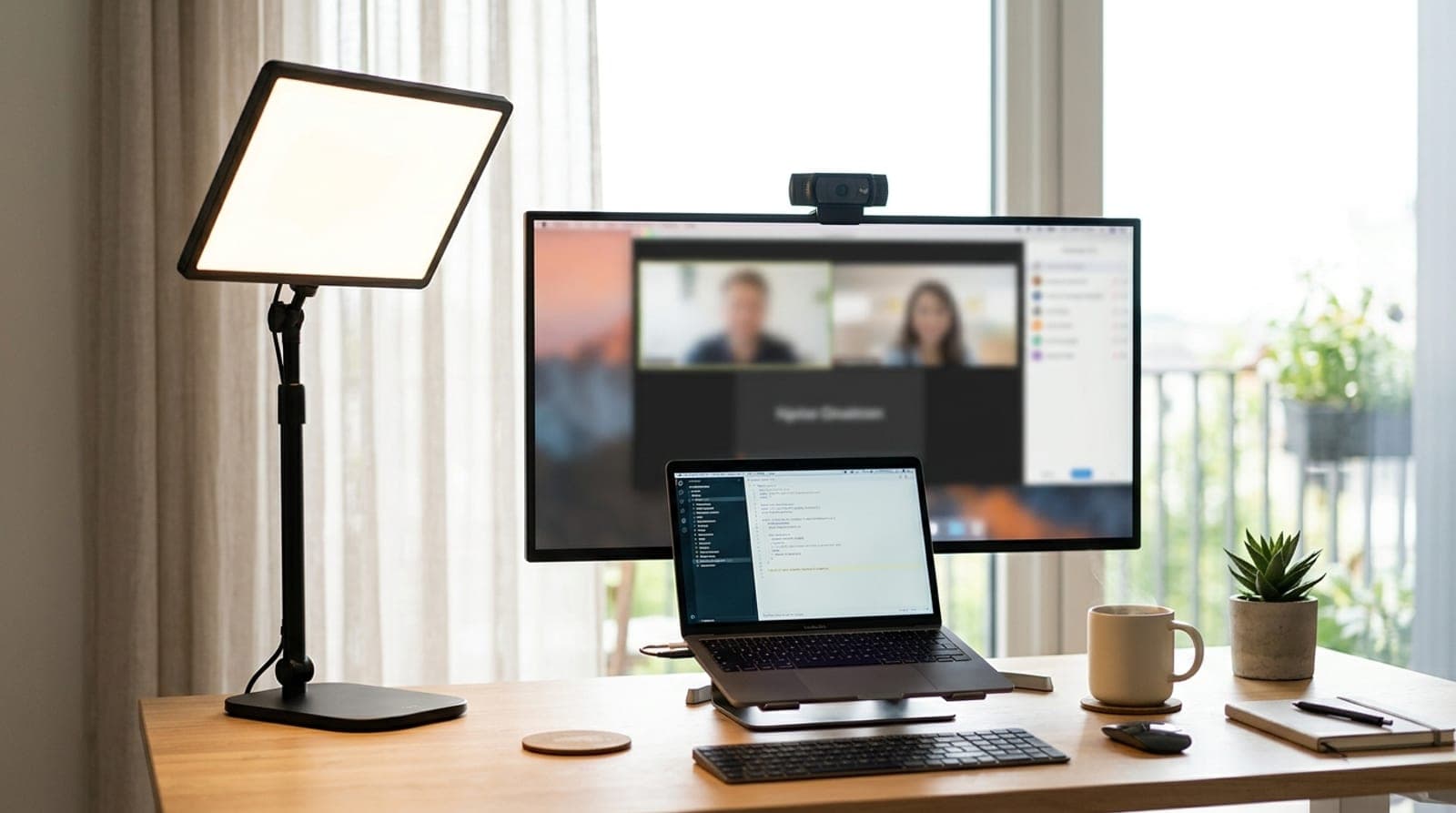
The Best Key Lights for Video Calls and Streaming in 2026
Overhead lighting makes you look tired on camera; a key light fixes it in one purchase. Six front-facing lights compared on the things that matter — real brightness, color accuracy, how they mount, and whether you need the app.
Updated September 10, 2026
Get the next guide in your inbox
One short email when we publish or meaningfully update a buying guide. No spam, no daily deals firehose.