 Rigworthy
The Best Under-Desk Cable Trays in 2026
By Rigworthy Editorial Team · Updated September 22, 2026
Rigworthy is reader-supported: we may earn a commission if you buy through our links, at no cost to you. How we make money
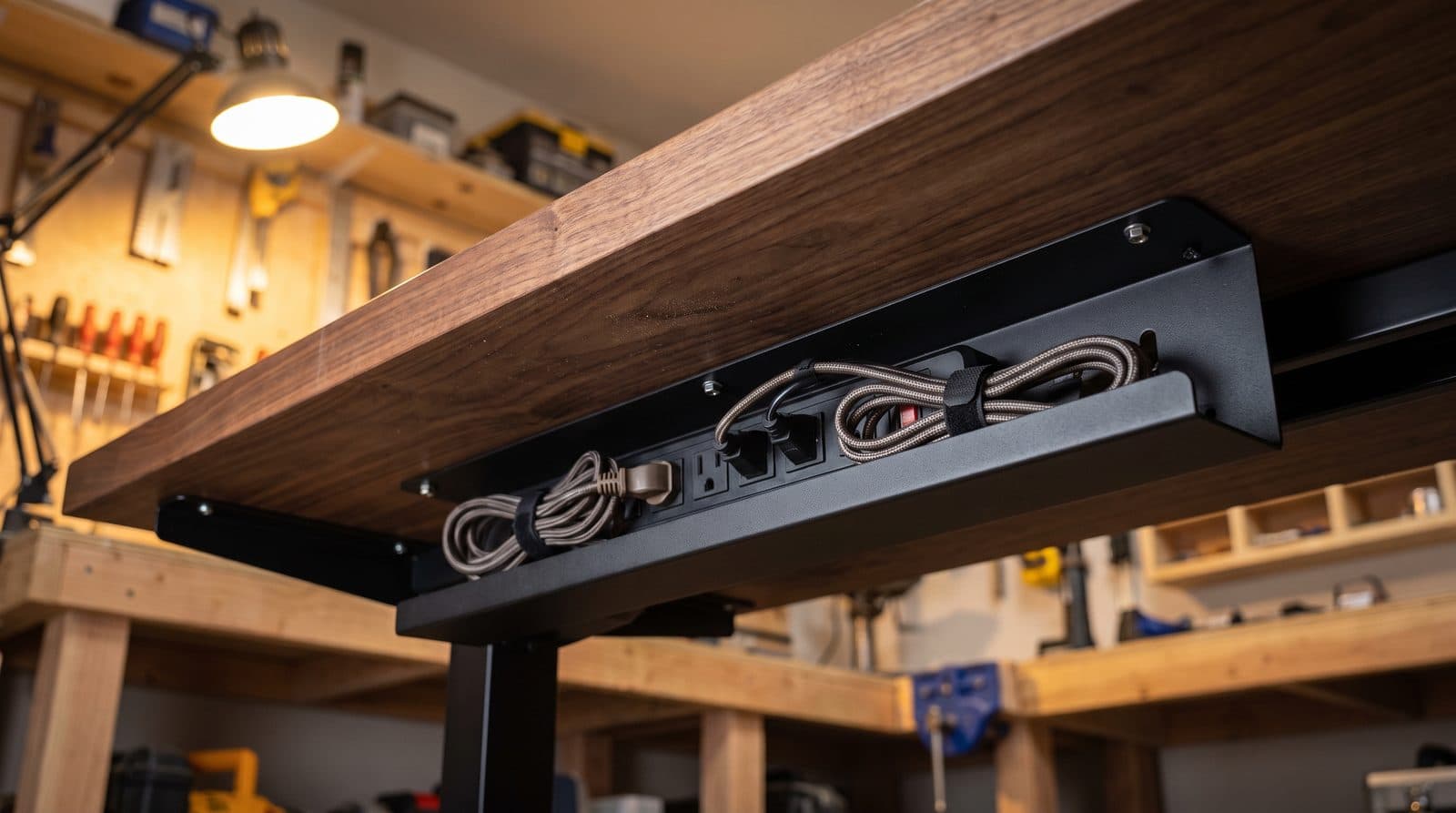
Cable management is the highest-leverage $30 you can spend on a desk setup. Get the power strip and its tangle of bricks off the floor and into a tray under the desktop, and the whole setup instantly looks intentional — plus a standing desk can finally rise without dragging a surge protector behind it.
The market splits into screw-in steel trays (strongest), no-drill adhesive channels (rental- and glass-safe), and premium mesh systems. We compared them on the metric that actually matters — can it hold a full-size power strip, the wall bricks, and the slack loop of every cable on your desk — and found that much of this category declines to answer. Only three of the five products below publish a load rating at all, and the ranking among those three runs backwards from the price list. So the specs here lead on the numbers the manufacturers do print: internal width, length, and weight where it exists.
Our top picks at a glance
- 1
- 2
- 3
- 4
- 5
How we chose
- Published load rating and internal width, not a claim about what "fits"
- Mounting strength and desk compatibility, including no-drill options
- Open access for re-routing cables later without disassembly
- Standing-desk suitability — everything must travel with the desktop
- Finish quality that doesn't look like an afterthought if glimpsed
Our picks come from spec research, long-term owner feedback, and category expertise — not sponsorships. Read the full methodology.
Compared side by side
| Product | Award | Mounting | Capacity | Typical price |
|---|---|---|---|---|
| Scandinavian Hub Under-Desk Cable Tray | Best Overall | Screw-in | Not published | ~$50 (2-pack) |
| Yecaye No-Drill J Channel | Best No-Drill | Adhesive | 10 cords (no weight published) | ~$30 (4-pack) |
| VIVO Under-Desk Steel Cable Tray | Best Value | Screw-in | 11 lbs published | ~$30 |
| IKEA SIGNUM Cable Trunking | Best Capacity | Screw-in | 22 lbs published | ~$20 |
| Humanscale NeatTech | Premium Pick | Screw-in | 10 lbs published | $144–$180 |
2. Best No-Drill
Yecaye No-Drill J Channel
Typically around $30 (4-pack)
- Rental desks
- Glass desktops
- Damage-free installs
J-channel raceways solve the no-drill problem: adhesive tape holds a J-shaped channel under the desk edge, cables drop in from the open side of the J, and nothing touches a drill. Yecaye's kit is the category standard, with segments that join into one long run and tape that holds convincingly on clean laminate, wood, and glass.
Read the profile before you buy: each segment is 2.7 in wide and 2.5 in deep, which is a cable channel, not a power-strip tray. Yecaye rates the run at up to 10 power cords or 16 Cat-5 cables. Mount the strip separately — and note that a 2.7-inch channel will not take a wall brick either, so this is a route for cable runs, not for the lumps on the end of them. For the runs themselves it is the tidiest damage-free option going.
What we like
- Zero drilling — safe for rentals and glass desks
- Segments combine to fit any desk width
- Open J-profile keeps cables accessible
Worth knowing
- A 2.7 in channel will not take a surge protector — cables only
- Removal can pull laminate finish if done carelessly
- Material
- PVC, adhesive PE tape mounting
- Length
- 62.8 in total (4 × 15.7 in segments); a 6-pack runs 94 in
- Channel size
- 2.7 in wide × 2.5 in deep
- Fits
- Up to 10 power cords or 16 Cat-5 cables (manufacturer figure)
3. Best Value
VIVO Under-Desk Steel Cable Tray
Typically around $30
- Budget builds
- Wide desks
- First cable cleanup
VIVO's DESK-AC06 delivers the core screw-in steel formula in the form most people picture: a solid metal tray with a 2-inch safety lip that screws into the underside and disappears from view — no wire grid, no visible cabling from below. It is one of only three trays here whose maker publishes a weight rating, at 11 lbs.
The important number is the one the marketing rounds off. VIVO sells this as a 17-inch tray and publishes it at 16.5 × 3 × 4.5 in. Three inches of width is a cable channel with a lip, not a power-strip cradle: a slim surge protector will sit in it, a chunky 12-outlet block with wall bricks hanging off it will not. Buy it for cables and a compact strip, and mount anything heavier on its own.
What we like
- Cheapest solid-steel screw-in tray here
- Publishes an honest 11 lb load rating — two of five makers don't
- Solid steel with a safety lip, not an open grid
Worth knowing
- 3 in of width rules out full-size surge protectors
- Sold as "17 inch"; VIVO's own figure is 16.5 in
- Material
- Steel, black finish, 2 in safety lip
- Dimensions
- 16.5 × 3 × 4.5 in per tray (marketed as 17 in); sold singly or as a 2-pack
- Mounting
- Screw-in (mounting holes 11 in apart)
- Load rating
- 11 lbs (manufacturer figure)
4. Best Capacity
IKEA SIGNUM Cable Trunking
Typically around $20
- Full-size power strips
- Heavy brick loads
- Proven cheap fix
The SIGNUM wire rack has been the desk community's entry-level answer for over a decade: a 27.5-inch silver wire trough that screws under the desk and holds a surprising amount of cabling. Countless 'clean desk' transformations started with this exact product, and IKEA's own spec table explains why better than the folklore does — 16 cm (6.3 in) of trough width and a 10 kg (22 lb) maximum load, which are the widest and the highest published figures in this guide, printed on the cheapest thing in it.
The catch is what IKEA doesn't print. There's no published depth, and the open wire profile is visibly shallower than the modern deep trays, so tall bricks stand proud of the edge instead of disappearing inside it — and it is silver-only, which reads as an offcut under a dark desk. Neither is a capacity problem. They are a looks problem, and that is the trade this price is asking you to make.
What we like
- 10 kg (22 lb) published load rating — the highest number here
- 6.3 in (16 cm) trough takes a full-size surge protector
- Long 27.5 in single-piece run at a rock-bottom price
Worth knowing
- Silver finish stands out under dark desks
- No published depth, and the shallow wire profile leaves tall bricks proud
- Material
- Steel wire, silver finish
- Length
- 27.5 in (70 cm)
- Width
- 6.3 in (16 cm)
- Mounting
- Screw-in
- Load rating
- 22 lbs (10 kg, IKEA figure)
5. Premium Pick
Humanscale NeatTech
Typically $144–$180 depending on size and material
- Design-forward offices
- Large cable loads
- Sit-stand executive desks
NeatTech is cable management designed like furniture: a lightweight mesh basket, available in recycled Eco Knit, breathable mesh or leather, that gathers power strips, bricks and slack loops into one soft run and looks considered rather than industrial. Four screws and a supplied template do the install, and Velcro ties inside hold everything in place.
It does publish its limit, and the limit is lower than the price suggests: Humanscale rates the whole basket at 10 lbs, which is the lowest published figure in this guide and less than half what IKEA prints on a $20 wire rack. Buy NeatTech because it is the one option that reads as furniture when the underside of your desk gets seen, and because it covers the longest span here. Do not buy it expecting capacity — at these prices that is worth being blunt about.
What we like
- By far the cleanest look in the category from any angle
- Longest single run here — up to 48 in
- Everything stays accessible from the top
Worth knowing
- 10 lb published limit is the lowest rating in this guide
- Four to six times the price of a steel tray
- Material
- Eco Knit, mesh or leather basket
- Length
- Three fixed sizes — 24, 38 and 48 in (all 4.5 in deep × 4 in wide)
- Mounting
- Screw-in (four self-tapping screws, template supplied)
- Load rating
- 10 lbs (manufacturer figure)
The verdict
If your desk can take screws and you care how its underside looks, the Scandinavian Hub tray is the buy-once answer — rigid welded steel, matte black, open-topped, and roomier than the narrow channels here, though it publishes no load rating and only its Compact size comes with a width figure. The VIVO tray is the cheapest solid-steel option and prints the numbers to back it up.
Renting, or running a glass desk? The Yecaye J-channel is the no-drill pick that actually holds up — just buy it knowing that a 2.7-inch channel is for cables, not for a surge protector. And if the underside of your desk is part of the room's look, the Humanscale NeatTech is the one cable solution that reads as furniture rather than hardware.
One correction to the usual advice, including ours: do not assume price buys capacity here. Of the three products that publish a limit, the order is precisely the reverse of the price list — IKEA's SIGNUM at 22 lbs, VIVO at 11, and the NeatTech at 10 — so the most expensive thing in this guide carries less than half the rating of the cheapest, in a narrower trough (4 in, against SIGNUM's 6.3). What the NeatTech does buy is length — up to 48 in, where SIGNUM is a fixed 27.5. Buy the Humanscale for how it looks, which is a real reason at a real price. But if what you actually need is a wide trough that swallows a full-size strip and its bricks, the $20 SIGNUM is the one with the numbers on it, and the only thing you give up is a silver finish under a dark desk.
Whichever you pick, plan the cable run before you mount anything — the tray is the easy half, and the slack loop down to the wall is the half that decides whether a standing desk actually works.
Frequently asked questions
Yes — adhesive J-channels like the Yecaye kit mount with high-bond tape and hold cables, hubs, and light adapters without tools. The limits are weight (a loaded power strip should be supported separately or placed in the most reinforced section) and surface type: adhesive bonds best to clean, smooth laminate, sealed wood, or glass. Clamp-on trays are a middle option where the desk lip allows.
The rule is that everything must move with the desktop. Mount the power strip and tray under the desk surface itself, run one single power cable down to the wall (a cable spine or sleeve keeps it tidy), and give every cable that crosses to the floor a proper service loop before you tie anything down. That slack figure is not a guess — it is your frame's travel, meaning its maximum height minus its minimum, which works out around 25–26 inches on popular frames like the UPLIFT V3 and FlexiSpot E7. Add about 25% on top so the cable arrives at full height with a bend in it rather than pulled straight, which puts a typical desk near 32 inches. Raise the desk fully to test before final tightening, and lower it fully too — see our cable management walkthrough for the full method.
Screw-in steel trays hold the most weight and never let go — the right call for any desk you own with a solid top: wood, plywood, thick particleboard or MDF. The important exception is a honeycomb-core desktop, the IKEA LINNMON family being the common example, which is two thin fibreboard skins over a paper lattice with nothing structural between them. A screw bites a few millimetres of skin and then spins in air, which is a slow failure under a tray loaded with a surge protector and power bricks — tap the underside, and if it sounds hollow, use adhesive, a clamp-on tray, or mount to the desk frame's steel cross-member instead. Otherwise choose adhesive when drilling is off the table: rentals, glass tops, or desks you plan to resell. Our step-by-step cable management guide walks through mounting and the desks that will not take a tray.
Measure your surge protector in all three dimensions, not just length. Length is the easy one — common full-size strips run 10–15 inches, and a single 16–17 inch tray covers that. Width is where people get caught: the VIVO tray is 3 inches wide inside and the Yecaye J-channel is 2.7, so a strip that is 2.5 inches across fits one and a 3.5-inch block with wall bricks hanging off it fits neither. IKEA's SIGNUM is the outlier at 6.3 inches (16 cm), the one published width here that takes a full-size block without argument. Wide standing desks with two monitors and a docked laptop are more comfortable with two trays or a continuous channel run.
Much of this category won't tell you, which is itself most of the answer. Of the five products here, three publish a figure, and they land in the exact reverse of the price order: IKEA rates SIGNUM at 10 kg (22 lbs) on a ~$20 wire rack, VIVO rates its steel tray at 11 lbs at ~$30, and Humanscale rates the $144-plus NeatTech at 10 lbs. Scandinavian Hub and Yecaye publish no load rating at all. For scale, a full-size metal surge protector is roughly 2–4 lbs and a laptop charger around 1, so even a 10 lb rating is genuinely enough for a strip and a few bricks — it is not enough for a strip, a dock, a UPS and every adapter you own, and the SIGNUM's 22 lbs is the only published number here with real room above that. If you are mounting anything genuinely heavy, screw it to the desk directly rather than resting it in a tray.
Keep building your setup
Cables
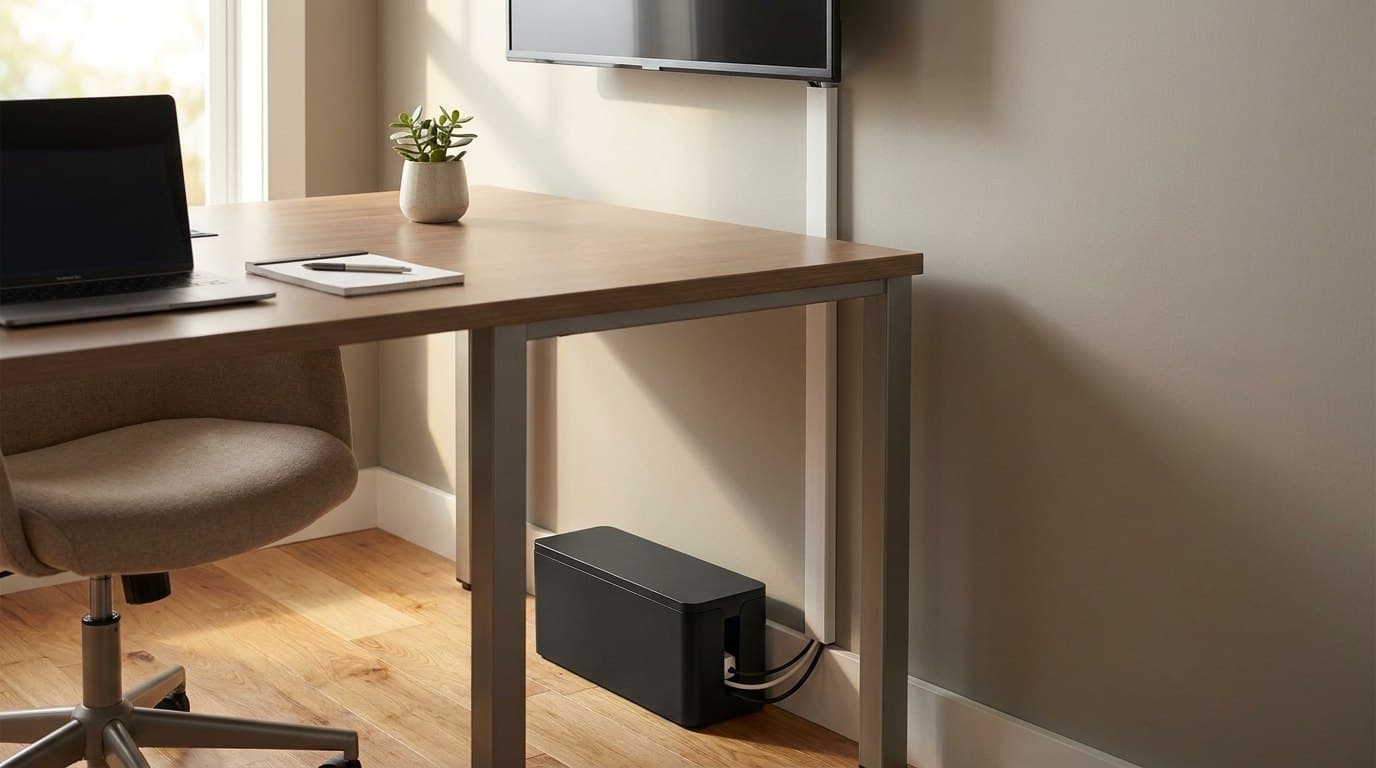
The Best Cable Management Boxes & Raceways in 2026
For the cords an under-desk tray can't hide: six boxes, raceways, sleeves, and floor covers compared on capacity, mounting, and how well they actually disappear.
Updated August 3, 2026

Cables
The Best Power Strips & Surge Protectors for a Desk Setup in 2026
The strip your cable tray hides and your box conceals — chosen properly. Six desk power strips and surge protectors compared on real surge ratings, USB-C wattage, outlets, and mounting.
Updated August 3, 2026
Cables
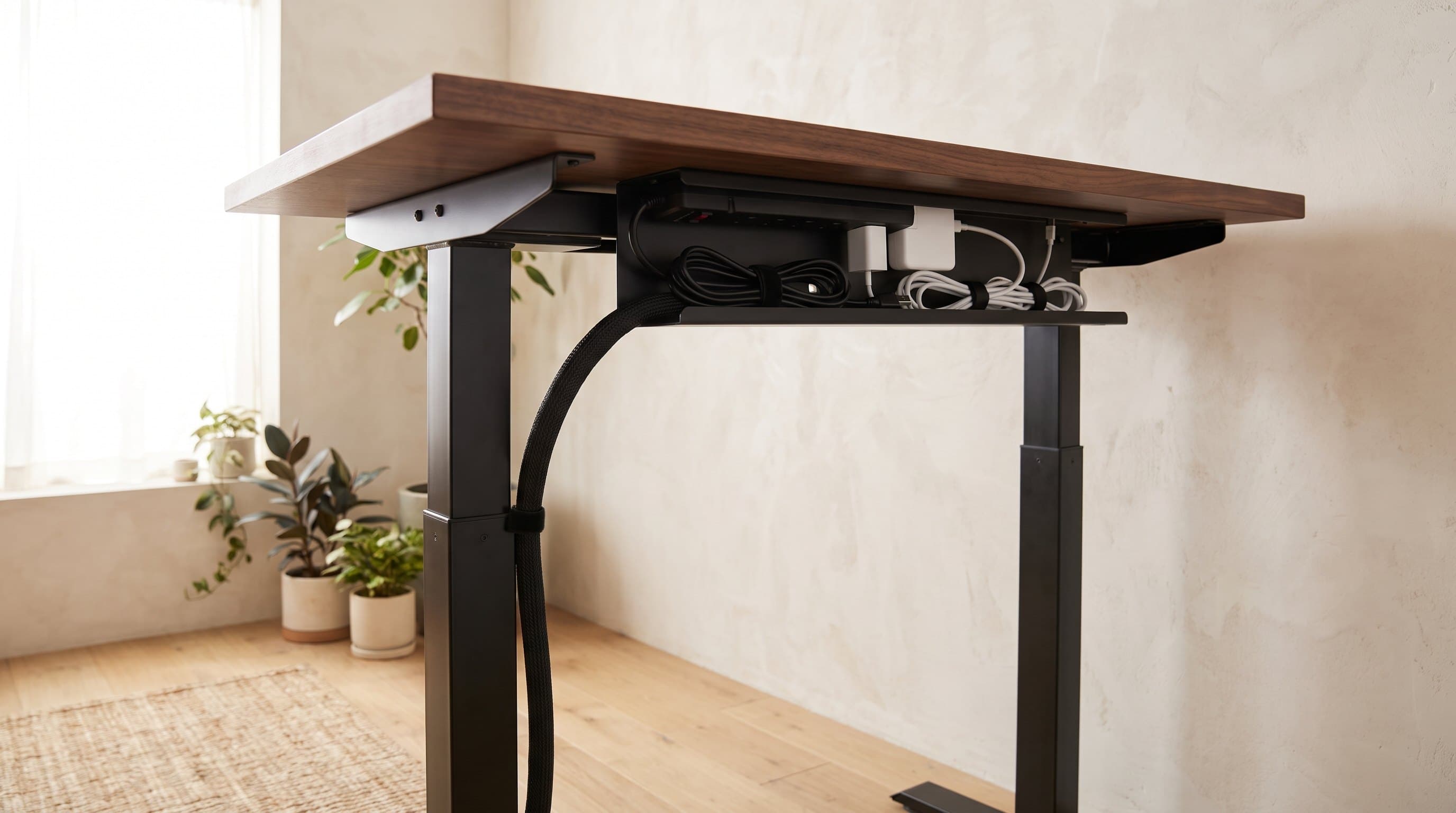
How to Hide Desk Cables: The Order to Do It In
Most cable management guides hand you a shopping list. The list is the last step, not the first — what decides your setup is which cables travel with the desk, what plugs into what, and how much slack the frame's travel demands. Here is the whole job in order, including the one arrangement to avoid.
Updated September 22, 2026
Get the next guide in your inbox
One short email when we publish or meaningfully update a buying guide. No spam, no daily deals firehose.