 Rigworthy
The Best Gaming Mice in 2026
By Rigworthy Editorial Team · Updated August 16, 2026
Rigworthy is reader-supported: we may earn a commission if you buy through our links, at no cost to you. How we make money
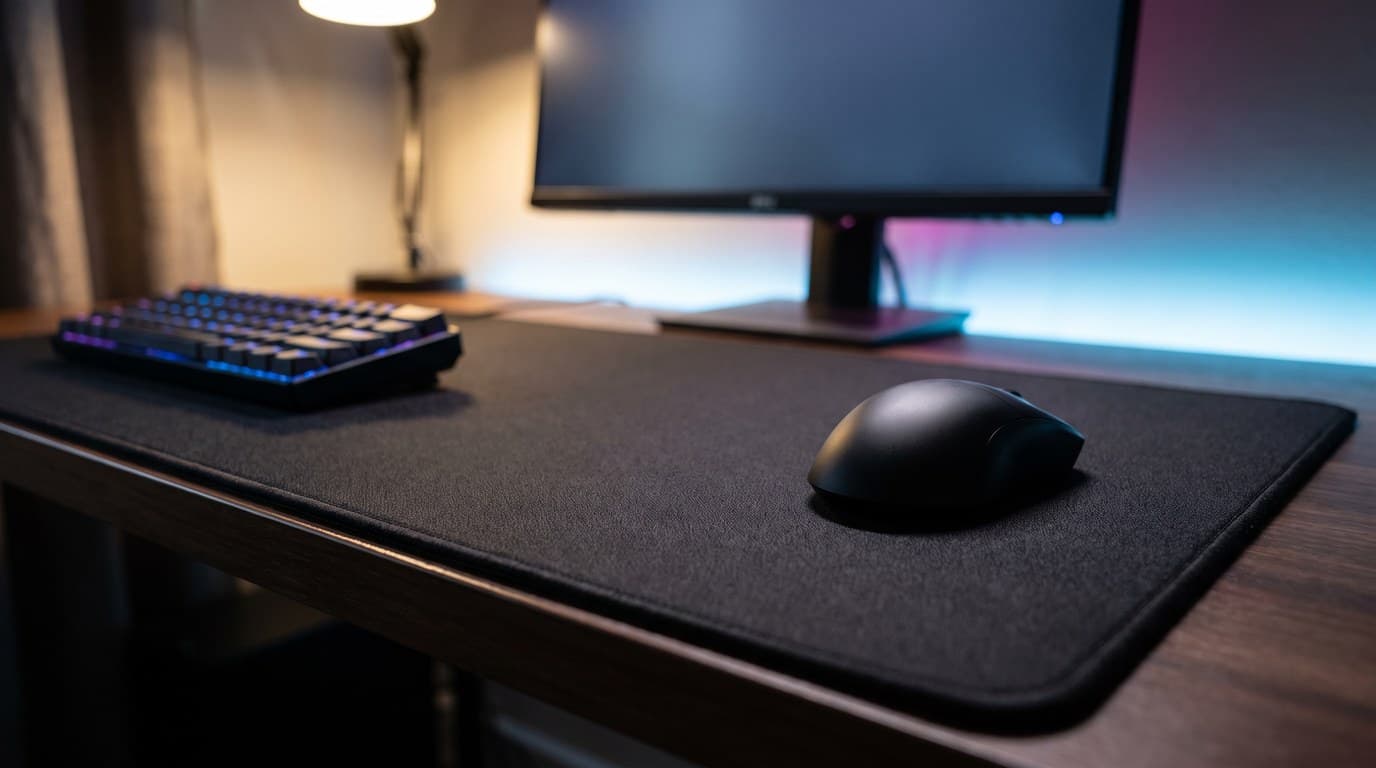
Something has quietly gone flat in the gaming mouse market. Five years ago the interesting question was which mouse tracked accurately, and the answer separated the good from the useless. Today every mouse on this page carries a sensor that tracks faster than a human arm can move and polls fast enough that the remaining latency is somewhere between negligible and imaginary, and five of the six weigh 60 grams or less — the sixth trades the weight for a year of battery, deliberately. A $119 enthusiast mouse and a $170 flagship run the same PixArt or in-house sensor class, and neither will lose you a duel.
What is left is shape, which is awkward for everyone involved. Shape is the only part of a mouse that no firmware update can fix, the only part you cannot evaluate from a spec sheet, and the only part almost nobody puts in a comparison table. So we have. Every mouse below is listed with its actual shell dimensions — length, width, and hump height in millimetres, from the manufacturer's own sheet wherever one is published — alongside the hand size and grip style it genuinely suits. Those three numbers will tell you more about whether you will like a mouse than every DPI figure ever printed on a box.
Two other things get less reverence here than they usually get. Adjustable polling to 8,000 Hz is real and it costs you: on one mouse in this guide it takes battery life from 150 hours to 22. And DPI figures above about 3,200 are a specification contest, not a setting — almost everyone plays at 800.
Six mice from $60 to $170, ordered by the job each shape does rather than by price, with dimensions and battery figures taken from manufacturer spec sheets rather than retail listings — and, for the one brand here that doesn't publish a full sheet, from the most reliable independent measurement we could find. We have not measured latency or scored these on feel ourselves — what follows is a fitting guide and published specifications, not a lab test.
Our top picks at a glance
- 1
- 2
- 3
- 4
- 5
- 6
How we chose
- Shell dimensions — length, width and hump height — taken from the manufacturer's own spec sheet wherever one is published, because that is what actually decides fit
- Which hand sizes and grip styles each shape genuinely suits, rather than the claim that a shape works for everyone
- Battery life quoted at both 1,000 Hz and 8,000 Hz, since the number on the box is always the first one
- Sensor and switch hardware judged on whether the difference is perceptible, not on whose headline number is largest
- Software: whether you need it at all, and whether your settings live on the mouse or on one particular PC
- Honest value — what the extra $100 buys over a $60 mouse, and the cases where it buys nothing
Our picks come from spec research, long-term owner feedback, and category expertise — not sponsorships. Read the full methodology.
Compared side by side
| Product | Award | Shape & fit | Size / weight | Battery (1K / 8K) | Typical price |
|---|---|---|---|---|---|
| Razer Viper V4 Pro | Best Overall | Symmetrical · medium–large hands | 127 × 64 × 40 mm · 49 g | 180 h / 45 h | $159.99 |
| Logitech G Pro X Superlight 2 DEX | Best Ergonomic Shape | Right-handed ergo · medium–large hands | 126 × 68 × 44 mm · 60 g | 95 h / not published | $159.99 |
| Razer DeathAdder V4 Pro | Best for Large Hands | Right-handed ergo · large hands | 128 × 68 × 44 mm · 56 g | 150 h / 22 h | $169.99 |
| Endgame Gear OP1 8k v2 | Best for Small Hands | Compact symmetrical · small hands | 118 × 61 × 37 mm · 49.5 g | Wired — no battery | $89.99 |
| Lamzu Maya X | Best Value Flagship | Symmetrical · small–medium hands | 124 × 64 × 40 mm · 47 g | 80 h / 20 h | $119.99 |
| Logitech G309 Lightspeed | Best Budget | Compact neutral · small–medium hands | 120 × 64 × 39 mm · 86 g | 300+ h / no 8K mode | $60–80 |
1. Best Overall
Razer Viper V4 Pro
Typically $159.99
- Medium to large hands, claw or palm grip
- Left-handers who can live without extra thumb buttons
- Anyone who wants the safest shape bet in the category
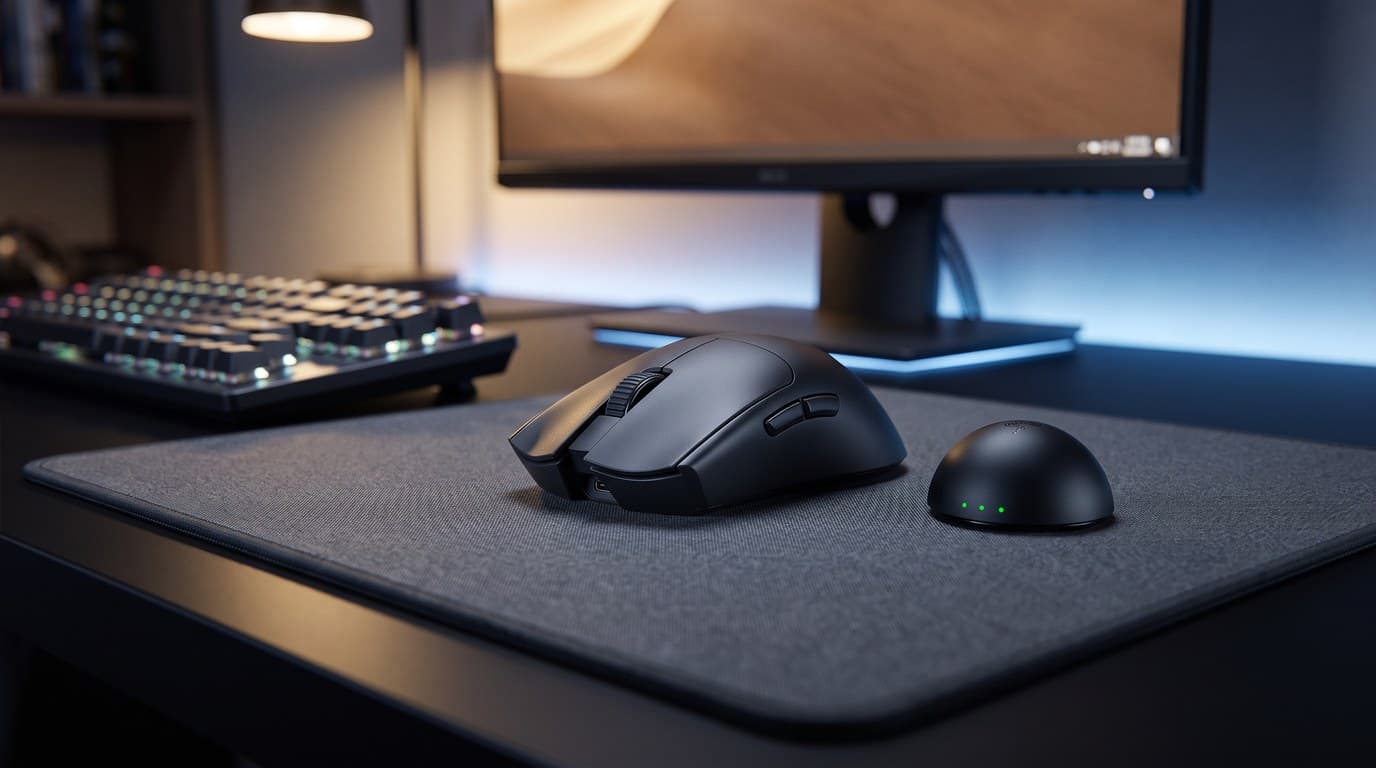
The Viper V4 Pro is the safest shape in this guide, and that is the highest praise we can give a gaming mouse. At 127.1 × 63.9 × 39.9 mm it is a symmetrical shell with a gentle centred hump and a pinched waist — no aggressive flare, no thumb shelf, nothing that forces your hand into one position. That makes it the mouse most likely to fit a hand it was never designed around, which matters because you cannot try these before you buy them. At 49 g for the black model (50 g for white) it is also the lightest full-size mouse here, and the sensor question is settled: the Focus Pro 50K Gen-3 tracks to 930 IPS and 90 G, well past anything a human arm produces.
Where it genuinely separates from the pack is power. Razer's HyperSpeed Wireless Gen-2 delivers true 8,000 Hz polling and still returns up to 180 hours at 1,000 Hz — roughly double what most rivals manage, and the number that makes this a mouse you charge on a schedule rather than a mouse you charge when it dies mid-match. Drop it to 45 hours if you actually run 8,000 Hz, which is the trade nobody prints on the box. Two caveats. It is symmetrical in shape but not in buttons: the two side buttons are on the left flank only, so left-handed players get the shape and lose the thumb buttons. And the Gen-4 optical switches are loud — genuinely, notably clacky — which is fine in a bedroom with headphones on and less fine in a shared room.
What we like
- The most universally-fitting shape here: symmetrical, gentle hump, no forced grip
- 180 hours at 1,000 Hz is close to double what most flagship rivals deliver
- 49 g with no holes in the shell and no perceptible flex
- True 8,000 Hz polling wirelessly, with 0.36 ms motion latency claimed
Worth knowing
- Side buttons are left-flank only, so left-handers lose them
- The Gen-4 optical switches are loud enough to be noticeable in a quiet room
- 8,000 Hz cuts battery life from 180 hours to 45
- Shape
- Symmetrical, centred gradual hump
- Dimensions
- 127.1 × 63.9 × 39.9 mm
- Weight
- 49 g black / 50 g white
- Sensor
- Focus Pro 50K Optical Gen-3 (50,000 DPI, 930 IPS, 90 G)
- Polling
- Up to 8,000 Hz (HyperSpeed Wireless Gen-2)
- Switches
- Razer Optical Gen-4, optical scroll wheel
- Battery
- 180 h at 1,000 Hz / 45 h at 8,000 Hz
2. Best Ergonomic Shape
Logitech G Pro X Superlight 2 DEX
Typically $159.99
- Relaxed palm grip over long sessions
- Right-handers who want their hand supported, not balanced
- Desks where the same mouse does work and games
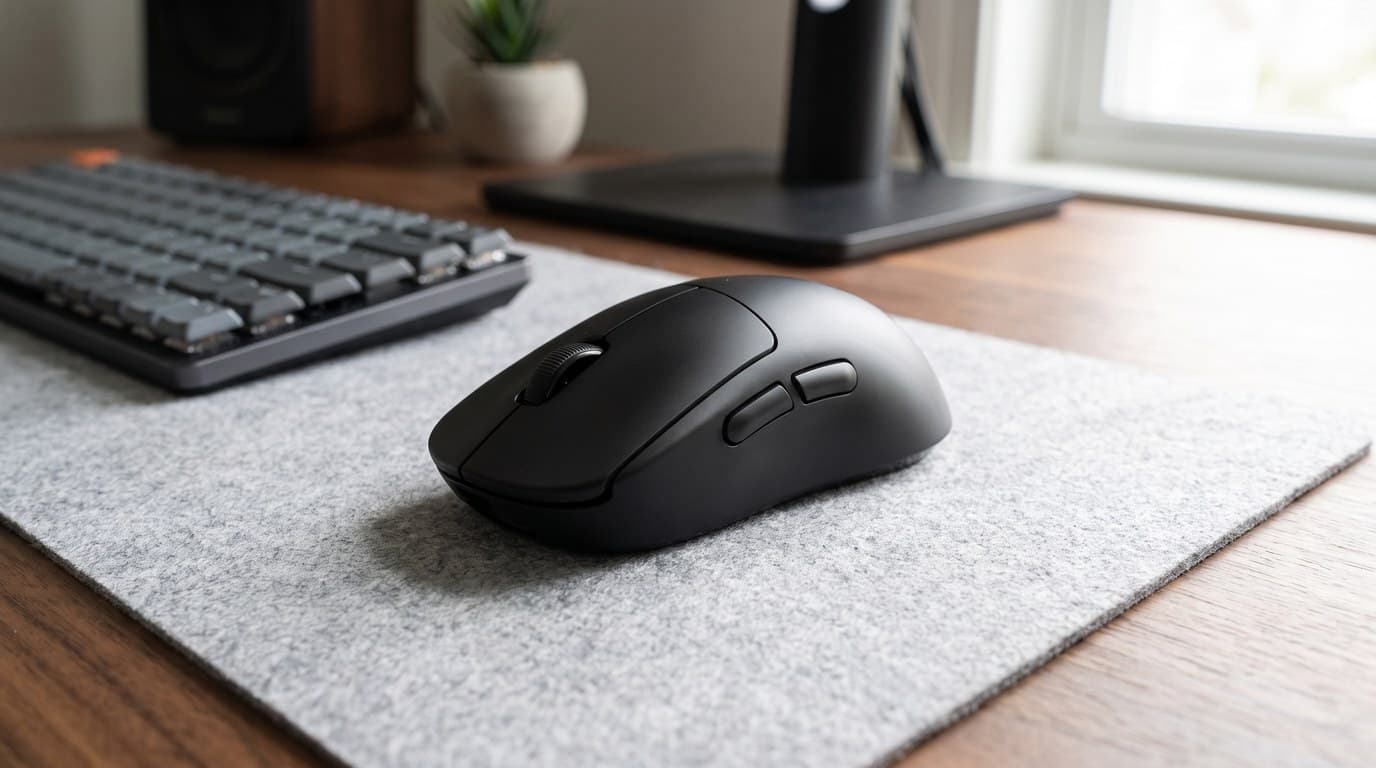
The DEX is what happened when Logitech admitted that the original Superlight's flat, neutral shape was a competition tool rather than a comfortable one. This is the ergonomic version: 125.8 × 67.7 × 43.9 mm, with a 43.9 mm hump — the tallest here — pushed toward the centre-left, a deep contour scooped out for the thumb and a shallower groove on the right for the ring finger. The effect is that your hand rests on it instead of gripping it. If you play four-hour sessions and finish with a sore hand, this is the shape to try, and it is the only mouse in this guide designed explicitly around that complaint.
The rest is the Superlight formula, which by now is very well sorted: the HERO 2 sensor at up to 44,000 DPI and 888 IPS, LIGHTSPEED wireless at up to 8 kHz, LIGHTFORCE hybrid optical-mechanical switches, 60 g, and 95 hours of constant motion. It's also PowerPlay-compatible, so if you already own Logitech's charging mat the battery question disappears entirely. The trade-offs come with the shape. That hump is genuinely tall, so if you use a fingertip grip it will get in the way; the nose flares wide, which some players find awkward on lift-off; and at 60 g it is 11 g heavier than the Viper, which you will notice on a low-sensitivity swing. It also needs G HUB for configuration, a heavier install than the browser tools the enthusiast brands use.
What we like
- The most genuinely comfortable shape here for a relaxed right-handed palm grip
- Deep thumb scoop makes lift-off secure without squeezing
- 95 hours of battery, and PowerPlay support removes charging entirely
- HERO 2 sensor and 8 kHz polling — no performance compromise for the comfort
Worth knowing
- The 43.9 mm hump is too tall for fingertip grip
- 60 g is the second-heaviest wireless mouse here
- Configuration lives in G HUB, a full desktop install
- Shape
- Right-handed ergonomic, hump set centre-left
- Dimensions
- 125.8 × 67.7 × 43.9 mm
- Weight
- 60 g
- Sensor
- HERO 2 (100–44,000 DPI, >888 IPS, >88 G)
- Polling
- Up to 8,000 Hz LIGHTSPEED
- Switches
- LIGHTFORCE hybrid optical-mechanical, 5 buttons
- Battery
- 95 h constant motion, PowerPlay compatible
3. Best for Large Hands
Razer DeathAdder V4 Pro
Typically $169.99
- Hands around 19 cm and longer
- Full palm grip with the whole hand on the shell
- Players who want a big mouse that still weighs 56 g
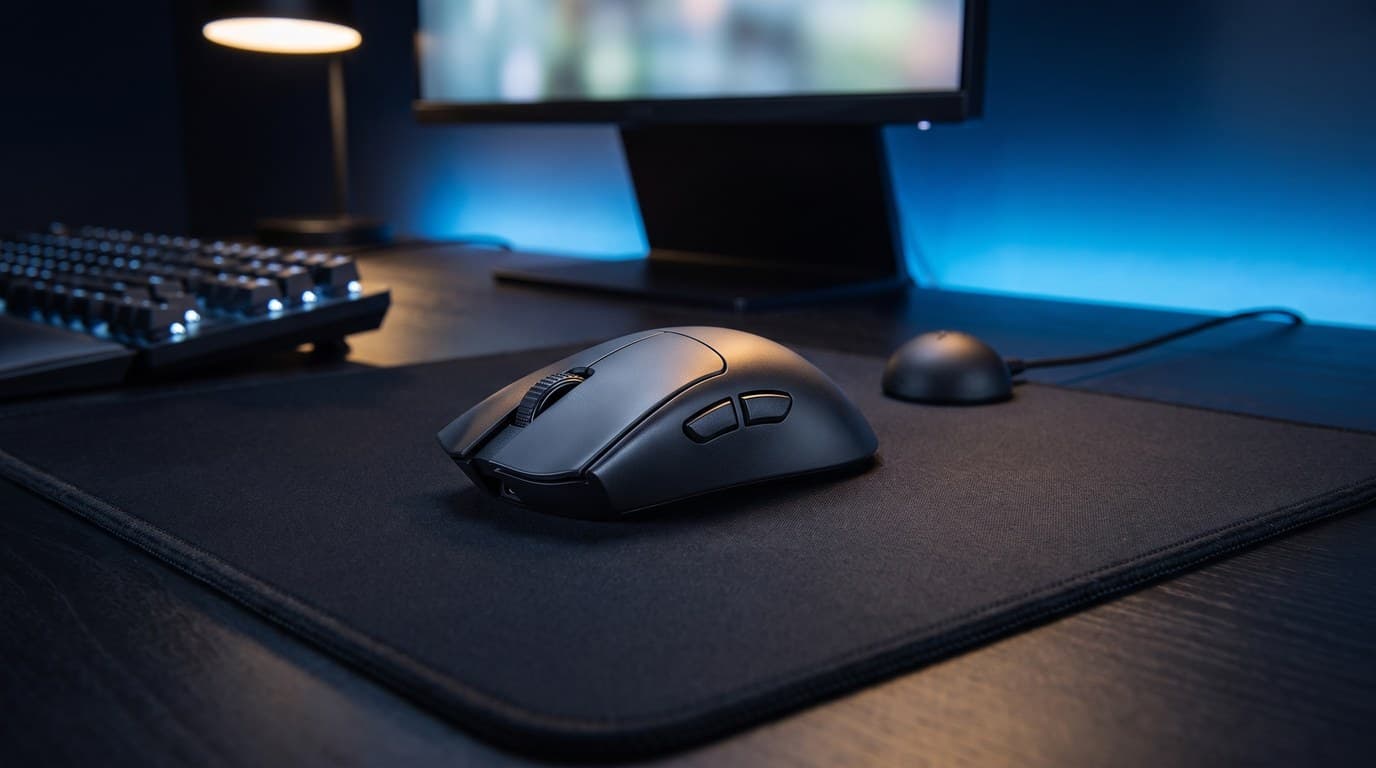
The DeathAdder shape has been the default recommendation for large hands for well over a decade, and the V4 Pro does not change it — 128.0 × 68.0 × 44.0 mm, the same tall centred hump and long sloping back as the V3 Pro before it. What changed is the mass. Razer redesigned the internal structure and got the black model to 56 g (57 g for white), which is genuinely remarkable for a shell this size: this is a big mouse that weighs less than most small ones did two years ago. If your hand measures roughly 19 cm or more from wrist crease to middle fingertip, and you rest the whole of it on the mouse, start here.
It carries the Focus Pro 45K Gen-2 sensor at 900 IPS and 85 G, HyperSpeed Wireless Gen-2 with true 8,000 Hz polling in both wired and wireless modes, and the same Gen-4 optical switches and optical scroll wheel encoder as the Viper. One detail is worth knowing before you buy, because it is the kind of thing a spec sheet hides: battery life is quoted at up to 150 hours, but early units shipped with packaging claiming 120 — the extra 30 hours arrived in a firmware update, so a boxed unit needs updating to reach the advertised figure. And 150 hours becomes 22 at 8,000 Hz, the steepest polling tax in this guide. At $169.99 it is also the most expensive mouse here, and the premium buys you size rather than performance.
What we like
- 56 g in a 128 mm shell — by far the best size-to-weight ratio here
- The most proven large-hand ergonomic shape in the category
- True 8,000 Hz polling wired and wireless, with the Gen-4 optical switches
- Optical scroll wheel encoder removes the classic scroll-failure point
Worth knowing
- Too large for hands under about 18 cm — this is not a versatile shape
- The advertised 150-hour battery needs a firmware update; boxes shipped saying 120
- 22 hours at 8,000 Hz is the steepest polling penalty in this guide
- Shape
- Right-handed ergonomic, tall centred hump
- Dimensions
- 128.0 × 68.0 × 44.0 mm
- Weight
- 56 g black / 57 g white
- Sensor
- Focus Pro 45K Optical Gen-2 (45,000 DPI, 900 IPS, 85 G)
- Polling
- Up to 8,000 Hz wired and wireless
- Switches
- Razer Optical Gen-4, optical scroll wheel encoder
- Battery
- 150 h at 1,000 Hz / 22 h at 8,000 Hz
4. Best for Small Hands
Endgame Gear OP1 8k v2
Typically $89.99
- Hands under about 18 cm
- Claw and fingertip grip
- Anyone who would rather not think about batteries
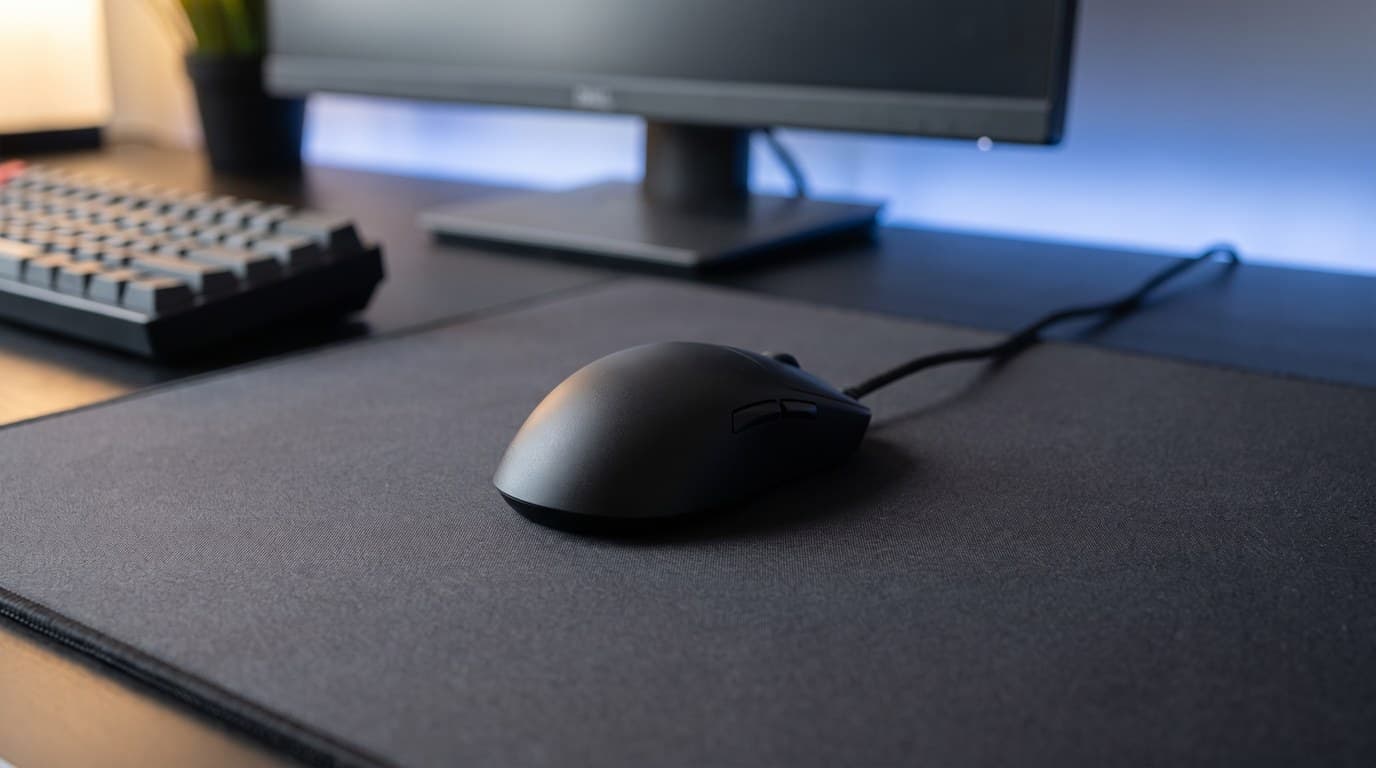
Small-handed players are badly served by this category — most "compact" mice are simply 120 mm versions of a 128 mm shape. The OP1 8k v2 is properly small: 118.2 × 60.5 × 37.2 mm, with a low forward-set hump and a steeply sloping tail that keeps the back of the shell out of your palm. That is a claw and fingertip shape by design, not by compromise, and at 49.5 g it is the lightest mouse in this guide. It also has the best hardware story per dollar here — the PAW3950 sensor at up to 30,000 CPI and 750 IPS, 8,000 Hz polling as the default rather than a toggle, and click latency Endgame Gear puts below 310 microseconds.
It is wired, and we think that is the point rather than the drawback. The Flex Cord 5.0 is genuinely limp — with a bungee it disappears — and cutting the battery is how a 118 mm shell gets to 49.5 g without drilling holes in it. What you get instead of wireless is serviceability nobody else offers at this price: the main switches are hot-swappable through screws on the bottom plate, so the single most common failure mode on a gaming mouse becomes a five-minute fix rather than a warranty claim. Two skate sets and interchangeable side skins come in the box. The obvious caveats: it is a cable on your desk, there is no wireless variant of this shell, and at $89.99 it costs more than several perfectly good wireless mice.
What we like
- Genuinely small at 118.2 mm — a real small-hand shape, not a shrunken large one
- 49.5 g, the lightest here, with a solid closed shell and no honeycomb
- Hot-swappable main switches turn the usual failure mode into a repair
- 8,000 Hz polling and a PAW3950 sensor at well under flagship money
Worth knowing
- Wired only — there is no wireless version of this shell
- $89.99 is a lot for a wired mouse when good wireless starts near $60
- The low tail gives palm-grip players nothing to rest on
- Shape
- Symmetrical compact, low forward hump
- Dimensions
- 118.2 × 60.5 × 37.2 mm
- Weight
- 49.5 g
- Sensor
- PixArt PAW3950 (up to 30,000 CPI, 750 IPS, 50 G)
- Polling
- 1,000 / 2,000 / 4,000 / 8,000 Hz (8,000 default)
- Switches
- Kailh GX mechanical, hot-swappable via bottom plate
- Connection
- Wired, 180 cm Flex Cord 5.0
5. Best Value Flagship
Lamzu Maya X
Typically $119.99
- Small to medium hands, claw grip
- Getting flagship internals for two-thirds of flagship money
- Players who want the lightest wireless shell they can hold
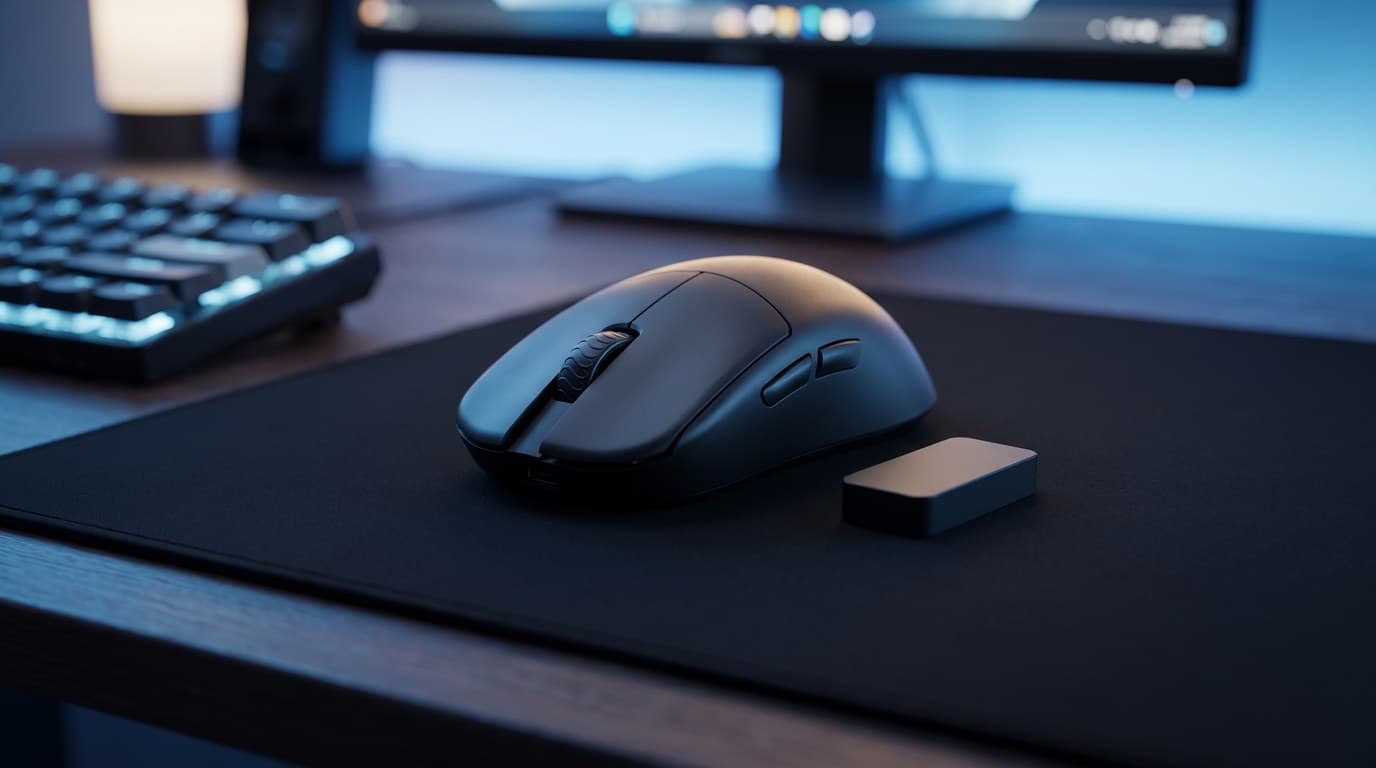
The enthusiast brands are where the price of a flagship gets tested, and the Maya X is the current best argument. It is 124 × 64 × 40 mm and 47 g — lighter than the Viper V4 Pro, in a slightly smaller symmetrical shell with a gentle centred hump — and it achieves that with a solid, holeless top rather than the honeycomb shells this weight used to require. The internals are the same parts the flagships use: the PixArt PAW3950 sensor at 30,000 CPI, 750 IPS and 50 G, Omron optical switches rated to 70 million clicks, and an 8K dongle in the box rather than sold separately.
The trade is support rather than hardware. Battery life is 80 hours at 1,000 Hz and 20 at 8,000 — respectable, but less than half the Viper's headline figure. The software is a web configurator, which we consider a genuine advantage over a desktop install, but there is no G HUB-scale ecosystem behind it, no local retail presence, and a warranty claim means dealing with a specialist retailer rather than walking into a store. Lamzu is also the one brand here that doesn't publish a full spec sheet, so the dimensions and battery figures above come from independent measurement rather than the manufacturer — a small thing until you want to check something before you buy. At $119.99 you are paying $40 less than a Razer or Logitech flagship for equal or better hardware in a lighter shell. Whether that is a good trade depends entirely on how much you value the safety net, and we would not pretend that is a small consideration.
What we like
- 47 g in a solid holeless shell — the lightest wireless mouse here
- Flagship-grade PAW3950 sensor and Omron optical switches at $119.99
- 8K wireless dongle included rather than sold as an accessory
- Browser-based configurator with no desktop install
Worth knowing
- 80 hours at 1,000 Hz is less than half the Viper V4 Pro's
- Support and warranty go through specialist retailers, not a local store
- The small symmetrical shell gives large hands nothing to hold
- Shape
- Symmetrical, gentle centred hump, holeless top
- Dimensions
- 124 × 64 × 40 mm
- Weight
- 47 g
- Sensor
- PixArt PAW3950 (30,000 CPI, 750 IPS, 50 G)
- Polling
- Up to 8,000 Hz (8K dongle included)
- Switches
- Omron optical, rated 70 million clicks
- Battery
- 80 h at 1,000 Hz / 20 h at 8,000 Hz
6. Best Budget
Logitech G309 Lightspeed
Typically $60–80
- A first gaming mouse under $60
- Anyone who resents charging peripherals
- Mixed work and play on the same desk
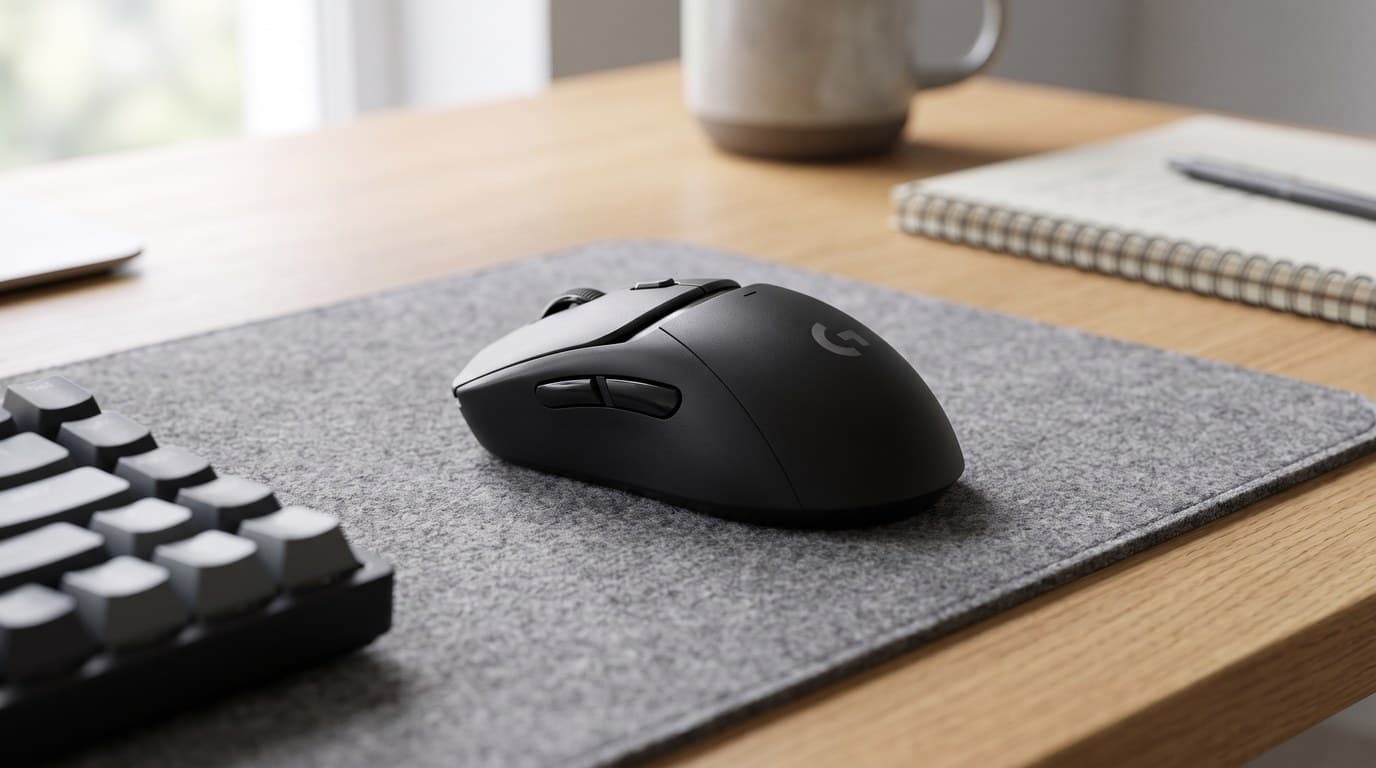
The G309 is the honest counter-argument to everything else on this page. It runs on a single AA battery, which pushes it to 86 g — heavy by 2026 standards, and the one genuine compromise here — but buys 300-plus hours on LIGHTSPEED and around 600 on Bluetooth. That is roughly a year of evening play on one battery, with no cable, no dock and nothing to remember. If you already own a PowerPlay mat you can drop the battery entirely and run it at 68 g, which puts it within a few grams of a flagship. At 120 × 64 × 39 mm it is a compact, fairly neutral shape that suits small and medium hands.
Underneath is the HERO 25K sensor at up to 25,600 DPI and LIGHTFORCE hybrid optical-mechanical switches — the same switch technology as the $160 DEX. It polls at 1,000 Hz, has no 8,000 Hz mode, and its sensor tops out at 400 IPS rather than 888. In a blind test of aim, none of those numbers is something you would notice; what you would notice is 86 g on a low-sensitivity flick. Logitech lists it at $89.99 and it was selling for $59.99 direct when we last checked, which makes it about a third of the price of the flagships. If you are buying your first gaming mouse and want to find out whether any of this matters to you, buy this one first — the honest truth is that most players stop here.
What we like
- 300+ hours on one AA, or roughly 600 over Bluetooth — effectively no charging
- HERO 25K sensor and LIGHTFORCE switches, the same switch tech as the flagships
- Drops to 68 g if you use a PowerPlay mat instead of the battery
- Around $60 street, a third of what the flagship picks cost
Worth knowing
- 86 g with the AA installed — the heaviest mouse in this guide by a wide margin
- 1,000 Hz polling only, with no 8,000 Hz mode
- The 68 g figure needs a PowerPlay mat, which costs more than the mouse
- Shape
- Compact, mildly ergonomic, centred hump
- Dimensions
- 120 × 64 × 39 mm
- Weight
- 86 g with AA / 68 g with POWERPLAY
- Sensor
- HERO 25K (100–25,600 DPI, >400 IPS, >40 G)
- Polling
- 1,000 Hz
- Switches
- LIGHTFORCE hybrid optical-mechanical, 6 buttons
- Battery
- 300+ h on one AA (LIGHTSPEED), ~600 h Bluetooth
The verdict
For most people the Razer Viper V4 Pro is the one to buy, and the reason is that it is the hardest mouse here to be wrong about. The symmetrical shell with its gentle centred hump is the shape most likely to suit a hand it was never designed around, which matters more than it should when you cannot try one first. It is also 49 g, has the best sensor in the guide, and returns 180 hours between charges — roughly double most of its rivals. At $159.99 it is expensive, the switches are loud, and left-handers get the shape without the side buttons. It is still the safest $160 in this category.
The pick we would push on more people, though, is the Logitech G309 Lightspeed. At around $60 it has a HERO 25K sensor, the same LIGHTFORCE switch technology as Logitech's $160 flagship, and 300-plus hours on a single AA battery. It is 86 g, which is the real compromise and the thing you will feel on a low-sensitivity flick. It is also a third of the price, and it is the honest way to find out whether any of this changes how you play before spending flagship money on the answer. Most players who buy it never feel the need to move on.
After that, buy for your hand. Measure it, then read the millimetres. If you have large hands and rest your whole palm on the mouse, the Razer DeathAdder V4 Pro is a 128 mm shell that somehow weighs 56 g, and nothing else here comes close for that build. If you have small hands or play claw and fingertip, the Endgame Gear OP1 8k v2 is a genuinely short 118 mm mouse rather than a shrunken large one, and its hot-swappable switches make the category's most common failure a five-minute repair. If your hand aches after long sessions, the Logitech G Pro X Superlight 2 DEX is the only shape here designed around that complaint, with a deep thumb scoop and the tallest hump in the guide. And if you want flagship internals without flagship pricing, the Lamzu Maya X is 47 g with a PAW3950 and an 8K dongle for $119.99 — you are trading a retail safety net for $40, knowingly.
Three things before you order. Check the shell length against your hand rather than the award we gave it, because a badly-sized mouse stays badly sized no matter how good the sensor is. Leave polling at 1,000 Hz unless you have a specific reason and a high-refresh monitor to display the difference, because the battery cost is real and the benefit is sub-millisecond. And be honest about what you are fixing: if the problem is that your wrist hurts rather than that your aim is slow, none of these will help, and a vertical mouse or trackball is the product you actually want. If the problem is that your aim is slow, the mouse is rarely the bottleneck — a large desk mat that lets you complete a low-sensitivity swing without lifting, a monitor whose refresh rate your GPU can genuinely feed, and a keyboard that does not fight you all matter more than the last three grams.
Frequently asked questions
Measure twice and compare against the millimetres in our table. Put your hand flat and measure from the crease at your wrist to the tip of your middle finger — that is your hand length — then measure across your palm at the widest point below the knuckles. As a rough guide, hands under about 17.5 cm are best served by a shell around 118–122 mm, 17.5–19 cm suits 122–127 mm, and 19 cm and up wants 127 mm or more. Grip style shifts it: palm grip wants a longer shell with a taller hump because your whole hand rests on it, while claw and fingertip grips want a shorter, lower shell so the back of the mouse stays clear of your palm. If you are between sizes, go smaller — a mouse you hold is easier to live with than one you drape yourself over.
It mattered enormously, and then it stopped. Going from a 100 g mouse to a 60 g one is a genuine, immediately obvious change: your arm decelerates the mouse at the end of every flick, and 40 g less mass is 40 g less to stop. Going from 60 g to 47 g is a much smaller difference, and below about 50 g the returns are mostly a feel preference rather than a performance gain — plenty of professional players use 55–65 g mice by choice. Weight also trades against battery and shell rigidity, which is why the honeycomb-shell era ended: manufacturers worked out how to hit these weights with solid plastic instead. Buy the shape first and treat anything under roughly 65 g as fast enough.
Take it if it comes free with the mouse you wanted, and never choose a mouse for it. Polling rate is how often the mouse reports its position: 1,000 Hz is once per millisecond, 8,000 Hz is once every 0.125 ms, so the theoretical best case is 0.875 ms saved. The cost is much more visible than the benefit. On the Razer Viper V4 Pro, 8,000 Hz takes battery life from 180 hours to 45; on the DeathAdder V4 Pro it goes from 150 hours to 22, which turns a monthly charge into a twice-weekly one. High polling rates also generate a lot of USB interrupts and raise CPU load, which on a mid-range machine can cost you more frames than the polling gains you milliseconds. It also does nothing at all unless your monitor refreshes fast enough to display the difference.
No. Essentially every player in every competitive game sits between 400 and 1,600 DPI, and the vast majority land on 800. The DPI arms race is a specification contest between sensor manufacturers, not a feature: what actually matters is tracking speed, measured in inches per second, because that is the spec you can exceed. A low-sensitivity player making a fast 180-degree turn can move a mouse well past 300 IPS, and every sensor in this guide handles at least 400 — the flagships handle 750 to 930. If your mouse tracks accurately at the speed you swing it, the number after the DPI is decoration. Treat the headline figure as evidence the sensor is modern, not as a setting you are meant to use.
Wireless has won this argument outright and it is not close. Modern 2.4 GHz gaming dongles add latency measured in fractions of a millisecond — well below what anyone can perceive, and below the variance in your own reaction time from one moment to the next. Every wireless mouse in this guide is faster than a wired mouse from five years ago. The remaining reasons to buy wired are practical rather than technical: it removes the battery, which is how the Endgame Gear OP1 8k v2 gets a 118 mm shell down to 49.5 g, and it removes charging as a thing you have to remember. If you go wired, spend $10 on a mouse bungee — an unmanaged cable dragging across the desk is the one real disadvantage, and a bungee removes it entirely.
It is the one genuinely new idea in mice this year and we would not buy it first. The Superstrike, which shipped in February 2026 at $179.99, replaces mechanical click switches with a Haptic Inductive Trigger System — an electromagnetic coil and magnet that senses how far the button has travelled and generates the click feel through haptics, giving you ten actuation levels and five rapid-trigger reset points. It is the same idea Hall effect switches brought to keyboards, and on a keyboard it was transformative. On a mouse the case is weaker, because you press a mouse button a few times a second rather than continuously modulating movement with it, so adjustable actuation has far less to work with. The hardware around it is a known quantity — 61 g, HERO 2, 90 hours — and the technology is real. We would let it prove itself for a generation before paying $180 for it.
The sensors genuinely are, because they are the same parts. PixArt sells the PAW3395 and PAW3950 to everyone, so a $45 mouse and a $150 mouse can carry identical tracking hardware, and the cheap ones frequently do. Where the money goes is everything around the sensor: shell rigidity and creak, switch consistency over a year, scroll wheel encoders, firmware that does not need reflashing, and what happens when something breaks in month eight. If you enjoy tinkering, follow the enthusiast communities and accept a certain amount of variance between units, these are a lot of hardware for the money. If you want one mouse to buy and forget, the extra spend on a Lamzu, a Logitech or a Razer is buying support and consistency rather than performance — and it is fair to be honest that this is what you are paying for.
Probably not, and it might make things worse. Everything in this guide is built around a flat-hand posture that keeps your forearm pronated — palm rotated face-down — which is the position most associated with wrist and forearm strain over long days. Lighter is genuinely gentler, and a 47 g mouse takes less effort to move than a 100 g one, but the posture is unchanged. If you have existing pain, the right answer is a different class of product entirely: a vertical mouse that holds your forearm in a neutral handshake position, or a trackball that stops you moving your arm at all. We cover those separately in our ergonomic mice for wrist pain guide. It is also worth checking the rest of the desk before blaming the mouse, because mouse height and reach are usually set by your chair and desk rather than by the mouse.
Keep building your setup
Accessories
The Best Gaming Keyboards in 2026
Magnetic switches have gone from $200 exotica to a $79 commodity, and a cheap board now hits the same 0.1 mm actuation as a flagship. What separates them is where the settings live — so that's the column we put in the table.
Updated August 15, 2026
Desk Mats
The Best Desk Mats for Gaming in 2026
Five desk mats that cover the whole desk, feel great under a mouse, and survive daily use — from budget XXL cloth to enthusiast-grade Japanese surfaces.
Updated September 12, 2026
Accessories
The Best Ergonomic Mice for Wrist Pain in 2026
A flat mouse forces your forearm into a lifelong twist. These six ergonomic mice — vertical, sculpted, trackball, and fully adjustable — put your hand in a neutral handshake instead, sorted by the shape that fits your hand and your pain, not just the lowest price.
Updated July 30, 2026
Get the next guide in your inbox
One short email when we publish or meaningfully update a buying guide. No spam, no daily deals firehose.