 Rigworthy
The Best Gaming Keyboards in 2026
By Rigworthy Editorial Team · Updated August 15, 2026
Rigworthy is reader-supported: we may earn a commission if you buy through our links, at no cost to you. How we make money
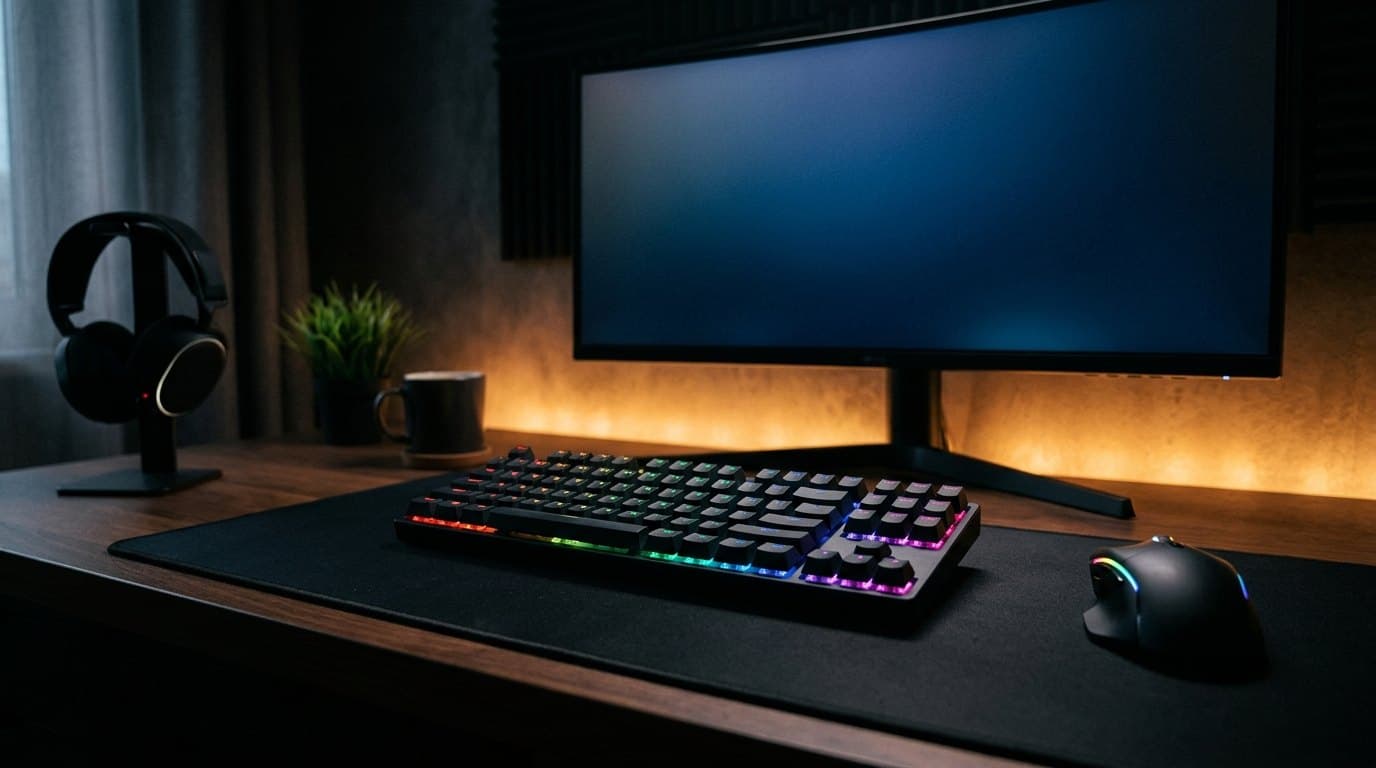
Something quietly significant happened to gaming keyboards over the last two years: the hardware stopped being the differentiator. Magnetic Hall effect switches — adjustable actuation, rapid trigger, analog input — went from a Dutch startup's $200 novelty to a commodity you can buy for $79 with a numpad attached. A budget board and a flagship now list the same 0.1 mm actuation, the same rapid trigger, and in several cases the same 8,000 Hz polling rate.
So the specs no longer tell you which one to buy. What separates a $79 board from a $200 one is the software: whether the configurator is any good, whether it's a web page or a Windows install with an account attached, and whether the settings you spend an evening tuning live on the keyboard or on one particular PC. That last part decides whether the thing works on your Mac, on a console, or at a LAN. It's the most consequential difference between these products and essentially nobody tables it, so we have.
Two numbers get less attention here than they get elsewhere, on purpose. Adjustable actuation down to 0.1 mm is real and precise and almost nobody plays there — a key that triggers on a resting finger is a liability, and most careful setups land between 0.8 and 1.5 mm. And 8,000 Hz polling buys 0.875 ms over 1,000 Hz while measurably raising CPU load. Rapid trigger is the feature in this category that genuinely changes how a game feels. The rest is degrees.
Six boards from $70 to $220, across 65%, 75%, 80%, TKL and 96% layouts, with every spec figure taken from a manufacturer sheet rather than a retail listing. We haven't scored these on feel or measured latency ourselves — what follows is a buying framework and verified specifications, not a lab test.
Our top picks at a glance
- 1
- 2
- 3
- 4
- 5
- 6
How we chose
- Where the settings actually live — a web configurator, a Windows-only install, or controls on the board itself
- Whether the magnetic-switch features you're paying for survive a move to a different PC, a Mac, or a console
- Adjustable actuation and rapid trigger: which range is genuinely usable, not which number is smallest
- Layout and footprint, from a 96% board with a numpad down to a 65% that leaves room for low-sensitivity mouse swings
- Build and typing feel — case material, mounting, dampening, and keycaps — because you'll type on this all day too
- Honest value: what the extra $120 buys over a $79 board, and when it buys nothing at all
Our picks come from spec research, long-term owner feedback, and category expertise — not sponsorships. Read the full methodology.
Compared side by side
| Product | Award | Layout | Switches | Where settings live | Typical price |
|---|---|---|---|---|---|
| Wooting 80HE | Best Overall | 80% | Magnetic (Hall effect) | Web app + onboard | $199.99 |
| SteelSeries Apex Pro TKL Gen 3 | Best Onboard Control | TKL | Magnetic (Hall effect) | OLED on the board + Windows app | $175–200 |
| Razer Huntsman V3 Pro TKL | Best for Competitive FPS | TKL | Analog optical | Windows app + onboard | $179–220 |
| Keychron K2 HE | Best for Work and Play | 75% wireless | Magnetic (Hall effect) | Web app | $129–200 |
| Endgame Gear KB65HE | Best Compact | 65% | Magnetic (Hall effect) | Windows app | $110–139 |
| Royal Kludge C98 HE | Best Budget | 96% | Magnetic (Hall effect) | Web app | $70–90 |
1. Best Overall
Wooting 80HE
Typically $199.99
- Competitive players who want it configured right
- Mac and Linux users
- Anyone who resents installing gaming software
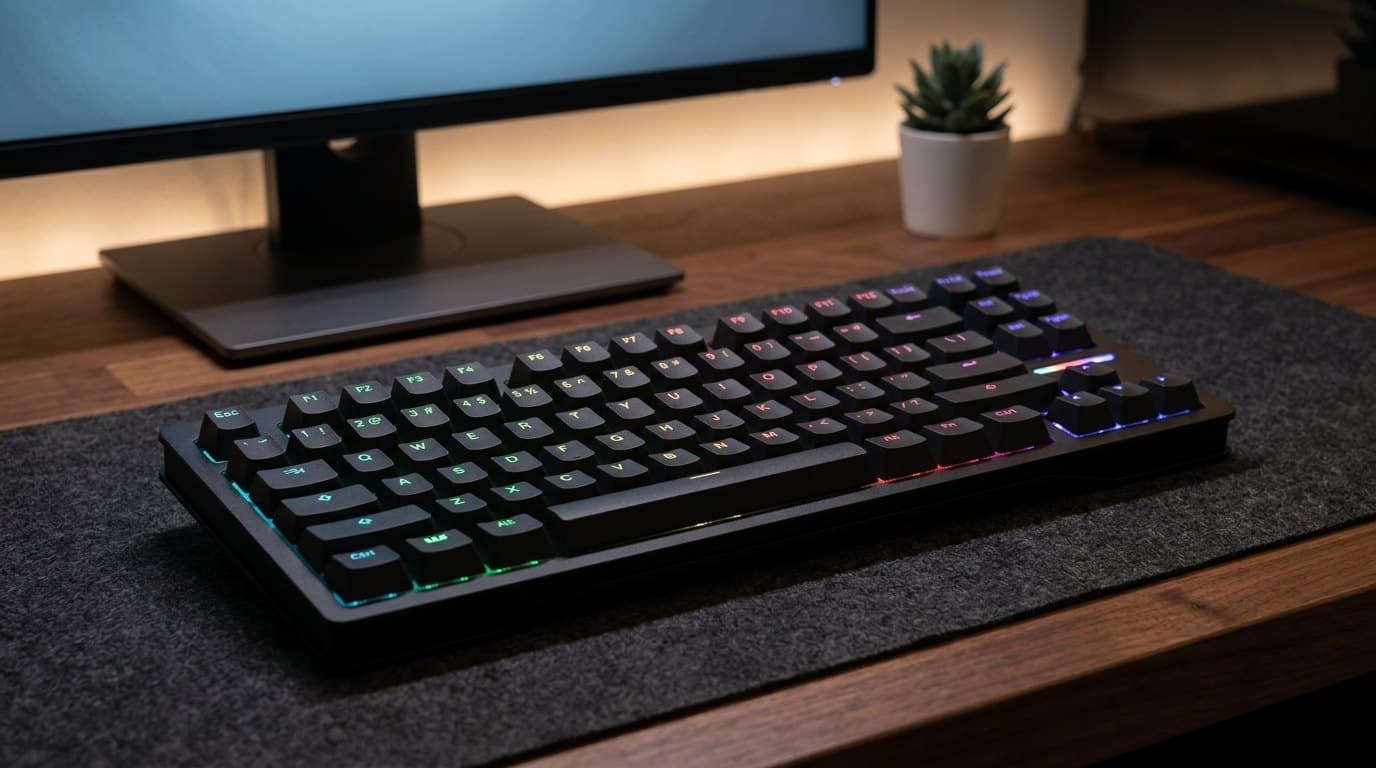
Wooting built the category and it still makes the best version of it. The 80HE runs Lekker L60 V2 magnetic switches with per-key actuation anywhere from 0.1 mm to 4 mm, rapid trigger with independent press and release sensitivity, and a genuine 8,000 Hz polling rate — roughly a 0.125 ms input interval. Those are the numbers everyone quotes. The reason to buy this board over a cheaper one with identical numbers is Wootility, which runs in a web browser: you plug the keyboard in, open a tab, and configure it. Nothing installs, nothing runs in the background, and it works the same on Windows, macOS and Linux. Profiles then live in the board's own memory, so a keyboard you set up on your desktop behaves identically plugged into a laptop or a friend's PC.
It is also just a nice keyboard to type on, which is not a given in this category. The 80% layout keeps a function row and arrow keys while dropping the numpad, the case is a silicone gasket mount over a polycarbonate plate, and the whole thing is dampened enough that it doesn't ring. Case options run from recycled PCR ABS to zinc alloy, and keycaps come in PBT, ABS and dye-sub. The trade-offs are real but narrow: it's wired only, there's no wireless variant at all, $199.99 is the top of the mainstream price band, and — like every magnetic board here — it is hot-swappable only with other magnetic switches, so your drawer of Cherry MX clones is no use to it. If you want one keyboard, want it to work everywhere, and don't need it to be wireless, this is the one.
What we like
- Wootility is a web app — no install, and it works identically on Windows, macOS and Linux
- True 8,000 Hz polling with 0.1–4.0 mm per-key actuation and independent rapid trigger sensitivities
- Onboard profile storage, so the configuration follows the keyboard to any machine
- Gasket mount and real dampening make it a genuinely good typing board, not just a fast one
Worth knowing
- Wired only — there is no wireless version of the 80HE
- At $199.99 it sits at the top of the mainstream price band
- Hot-swap accepts magnetic switches only, not standard mechanical ones
- Layout
- 80% (function row + arrows, no numpad)
- Switches
- Lekker L60 V2 magnetic (Hall effect)
- Actuation
- 0.1–4.0 mm adjustable per key
- Polling rate
- 8,000 Hz (~0.125 ms)
- Connection
- Wired USB-C (2 m braided cable)
- Build
- Silicone gasket mount, PC plate, PCR ABS or zinc alloy case
- Software
- Wootility (browser-based) with onboard profiles
2. Best Onboard Control
SteelSeries Apex Pro TKL Gen 3
Typically $175–200 wired
- Switching actuation between games without alt-tabbing
- People who want a wireless option in the same family
- Console and shared-PC use
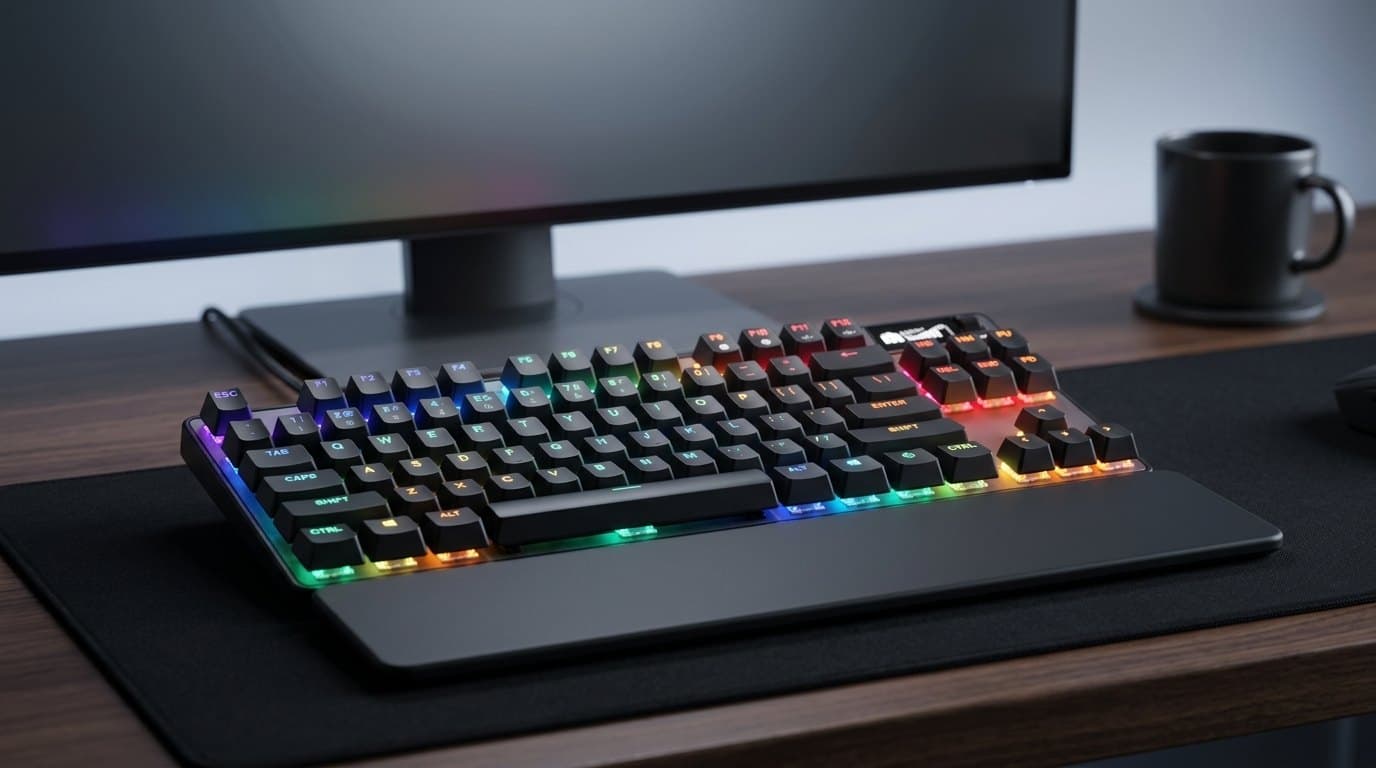
The Apex Pro's answer to the software problem is to put the software on the keyboard. There's a small OLED screen and a wheel in the top-right corner, and you can change actuation depth, swap profiles and toggle rapid trigger from the board itself, watching the millimetre figure change as you turn the dial. It sounds like a gimmick until you've used it — being able to drop your WASD keys to 0.4 mm for a shooter and put them back to 1.8 mm before you write an email, without opening an app, is the single most practical feature on any keyboard in this guide. OmniPoint 3.0 switches cover the standard 0.1–4.0 mm range, and SteelSeries layers on Rapid Tap (its SOCD implementation), Protection Mode, which desensitises the keys around the one you're holding, and two-actions-per-key bindings.
Everything else is well executed rather than exceptional. Polling is 1,000 Hz, not 8,000 — which matters far less than the marketing gap suggests, and we'd take this board's OLED over a rival's extra 0.875 ms without hesitating. Keycaps are double-shot PBT, there's triple-layer dampening foam and per-key lubrication, and the magnetic wrist rest is one of the better ones included in a box. The deeper configuration still lives in SteelSeries GG, which is a Windows application with only partial macOS support, so cross-platform users should look at the Wooting or the Keychron instead. Street price on the wired TKL sits around $175–200 against a $189.99 list; the wireless Gen 3 is a separate product at $249.99 if you want the same board without a cable.
What we like
- OLED screen and wheel let you retune actuation on the board, mid-session, with no app open
- Rapid Tap, Protection Mode and dual-action keys are a genuinely deep feature set
- Double-shot PBT keycaps, per-key lube and triple-layer dampening out of the box
- A wireless sibling exists at $249.99 if you want the cable gone
Worth knowing
- Deeper setup needs SteelSeries GG, a Windows app with limited macOS support
- 1,000 Hz polling where several rivals at this price do 8,000
- The wireless version is a $60–75 step up, not an option on this SKU
- Layout
- TKL (also sold full-size and Mini)
- Switches
- OmniPoint 3.0 HyperMagnetic (Hall effect)
- Actuation
- 0.1–4.0 mm adjustable per key
- Polling rate
- 1,000 Hz
- Connection
- Detachable USB-C (wireless model sold separately)
- Onboard controls
- OLED Smart Display + wheel
- Keycaps
- Double-shot PBT, magnetic wrist rest included
3. Best for Competitive FPS
Razer Huntsman V3 Pro TKL
Typically $179–220
- Shooters and fighting games
- Windows-only setups
- Anyone who wants media keys and a dial
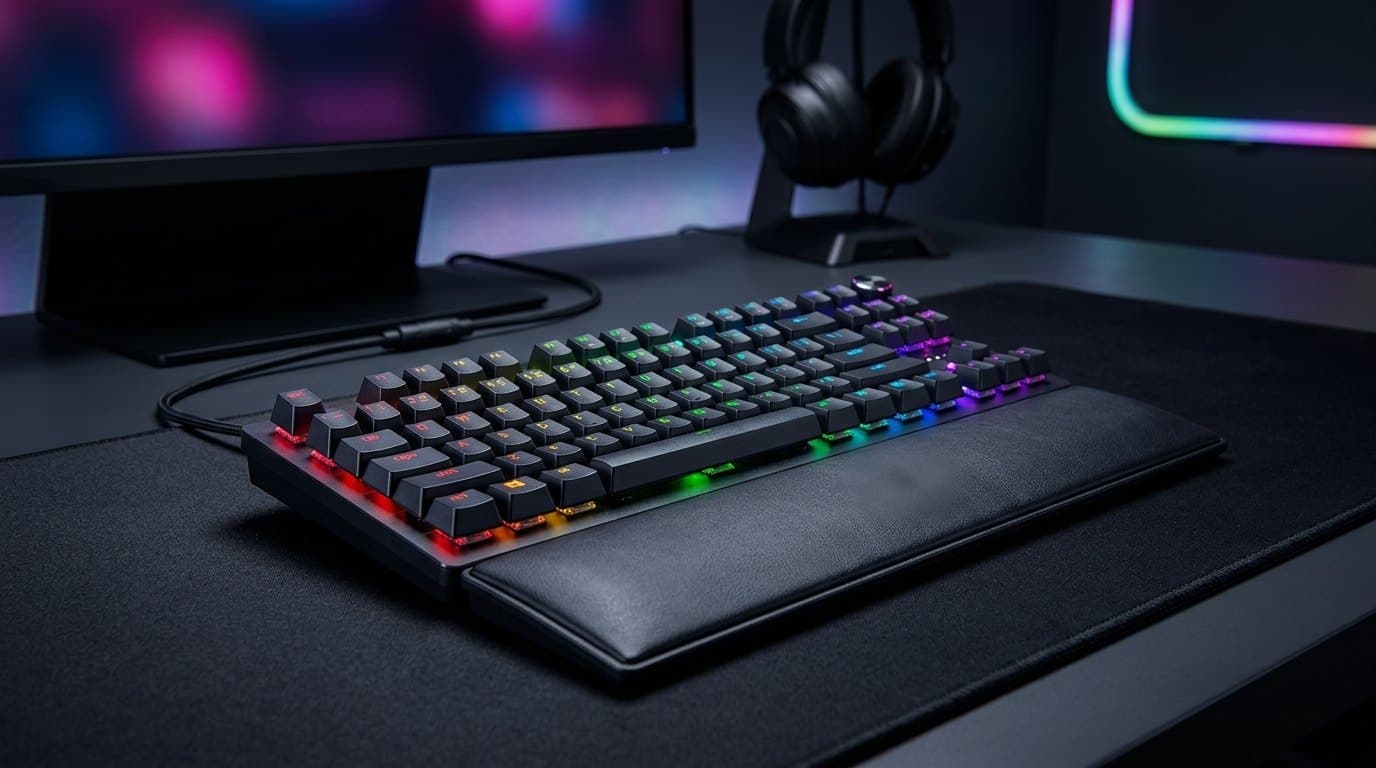
The Huntsman V3 Pro is the odd one out here, and it's worth understanding why. Every other board in this guide senses key position with a magnet and a Hall effect sensor; Razer uses analog optical switches, which measure how far a beam of light is blocked instead. Functionally you get the same things — 0.1–4.0 mm adjustable actuation, rapid trigger, analog input that can act like a controller stick, and Snap Tap, Razer's SOCD feature — with a 40 g linear feel and a 100-million-keystroke rating. The Gen-2 switches are noticeably crisper than the mushiness that gave early optical boards a bad reputation, and the standard TKL adds a proper media dial with four buttons, doubleshot PBT caps and a leatherette wrist rest.
Two things to check before you order. First, polling: the regular Huntsman V3 Pro TKL is a 1,000 Hz board, and the true 8,000 Hz version is a separate, more expensive SKU — the product names are almost identical and retailers mix them up constantly. Second, Synapse. Razer's configurator is Windows-only, it's the heaviest piece of software in this guide, and it wants an account. Profiles do save to the board's onboard memory once set, which is what makes this usable on a console or a work Mac, but you will need a Windows machine at least once to get there. Buy it for the switch feel, the media controls and the Snap Tap implementation; don't buy it if a browser-based configurator is what you actually wanted.
What we like
- Analog optical Gen-2 switches feel crisper than the category average, rated to 100 million presses
- Snap Tap, rapid trigger and full analog input with a 0.1–4.0 mm range
- Real media dial plus four dedicated buttons, doubleshot PBT caps, wrist rest included
- Onboard profiles carry the config to consoles and non-Windows machines once set up
Worth knowing
- Synapse is Windows-only, account-gated, and the heaviest software here
- The 8,000 Hz model is a separate SKU — the standard TKL polls at 1,000 Hz
- Priced against Hall effect boards that undercut it on polling and software
- Layout
- TKL
- Switches
- Razer Analog Optical Gen-2 (40 g linear)
- Actuation
- 0.1–4.0 mm adjustable per key
- Polling rate
- 1,000 Hz (8,000 Hz on the separate 8KHz model)
- Connection
- Detachable USB-C
- Extras
- Media dial + 4 media keys, leatherette wrist rest
- Software
- Razer Synapse (Windows) with onboard profiles
4. Best for Work and Play
Keychron K2 HE
Typically $129–200
- One keyboard for a work laptop and a gaming PC
- Mac users
- Desks where a cable is the problem
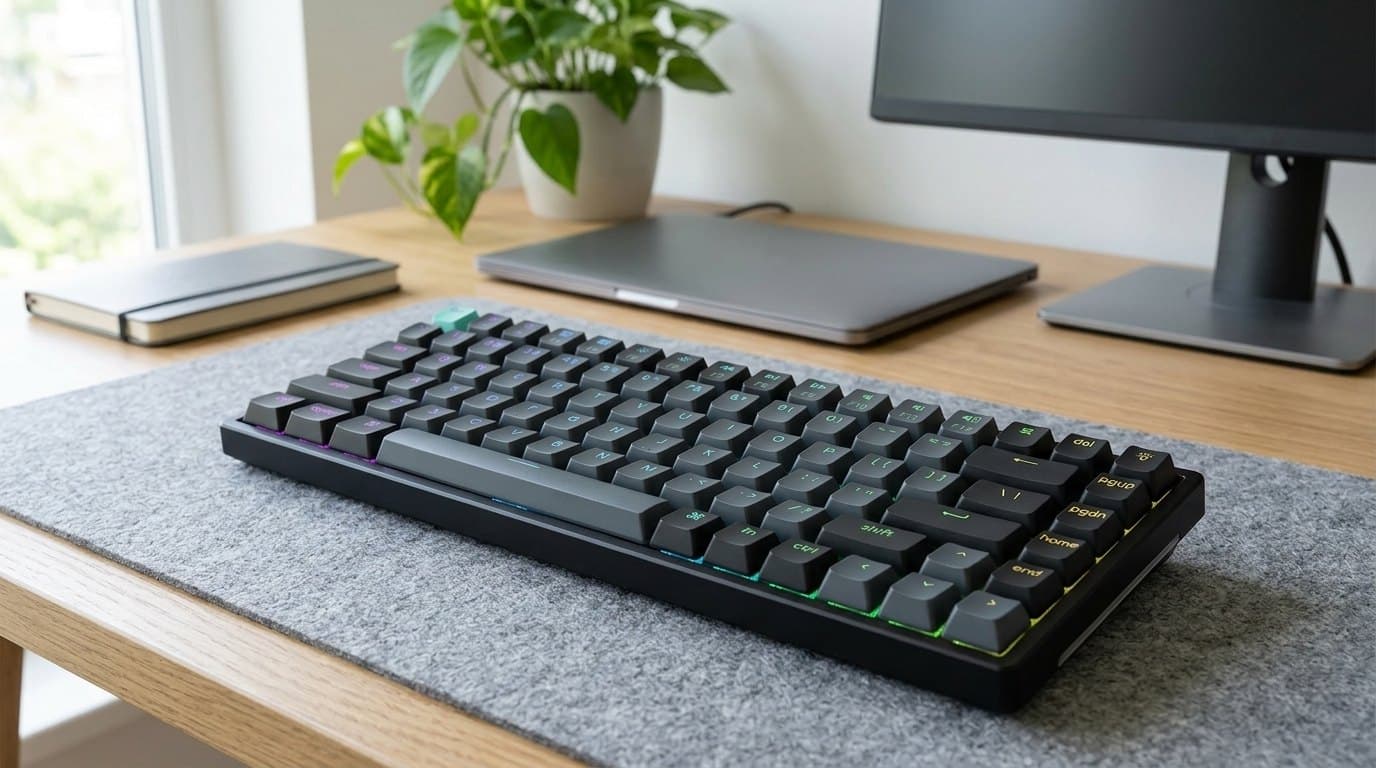
This is the board for the very common situation the rest of this guide ignores: the desk where the gaming PC and the work laptop are the same desk. The K2 HE is a 75% aluminium keyboard with Gateron double-rail magnetic switches read by TMR sensors, giving per-key actuation from 0.2 mm to 3.8 mm in 0.1 mm steps plus rapid trigger — the competitive feature set, in a board that also does Bluetooth 5.2 across three devices and ships with Mac and Windows keycaps. Configuration happens in Keychron Launcher, a web app, so a MacBook can set it up as easily as a desktop. Double-shot PBT caps, a proper aluminium frame and Keychron's usual dampening make it the best typing board in this guide by a comfortable margin.
The compromise is the radio. Polling is 1,000 Hz wired and 1,000 Hz over the 2.4 GHz dongle, and Bluetooth is slower still — fine for everything except the top of competitive play, where the Wooting and the Razer have a real if small advantage. The 75% layout also puts the function row and arrows in reach but squeezes the right-hand column into a vertical strip of page-up, page-down, home and end, which takes a week to stop mis-hitting. Pricing is genuinely confusing: the standard version lands around $129–150, while the all-wood, resin and cast-concrete special editions list at $199.99 for the same electronics in a heavier, prettier shell, so buy the plain one unless you want the object. If you play seriously but also work, this is the sane pick.
What we like
- Bluetooth 5.2 across three devices plus a 2.4 GHz dongle and USB-C — the only wireless board here
- Keychron Launcher is browser-based, so Mac and Linux setup is as easy as Windows
- Aluminium frame, double-shot PBT and real dampening — the best typing feel in this guide
- Ships with both Mac and Windows keycaps
Worth knowing
- 1,000 Hz maximum polling, and Bluetooth is slower again
- Actuation floor is 0.2 mm rather than 0.1 mm — immaterial in practice, but it's the spec
- Wood, resin and concrete editions cost $199.99 for identical internals
- Layout
- 75% (84 keys)
- Switches
- Gateron double-rail magnetic, TMR sensors
- Actuation
- 0.2–3.8 mm in 0.1 mm steps
- Polling rate
- 1,000 Hz wired and 2.4 GHz
- Connection
- USB-C, 2.4 GHz dongle, Bluetooth 5.2 (3 devices)
- Build
- Aluminium frame, double-shot PBT keycaps
- Software
- Keychron Launcher (browser-based)
5. Best Compact
Endgame Gear KB65HE
Typically $110–139
- Low-sensitivity mouse players
- Small desks
- People who want the case to feel expensive
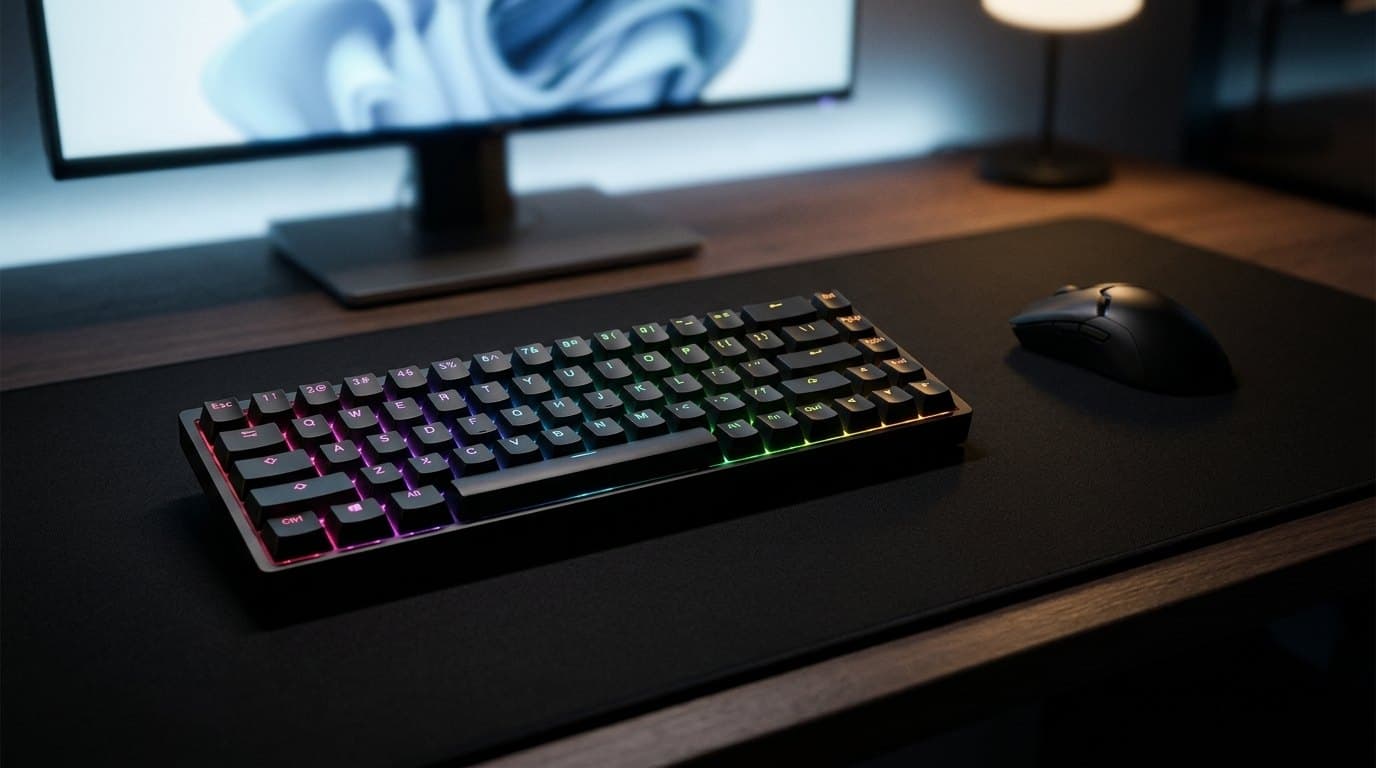
A 65% layout deletes the function row as well as the numpad, and for anyone who plays at low mouse sensitivity that's the whole point: it hands back four or five inches of desk that a full-size keyboard was wasting, which is exactly the space a wide swing needs. The KB65HE spends its money where you feel it — the case is machined from a single block of aluminium and the board weighs 1,050 g, so it does not move, flex or sound hollow. Gateron KS-37B magnetic switches actuate at 30 g and bottom out at 50 g over 4 mm of travel, which is light and fast without being twitchy, and actuation is adjustable across the full 0.1–4.0 mm range with rapid trigger.
It's the least feature-dense board here and that's mostly deliberate. Polling is 1,000 Hz, there's no wireless, no screen, no dial and no wrist rest, and configuration runs through a Windows utility rather than a browser. Dropping the function row also means F5 and Escape live behind an Fn combination, which is fine in a game and mildly irritating in a spreadsheet. At $110–139 it undercuts every flagship here while matching them on the specs that decide how a magnetic board plays, and it feels considerably more expensive than it is. If you want the competitive feature set in the smallest sensible footprint, this is it.
What we like
- CNC-machined single-block aluminium case at 1,050 g — nothing here feels better built
- Light 30 g Gateron KS-37B magnetic switches with the full 0.1–4.0 mm range and rapid trigger
- 65% footprint frees real desk width for low-sensitivity mouse movement
- Costs $60–90 less than the flagships with no meaningful gameplay compromise
Worth knowing
- No function row — Escape and the F-keys sit behind an Fn layer
- Windows-only configuration utility, 1,000 Hz polling, wired only
- No wrist rest, dial or screen; the box is bare
- Layout
- 65% (68 keys)
- Switches
- Gateron KS-37B magnetic (30 g actuation, 50 g bottom-out)
- Actuation
- 0.1–4.0 mm adjustable per key
- Polling rate
- 1,000 Hz
- Connection
- Wired USB-C
- Case
- CNC-machined aluminium, 1,050 g
- Software
- Endgame Gear configuration tool (Windows)
6. Best Budget
Royal Kludge C98 HE
Typically $70–90
- Spreadsheet-and-shooter desks that need a numpad
- First magnetic keyboard
- Testing whether you care about any of this
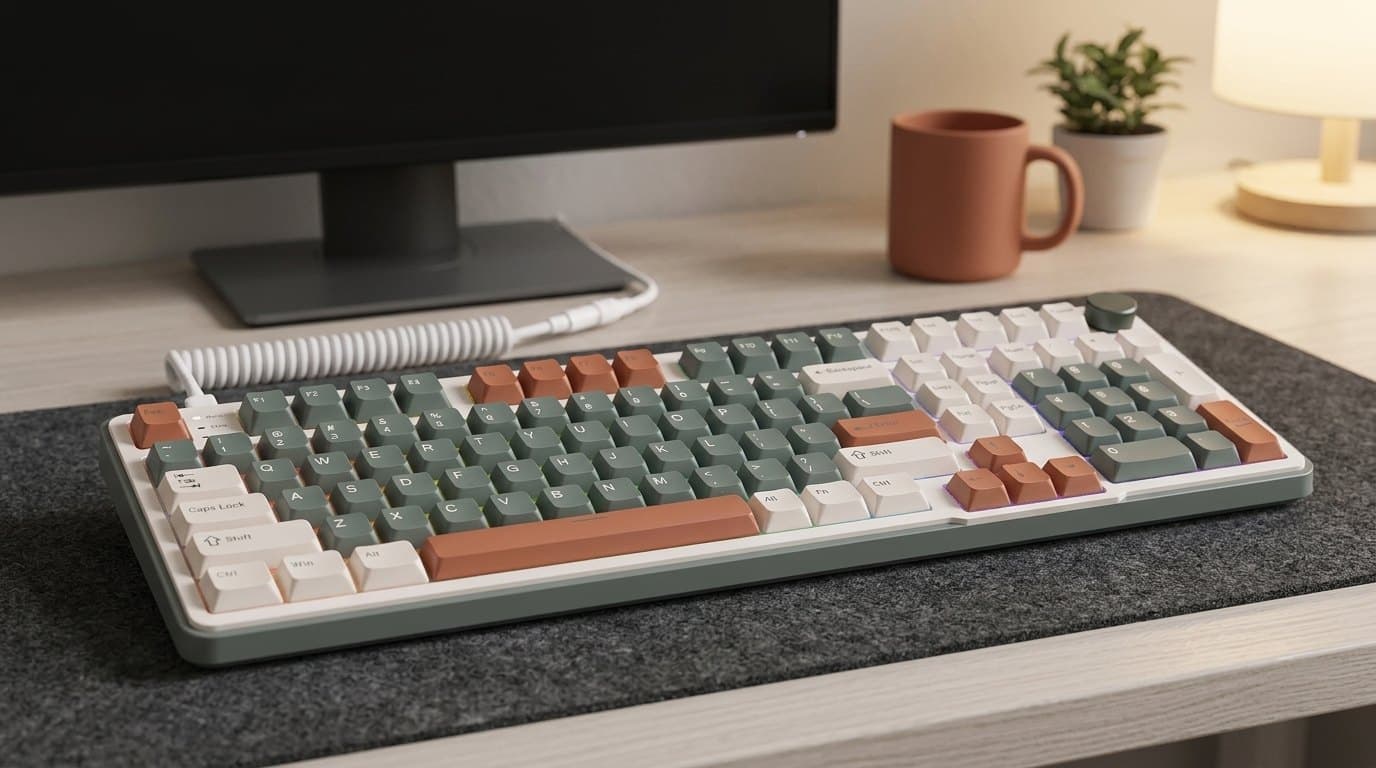
The C98 HE is the clearest evidence that magnetic switches have commoditised. Under $100 buys a 96% board — full numpad, arrow cluster and a control knob, in a footprint barely wider than a TKL — with RK's own magnetic switches, rapid trigger, SOCD, dynamic keystroke, an 8,000 Hz polling rate and a 64 kHz internal scan. It configures through a web driver, so there's nothing to install and it works off a Mac. On the specs that decide how a magnetic keyboard behaves in a game, this $79 board and the $199.99 Wooting are the same product, and anyone claiming to feel the difference blind is guessing.
The difference is everything around the specs. The web driver works but is clumsy compared to Wootility, the stabilisers rattle in a way the flagships don't, the case is plastic and sounds like it, and RK's per-key tuning is fiddlier to get right. Ignore the headline claim of 0.01 mm actuation steps entirely — that resolution is smaller than the manufacturing tolerance of the switch itself, let alone anything a finger can aim at. What you're getting for $79 is the full competitive feature set with rough edges on the parts you touch. For a first magnetic keyboard, or for finding out whether rapid trigger changes anything for you before spending $200, it's the obvious place to start.
What we like
- 8,000 Hz polling, rapid trigger, SOCD and dynamic keystroke for under $100
- 96% layout keeps a numpad and a control knob in a near-TKL footprint
- Web-based driver — nothing to install, works on macOS
- The cheapest honest way to find out whether you care about magnetic switches
Worth knowing
- Plastic case, rattly stabilisers, and it sounds like a budget board
- The web driver is functional but well behind Wootility and Keychron Launcher
- Marketing leans on a 0.01 mm actuation step that is meaningless in practice
- Layout
- 96% (numpad + control knob)
- Switches
- RK magnetic (Hall effect)
- Actuation
- 0.01–3.5 mm adjustable per key (0.01 mm is a marketing figure)
- Polling rate
- 8,000 Hz (64 kHz key scan)
- Connection
- Wired USB-C
- Features
- Rapid trigger, SOCD, DKS, mod-tap, toggle
- Software
- Web-based driver
The verdict
For most people the Wooting 80HE is the one to buy, and the reason is not on the spec sheet. It configures in a browser tab, on any operating system, with nothing installed — and then stores the result on the keyboard, so the configuration follows the board rather than the computer. It also happens to have the best combination of 8,000 Hz polling, a real gasket mount and honest typing feel here. At $199.99 it is the top of the sensible price range, and it is wired only, which for a competitive board is a non-issue and for a tidy desk might not be.
The pick we'd push on more people, though, is the Royal Kludge C98 HE. At around $79 it has rapid trigger, SOCD, 8,000 Hz polling and a browser-based driver — the entire competitive feature set — plus a numpad and a knob. It sounds cheap and the stabilisers rattle, and it is nonetheless the honest answer to "does any of this actually change how I play?" Buy it, find out, and if the answer is yes you've lost nothing by spending $120 more later.
After that, buy for the specific situation. The SteelSeries Apex Pro TKL Gen 3 is worth its premium if you retune between games, because the OLED and wheel let you do it on the board with no app open — the most practically useful feature in this guide. The Razer Huntsman V3 Pro TKL is the shooter pick if you're on Windows and want the media dial and Snap Tap, provided you check whether you're buying the 1,000 Hz or the 8,000 Hz SKU, because the names are nearly identical. The Keychron K2 HE is the answer for the desk where the gaming PC and the work laptop are the same desk: wireless across three devices, browser-configured, Mac keycaps in the box, and by a distance the nicest of these to type on. And the Endgame Gear KB65HE is the small-desk and low-sensitivity answer, in a machined aluminium case that feels like twice its $110–139.
Three things before you order. Check where the configurator runs — if you're on macOS or Linux, that quietly rules out three of these six for full setup. Check whether your main game permits SOCD, because Counter-Strike 2 has banned it since 2024 and other titles keep revising their rules. And be honest about whether you play the kind of games any of this helps with: if you mostly play strategy, RPGs or anything turn-based, none of these features will do a thing for you, and a good quiet office board or an ergonomic split keyboard is a better use of the same money. If you do play shooters, the rest of the desk matters more than the last millisecond — a large gaming desk mat that lets you swing the mouse, a monitor whose refresh rate your GPU can actually feed, and a wrist rest for the hours between matches — sized against the board's front edge rather than by feel, since Wooting publishes the 80HE at 28.4 mm there and most rests come up short (here is the measurement).
Frequently asked questions
Yes — of everything in this category, rapid trigger is the one that changes how a game feels. A normal mechanical switch resets at a fixed point, usually about halfway up, so after pressing a key you have to lift your finger past that point before it will register again. Rapid trigger throws the fixed point away: the key releases the instant you start moving up and re-actuates the instant you start moving down, by whatever tiny distance you've set. In practice that means counter-strafing in a shooter, or fast repeated inputs in a rhythm game, stop depending on how far you lift your finger. Every board in this guide has it, including the $79 one. The adjustable actuation depth that gets advertised alongside it is far less important — it's a comfort setting, not a competitive one.
No, and you almost certainly won't use it. Actuation depth is how far the key travels before it registers, and the marketing race to the smallest number has produced settings nobody plays at. At 0.1 mm a key can trigger from the weight of a resting finger, from desk vibration when someone walks past, or from you bottoming out a neighbouring key. Most people who tune their boards carefully end up somewhere between 0.8 mm and 1.5 mm on movement keys and back near the default 2 mm everywhere else, then let rapid trigger do the real work. Treat the 0.1 mm figure as evidence the sensor is precise, not as a setting you're meant to use — and treat Royal Kludge's 0.01 mm claim as pure marketing, since it's finer than the switch's own manufacturing tolerance.
It's worth having if it's free, and it is not worth choosing a keyboard over. Polling rate is how often the keyboard reports to the PC: 1,000 Hz means once per millisecond, 8,000 Hz means once every 0.125 ms. The difference is 0.875 ms at absolute best — a small fraction of the delay in the rest of the chain, including your monitor, the game engine and your own reaction time. It also costs something: high polling rates generate a lot of USB interrupts and measurably raise CPU usage, which on a mid-range machine can cost you more frames than the polling gains you milliseconds. Notice that two of our favourite boards here, the SteelSeries and the Keychron, poll at 1,000 Hz, and we'd still take them over an 8,000 Hz board with worse software.
Not to how it plays. Hall effect switches use a magnet and a sensor to measure how far the stem has moved; Razer's analog optical switches measure how far a light beam is blocked. Both produce a continuous position reading, which is what enables adjustable actuation, rapid trigger and analog input, and neither is faster than the other in any way you can perceive. The differences that matter are practical: magnetic switches are the far more common standard, so replacement switches and third-party options are easier to find, while Razer's optical switches are proprietary to Razer boards. Feel is a wash and comes down to the specific switch rather than the technology. Choose on software, layout, build and price instead.
In some, yes — and this is worth knowing before you buy a keyboard for its SOCD feature. SOCD, marketed as Snap Tap by Razer and Rapid Tap by SteelSeries, resolves opposing inputs automatically: hold A, then press D, and the keyboard instantly drops A for you, making a perfect counter-strafe every time. In August 2024 Valve banned all such movement automation in Counter-Strike 2, whether from hardware or from in-game scripting, and players detected using it can be removed from matches. Other titles and tournament organisers have taken varying positions and continue to update them. The features are all toggleable and every board here works completely normally with them off, so this doesn't rule out any of these keyboards — just don't pay a premium for a feature your main game forbids, and check its current rules before enabling it.
Usually yes, with one caveat about where the settings live — which is why it's a column in our table. As a plain keyboard, all of these work over USB on macOS and on a PlayStation or Xbox. The question is whether you can configure them there. The Wooting, Keychron and Royal Kludge use browser-based configurators, so a Mac sets them up exactly like a PC. The SteelSeries, Razer and Endgame Gear need their Windows applications for full setup, though all three write profiles into the board's onboard memory, so you can configure once on a Windows machine and carry the settings anywhere. Consoles are a further step: they accept the keyboard as a keyboard, but generally ignore analog and SOCD features, and support in individual games is inconsistent.
They're louder than a membrane office keyboard and quieter than the reputation suggests. Magnetic switches are linear by design — there's no click mechanism — and the flagships here are heavily dampened: the Wooting has a gasket mount and foam, the SteelSeries has triple-layer dampening and per-key lubrication, and the Endgame Gear's 1,050 g aluminium block absorbs a lot. What you mostly hear is bottoming out, which is a function of how hard you type, and stabiliser rattle on the long keys, which is where the $79 board gives itself away. None of these are quiet enough for a shared office or a bedroom with someone asleep in it — for that, our quiet office keyboard guide covers boards built specifically around silent switches.
No, and this catches people out. A magnetic keyboard's PCB reads a magnet in the switch stem, so it only works with magnetic switches — a standard Cherry, Gateron or Kailh mechanical switch will physically fit some sockets and simply not register. When these boards advertise hot-swap, they mean you can change between magnetic switches, not that they'll take your existing collection. The same applies in reverse: magnetic switches won't work in a normal mechanical board. Keycaps are the exception and swap freely, since almost everything here uses standard MX-compatible stems, though 65%, 75% and 96% layouts have non-standard bottom rows that limit which keycap sets fit cleanly.
Keep building your setup
Accessories
The Best Mechanical Keyboards for Office Use in 2026
A mechanical keyboard you'll love typing on doesn't have to annoy everyone around you. Five office-appropriate boards — from a silent $90 Cherry to a dampened aluminum flagship — chosen for how quiet they are, not just how they feel.
Updated July 31, 2026
Accessories
The Best Gaming Mice in 2026
The flagships all weigh 60 g or less now and carry a sensor you cannot out-aim. What's left is shape — the one thing no firmware update can fix — so we put the millimetres in the table instead of the DPI.
Updated August 16, 2026
Accessories
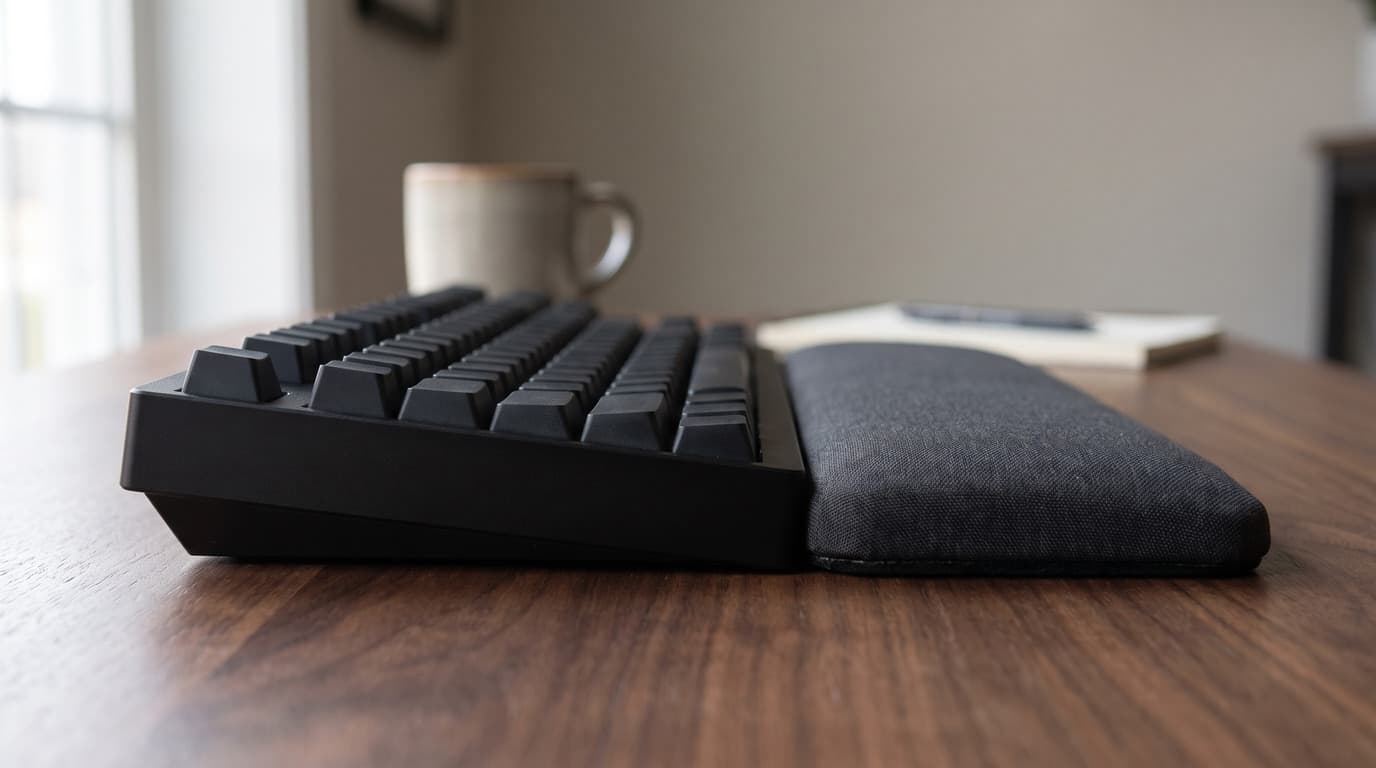
Keyboard Height and Wrist Rests: Matching the Two Numbers Nobody Publishes
The angle your wrists sit at is a height step you can measure with a ruler. The trouble is that keyboard makers publish that height on at least four different conventions, wrist rest makers publish a single unloaded thickness, and the two numbers are almost never comparable — which is how a rest sold as height-matched ends up half the height of the keyboard in front of it.
Updated September 5, 2026
Get the next guide in your inbox
One short email when we publish or meaningfully update a buying guide. No spam, no daily deals firehose.