 Rigworthy
The Best UPS Battery Backups for a Home Office Desk in 2026
By Rigworthy Editorial Team · Updated August 7, 2026
Rigworthy is reader-supported: we may earn a commission if you buy through our links, at no cost to you. How we make money
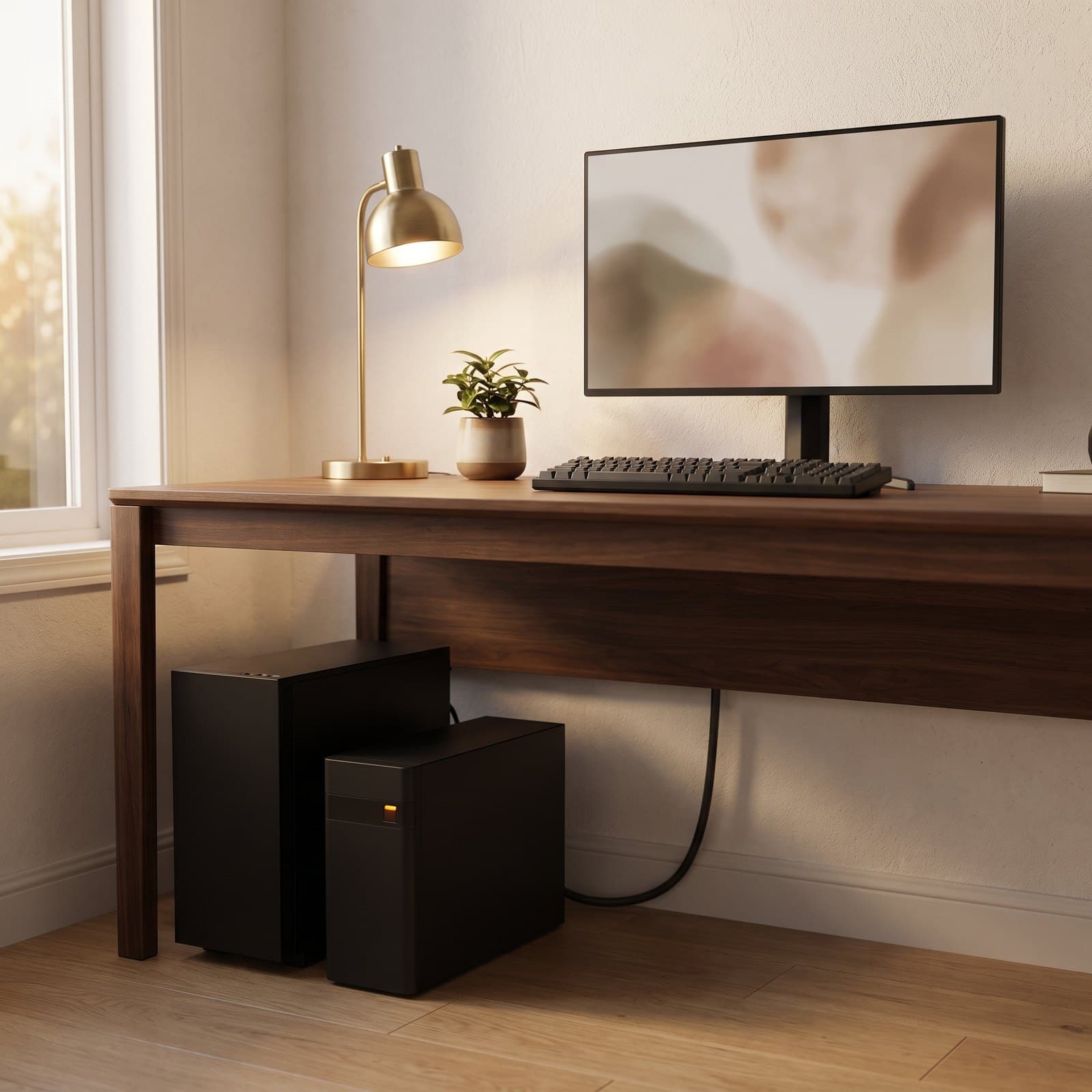
A surge protector is insurance against a spike. A UPS is insurance against the far more common event: the power simply stopping. A brownout during a storm, a breaker tripping in the next room, ten seconds of flicker while the utility switches something — each one is enough to drop a desktop PC mid-sentence, take a NAS down uncleanly, and end a video call by killing the modem three feet away.
This guide sorts the battery backup that sits under the desk. We lead with the two specs that actually decide the buy and that the box goes out of its way to obscure: watts, not VA — a "1500VA" unit is really 900 to 1,000 usable watts — and waveform, because most modern desktop power supplies will refuse the cheap stepped output the instant the UPS switches over. From there we match six units to real desks: the best watts-per-dollar tower, the better-connected APC, a smaller pure-sine unit for modest machines, a sub-$100 box for the network gear, a lithium unit that skips the replacement-battery cycle, and the gaming model you buy for the light. Capacities, runtimes, and outlet splits are the manufacturers' own published figures as of mid-2026; where a runtime is a manufacturer's rating rather than something anyone has measured on your gear, we've said so. We haven't bench-tested switchover on a lab load — no honest site can without the equipment — so we weigh published specs, waveform type, battery chemistry, and warranty terms instead.
Our top picks at a glance
- 1
- 2
- 3
- 4
- 5
- 6
How we chose
- Real watts, not just VA — every pick is rated on the watt figure that actually decides what it can carry, because '1500VA' rarely means 1500 watts
- The right waveform for your gear — pure sine wave for modern Active PFC desktop power supplies, with simulated-sine units flagged as network-and-laptop duty only
- Enough outlets on the battery side — we count the battery-backed sockets separately from the surge-only ones, because manufacturers advertise the total
- A battery you can replace, and what that costs — sealed lead-acid packs die in three to five years, so we weigh replacement cost and cell chemistry, not just sticker price
- Honest runtime framing — a desk UPS buys minutes to save your work and shut down cleanly; we quote manufacturers' own runtime figures and never imply it's a generator
Our picks come from spec research, long-term owner feedback, and category expertise — not sponsorships. Read the full methodology.
Compared side by side
| Product | Award | Capacity | Waveform | Battery outlets | Typical price |
|---|---|---|---|---|---|
| CyberPower CP1500PFCLCD PFC Sinewave UPS | Best Overall | 1500VA / 1000W | Pure sine | 6 of 12 | $190–230 |
| APC Back-UPS Pro BR1500MS2 | Best for a Mixed Desk | 1500VA / 900W | Pure sine | 6 of 10 | $220–290 |
| CyberPower CP1000PFCLCD PFC Sinewave UPS | Best for Smaller PCs | 1000VA / 600W | Pure sine | 5 of 10 | $140–180 |
| APC Back-UPS BE600M1 | Best Budget | 600VA / 330W | Simulated sine | 5 of 7 | $70–95 |
| GOLDENMATE 1000VA / 600W LiFePO4 UPS | Best Battery Lifespan | 1000VA / 600W | Pure sine | 8 of 8 | $200–300 |
| APC Back-UPS Pro Gaming BGM1500B-US | Best for Gaming | 1500VA / 900W | Pure sine | 6 of 10 | $300–350 |
1. Best Overall
CyberPower CP1500PFCLCD PFC Sinewave UPS
Typically $190–230
- Desktop PCs with modern power supplies
- A monitor, PC, and network gear together
- The most watts per dollar
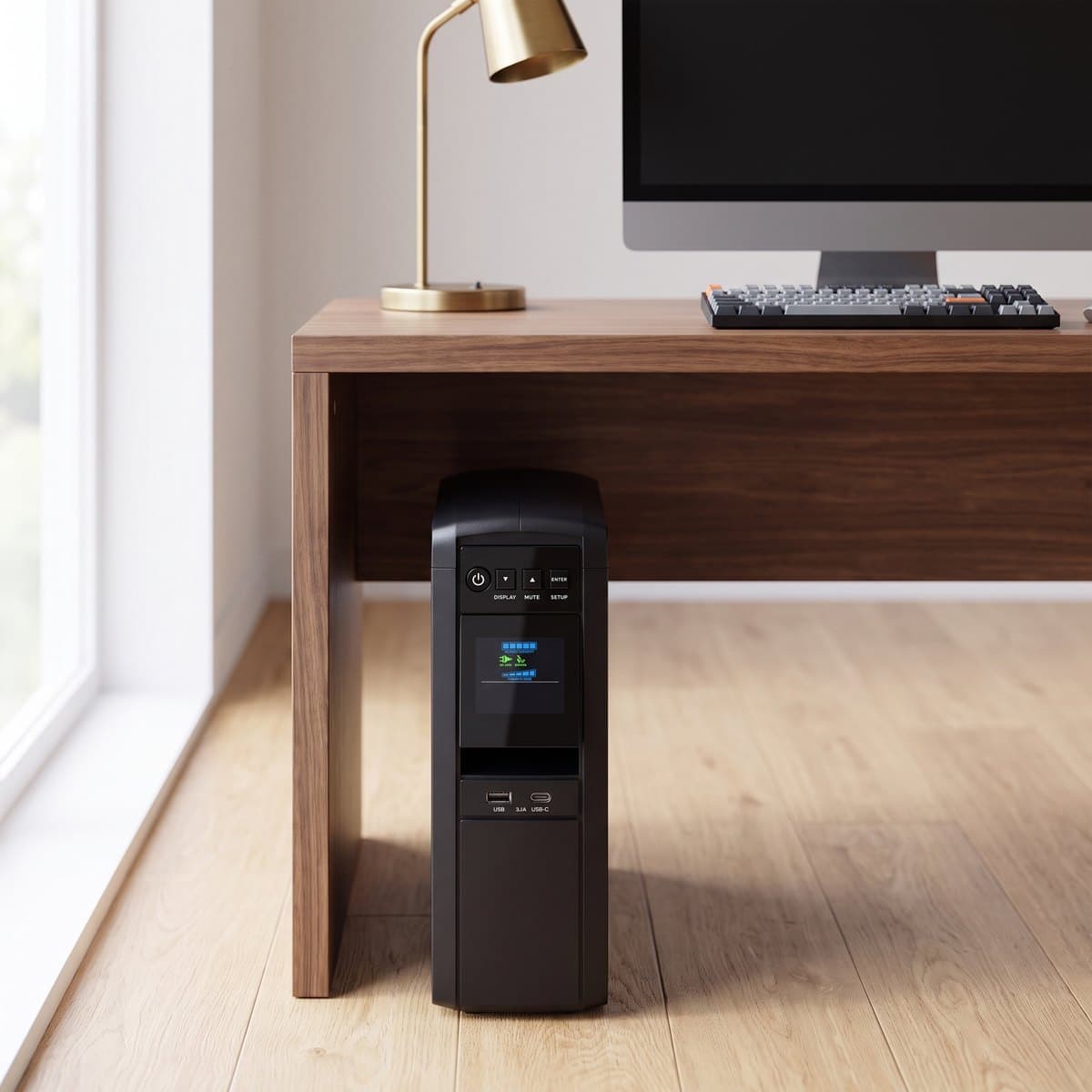
This is the unit most desks with a real computer under them should buy, and it wins on the one number that matters: 1,000 watts of genuine pure sine wave output. Nearly every competitor at this size stops at 900W, and the extra headroom is the difference between comfortably carrying a mid-range gaming PC plus a monitor and living right at the edge of the rating. Twelve outlets split evenly — six battery-backed and surge-protected, six surge-only — which is the right architecture for a desk: the PC, monitor, and modem go on the battery side, while the printer, speakers, and phone chargers take the surge-only half without eating your runtime. Two of the outlets are widely spaced for fat wall adapters, and a USB-A and USB-C port share 3.1 amps for topping up a phone.
CyberPower quotes 2.5 minutes at full load and 10 minutes at half load, which sounds thin until you remember what a desk UPS is for: it's a graceful-shutdown device, not a generator. Ten minutes is a long time to save three documents and close down properly. The tilting color LCD is genuinely useful — you can read live load and estimated runtime at a glance from a standing position — and CyberPower's 3-year warranty explicitly covers the battery, which is worth checking line by line on anything you cross-shop, because battery coverage is the term manufacturers most often carve out. It's heavy at 24.9 lbs and the twin 12V/9Ah sealed lead-acid packs will need replacing in three to five years, but they're user-swappable, and CyberPower backs the unit with a $500,000 connected-equipment guarantee — the largest number we found attached to any pick in this guide, for whatever such policies are ultimately worth.
What we like
- 1,000W pure sine — the most usable watts at this size and price
- 12 outlets split 6 battery / 6 surge-only, two widely spaced
- 3-year warranty that covers the battery; $500,000 equipment guarantee
Worth knowing
- 24.9 lbs, and the tower is tall enough to need real floor space
- Sealed lead-acid batteries need replacing every 3–5 years
- Capacity
- 1500VA / 1000W
- Waveform
- Pure sine wave (Active PFC compatible)
- Outlets
- 12 total — 6 battery + surge, 6 surge-only
- USB
- 1× USB-A + 1× USB-C (3.1A shared)
- Runtime
- 2.5 min full load / 10 min half load
- Battery
- 2× 12V/9Ah sealed lead-acid, user replaceable
- Warranty
- 3 years including battery; $500,000 equipment guarantee
2. Best for a Mixed Desk
APC Back-UPS Pro BR1500MS2
Typically $220–290
- Desks with coax or Ethernet to protect
- Charging a phone from the UPS itself
- Buyers who want the APC ecosystem
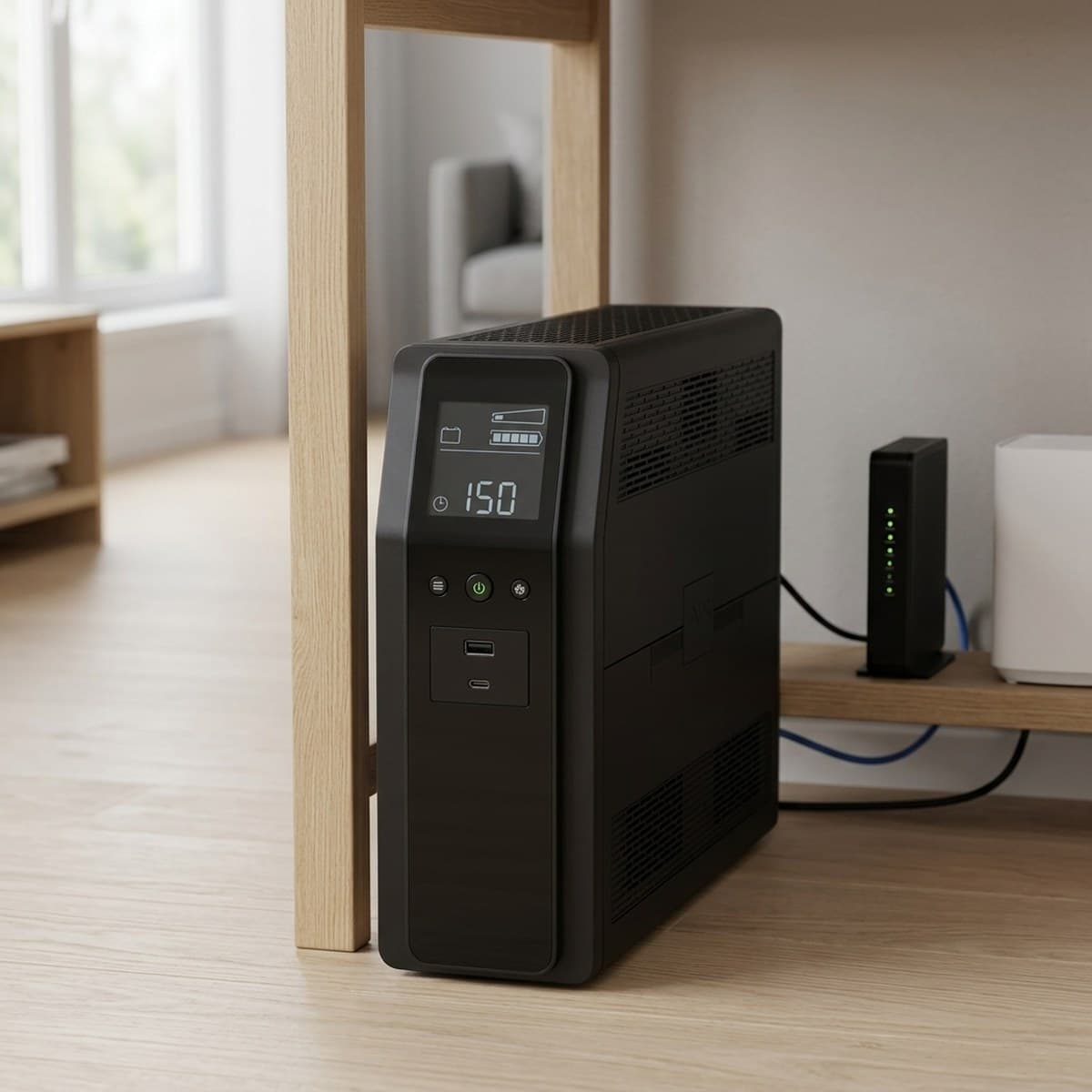
APC's Back-UPS Pro is the CyberPower's closest rival and it wins on the edges rather than the middle. Output is 1500VA / 900W of pure sine wave — 100 watts less than the CP1500PFCLCD, which matters only if you're near the ceiling — across ten outlets split six battery-backed and four surge-only. What you get in exchange is a better-connected unit: real data-line protection for both coax and gigabit Ethernet, so a surge coming up the cable line into your modem has somewhere to die, plus USB-A and USB-C charging ports on the front and both USB and serial data ports for shutdown software. Automatic voltage regulation corrects sagging or spiking mains without dipping into the battery, which is the feature that quietly does the most work in an older house or a rural supply.
The trade-offs are honest ones. The 1,080-joule surge rating is modest next to a dedicated surge protector, and it's a lower figure than the price suggests — you're paying for the battery and the AVR, not for enormous clamping headroom. Street price bounces between roughly $220 and $290 depending on the week, and it has drifted as low as $219 on sale, so it's worth waiting for a dip rather than paying list. But if your desk has a cable modem sitting next to it, or you want one box that backs up the PC and charges your phone over USB-C, this is the more thoughtfully connected of the two big 1500VA units.
What we like
- Pure sine wave with AVR that corrects mains without using battery
- Coax and gigabit Ethernet data-line surge protection built in
- USB-A and USB-C charging ports on the unit itself
Worth knowing
- 900W ceiling — 100W less than the CyberPower for similar money
- 1,080-joule surge rating is modest for the price
- Capacity
- 1500VA / 900W
- Waveform
- Pure sine wave
- Outlets
- 10 total — 6 battery + surge, 4 surge-only
- USB
- 1× USB-A + 1× USB-C charging
- Surge rating
- 1,080 joules
- Data lines
- Coax + 1 Gb Ethernet protection
- Extras
- AVR, LCD, user-replaceable battery, USB + serial ports
3. Best for Smaller PCs
CyberPower CP1000PFCLCD PFC Sinewave UPS
Typically $140–180
- Mini PCs, iMacs, and modest towers
- Tight spaces under a desk
- Pure sine on a smaller budget
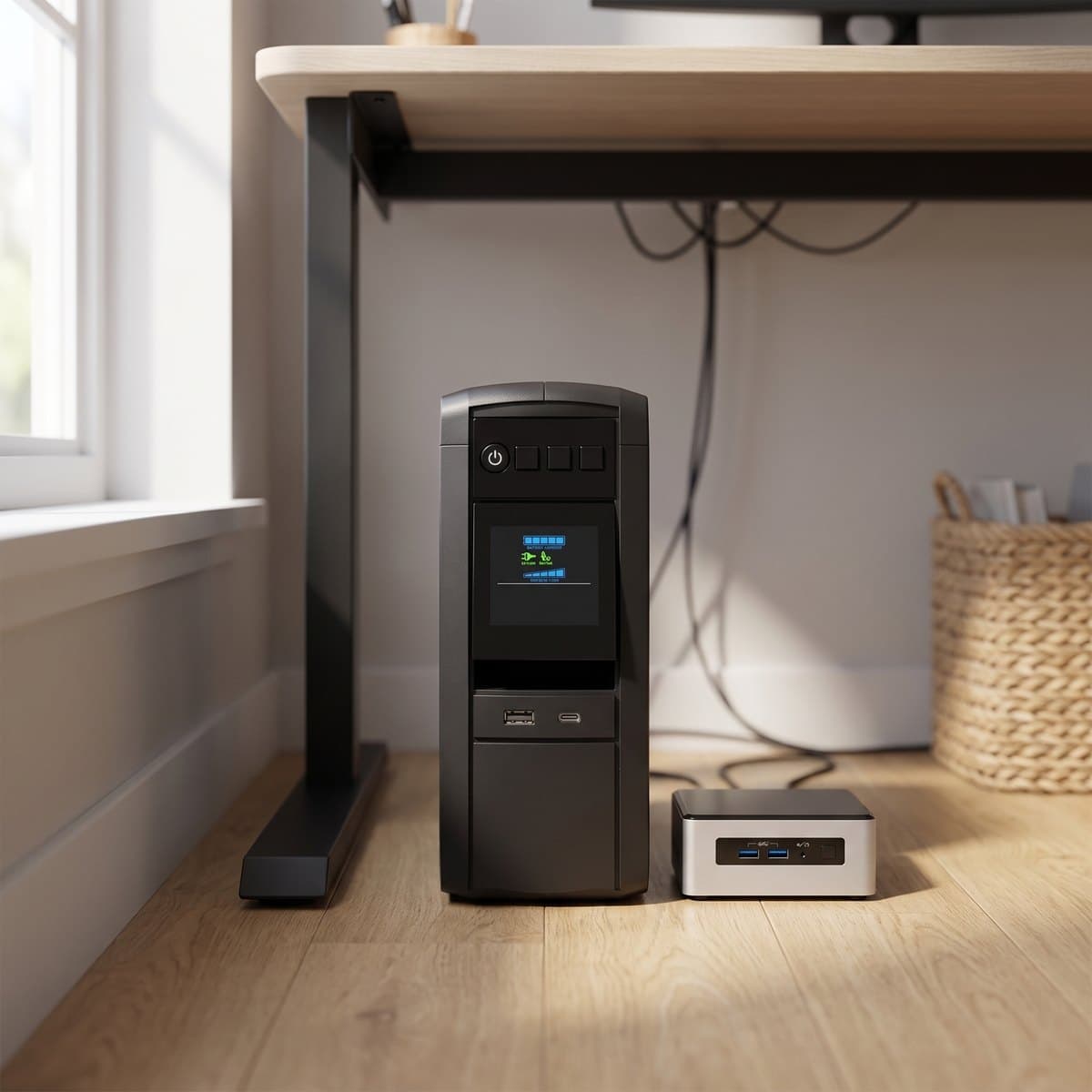
Not every desk needs a kilowatt. If what's plugged in is a mini PC, an all-in-one, a console, or a modest tower with a 450W supply, the CP1000PFCLCD gives you the same pure sine wave output and Active PFC compatibility as its bigger sibling at 1000VA / 600W — and, more usefully, in a body that weighs 15.4 lbs instead of 24.9 and takes up noticeably less floor. Ten outlets split five battery-backed and five surge-only, the same USB-A plus USB-C pair shares 3.1 amps, and the color LCD tilts for readability. CyberPower quotes 2 minutes at full load and 6 minutes at half.
Be realistic about the ceiling, because 600 watts disappears faster than people expect: a gaming PC that spikes to 500W under load plus a 40W monitor leaves you almost no margin, and a UPS run at its limit gives you the shortest possible runtime exactly when you need it most. Measure or estimate your actual draw first — if you're above roughly 400 watts in normal use, buy the 1500VA unit instead and stop reading here. Within its band, though, this is the value pick of the guide: genuine pure sine protection, a $350,000 equipment guarantee, and a 3-year warranty for well under $200.
What we like
- Pure sine wave and Active PFC compatibility at a lower price
- 15.4 lbs and physically compact — easier to place under a desk
- 3-year warranty and $350,000 equipment guarantee
Worth knowing
- 600W ceiling is easy to outgrow with a gaming PC
- Shorter runtime than the 1500VA units at comparable loads
- Capacity
- 1000VA / 600W
- Waveform
- Pure sine wave (Active PFC compatible)
- Outlets
- 10 total — 5 battery + surge, 5 surge-only
- USB
- 1× USB-A + 1× USB-C (3.1A shared)
- Runtime
- 2 min full load / 6 min half load
- Battery
- 12V/9Ah sealed lead-acid, user replaceable
- Size & weight
- 3.9 × 9.7 × 10.2 in, 15.4 lbs
4. Best Budget
APC Back-UPS BE600M1
Typically $70–95
- Routers, modems, and mesh nodes
- Laptop desks and monitors
- Keeping Wi-Fi alive in an outage
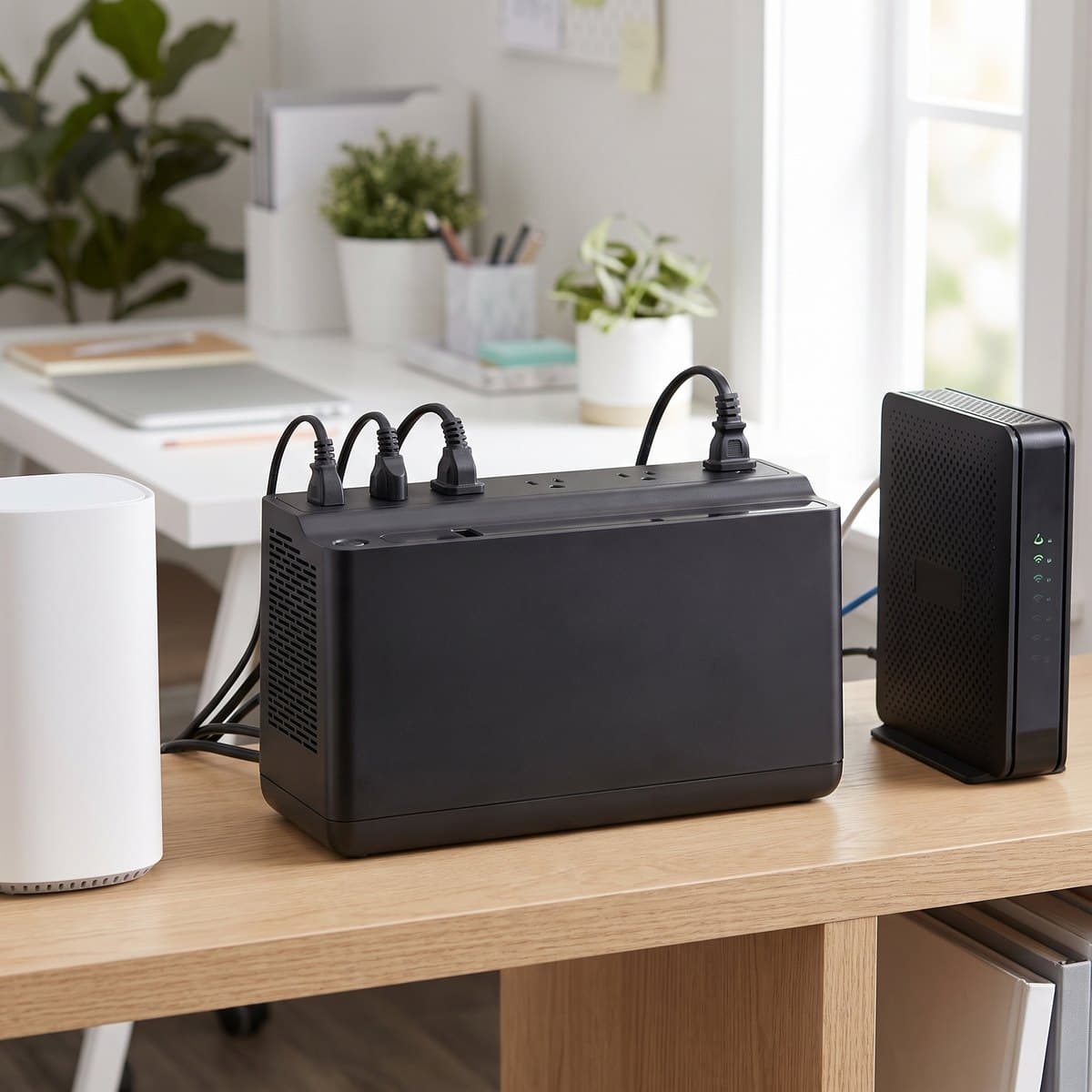
The cheapest genuinely useful thing you can do about power at a desk is put a small UPS behind the network gear, and the BE600M1 is the standard answer. It's 600VA / 330W across seven outlets — five battery-backed and surge-protected, two surge-only — with a single USB-A charging port rated to 1.5 amps. A router, a modem, and a mesh node together typically draw well under 50 watts, which means this little box can hold your internet connection up for a long stretch of a short outage. That matters more than it sounds: if you work from home, the difference between a five-minute blackout and a five-minute blackout that also drops your video call is entirely down to whether the modem stayed on.
The important caveat, and the reason this isn't the pick for a desktop PC: like APC's whole Back-UPS BE line, it outputs a stepped approximation of a sine wave when it's running on battery rather than true pure sine. Modern desktop power supplies with Active PFC frequently refuse that waveform — they'll buzz, run hot, or simply cut out the instant the UPS switches over, which is the opposite of what you bought it for. Anything with an external power brick is fine, so laptops, monitors, routers, NAS units, and consoles are all happy on it. Just don't put a tower PC behind it and assume you're covered.
What we like
- Under $100 for real battery backup of your internet connection
- Five battery-backed outlets — enough for router, modem, and more
- Small and light enough to sit on a shelf or behind a monitor
Worth knowing
- Simulated sine wave — not safe for Active PFC desktop power supplies
- 330W ceiling rules out anything but light loads
- Capacity
- 600VA / 330W
- Waveform
- Simulated (stepped) sine wave
- Outlets
- 7 total — 5 battery + surge, 2 surge-only
- USB
- 1× USB-A charging (up to 1.5A)
- Runtime
- 3.2 min full load / 11.75 min half load
- Surge rating
- 490 joules
- Best suited to
- Routers, modems, laptops, monitors, external-brick gear
- Not suited to
- Desktop PCs with Active PFC power supplies
5. Best Battery Lifespan
GOLDENMATE 1000VA / 600W LiFePO4 UPS
Typically $200–300
- Avoiding replacement batteries entirely
- NAS units and always-on gear
- Lowest long-run cost of ownership
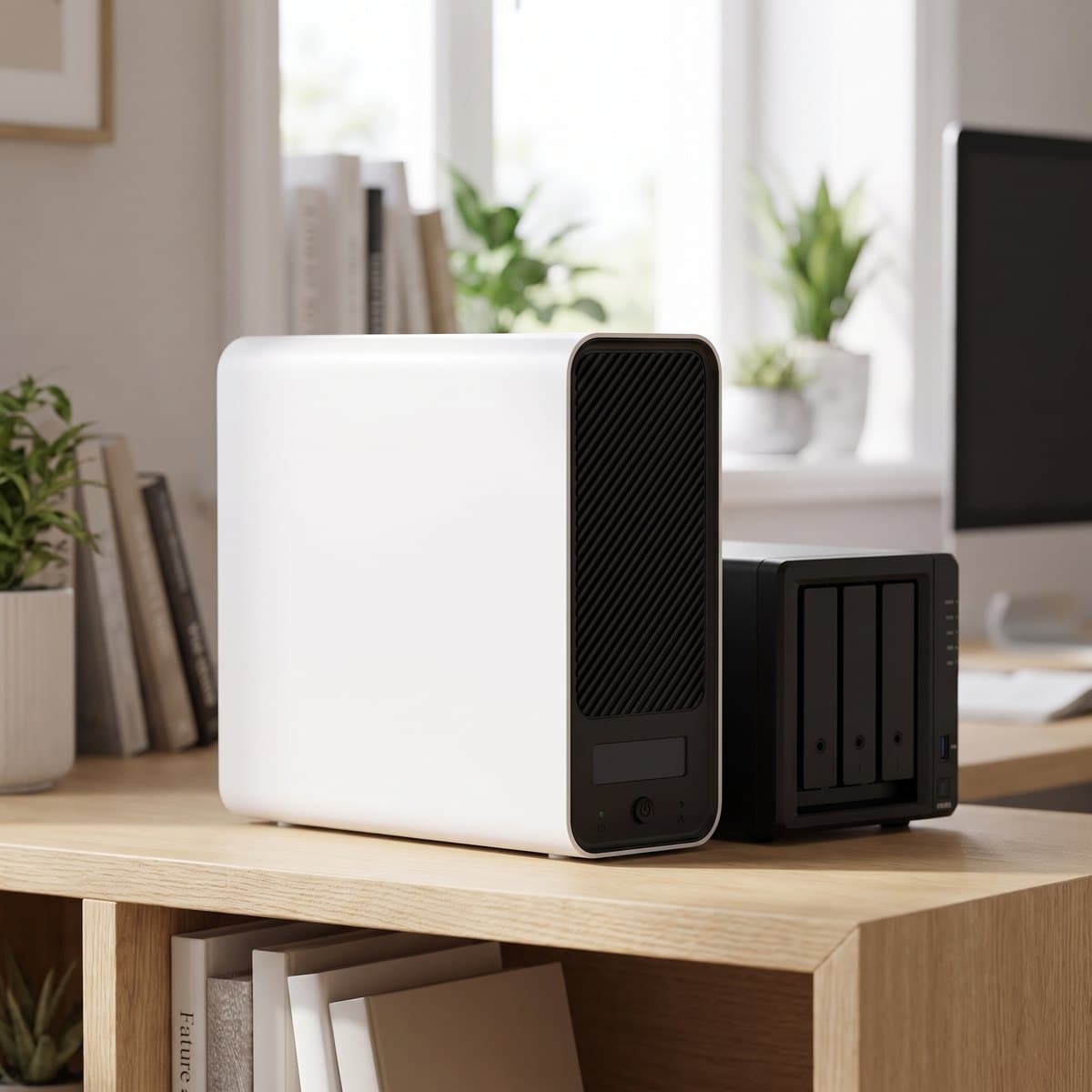
Every lead-acid UPS in this guide has a hidden running cost: the battery pack degrades quietly and needs replacing every three to five years, and a genuine replacement often runs half what you paid for the unit. GOLDENMATE's answer is to build the same 1000VA / 600W pure sine wave capability around a 153.6 Wh lithium iron phosphate pack instead, rated by the manufacturer at 5,000+ charge cycles and a ten-year service life. If that holds up, you buy this once where you'd buy two or three lead-acid units — and it weighs 10.6 lbs rather than 15 to 25, and comes in white or grey rather than the usual black slab, which matters if it has to live on a shelf rather than under the desk. All eight outlets are both surge-protected and battery-backed, so there's no split to plan around; GOLDENMATE also quotes up to 25 minutes at a 300W load, which is genuinely generous for this class. A color LCD and a mutable alarm round it out.
Three things to weigh honestly. First, the transfer time is quoted only as 'under 20 milliseconds' — slower than the typical line-interactive lead-acid unit, and a ceiling that sits at or past the roughly 17 ms of hold-up the ATX specification asks a power supply to provide at full load. Most decent PSUs ride through it in practice, but if a desktop PC is what you're protecting, the CyberPower units are the safer switchover. Second, it has an active cooling fan where the lead-acid units are silent; GOLDENMATE quotes it under 50 dB and says it only spins up under heavy battery draw, but 50 dB is a ceiling, not a whisper — worth knowing before you put this on a shelf at ear height. Third, GOLDENMATE is a battery specialist rather than a household name like APC or CyberPower, and there's no long public track record behind the ten-year claim yet — buy it for a NAS, network stack, or workstation where the chemistry advantage is the point, and treat the lifespan figure as the manufacturer's projection rather than proven history.
What we like
- LiFePO4 pack rated 5,000+ cycles — no three-year battery replacement
- 10.6 lbs and available in white or grey; easy to place in a visible spot
- Pure sine wave, and all eight outlets are battery-backed
Worth knowing
- Under-20 ms transfer is slower than rival line-interactive units
- Has a fan (quoted under 50 dB) where the lead-acid picks are silent
- Newer brand; the ten-year lifespan is a projection, not a track record
- Capacity
- 1000VA / 600W
- Waveform
- Pure sine wave
- Battery
- 153.6 Wh LiFePO4 (25.6V 6Ah), 5,000+ cycles
- Outlets
- 8 NEMA 5-15R — all battery-backed + surge
- Runtime
- Up to 25 min at 300W (manufacturer figure)
- Transfer time
- Under 20 ms
- Noise
- Cooling fan quoted under 50 dB
- Size & weight
- 13.0 × 4.1 × 9.8 in, 10.6 lbs
6. Best for Gaming
APC Back-UPS Pro Gaming BGM1500B-US
Typically $300–350
- Gaming PCs, PS5, and Xbox Series X
- Setups built around RGB lighting
- Three USB charging ports on the unit
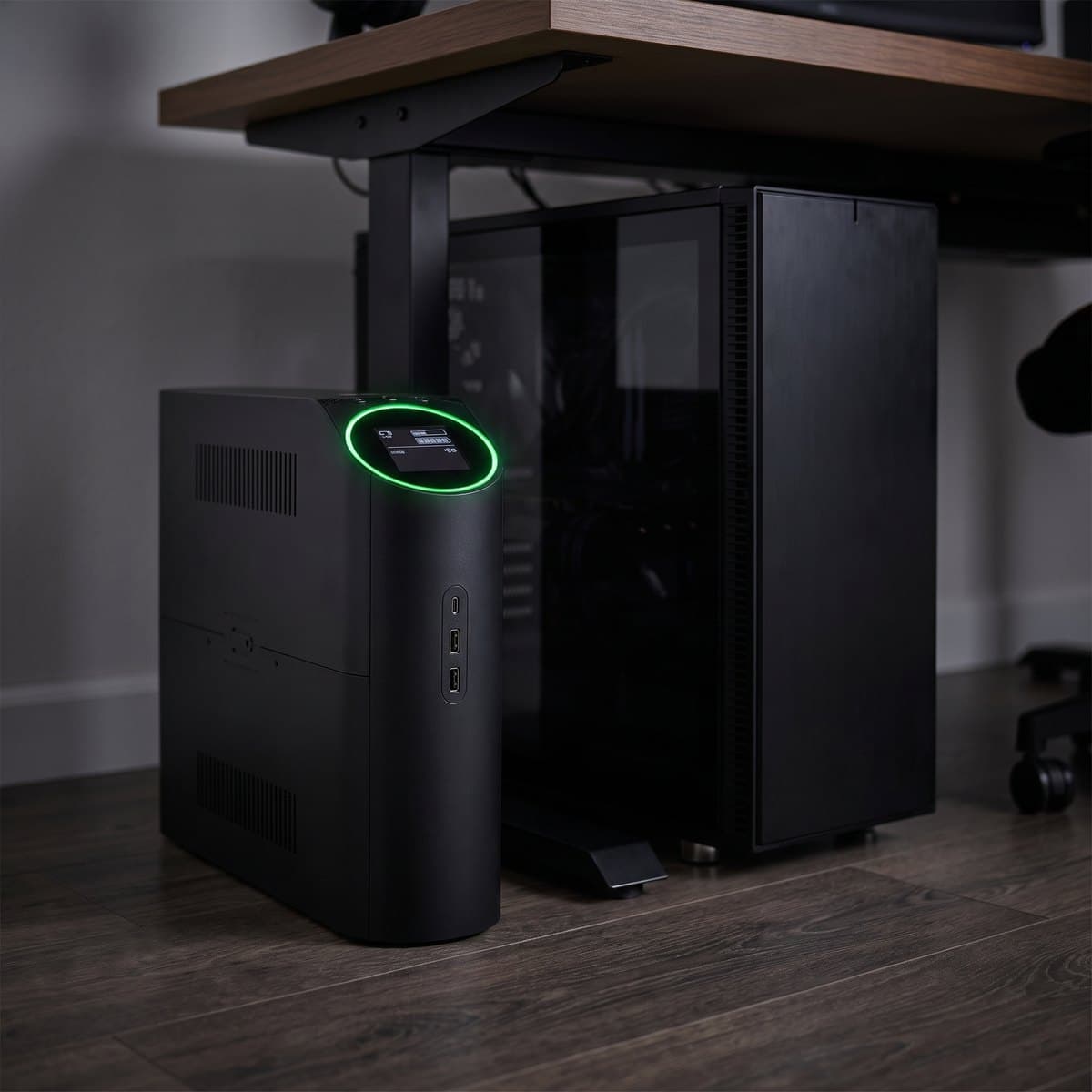
APC's gaming Back-UPS is the same fundamental machine as the BR1500MS2 — 1500VA / 900W of pure sine wave, ten outlets split six battery-backed and four surge-only, 1,080 joules of surge rating, AVR, a 3-year warranty — dressed for a gaming desk. What's genuinely added is a third USB charging port (two Type-A and one Type-C sharing 5V/3A, versus two ports on the BR) and a customizable RGB ring on the front face that you can match to the rest of your lighting. For a setup where a black rectangle under the desk would be the one piece that doesn't belong, that's a real reason to buy, and the pure sine output means it's equally at home behind a console.
We're going to be blunt about the price, though: at roughly $300 to $350 — and as high as $425 at some retailers — you're paying a meaningful premium over the $220–290 BR1500MS2 for lighting and one extra USB port, not for more backup. The connected-equipment policy is $150,000 — a third of what the smaller CP1000PFCLCD carries, and less than a third of the CP1500's. If the RGB genuinely completes your desk, it's a fair trade and this is the best-looking UPS you can buy. If you just want a gaming PC protected and the box will live in shadow behind the tower anyway, buy the BR1500MS2 or the CyberPower and put the difference toward something you'll see.
What we like
- Pure sine wave — safe for Active PFC gaming PSUs and consoles
- Customizable RGB ring; the only pick here designed to be looked at
- Three USB charging ports including USB-C
Worth knowing
- Big premium over the near-identical BR1500MS2 for lighting
- $150,000 equipment policy against the CyberPowers' $350,000–$500,000
- Capacity
- 1500VA / 900W
- Waveform
- Pure sine wave
- Outlets
- 10 total — 6 battery + surge, 4 surge-only
- USB
- 2× USB-A + 1× USB-C (5V/3A shared)
- Surge rating
- 1,080 joules
- Lighting
- Customizable RGB ring
- Warranty
- 3 years; $150,000 equipment policy
The verdict
For most desks with a real computer under them, buy the CyberPower CP1500PFCLCD. A genuine 1,000 watts of pure sine wave output, twelve outlets split sensibly between battery and surge-only, a battery-inclusive 3-year warranty, and a street price under $230 make it the most protection per dollar here. If your desk has a cable modem beside it or you want USB-C charging built in, the APC BR1500MS2 trades 100 watts for coax and Ethernet data-line protection and is worth the swap.
Below that, match it to the load. A mini PC, all-in-one, or modest tower is well served by the CP1000PFCLCD at around $160 — just be honest about your wattage before you commit to a 600W ceiling. Running only a laptop and a monitor? Skip the tower entirely and put the sub-$100 APC BE600M1 behind your router and modem, which is where an outage actually hurts a remote worker. If the replacement-battery cycle is what puts you off, the GOLDENMATE LiFePO4 unit is the one pick built to outlive two lead-acid units, with a slightly slower switchover as the trade. And if a black box would spoil an otherwise finished setup, the BGM1500B Gaming is the same electronics as the BR1500MS2 with an RGB ring — a fair buy for the look, not for more backup.
Whichever you choose, remember the two rules the packaging won't tell you: size it to about half its watt rating so you actually get useful minutes, and plan on a replacement battery in three to five years. Then finish the job on the rest of your desk power — our power strips and surge protectors guide covers what to feed from the surge-only side, and an under-desk cable tray gets the resulting nest of cords up off the floor.
Frequently asked questions
VA (volt-amps) and watts measure different things, and the watt figure is the one that constrains you. Because of how power factor works, a UPS rated 1500VA typically delivers 900–1000 real watts, and that watt number is your budget. Add up what goes on the battery side: a mid-range desktop under load is often 300–500W, a monitor 25–50W, and a router and modem together under 30W. Aim to sit at roughly half the UPS's watt rating in normal use — that leaves headroom for spikes and roughly triples your runtime versus running at the limit. If you're under about 400 watts total, the 1000VA CyberPower is plenty; above that, buy a 1500VA unit.
It depends entirely on what's plugged into the battery outlets. Most modern desktop power supplies use Active PFC, and Active PFC circuitry often rejects the stepped, blocky waveform that cheaper UPS units produce on battery — the PC may buzz, run hot, or shut down the instant the UPS switches over, which defeats the whole purpose. So: desktop PC or console on the battery side, buy pure sine. Only laptops, monitors, routers, modems, NAS units, and other gear that runs from an external power brick? A simulated-sine unit like the BE600M1 is fine and saves you real money. When in doubt, pure sine is never the wrong answer, just the more expensive one.
Minutes, not hours — and that's by design. The CP1500PFCLCD, one of the larger units here, is rated by CyberPower at 2.5 minutes at full load and 10 minutes at half load. A desk UPS exists to bridge the flickers and brownouts that are most outages, and to give you a calm window to save work and shut down properly during a real one. If you need to keep working through a long outage you're shopping for a portable power station or a generator, not a UPS. The practical lever on runtime is load: running a UPS at half its rating rather than its limit buys you several times the minutes.
Yes, and it's the cost nobody budgets for. The sealed lead-acid batteries in most consumer units last roughly three to five years, degrade gradually, and a genuine replacement pack frequently runs a third to half the price of the whole UPS. Every unit here except the GOLDENMATE uses lead-acid; all of them are user-replaceable, which is why we'd avoid any UPS where the battery is sealed in. Two practical habits: run the self-test occasionally so a dead pack doesn't surprise you during an outage, and treat a UPS that starts beeping under load as one that needs a battery, not a new UPS.
Anything with a heating element or a big motor. Laser printers draw a huge current spike every time the fuser cycles and can trip or damage a UPS outright — plug them into a wall outlet or the surge-only side. The same goes for space heaters, kettles, vacuums, and paper shredders. Surge-only outlets exist precisely for this, and for the low-value gear you don't want spending your runtime: speakers, desk lamps, phone chargers, and the printer all belong there, while the PC, monitor, modem, and router take the battery side.
Probably not for the laptop itself, and we'd rather say so than sell you one. A laptop already has a battery; an outage just switches it over silently. What an outage does kill is everything around it — your monitor goes dark, and more importantly your modem and router drop, which ends the video call you were on. If that's your situation, a small unit like the sub-$100 BE600M1 behind the network gear solves the actual problem for a fraction of the cost of a desktop-class UPS. Buy the big pure-sine tower when there's a desktop PC, a NAS, or a console on the desk.
A surge protector defends against voltage spikes and does nothing when power actually cuts out; a UPS adds a battery that carries the load through the outage, and virtually all of them include surge protection too. They're complements more than alternatives — the surge-only outlets on a UPS are exactly as good as a decent strip, so many desks end up with one UPS for the critical gear and a separate rated strip for everything else. For choosing that strip, including what a joule rating actually means and why it degrades, see our guide to power strips and surge protectors.
It's one of the best-value upgrades in this whole category, and the BE600M1 above is the straightforward way to do it. If you want something even smaller and cheaper, CyberPower's CP425SLG is a 425VA / 255W standby unit with eight outlets, RJ11 phone-line protection, and a body that can be wall-mounted or laid flat behind equipment — a sensible contrast pick at well under the BE600M1's price. Like the APC it's simulated sine wave, so it's network-and-brick duty only, but for the specific job of keeping Wi-Fi alive through a short outage neither unit needs to be anything more.
Keep building your setup
Cables
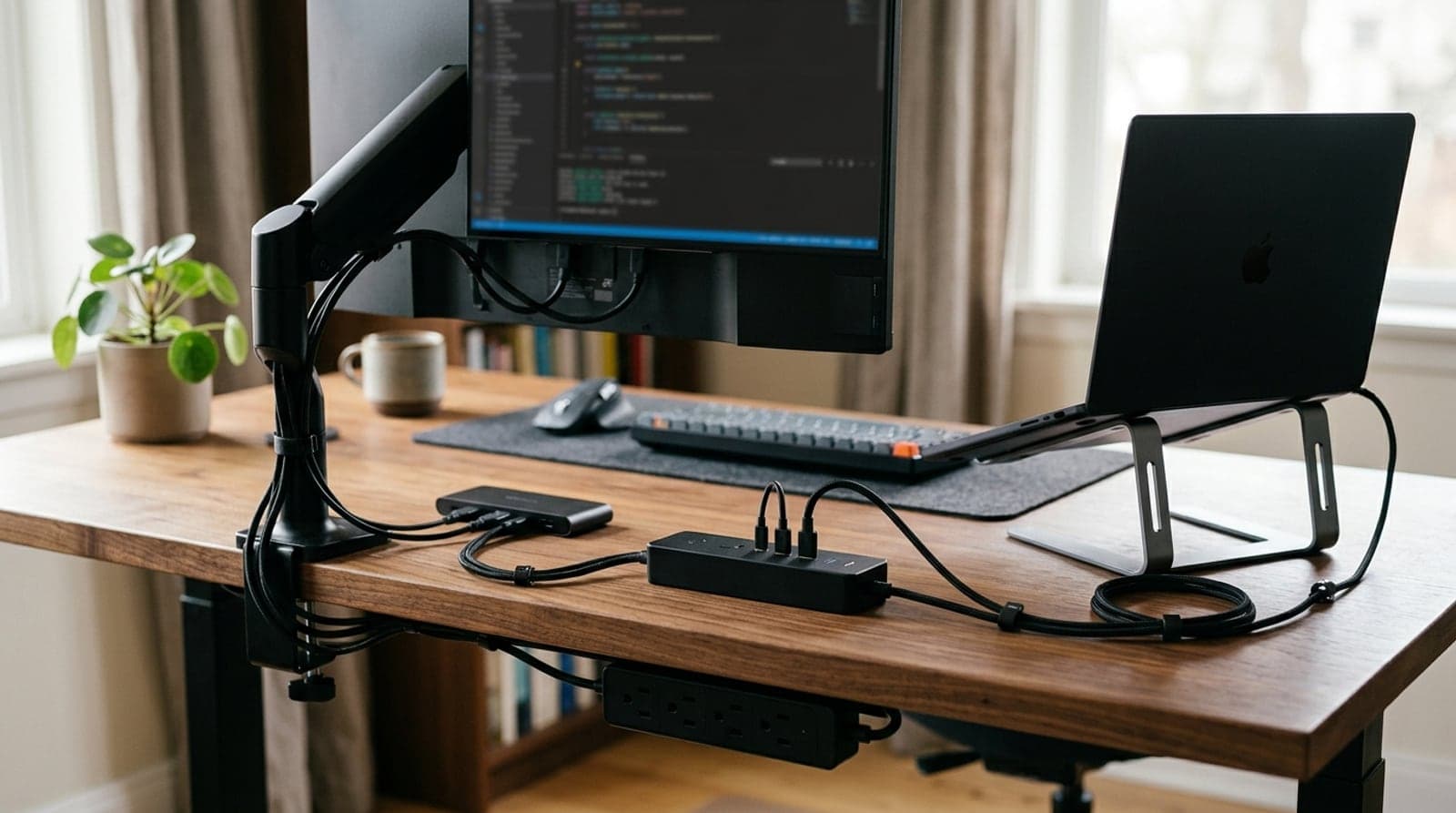
The Best Power Strips & Surge Protectors for a Desk Setup in 2026
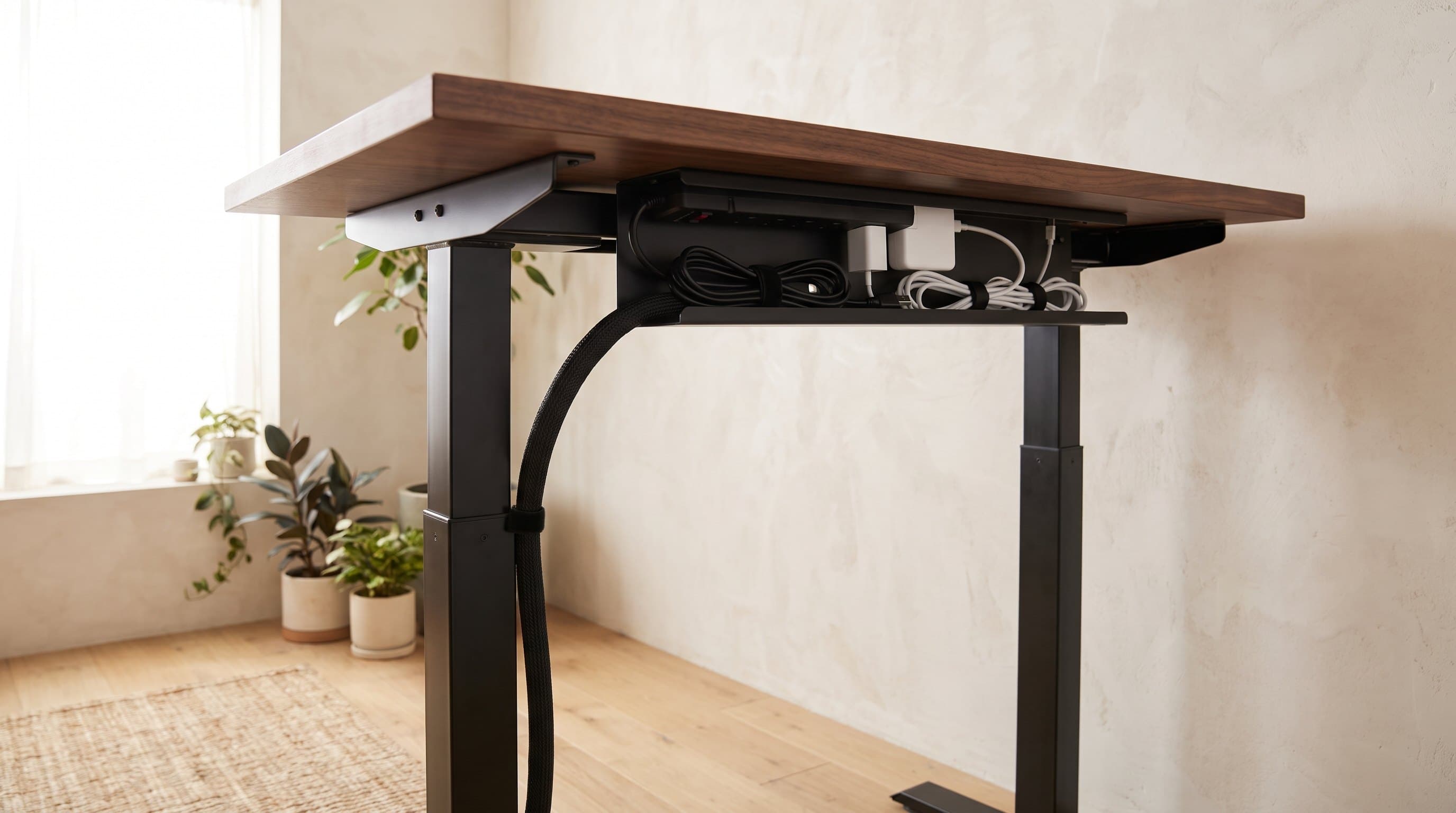
The strip your cable tray hides and your box conceals — chosen properly. Six desk power strips and surge protectors compared on real surge ratings, USB-C wattage, outlets, and mounting.
Updated August 3, 2026
Cables
The Best Cable Management Boxes & Raceways in 2026
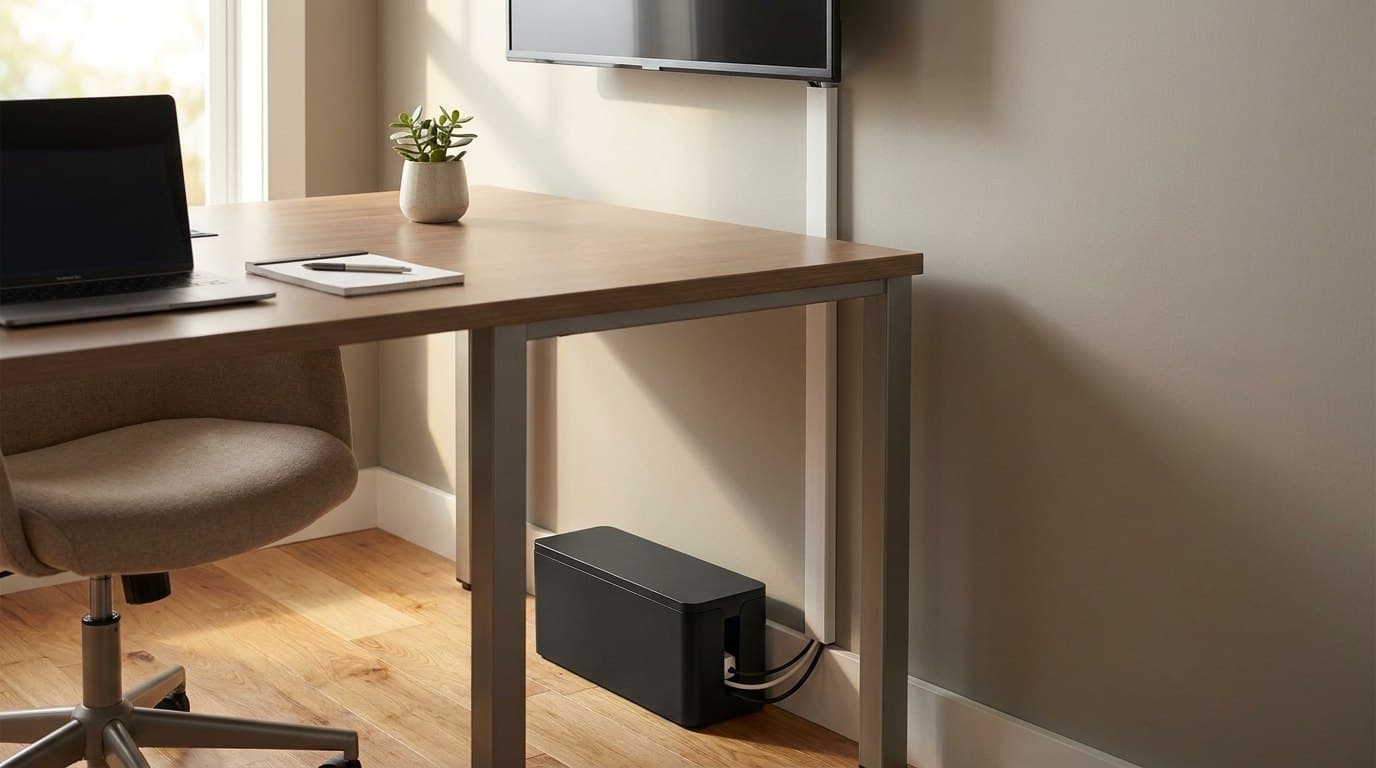
For the cords an under-desk tray can't hide: six boxes, raceways, sleeves, and floor covers compared on capacity, mounting, and how well they actually disappear.
Updated August 3, 2026
Cables
How to Hide Desk Cables: The Order to Do It In
Most cable management guides hand you a shopping list. The list is the last step, not the first — what decides your setup is which cables travel with the desk, what plugs into what, and how much slack the frame's travel demands. Here is the whole job in order, including the one arrangement to avoid.
Updated September 22, 2026
Get the next guide in your inbox
One short email when we publish or meaningfully update a buying guide. No spam, no daily deals firehose.