 Rigworthy
The Best Key Lights for Video Calls and Streaming in 2026
By Rigworthy Editorial Team · Updated September 10, 2026
Rigworthy is reader-supported: we may earn a commission if you buy through our links, at no cost to you. How we make money
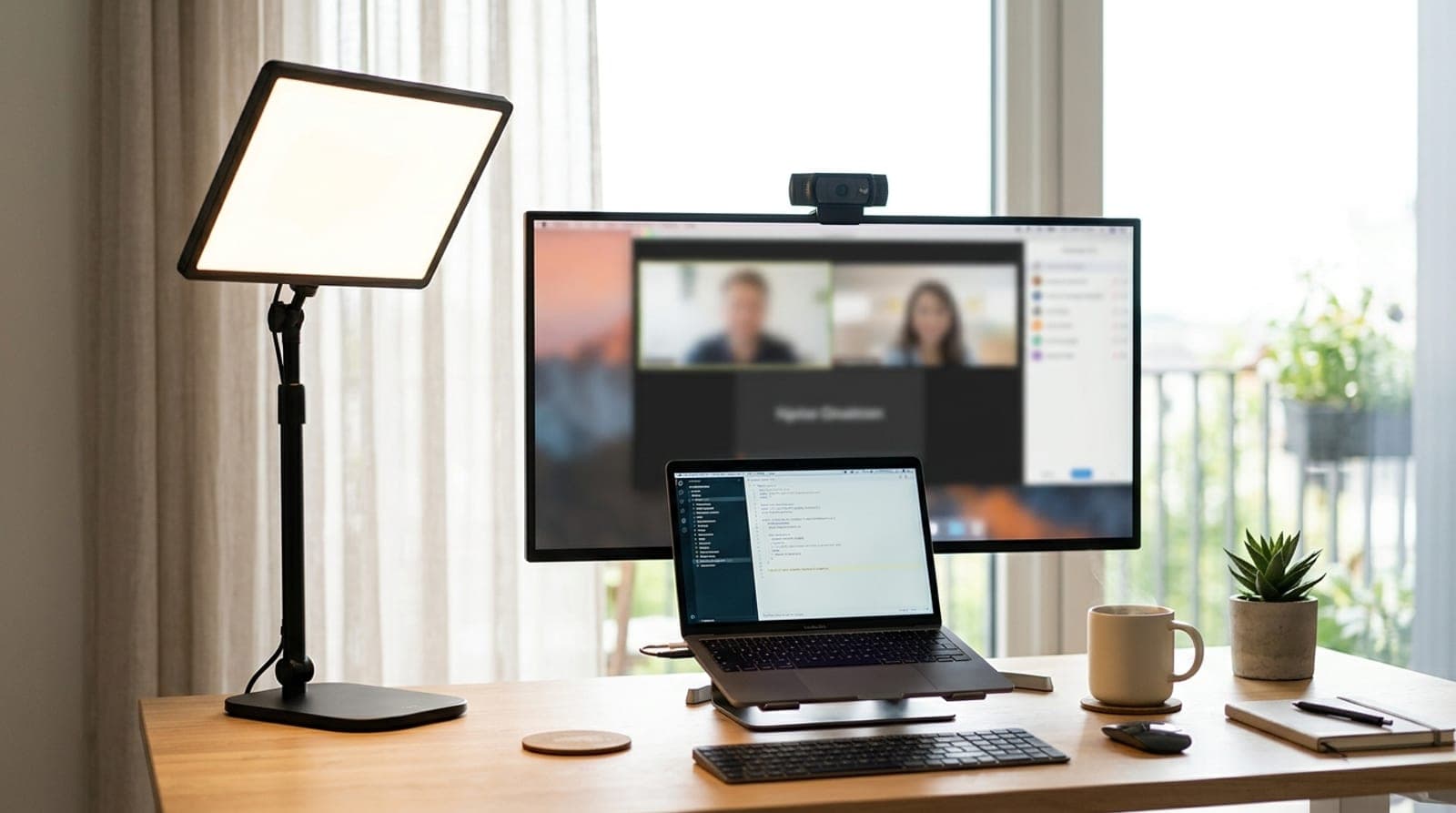
Buy a better webcam and you'll notice a smaller improvement than you expect; add a light in front of your face and you'll look like a different person on the call. That's the quiet truth of showing up well on camera in 2026 — lighting does more than resolution. The reason most people look gray, shadowed, and a little tired on Teams and Zoom isn't their camera; it's that their only light source is a ceiling fixture behind them, carving shadows into their eyes and under their chin. A key light — a front-facing panel that sits on or beside your desk — fixes exactly that, and it's one of the highest-impact, lowest-effort upgrades in the whole setup.
This guide sorts six of the best by the two questions that actually decide the buy: what you're lighting, and how you want to control it. A remote worker lighting one face on calls needs something completely different from a streamer lighting a scene — the first wants a small, plug-and-play clip light, the second wants brightness, color accuracy, and app control. We've been specific about the traps: the "lumens" a USB light only reaches with the right power brick, the brightness figure a maker prints on its retail listing but leaves off its own spec page, the RGB that faces the wall instead of your face, and the discontinued models still floating around retail. Specs reflect what manufacturers publish as of late 2026; where a number is power-dependent or a maker quotes lux instead of lumens, we say so rather than pretending the comparison is clean.
Our top picks at a glance
- 1
- 2
- 3
- 4
- 5
- 6
How we chose
- Real, verifiable brightness — the maker's own lumen figure, hunted down where the spec page omits it, and never an estimate presented as a specification
- Color accuracy (CRI) and a color-temperature range that flatters skin on camera, not just 'daylight white'
- Mounting that fits a desk — monitor clip, weighted base, or clamp-on pole — without eating your working surface
- Controls you'll actually use: an onboard dial or app/Stream Deck, not a light you can only set once
- Honest power and portability — AC-tethered desk rig vs. USB-C that runs off a laptop or battery bank
Our picks come from spec research, long-term owner feedback, and category expertise — not sponsorships. Read the full methodology.
Compared side by side
| Product | Award | Form | Max brightness | Control | Typical price |
|---|---|---|---|---|---|
| Elgato Key Light Air MK.2 | Best Overall | Mid-size panel | ≤2,100 lm | Onboard + Wi-Fi + Stream Deck | ~$140 |
| Logitech Litra Glow | Best for Video Calls | Monitor-clip panel | 250 lm | App (G HUB) | ~$60 |
| Elgato Key Light Neo | Best Budget | Monitor-mount panel | ≤1,000 lm | Onboard + Wi-Fi + Stream Deck | ~$60 |
| Neewer GL1 PRO 15.5" | Best Value Panel | Large panel | 2,800 lm | Wi-Fi + BT + Stream Deck | ~$140 |
| Logitech Litra Beam | Best Onboard Controls | Bar on desk stand | 400 lm | Onboard + Bluetooth | ~$90 |
| Razer Key Light Chroma | Best for Streaming & RGB | RGB panel | 2,800 lm | App + Wi-Fi + BT (RGB) | ~$300 |
1. Best Overall
Elgato Key Light Air MK.2
Typically around $140
- Most people
- Hybrid desk + travel
- Stream Deck users
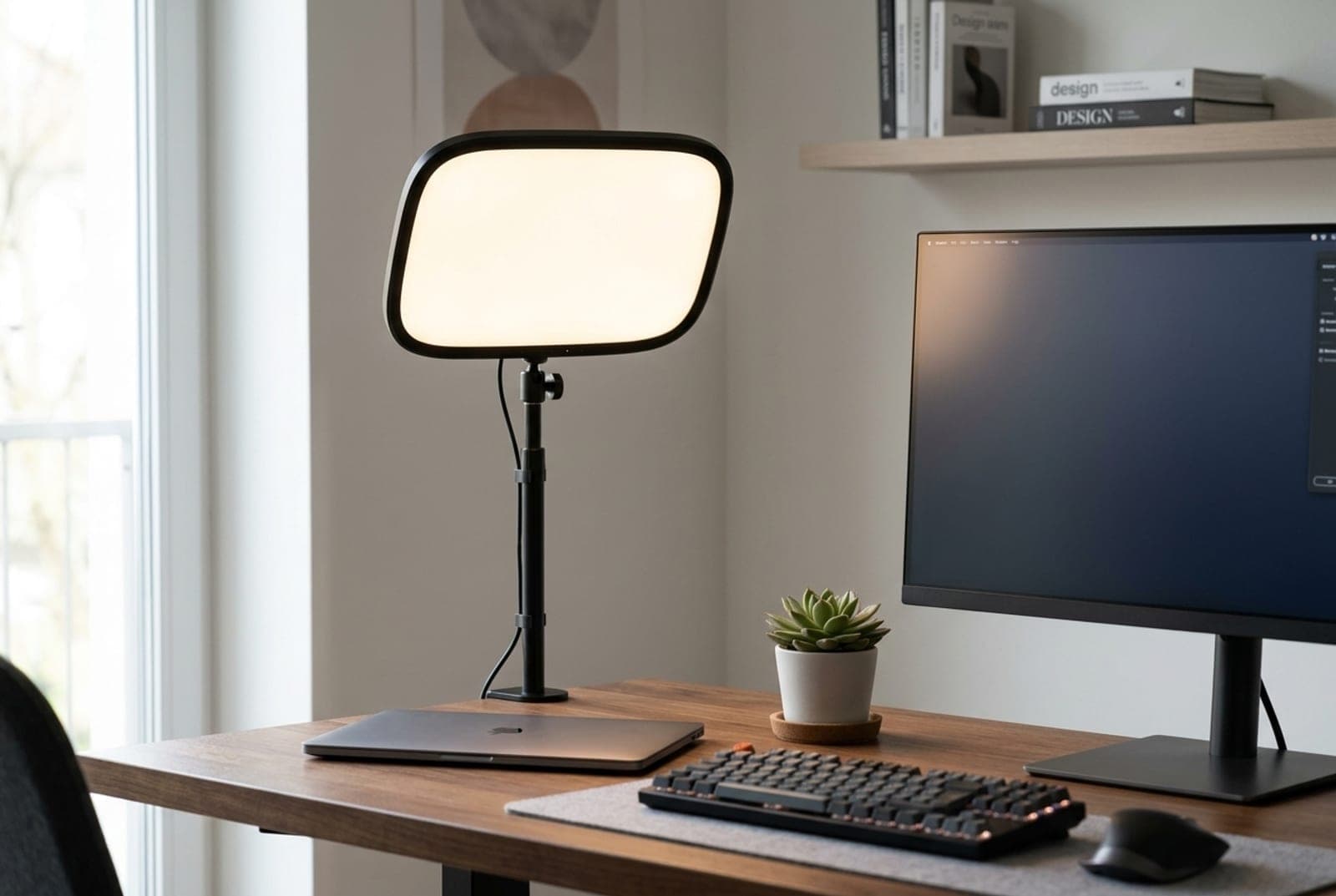
Elgato quietly rebuilt the light that made this category mainstream, and the MK.2 is now the one we'd point most people to. It's a 15-inch edge-lit panel that pushes up to 2,100 lumens — a big jump over the old 1,400-lumen Air it replaces — through a soft opal diffuser at 2900–7000K with a CRI above 94, which is genuinely flattering on skin rather than the clinical blue-white of cheaper panels. The real story is flexibility: it runs on USB-C Power Delivery, so it can pull power from a wall brick, a monitor's USB-C port, or a PD battery bank, and it adds onboard touch controls plus a MagSafe ring on the back.
Two caveats keep it honest. To actually hit 2,100 lumens it needs roughly a 30-watt PD source — plug it into a standard laptop port and you'll get closer to 400 lumens, which is fine for a call but not for fighting a bright window. And it has no true internal battery; 'runs off a battery bank' means you supply the bank. If you want the brightest possible source and don't care about USB-C, the full-size AC-powered [Elgato Key Light](https://www.amazon.com/s?k=elgato+key+light) still does 2,800 lumens for around $180. For nearly everyone else, the Air MK.2 is the sweet spot of brightness, control, and portability — and it still drops into the same Control Center and Stream Deck ecosystem the pros use.
What we like
- Up to 2,100 lumens with a CRI above 94 — soft and flattering on camera
- USB-C PD power runs off a wall brick, monitor port, or battery bank
- Onboard touch controls plus Control Center and Stream Deck
Worth knowing
- Needs a ~30W PD source for full output; ~400 lm off a laptop port
- No true internal battery — you supply the power bank
- Form
- 15-inch edge-lit panel
- Max brightness
- Up to 2,100 lm (power-dependent)
- Color / CRI
- 2900–7000K white · CRI >94
- Power
- USB-C Power Delivery
- Control
- Onboard + Wi-Fi Control Center + Stream Deck
2. Best for Video Calls
Logitech Litra Glow
Typically around $60
- Remote workers
- Laptop and monitor tops
- Plug-and-play simplicity
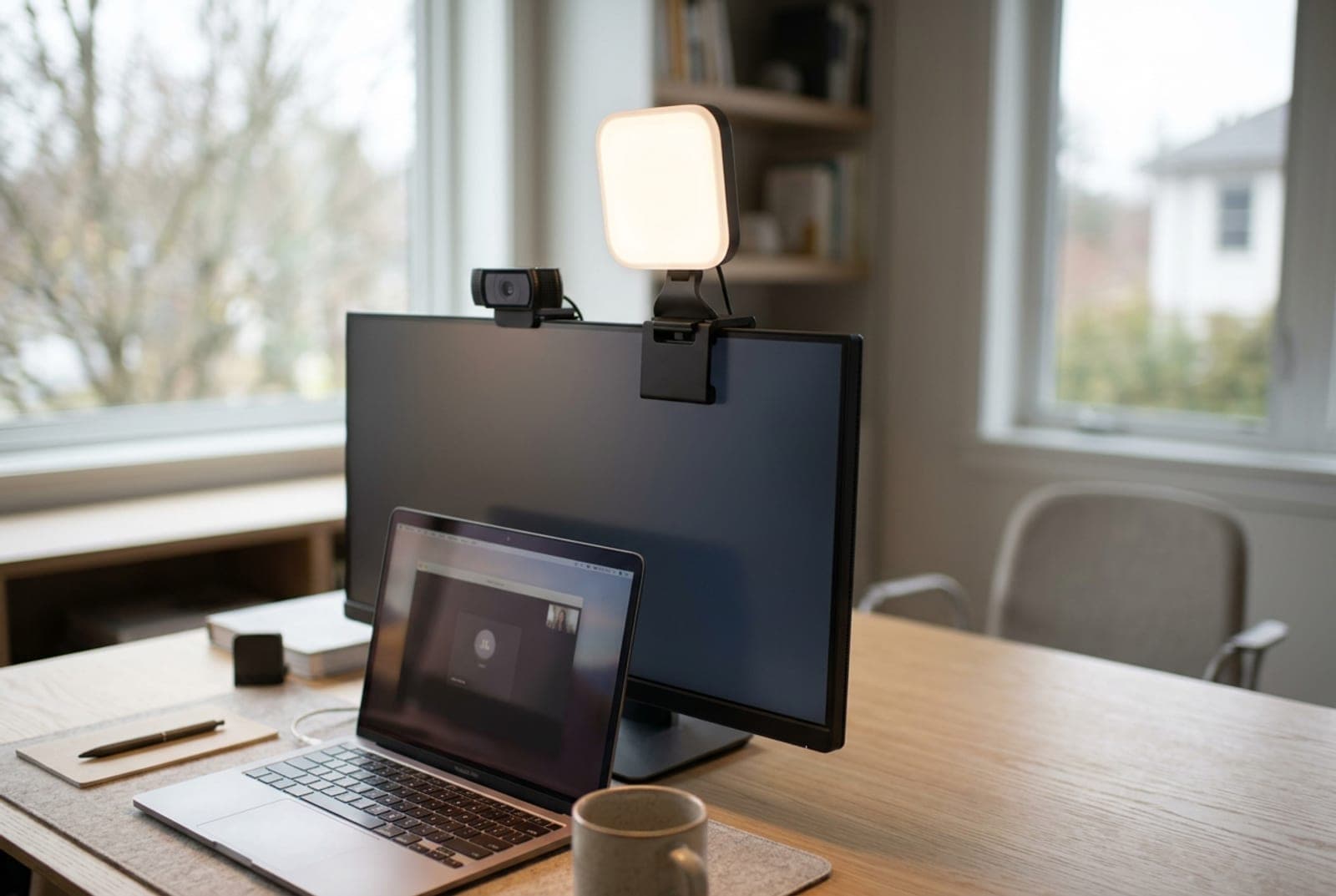
If your goal is simply to stop looking gray and shadowed on Teams and Zoom, the Litra Glow is the most sensible $60 you can spend. It's a small square panel built to perch on top of a laptop or monitor, right beside your webcam, with a three-way mount that grips the screen and detaches to a standard ¼-inch tripod thread. Logitech's 'TrueSoft' diffusion gives it a CRI of 93 across a 2700–6500K range, so it renders skin warmly and evenly instead of washing you out — for a talking head at arm's length, it looks better than lights costing three times as much.
The trade-off is raw output: at 250 lumens it's the dimmest light here, which is exactly right for lighting one face at desk distance and not enough to overpower a sunny window or light a wider streaming scene. It's white-only, and control runs through Logitech's G HUB software with only limited onboard adjustment — there's no Wi-Fi or Stream Deck integration. None of that matters for its job. As a purpose-built video-call light that clips on, plugs into USB, and just works, it's the easy recommendation for anyone who lives on calls.
What we like
- Purpose-built to light one face over a laptop or monitor
- Flattering CRI 93 across 2700–6500K; clips on and detaches to a tripod
- Plug-and-play USB — no AC brick, no fuss
Worth knowing
- Only 250 lumens — dim against a bright window or at distance
- White-only; control leans on G HUB with limited onboard buttons
- Form
- Monitor-clip square panel
- Max brightness
- 250 lm
- Color / CRI
- 2700–6500K white · CRI 93
- Power
- USB (device USB-C to host)
- Control
- G HUB app + limited onboard
3. Best Budget
Elgato Key Light Neo
Typically around $60
- First streaming light
- Monitor mounting
- Stream Deck ecosystem
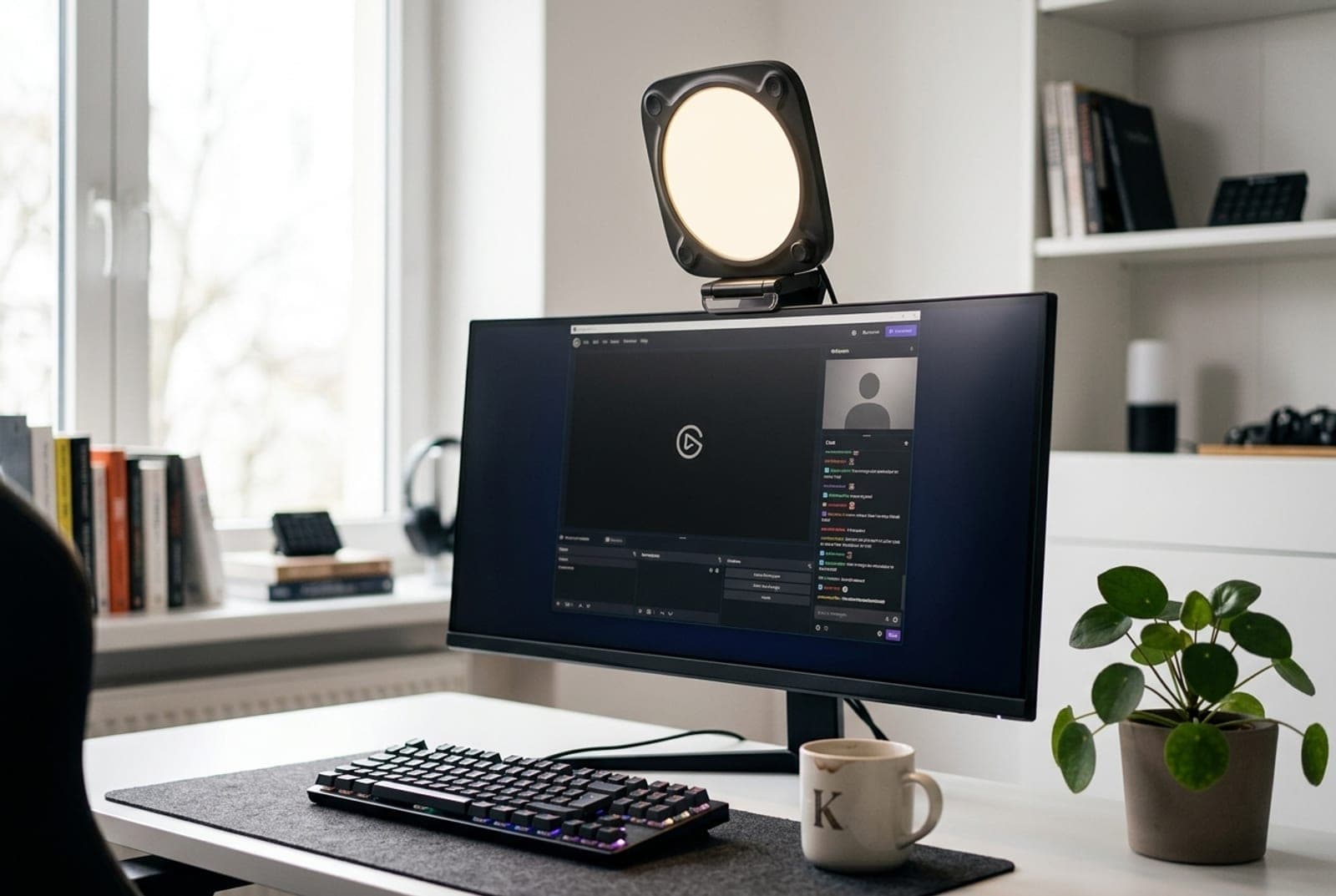
The Neo is Elgato's answer to 'I want the Stream Deck ecosystem without the flagship price,' and it's the budget pick that doesn't feel like a downgrade. For around $60 you get a compact 2900–7000K panel with a high CRI, an included monitor mount, and — the part cheap lights skip — real onboard controls, so you can dial brightness and warmth without opening an app. It also joins Elgato's Wi-Fi Control Center and works as a Stream Deck target, which means one button press can flip your lighting when you go live.
The number to understand before you buy is brightness, because it's power-dependent: plug the Neo into a laptop USB-A port and you get roughly 400 lumens; a USB-C port pushes it to about 700; and a 3-amp external USB-C brick unlocks its full ~1,000 lumens. Elgato is upfront about this, but it trips people up — if you want the brightest result, budget for the wall brick. It's white-only and the smallest Elgato output, but as a first real key light with genuine controls and an upgrade path into the Elgato ecosystem, nothing else at this price matches it.
What we like
- Onboard dial plus Wi-Fi Control Center and Stream Deck — rare at $60
- Included monitor mount sits it right by your webcam
- Up to ~1,000 lumens with the right USB-C power
Worth knowing
- Brightness is power-dependent — only ~400 lm off a laptop USB-A port
- White-only and the smallest Elgato panel here
- Form
- Compact monitor-mount panel
- Max brightness
- ≈400–1,000 lm (power-dependent)
- Color / CRI
- 2900–7000K white · high CRI
- Power
- USB-C
- Control
- Onboard + Wi-Fi Control Center + Stream Deck
4. Best Value Panel
Neewer GL1 PRO 15.5"
Typically around $140
- Big soft light on a budget
- Color-critical work
- Elgato alternative
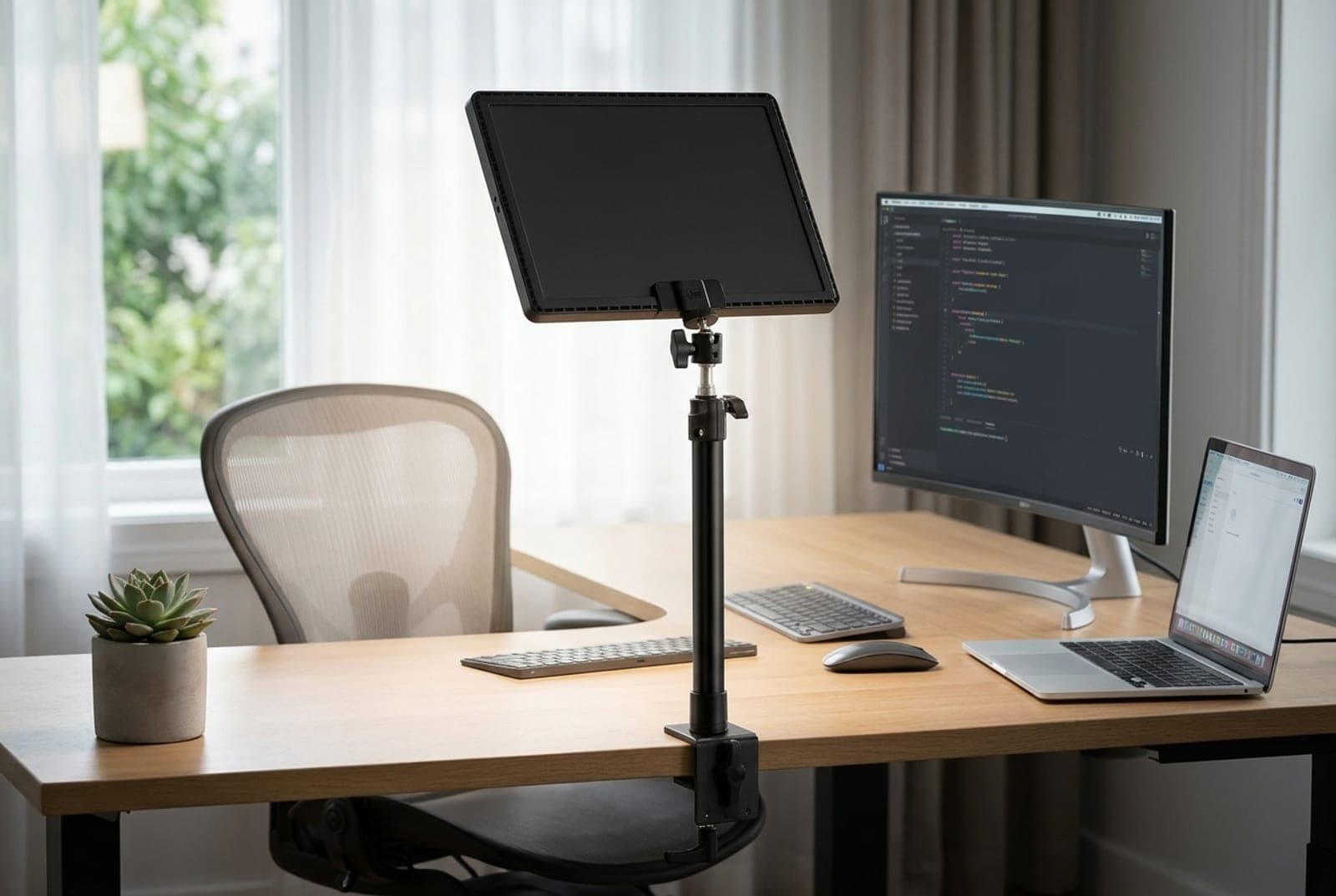
Neewer's GL1 PRO is what you buy when you want a big, soft, color-accurate light source and refuse to pay flagship money for it. The 15.5-inch panel is the largest here, and a larger source means softer, more wrap-around light with gentler shadows — the single biggest visual upgrade you can make after simply putting light in front of your face. Its standout number is color accuracy: Neewer publishes a CRI of 97+ and a TLCI of 98+, which is higher than the Elgato and Razer panels and puts it in genuinely color-critical territory. It runs 2900–7000K, connects over both Wi-Fi and Bluetooth, and works as a Stream Deck target, all for around $140.
A spec correction, and it changes where this light sits. We previously said Neewer rates the GL1 PRO only in lux — about 3,700 lux at half a meter — and that its brightness therefore couldn't be compared against the lumen-rated panels here. That was wrong. Neewer publishes 2,800 lumens for this light in its own retail listings, and simply omits the figure from the spec page on its own site. At 2,800 lumens the GL1 PRO isn't a mid-pack panel at all: it matches the Razer Key Light Chroma and the full-size AC Elgato Key Light, and it outruns the Air MK.2 at the top of this guide — for around $140. Having both numbers published for one fixture also makes it the reference point for converting large panels between lumens and lux, which is how bright should your desk light be.
The limits are the ordinary ones for a light in this class. It's AC-powered at up to 45 W, so it's a permanent-desk light rather than a travel one, and Neewer's app is functional but less polished than Elgato's Control Center. For the money, though, a 15.5-inch CRI-97 panel with Wi-Fi and Stream Deck support is the best pure value on this list — and now demonstrably the brightest-tied one.
What we like
- Largest, softest panel here — and 2,800 lm ties the brightest on this list
- CRI 97+ / TLCI 98+ — the best color accuracy on this list
- Wi-Fi, Bluetooth, and Stream Deck support at half the flagship price
Worth knowing
- Neewer's own spec page omits the lumen rating, so it's easy to under-rate
- AC-powered desk light at up to 45 W; app is less refined than Elgato's
- Form
- 15.5-inch large panel
- Max brightness
- 2,800 lm, and ≈3,700 lux at 0.5 m — both published
- Color / CRI
- 2900–7000K · CRI 97+ / TLCI 98+
- Power
- AC adapter, up to 45 W
- Control
- Wi-Fi + Bluetooth + Stream Deck
5. Best Onboard Controls
Logitech Litra Beam
Typically around $90
- Buttons over apps
- Desk calls and streaming
- Bluetooth control
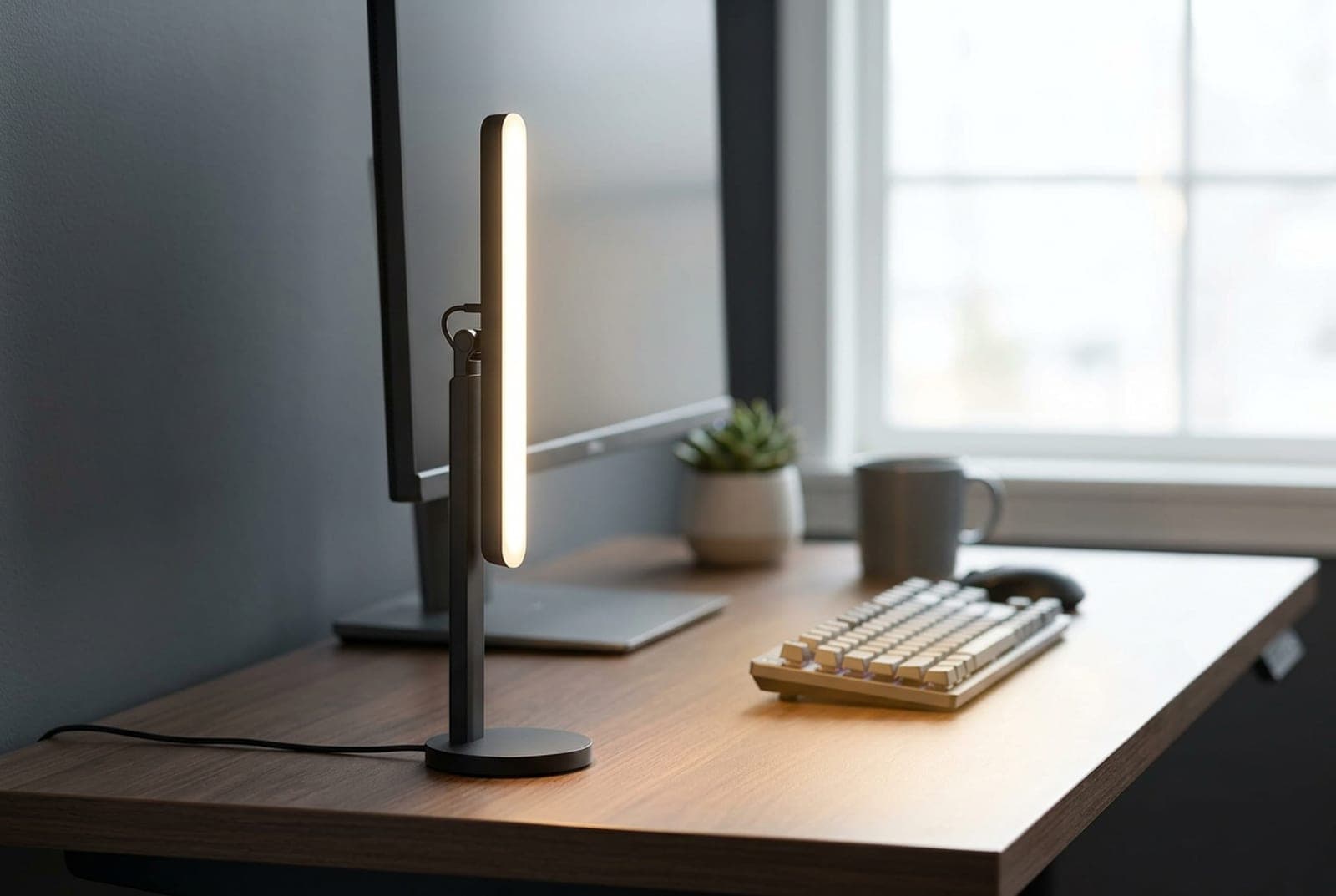
The Litra Beam is the pick for anyone who resents needing an app to turn on a light. Where the Elgato panels lean on Wi-Fi and Control Center for full control, the Litra Beam puts real buttons on the device — you cycle brightness and color temperature with physical controls, no software running in the background — then adds Bluetooth and Logitech's G HUB on top if you want them. It's a slim rectangular bar on an articulating desk stand that tilts, rotates, and raises, so you can plant its 400 lumens of TrueSoft, CRI-93 light at the flattering 45-degree angle without clamping anything, and three ¼-inch threads let you repurpose it on a tripod later.
The limits are the usual ones for a desk-stand light. It's brighter than the Litra Glow but still a 400-lumen light, so it's sized for lighting your face at desk distance rather than overpowering a sunny window or lighting a wide streaming set — for that you want one of the 2,000-lumen-plus panels above. It's white-only, USB-C powered with no battery, and the upright stand takes a little more desk real estate than a monitor clip. But if you want a light you control by reaching over and pressing a button, with Bluetooth as a bonus rather than a requirement, it's the most fuss-free light here.
What we like
- Full onboard buttons plus Bluetooth — control it with zero software
- Articulating stand tilts, rotates, and raises for the 45° angle
- Flattering 400-lumen TrueSoft output at CRI 93
Worth knowing
- 400 lumens — sized for one face at desk distance, not a wide scene
- White-only, USB-C with no battery; upright stand needs desk space
- Form
- Slim bar on articulating stand
- Max brightness
- 400 lm
- Color / CRI
- 2700–6500K white · CRI 93
- Power
- USB-C
- Control
- Onboard buttons + Bluetooth + G HUB
6. Best for Streaming & RGB
Razer Key Light Chroma
Typically around $300
- Streamers
- On-camera RGB color
- Bright, reactive lighting
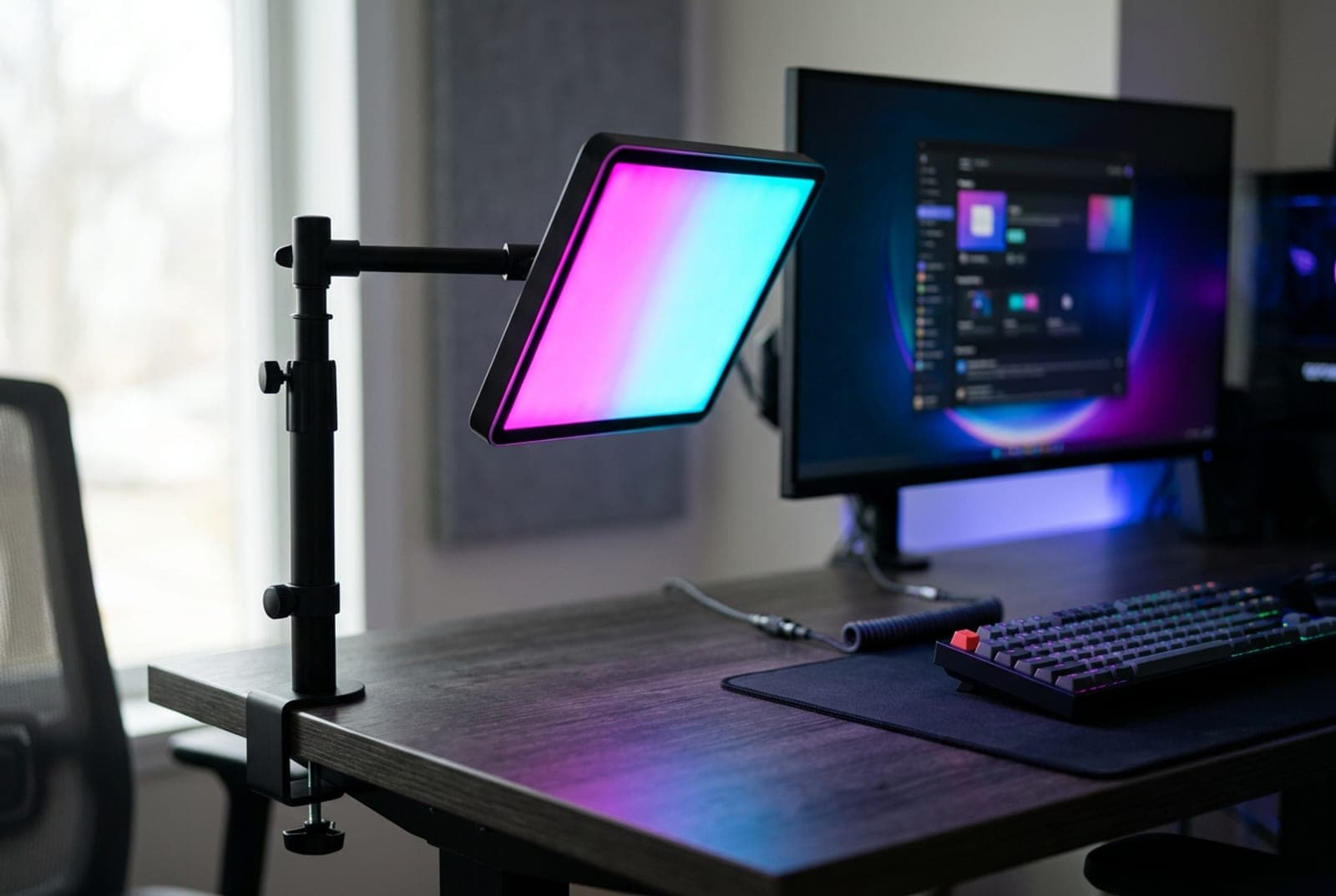
For streamers who want their lighting to be part of the show, the Key Light Chroma is the only pick here that combines flagship brightness with true, face-facing RGB. It's a 2,800-lumen edge-lit panel — as bright as Elgato's full-size Key Light — that does both accurate white from 3000–7000K and full Chroma RGB pointed at you, not at the wall behind you, so you can throw color onto the scene for a stinger, an alert, or a game-reactive effect. It clamps to the desk edge on an extendable pole, connects over Wi-Fi and Bluetooth, and hooks into Razer's Synapse and Streaming App for reactive automation.
It asks a lot in return. At around $300 it's the most expensive light here by a wide margin, its CRI of 90 is the lowest of the bright panels (fine for streaming, a notch behind the Neewer and Lume Cube for color-critical work), and it's AC-powered with a chunky brick. Worth noting for the software-averse: Razer wound down Synapse 3 cloud features in early 2026, so confirm the current control path before you rely on deep automation. But if you specifically want a very bright key light that also does real on-camera color and plugs into a stream, nothing else on this list does both.
What we like
- 2,800 lumens plus true face-facing Chroma RGB
- Wi-Fi, Bluetooth, and reactive Synapse / Streaming App integration
- Extendable clamp pole keeps the desk surface clear
Worth knowing
- By far the priciest here; bulky AC power brick
- CRI 90 trails the Neewer and Lume Cube; verify current software path
- Form
- RGB panel on clamp pole
- Max brightness
- 2,800 lm
- Color / CRI
- 3000–7000K + full RGB · CRI 90
- Power
- AC adapter
- Control
- App + Wi-Fi + Bluetooth
The verdict
For most people, the Elgato Key Light Air MK.2 is the right call — 2,100 lumens, a CRI above 94, USB-C power that runs off a wall brick or battery bank, and onboard controls that still plug into the Stream Deck ecosystem, all for around $140. If you only take calls and want the simplest possible upgrade, the Logitech Litra Glow clips onto your monitor and just works for about $60, and the Elgato Key Light Neo gets you into the Stream Deck world with real onboard controls at the same price.
Spend up only if you have a reason to. The Neewer GL1 PRO is the value champion — the biggest and most color-accurate panel here, and at 2,800 lumens tied for the brightest, for around $140 — while the Logitech Litra Beam is the pick for anyone who wants to control their light with real buttons instead of an app. And streamers who want real on-camera color should get the bright, RGB-capable Razer Key Light Chroma. Whichever you choose, place it at eye level and about 45 degrees off to one side — the right light in the wrong spot still looks wrong. And remember a key light only handles how you look: to also sound the part, pair it with a good webcam, a USB microphone, or a wireless headset.
Frequently asked questions
For most desk setups, a key light (a rectangular panel placed slightly off to one side) is the more flattering, versatile choice. It creates soft, dimensional light with gentle shadows that make your face look three-dimensional, and it stays out of your line of sight. A ring light shoots the camera through its center, producing very flat, even light and a distinctive circular reflection (catchlight) in your eyes that some people find gives away that you're 'lit.' Ring lights are cheap and fine for a straight-on talking head, but they're more prone to reflecting off glasses and flattening your features. If you wear glasses, do color-critical work, or want a look that reads as natural, choose a panel. The one place ring lights still win is close-up beauty or phone content shot dead-on.
Overhead lighting is the specific thing a key light fixes. A ceiling fixture is above and behind you relative to the camera, so it drops harsh shadows into your eye sockets, under your nose, and beneath your chin — the classic 'tired and gray on camera' look. A key light in front of you, at or slightly above eye level, fills those shadows and puts light where the camera is actually looking. You don't need one to be seen, but it's the single biggest upgrade to how you look on video, ahead of even a better webcam — a good camera can't fix bad lighting, but good lighting makes a cheap camera look far better.
Start with the 45-degree rule: position the light off to one side at roughly a 45-degree angle from your face, and slightly above eye level, tilted gently down. That mimics natural sunlight, adds a little dimensional shadow on the far side of your face, and keeps the light out of your direct line of sight. Straight-on lighting (or a light too low) looks flat and can flare glasses; a light too high recreates the same under-eye shadows you're trying to remove. If you have a window, treat it as a second light source and place your key on the opposite side to balance it. Soften the output — most of these panels diffuse well already — and dim it until it looks natural rather than blown out.
For a single face at desk distance in a normally lit room, 200–800 lumens is plenty — that's why a 250-lumen Litra Glow looks great on calls. You need more brightness in two situations: when you're fighting a bright window or overhead lights (you want your key to be the dominant source), or when you're lighting a wider streaming scene rather than just your face. That's where the 2,100–2,800 lumen panels earn their price. Remember that USB-powered lights are often power-dependent: the Elgato Neo and Air MK.2 only reach their headline brightness with a strong USB-C source, so if maximum output matters, budget for the proper power brick rather than a laptop port.
It can, but placement solves most of it. Glare happens when the light is low enough or straight-on enough to reflect off your lenses back into the camera. Raise the light above your head height and angle it down toward your face at that 45-degree offset, and the reflection bounces below the camera instead of into it. Soft, diffused panels reflect more forgivingly than a hard ring light, which is one more reason glasses-wearers tend to prefer panels. If a reflection persists, tilt your head slightly, nudge the light further to the side, or lower its brightness — you rarely need full output for a call anyway.
It depends entirely on whether your lighting needs to change automatically. If you set your light once and leave it — the typical remote-worker case — onboard controls are not just enough, they're better: the Logitech Litra Beam lets you adjust brightness and warmth with physical buttons on the light, no software running in the background. App and Wi-Fi control (and Stream Deck integration on the Elgato and Neewer panels) earn their keep when you want one button to flip your whole setup when you go live, or to control several lights at once. Streamers should weight app and Stream Deck support heavily; people who just take calls can happily ignore it.
For video calls, aim for a neutral-to-slightly-warm white around 4000–5000K — it renders skin naturally and matches typical office and daylight without looking clinical or orange. Match your key light to the other light in the room: if you have a big window, lean cooler to match daylight; under warm home bulbs at night, warm your key so your face doesn't look blue against the background. Streamers have more freedom and often run a neutral white key on the face for accurate skin tones, then use separate RGB or bias lighting (behind the monitor or on the wall) for colored mood — which is exactly why RGB on a key light, like the Razer's, is a niche extra rather than a must-have.
No, and it's a common mix-up. A key light faces you and lights your face for the camera. A bias light — an RGB or white LED strip mounted behind your monitor — faces away from you, glowing onto the wall to reduce the contrast between a bright screen and a dark room, which eases eye strain during long sessions. They solve completely different problems, and a bias light does nothing for how you look on camera. If you want both a flattering on-camera look and reduced eye strain, you need a key light plus a bias light; our LED strip lights guide covers the bias-lighting side, and our monitor light bars guide covers lighting the desk surface itself.
Keep building your setup
Lighting
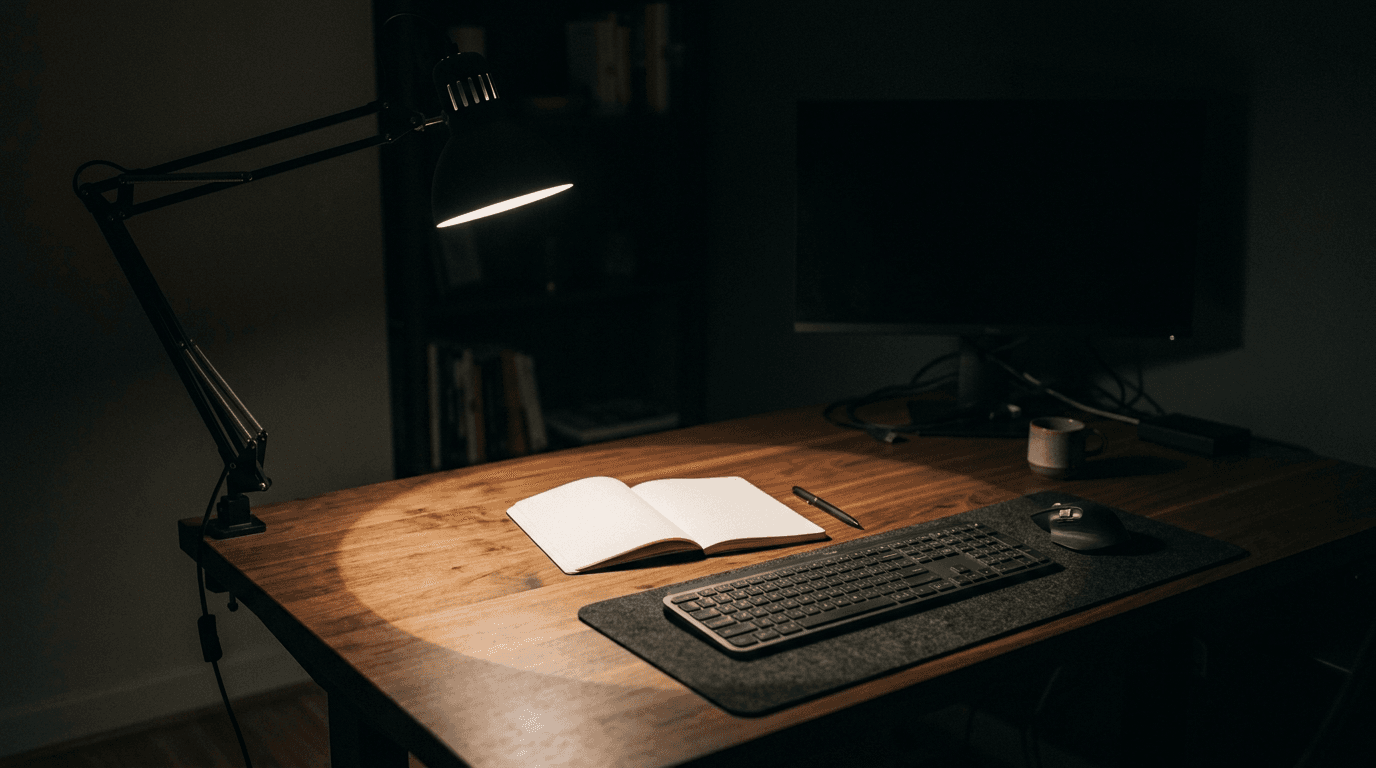
How Bright Should Your Desk Light Be?
Desk lamps are sold in lumens, monitor light bars in lux, LED strips in lumens-per-metre, and one key light in lux at half a metre. None of those are comparable as printed. Here is the conversion, the number you are actually aiming at, and what it says about the lights we recommend.
Updated September 10, 2026
Accessories
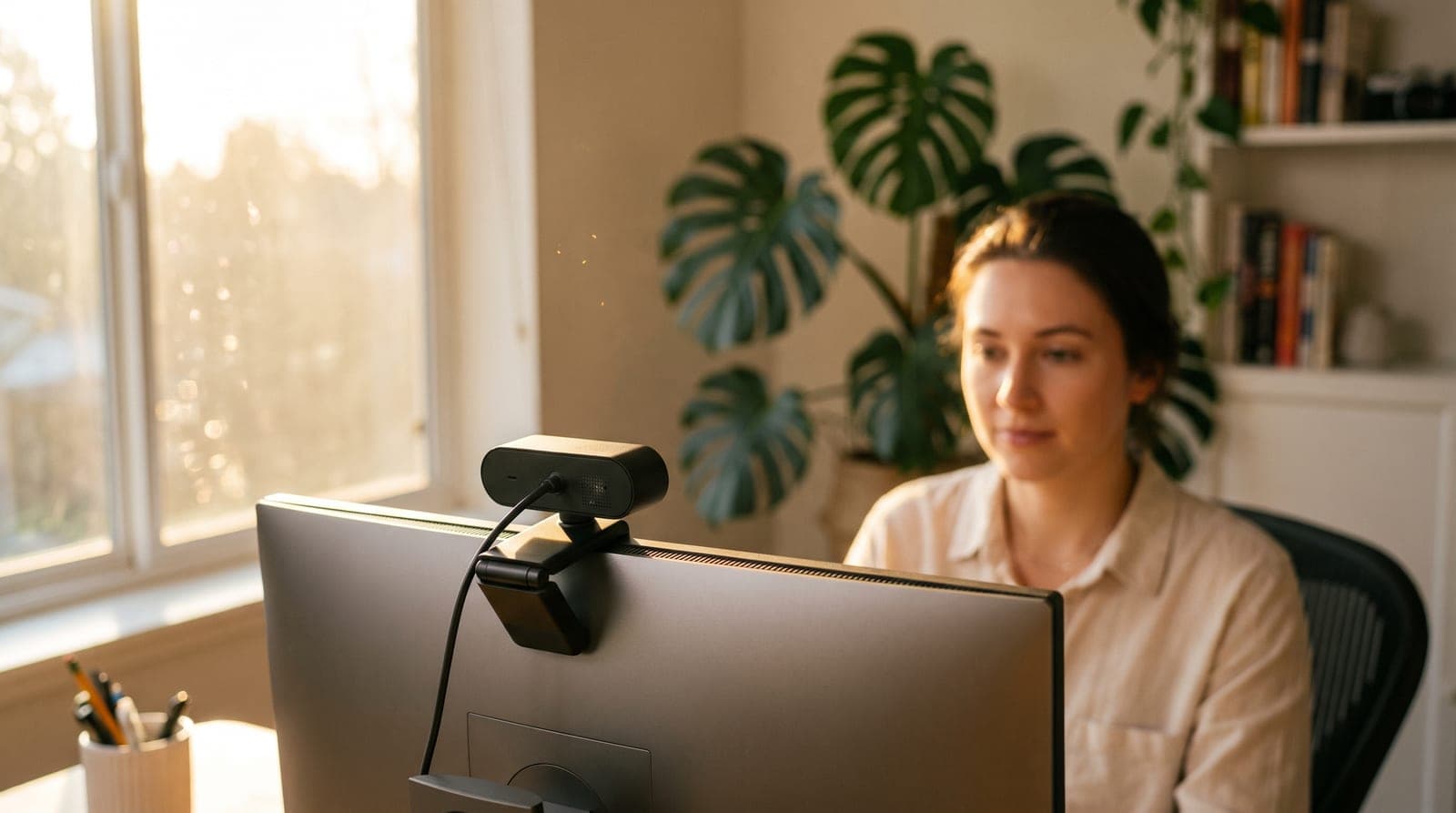
The Best Webcams for a Home Office in 2026
Your laptop's built-in camera makes you look worse than you are. Five external webcams that fix it — from a $60 plug-and-play default to a 4K gimbal that keeps you framed as you move.
Updated July 28, 2026
Lighting
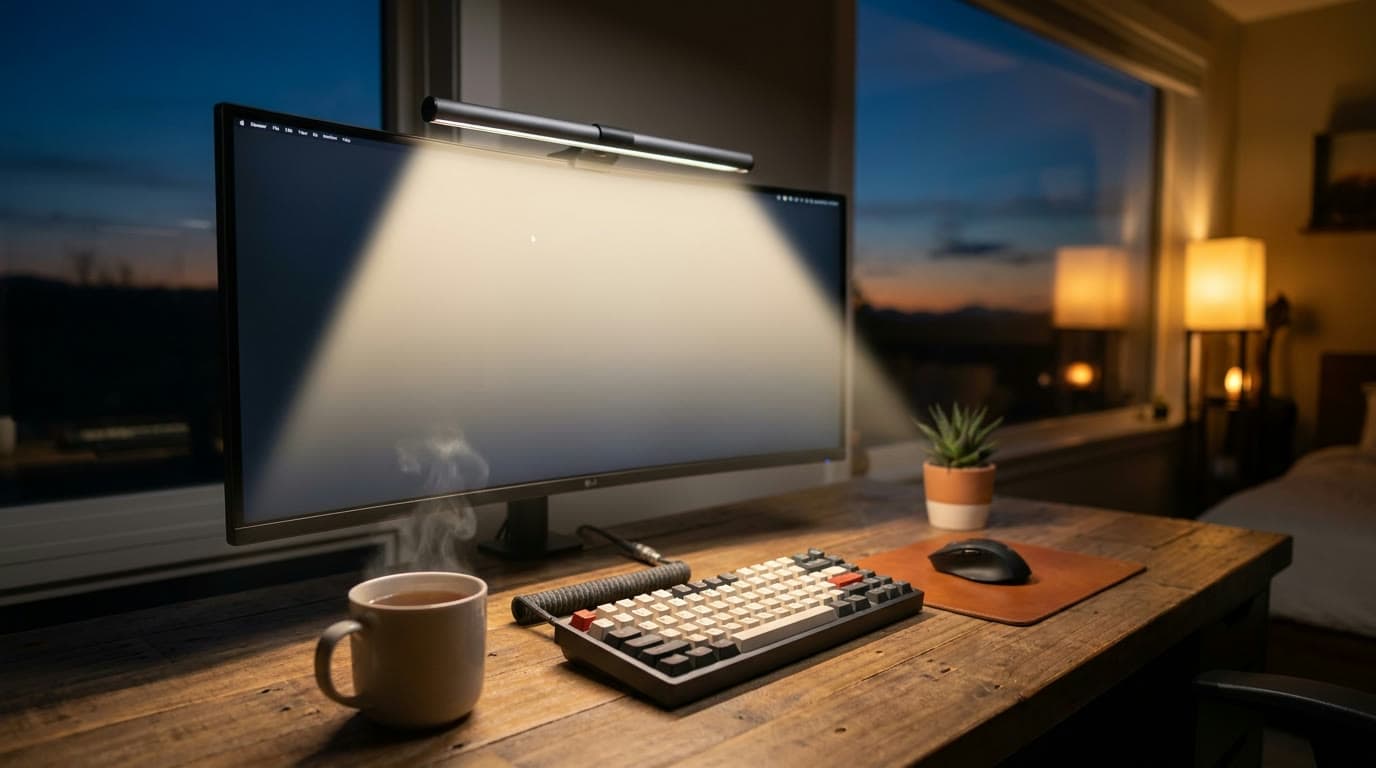
The Best Monitor Light Bars for 2026
Zero desk footprint, no glare on the screen, and light exactly where your keyboard is. Six monitor light bars spanning budget to premium, sorted by the features that actually differ.
Updated September 10, 2026
Get the next guide in your inbox
One short email when we publish or meaningfully update a buying guide. No spam, no daily deals firehose.