 Rigworthy
What Size Monitor for Your Desk: Width, Not Inches
By Rigworthy Editorial Team · Updated September 2, 2026
Rigworthy is reader-supported: we may earn a commission if you buy through our links, at no cost to you. How we make money
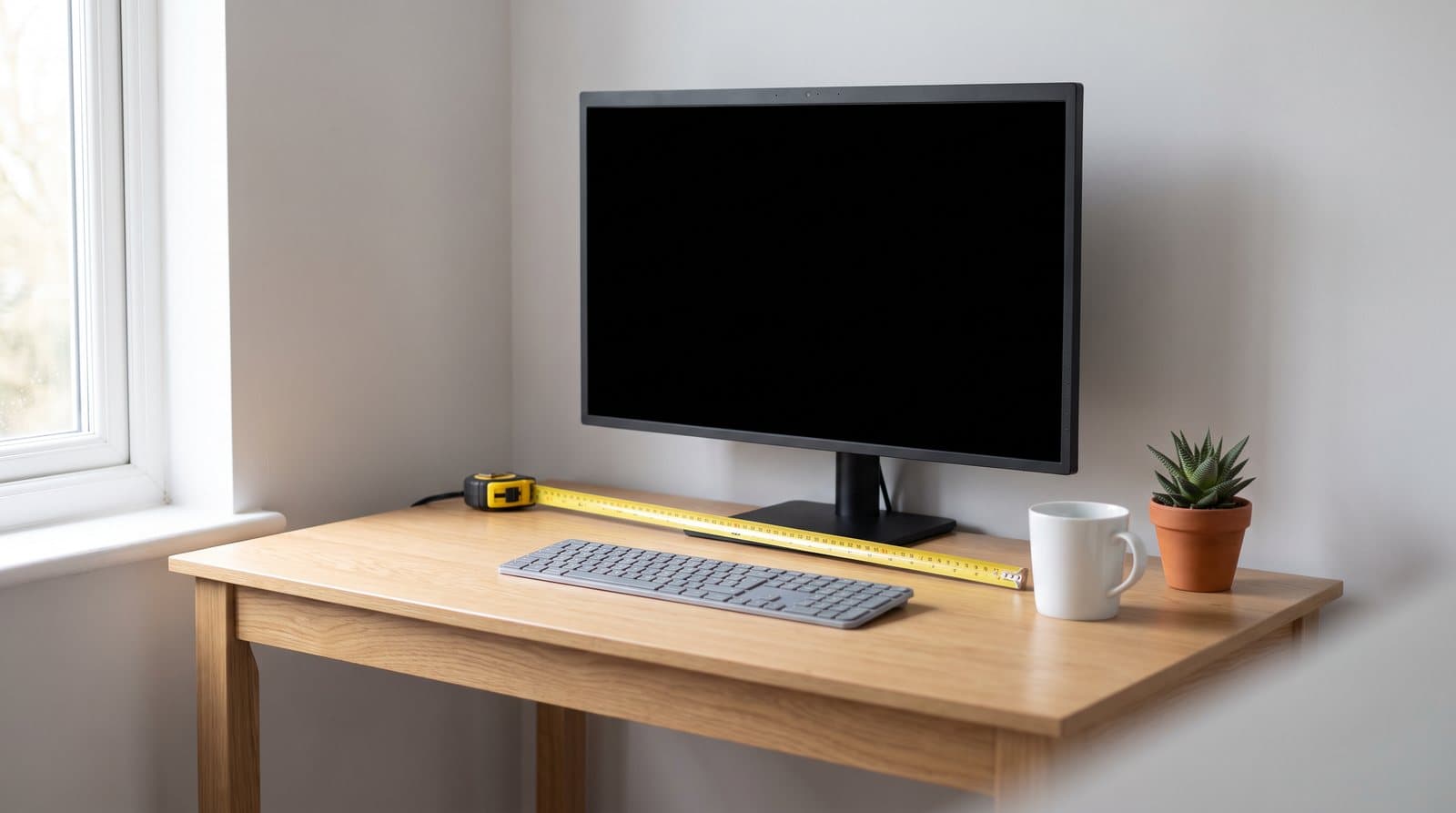
Every monitor is sold by one number, and it is the least informative dimension the object has. A diagonal is a line drawn corner to corner across a rectangle, and it only compares two screens meaningfully when the rectangles are the same shape. Once you put a 16:9 panel, a 21:9 ultrawide and a 32:9 super ultrawide side by side — which is exactly what the market now asks you to do — "inches" is measuring three different things.
Convert the diagonals into width and height, which takes one line of arithmetic, and the category rearranges itself. A "34-inch" ultrawide turns out to be no taller than a "27-inch" monitor. A "32-inch" 16:9 turns out to have more screen area than the 34. And the deepest stand among the eight monitors in this guide belongs to the 24-inch — a screen with 40% of the 49-inch's surface area that occupies more of your desk's depth than it does.
That last one is the part that decides whether a purchase works out, because desk depth is not really about the screen at all. It is about the stand under it, the distance from your eyes to the glass, and a range published by OSHA that a surprising number of setups fall outside. This guide works the whole thing from measurements — your desk's, the manufacturer's, and two of your own — and it corrects a number we have been quoting in our own guides.
The short version
- Diagonal inches only compare screens of the same shape. Across 16:9, 21:9 and 32:9 the number measures three different things, which is why a "34-inch" ultrawide is not taller than a "27-inch" monitor — it is the same height and just wider.
- Width is the desk-space number and height is the neck number. Both are derived from the diagonal and the aspect ratio in one step, and both are printed in the manufacturer's own manual as the active area.
- The stand eats your desk depth, not the screen. Published stand depths across eight popular monitors run from 7.4 to 11.5 inches, and the deepest one here belongs to the smallest display.
- So an arm gives back somewhere between 2.2 and 9.8 inches depending on the model — a much wider spread than the "four to eight inches" we have quoted ourselves, and the correction runs in both directions.
- OSHA puts the preferred viewing distance at 20 to 40 inches from eye to screen. On a shallow desk with a deep-standing monitor you can land under the floor of that range, and a smaller screen will not necessarily fix it.
- A curved panel keeps most of its depth on an arm. The 49-inch Samsung is 7.1 inches deep with no stand attached, roughly four of which is the curve itself.
Measurements here come from manufacturers' own published mounting specifications, not from our estimates. Read the full methodology.
What "32 inches" actually measures
Every monitor in the world is sold by one number, and that number is the diagonal of the glass. It is a useful shorthand right up to the moment you compare two screens of different shapes, at which point it quietly stops meaning anything — because a diagonal is a single line drawn across a rectangle, and it tells you nothing about the proportions of the rectangle it crosses.
The fix takes one line of arithmetic. For a screen with an aspect ratio of w:h, the width is the diagonal multiplied by w ÷ √(w² + h²), and the height is the same sum with h on top. For 16:9 that works out at 0.872 of the diagonal wide and 0.490 tall; for a 21:9 ultrawide at 3440 × 1440 it is 0.922 and 0.386; for a 32:9 super ultrawide it is 0.963 and 0.271. Run every screen through it and the category stops being a ladder and starts being a map.
Here is what falls out, and none of it is obvious from the box. A "34-inch" ultrawide is not taller than a "27-inch" monitor. It is 13.1 inches of glass tall against the 27-inch's 13.2 — fractionally shorter, in fact. Seven extra diagonal inches buy you eight inches of extra width and not a single row of extra height. The same is true at the top of the range: a 49-inch super ultrawide is also about 13.2 inches tall, which is the arithmetic behind the thing everyone says about it, that it is two 27-inch 1440p panels with the bezel deleted.
The comparison that changes shopping decisions is the other one. A 32-inch 16:9 monitor has more screen area than a 34-inch ultrawide — about 424 square inches against 412, a 3% win for the screen that is two diagonal inches "smaller." The ultrawide is 4 inches wider and 2.3 inches shorter, so it is a genuinely different shape with genuinely different strengths, but it is not more screen. If you have been assuming the 34 is the bigger buy because 34 > 32, that assumption is backwards.
You do not have to take the arithmetic on faith, either, because manufacturers publish the answer — it is just buried. Dell's user guide for the Alienware AW2725Q lists a diagonal viewing size of 677.4 mm (26.7 in.) and then, two rows down, an active area of 589.97 × 332.93 mm: 23.23 by 13.11 inches. That is the number that predicts whether it fits, and it matches the formula above to within a rounding error. Every serious manufacturer prints it. Nobody puts it on the product page.
| Screen | Shape | Diagonal | Width | Height | Screen area |
|---|---|---|---|---|---|
| 24-inch gaming panel | 16:9 | 23.8 in | 20.7 in | 11.7 in | 242 sq in |
| Alienware AW2725Q (published) | 16:9 | 26.7 in | 23.2 in | 13.1 in | 305 sq in |
| 27-inch desk monitor | 16:9 | 27 in | 23.5 in | 13.2 in | 312 sq in |
| 32-inch 4K | 16:9 | 31.5 in | 27.5 in | 15.4 in | 424 sq in |
| 34-inch ultrawide | 21:9 | 34 in | 31.4 in | 13.1 in | 412 sq in |
| 40-inch 5K2K | 21:9 | 39.7 in | 36.6 in | 15.4 in | 564 sq in |
| 49-inch super ultrawide | 32:9 | 48.7 in | 46.9 in | 13.2 in | 618 sq in |
Width is the number your desk cares about
Once you have the width, the desk question mostly answers itself — with one adjustment. The figures above are the glass. What sits on your desk is the chassis, which is the glass plus a bezel, and it is the chassis width that competes for space with your speakers, your lamp and your coffee. On modern monitors the bezel adds surprisingly little: the Dell UltraSharp U2725QE is 612.4 mm across, 24.1 inches, against 23.5 inches of visible screen. Half an inch, total, for a 27-inch panel.
The ultrawides are where it starts to matter, because the absolute numbers are large. The LG 34WQ60C-B is 32.2 inches wide. The Dell U4025QW is 37.3. The Samsung Odyssey OLED G9 is 47.0 inches — very nearly four feet of monitor. Set that against the desks people actually buy: a common compact sit-stand top is 48 inches wide, which leaves half an inch either side of the Samsung, and most 60-inch desks leave about six inches per side once the stand's feet are accounted for. Our ultrawide guide makes this point about the 49-inch specifically; the arithmetic generalises to the whole shape.
There is a second width worth knowing, which is the width of the stand's feet rather than the panel. Most modern stands are narrower than the screen, and a few — particularly the splayed V-bases on gaming monitors — are not. It matters less than depth, but if you are planning to put a desk mat or a pair of speakers under or beside the screen, it is worth a tape measure before you order rather than after.
The honest summary of this section is that width is the easy half of the problem. You can measure your desk, look up the chassis width, and know the answer before you buy. The depth half is harder, because the number that decides it is not the one anybody looks up.
The stand is the depth problem, and it has nothing to do with screen size
Here is the finding that made this guide worth writing, and it corrects something we have said ourselves more than once. We have told readers in two separate guides that a factory stand's base eats "four to eight inches" of desk depth. We went and read the published dimensions for eight monitors we recommend, and that range is wrong at both ends.
Every manufacturer publishes two depth figures: depth with the stand, and depth without it. Subtract one from the other and you have exactly what a monitor arm gives you back, because an arm replaces the stand with a VESA plate and lets the panel sit against whatever is behind it. Across the eight screens in the table below, that number runs from 2.2 inches to 9.8 inches. Not four to eight.
And the distribution is the interesting part, because it is not a ladder. The deepest stand in the whole set belongs to the smallest screen. The LG UltraGear 24GS65F-B — a 24-inch 1080p gaming monitor, and our own competitive-play pick — has a stand 291.2 mm deep. That is 11.5 inches, and it is more than the 49-inch Samsung Odyssey OLED G9 (9.3 in), more than the 40-inch Dell U4025QW (10.0 in), and 55% more than the 27-inch Dell UltraSharp (7.4 in). A monitor with 242 square inches of screen occupies more of the front-to-back depth of your desk than one with 618.
The reason is design language, not physics. The UltraGear stands on a wide splayed V-foot that projects forward under the front of the panel, which is a look, and it is also 110 mm of height adjustment that has to be counterbalanced by something. The UltraSharp stands on a narrow rectangular plate that sits almost entirely behind the screen. Both are perfectly good stands. They just cost completely different amounts of your desk, and no product page frames it that way.
So the practical rule is the opposite of intuition: if your desk is shallow, you cannot reliably fix it by buying a smaller monitor. You fix it by checking the stand depth before you order, or by ignoring the stand entirely and putting the panel on an arm. Our gaming monitor guide is right that $40 on an arm is one of the better upgrades in a setup; what it understates is how much that $40 is worth on the specific 24-inch monitor it recommends, where the answer is nearly ten inches.
| Monitor | Class | Chassis width | Depth with stand | Depth without stand | What an arm gives back |
|---|---|---|---|---|---|
| LG UltraGear 24GS65F-B | 24-inch 16:9 | 21.3 in | 11.5 in | 1.7 in | 9.8 in |
| Alienware AW2725Q | 27-inch 16:9 OLED | 24.0 in | 8.3 in | 2.9 in | 5.4 in |
| Dell UltraSharp U2725QE | 27-inch 16:9 | 24.1 in | 7.4 in | 2.2 in | 5.2 in |
| ASUS ProArt PA27JCV | 27-inch 5K | 24.1 in | 8.5 in | 1.7 in | 6.7 in |
| Samsung ViewFinity S8 32in | 32-inch 16:9 | 28.1 in | 8.7 in | 1.6 in | 7.0 in |
| LG 34WQ60C-B | 34-inch 21:9 | 32.2 in | 8.8 in | 3.3 in | 5.5 in |
| Dell U4025QW | 40-inch 21:9, 2500R | 37.3 in | 10.0 in | 4.3 in | 5.7 in |
| Samsung Odyssey OLED G9 G95SD | 49-inch 32:9, 1800R | 47.0 in | 9.3 in | 7.1 in | 2.2 in |
How deep a desk you actually need
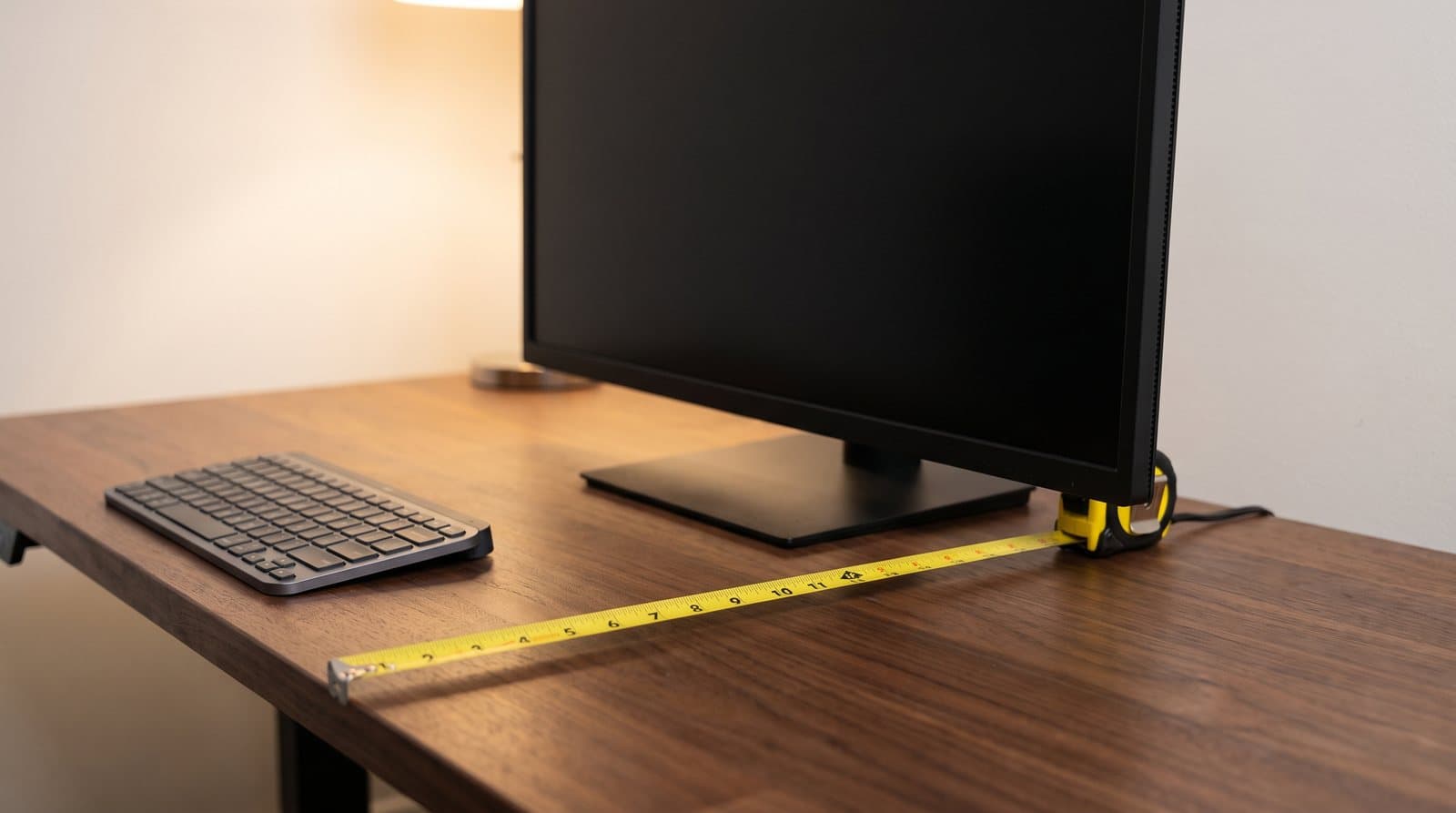
Ask the internet how deep a desk needs to be for a monitor and you get one number: 27 to 30 inches. We have published that number ourselves, in our home office monitor guide, in our ultrawide guide, and in the buying factors on our own desks hub — and we have applied it to a 27-inch, a 32-inch and a 34-inch ultrawide alike. Given the section above, you can already see the problem: the same desk depth produces wildly different results depending on which stand is standing on it.
The specification that actually governs this is not a desk depth at all. It is a viewing distance. OSHA's computer workstation guidance is explicit: "Generally, the preferred viewing distance is between 20 and 40 inches (50 and 100 cm) from the eye to the front surface of the computer screen." That is the target. Desk depth is only one of three things that determine whether you hit it.
The relationship is simple enough to do in your head. Eye-to-screen distance = (desk depth − stand depth) + how far behind the front edge your eyes sit. The first term is the desk. The second is the monitor. The third is you, and it is the one nobody publishes, because it depends on your chair, your height, how much you recline and how close you pull in. Measure it once: sit at your desk the way you actually sit, and measure horizontally from the front edge of the desktop back to the bridge of your nose. It is the same principle as sizing a standing desk from your own elbow height rather than from a stature chart — a population average is a bad substitute for a measurement that takes thirty seconds.
Run a real case through it. A 24-inch-deep desk — extremely common, and roughly what an IKEA-class compact desk gives you — with the LG UltraGear's 11.5-inch stand leaves 12.5 inches of clear desk in front of the monitor's footprint. Add a typical several inches of eye setback and you land right at the 20-inch floor of OSHA's range, or under it. That is a monitor the internet would call "small enough for any desk," sitting too close on a desk it fits perfectly well. The published depth is measured to the frontmost point of the assembly, which on a splayed V-foot is the foot rather than the glass, so treat the result as the conservative end of the estimate.
Now change one thing. Put the same panel on an arm and push it to the back edge: 24 inches minus 1.7 inches of panel depth is 22.3 inches of run, plus your setback, and you are comfortably mid-range. The arm did not make the desk deeper. It deleted eleven inches of furniture that was standing on it. That is the whole argument for an arm on a shallow desk, and it is a stronger argument than the one about desk space, because this one is about your eyes.
The width side of the question has no equivalent standard, and it is worth being straight about that rather than inventing one. What is true is geometric: the wider the screen, the further back you have to sit before the far edges stop requiring a head turn, and OSHA's range runs out at 40 inches. A 46.9-inch-wide super ultrawide at 40 inches of viewing distance still spans roughly 80 degrees. You will turn your head — which is precisely why every screen at that width is curved, since a curve brings the far edges back toward equidistant. Treat curvature on a 49-inch as a functional requirement rather than a styling choice, and treat a flat 34-inch as the widest shape that behaves like a normal monitor.
| Desk depth | With a 7.4 in stand | With an 11.5 in stand | On an arm | What this desk suits |
|---|---|---|---|---|
| 22 in | 14.6 in | 10.5 in | ~20 in | An arm is close to mandatory; 24–27 in screens |
| 24 in | 16.6 in | 12.5 in | ~22 in | 27 in on a shallow stand, or anything on an arm |
| 27 in | 19.6 in | 15.5 in | ~25 in | 27–32 in comfortably; 34 in ultrawide on an arm |
| 30 in | 22.6 in | 18.5 in | ~28 in | 32 in and 34 in ultrawide on the factory stand |
| 32 in + | 24.6 in | 20.5 in | ~30 in | 40 in and 49 in, if the desk is also wide enough |
Curved screens keep their depth even on an arm
One row in the footprint table above does not behave like the others, and it is worth understanding before you budget for an arm. The Samsung Odyssey OLED G9 measures 236.9 mm deep with its stand and 180.8 mm without — so removing the stand recovers only 56 mm, about 2.2 inches. Every flat panel in that table gives back at least 5.2.
The reason is the curve. Samsung publishes the panel's curvature as 1800R, meaning it is a section of a circle with an 1,800 mm radius. Over the monitor's 1,194.7 mm width, the geometry of that arc puts the centre of the screen about 102 mm — four inches — behind the plane of its own edges. So four of the 7.1 inches of "depth without stand" is not chassis at all. It is air, and it is air you cannot delete by any means short of buying a flat monitor.
The same arithmetic on the more gently curved Dell U4025QW at 2500R gives a little under two inches of sag, which is most of the difference between its 4.3-inch stand-free depth and the 27-inch panels' 2 to 3. Curvature costs desk depth in direct proportion to how aggressive it is, and the deep curves live on the widest screens, which are the ones already asking the most of your desk.
There is a related detail that catches people out on curved screens, and it runs the other way, in your favour. A curved panel's diagonal is measured around the curve, along the surface of the glass, while the chassis width in a spec sheet is the straight-line distance corner to corner. So a curved screen occupies slightly less flat desk width than the diagonal arithmetic in the first section suggests — about an inch less on the 49-inch. It is not much, but on a screen that is already 47 inches wide on a 48-inch desk, an inch is the difference between fitting and not.
None of this is an argument against curved monitors, which are the right answer above roughly 34 inches for the head-turning reason in the last section. It is an argument for measuring them honestly: budget the depth-without-stand figure, not the flat-panel figure you have in your head, and do not assume an arm will rescue a desk that is genuinely too shallow for a 49-inch screen.
Height is the neck number, and the stand decides that too
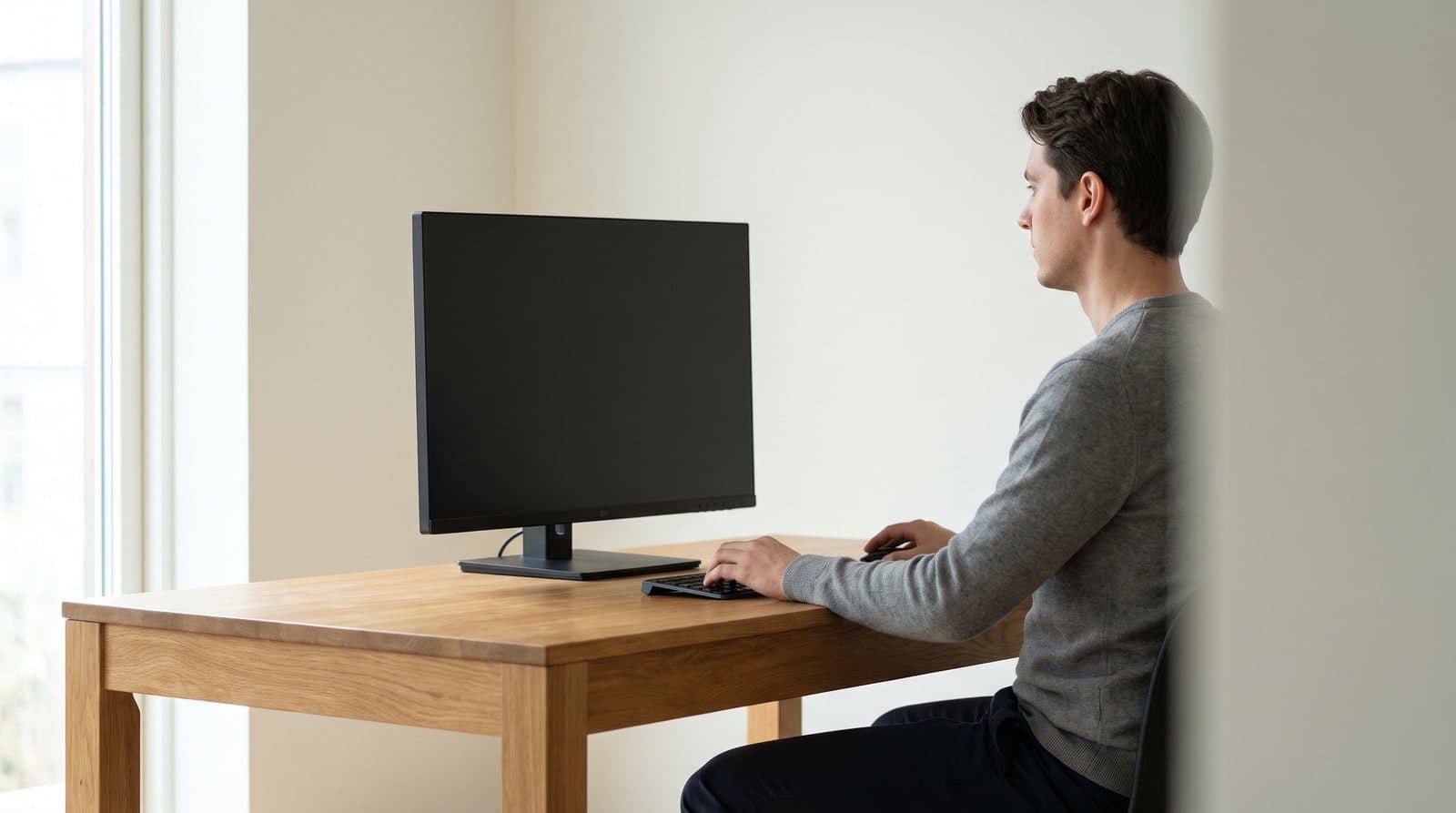
The other half of the size question is vertical, and it gets even less attention than depth. OSHA's guidance is that "the top of the monitor should be at or slightly below eye level" and that "the center of the computer monitor should normally be located 15 to 20 degrees below horizontal eye level." Both of those are constraints on where the top edge of the monitor ends up — which is set by two things, the height of the panel and how low the stand will go.
The first is the arithmetic from the first section. A 27-inch 16:9 panel is 13.2 inches of glass; a 32-inch is 15.4; a 34-inch ultrawide is 13.1, no taller than the 27. So the ultrawide that looks enormous on a product page asks nothing more of your neck than the screen you already own, and the 32-inch — which looks like a modest step up — is the tallest thing most people ever put on a desk that is not a 40-inch.
The second is published and almost never quoted: the stand's minimum height. Manufacturers list the assembled height at both extremes of the adjustment range, and the compressed figure is where the top edge lands when you have pushed the screen as low as it will go. Note that this is the top of the chassis rather than the top of the glass — an inch taller than the active area on most modern monitors, and the right figure to use, because OSHA's rule is written about the top of the monitor. Subtract the chassis height from the compressed height and you also get the bottom-edge clearance, which is what decides whether a keyboard tucks underneath or bumps the bezel.
Run those numbers and the same inversion appears as in the depth section. The 24-inch monitor's top edge sits higher than the 27-inch's — 17.4 inches above the desktop against 15.2 — because its stand bottoms out with 4.6 inches of air under the panel while the UltraSharp's bottoms out with 1.3. If your eye height above the desktop is on the low side, the 24-inch is the screen you cannot get down to eye level, and the 27-inch is the one you can.
Which brings this back to the same instruction as the depth section, for the same reason. Measure your seated eye height above the desktop once — sit properly, have someone measure from the desk surface to the outer corner of your eye — and compare it against the top-edge column below. If the top edge is above your eye level at the stand's lowest setting, the fixes are a lower desk, a different stand, or an arm. And if your desk height is not itself correct yet, sort that first: our standing desk height guide covers why elbow height sets the desk and why the monitor should be positioned after the chair and desk, not before.
| Monitor | Chassis height | Top edge above desk | Bottom edge above desk |
|---|---|---|---|
| LG UltraGear 24GS65F-B | 12.7 in | 17.4 in | 4.6 in |
| Dell UltraSharp U2725QE | 13.9 in | 15.2 in | 1.3 in |
| Alienware AW2725Q | 14.0 in | 16.0 in | 2.0 in |
| Dell U4025QW (40 in) | 16.5 in | 18.6 in | 2.1 in |
Size the screen from the desk, not the other way round
The whole method is four measurements and about ten minutes, and it runs backwards from how monitors are normally shopped for.
Measure the desk. Front edge to back, and front edge to whatever is behind it if the desk does not sit against a wall — a desk in the middle of a room has more usable depth than its top does. Then measure the width, and subtract whatever already lives on the desktop and is not moving.
Measure yourself. Two numbers: how far behind the front edge your eyes sit when you are working normally, and how high above the desktop they are. Neither takes longer than finding a tape measure, and both are more reliable than any chart, for the same reason a stature chart is a poor way to set desk height.
Then look up two specs, not one. The chassis width, which you compare against the desk. And the depth with stand, which you subtract from the desk depth before checking the result against OSHA's 20-to-40-inch window. If the monitor you want fails on depth, that is an argument for an arm, not automatically for a smaller screen — the smaller screen may well have the deeper stand.
A few honest conclusions that follow, including some against our own commercial interest. If your desk is 24 inches deep or less, a $40 budget arm will do more for the setup than any upgrade to the monitor itself, and you should spend there first. If you are choosing between a 32-inch 16:9 and a 34-inch ultrawide, the 16:9 is the bigger screen and usually the cheaper one, and the ultrawide is only the right answer if you specifically want continuous width for timelines, spreadsheets or a two-window layout. If you are eyeing a 49-inch, measure the desk width before anything else, because 47 inches of monitor on a 48-inch desk is a story that ends with a return label.
And if the answer comes out as "my desk is too shallow for the screen I want and an arm doesn't close the gap," that is genuinely a desk problem, not a monitor problem. It is worth knowing that before you spend $700 on a display, rather than after.
The bottom line
Convert the diagonal before you do anything else. Width is the diagonal times 0.872 on a 16:9, 0.922 on a 3440 × 1440 ultrawide and 0.963 on a 32:9; height is 0.490, 0.386 and 0.271. Those two numbers predict everything the diagonal does not: whether it fits the desk, whether it fits your neck, and whether the screen you think is bigger actually is. A 32-inch 16:9 has more glass than a 34-inch ultrawide, and both are the same height as a 27 or shorter.
Then look up the depth, because that is what decides how the thing feels rather than how it fits. Published stand depths on the monitors we recommend run from 7.4 inches to 11.5, they are uncorrelated with screen size, and the deepest one in the set is on a 24-inch. Subtract it from your desk depth, add however far behind the front edge your eyes sit, and check the result against OSHA's 20-to-40-inch window. If you come out short, a $40 arm recovers between 2.2 and 9.8 inches depending on the model — and on a shallow desk that is a better first purchase than any upgrade to the display itself.
Height is the quieter constraint and the one people notice at hour six. A 32-inch panel is 15.4 inches of glass and asks more of your neck than a 27; a stand that bottoms out high asks more still, which is why the 24-inch here sits with its top edge two inches above the 27-inch's. Measure your seated eye height above the desktop once, and set the desk height itself before you worry about the screen.
Everything else is the lineup. For 16:9 desk panels our home office guide has the picks, ultrawides covers 21:9 and 32:9, gaming monitors covers high-refresh, and if the screen has to travel, portable panels is the one you want. Just measure the desk first. It is the constraint you cannot return.
Frequently asked questions
More than you would think, but it depends on the stand rather than the screen. On a 24-inch-deep desk, a monitor with a shallow rear-set stand like the Dell UltraSharp U2725QE (7.4 in deep) leaves about 16.6 inches between the front edge and the glass, which plus your own eye setback lands comfortably inside OSHA's preferred 20-to-40-inch viewing range. The same desk with a deep splayed gaming stand — the LG UltraGear 24GS65F-B's is 11.5 inches — leaves only 12.5 inches and can put you under the 20-inch floor, on a smaller screen. Put either on a monitor arm and the panel occupies under two inches, which effectively recovers most of the stand's footprint. So the honest answer for a 24-inch desk is a 27-inch monitor on a shallow stand, or almost anything on an arm.
Wider, yes. Bigger, no. A 34-inch 21:9 panel is about 31.4 inches wide and 13.1 inches tall, giving roughly 412 square inches of screen. A 32-inch 16:9 is 27.5 by 15.4 inches, or about 424 square inches — around 3% more screen from the display with the smaller number on the box. The ultrawide gives you 4 inches more width and 2.3 inches less height, which is a genuinely different shape rather than a bigger one. Buy the ultrawide if you want continuous width with no bezel down the middle; buy the 32-inch if you want more screen, more vertical space for documents and code, and usually a lower price. Our ultrawide guide and home office guide cover the lineups on each side.
OSHA's computer workstation guidance puts the preferred viewing distance at 20 to 40 inches (50 to 100 cm), measured from your eye to the front surface of the screen. That is a window rather than a target, and most desk setups land somewhere in the mid-20s to low-30s. To work out what your desk allows, take the desk depth, subtract the monitor's published depth-with-stand, and add how far behind the front edge your eyes actually sit — measure that last one rather than guessing, because it varies by several inches between people and chairs. If the result is under 20 inches, the fix is usually a monitor arm rather than a smaller screen.
More than we used to say, and the amount varies far more than most guides admit. Take the manufacturer's depth-with-stand figure and subtract the depth-without-stand figure, and you have exactly what an arm recovers. Across eight monitors from our own guides, that ranges from 2.2 inches on the deeply curved 49-inch Samsung Odyssey OLED G9 up to 9.8 inches on the 24-inch LG UltraGear — the smallest screen in the set and the one with the deepest stand. We have previously quoted a range of four to eight inches, which is right in the middle and wrong at both ends. Check the two depth figures for your specific model before deciding whether an arm is worth it; on some monitors it is transformative and on a curved super ultrawide it barely moves the needle.
Width is rarely the problem — a 32-inch 16:9 is only about 28 inches of chassis, which fits any normal desk. The two things to check are depth and height. On depth, a typical 32-inch stand is around 8.7 inches, so on a 27-inch-deep desk the glass sits about 18 inches from the front edge before you add your own eye setback, which is fine. On height, a 32-inch panel is 15.4 inches of glass — the tallest thing most people put on a desk — so it asks more of your neck than a 27, and you want the top edge at or just below eye level. If your desk is shallow or your seated eye height is low, that combination is the argument for an arm, or for a 27-inch 4K panel instead, which is sharper at the same resolution.
The desk, always, and it takes ten minutes. Measure the desk's depth and width, then measure two things about yourself: how far behind the front edge your eyes sit while you work, and how high above the desktop they are. Only then go looking at monitors, and look up two specs rather than one — chassis width, which you check against the desk, and depth with stand, which you subtract from the desk depth. That order stops you buying a screen that fits the desk on paper and sits six inches too close in practice. It is the same logic as measuring your elbow before buying a standing desk: the product spec is only meaningful next to a measurement of you.
Keep building your setup
Monitors
The Best Monitors for a Home Office in 2026
The desk monitor you stare at for eight hours a day, judged on the three specs that decide it: pixels per inch at the size you're buying, how much dock is built into the back, and whether the stand does anything but tilt.
Updated August 10, 2026
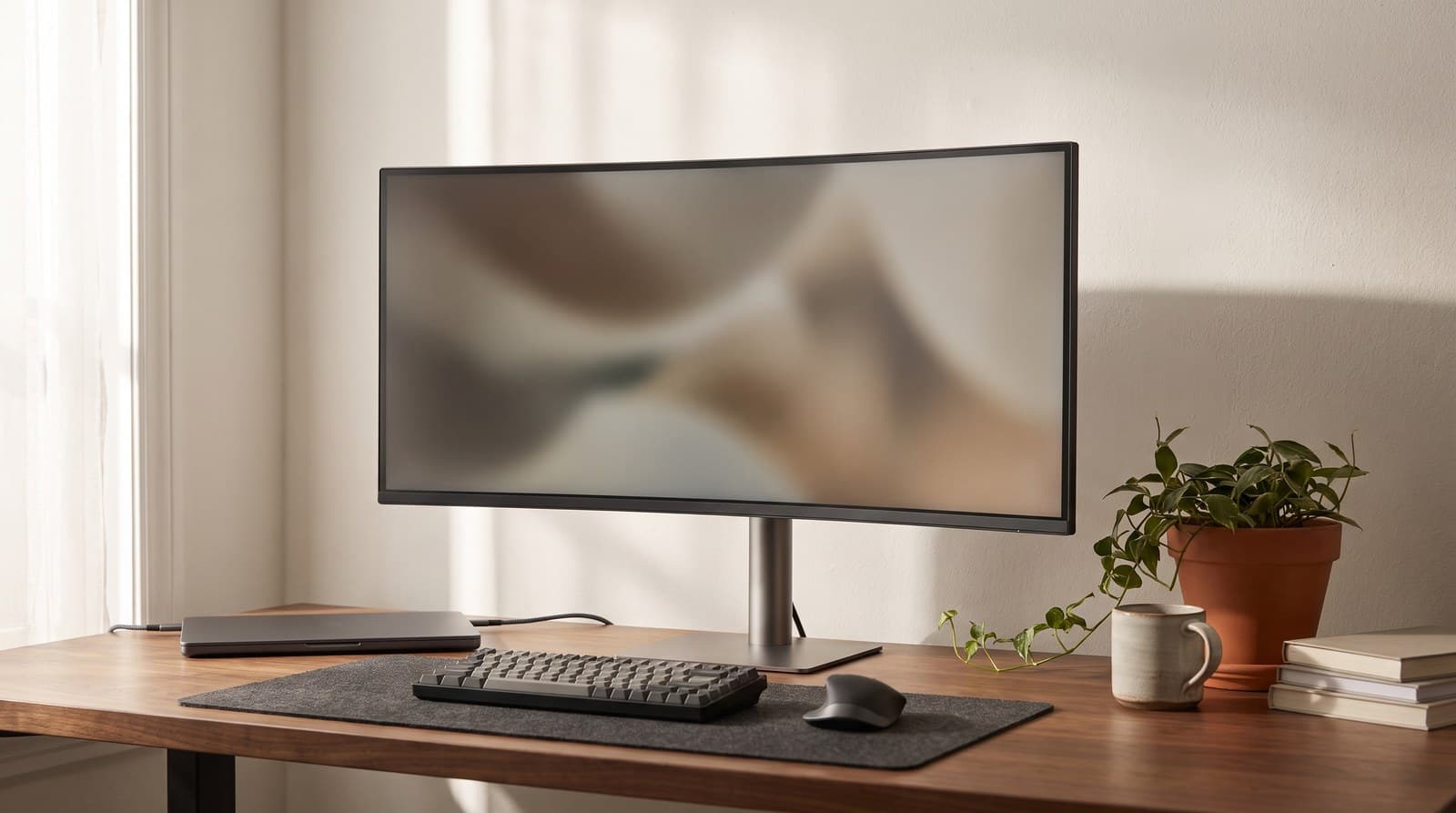
Monitors
The Best Ultrawide Monitors in 2026
An ultrawide buys you width, not sharpness — a 34-inch 3440x1440 panel is exactly as crisp as a 27-inch 1440p screen. Six picks from $250 to $2,250, judged on pixel density, the weight number your monitor arm cares about, and what the ports actually do.
Updated August 11, 2026
Monitors
The Best Gaming Monitors in 2026
A monitor advertising 1,000 nits and 360 Hz delivers 250 nits across a full white screen and 360 frames only if your GPU can render them. Six picks from $160 to $1,000, judged on sustained brightness, burn-in warranty cover, and what your graphics card can realistically drive.
Updated August 14, 2026
Get the next guide in your inbox
One short email when we publish or meaningfully update a buying guide. No spam, no daily deals firehose.